
Why YouTube no dey notify subscribers wen stream start
No be all subscribers dey receive notification
To subscribe to channel no mean say viewer go receive push notification for every live stream. YouTube dey consider subscriber settings, wetin dem don watch before, how dem dey active on the channel and how dem dey use the platform.
Some viewers go see the stream for subscriptions feed, for homepage or for recommendations, but dem no go receive separate push. This one no always mean say something dey wrong with channel settings or say the stream get problem.
Viewer don off channel notifications
After you subscribe, the bell usually dey work for personal mode. For this case, YouTube dey decide by itself which posts e go tell the viewer about. To receive more notifications, the subscriber suppose open the bell settings and choose the "All" option.
Even if "All" don dey selected, notifications fit still dey off for account level, smartphone, browser or app. On phone you need check the permission for push notifications for YouTube, and for browser check whether the site get access to send notifications.
The stream no dey public
Notifications dey go out for public stream. If the stream dey planned as private or e dey available only by link, subscribers no go receive the normal notification wen e start. Same thing apply if the stream dey stay for preparation mode for long or if e start with wrong visibility settings.
Check the stream status for YouTube Studio before you start. If you dey change access from private to public at the moment you dey start, the notification fit no go to all the subscribers wey suppose receive am.
Notification limit don catch
YouTube dey limit the number of notifications from one channel: no more than three for 24 hours. Video uploads, premieres and live streams fit count for this limit. If you don dey post content often or you run several streams one after another, the next notification fit no go out.
If your schedule tight, separate your posts and streams by time. E no make sense to run several short test streams within one day if e important to notify your audience about the main stream.
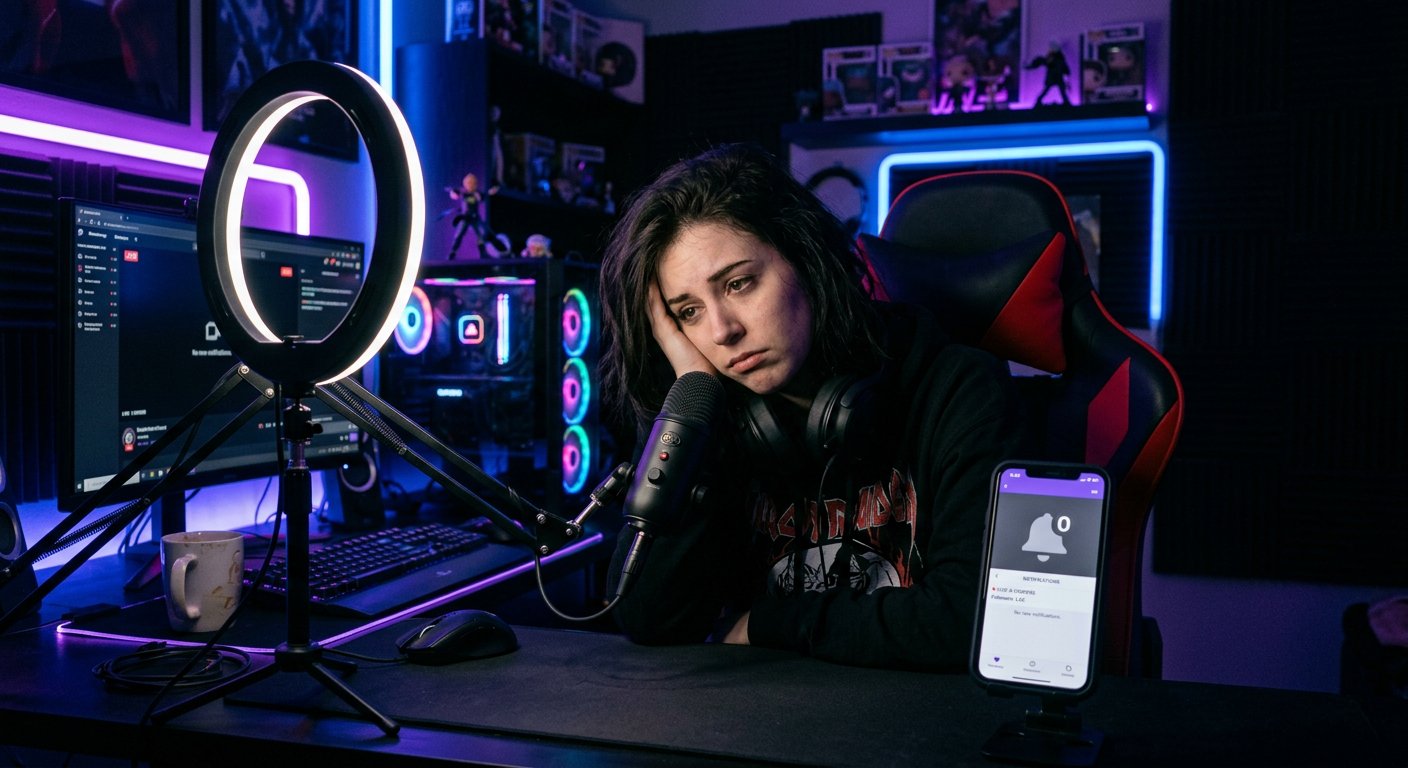
Notification delay
Push no always dey come at the same time the stream start. Delay fit happen because of service load, viewer connection, smartphone background restrictions and app state. Sometimes the notification go show after the stream don already start, and sometimes the viewer go only notice the stream for subscriptions feed.
Because of this, you no suppose judge delivery based on one account. Check several ways to access: app, browser and the subscriptions section. If the stream dey visible publicly, the fact say one push no show no mean say the problem dey on channel side.
Wetin to check for YouTube Studio
- Make sure say the stream get "Public" status.
- Check the date, time and time zone of the planned stream.
- Start the stream from the correct channel, no be from another brand account.
- No change the visibility and main parameters at the last moment if e no necessary.
- Check whether you don post or stream several times for the last 24 hours.
- Check say the stream really start and the encoder dey send signal without constant breaks.
How to check notifications from viewer side
Ask one regular viewer to open the channel page and check the bell. For account settings, notifications about subscriptions and live streams suppose dey allowed. On smartphone, check "Do not disturb" mode, energy saving and whether background app work dey restricted.
Planned stream dey give viewer chance to open the stream page ahead and turn on reminder. This one better pass to just rely on push at the moment of start.
If notifications dey disappear regularly
Compare several streams: their status, start time, number of posts within the day and data for YouTube Studio. If report about notifications dey available, match the notifications wey you send with views from that source.
If streams dey public, schedule no too choke, and notifications dey on for the test accounts, the problem fit relate to YouTube personal delivery or viewers devices. For that case, announce the stream ahead through community section and other communication channels.
Last Articles
Ihe gbanwere na nhazi na ọrụ Anyị emelitela saịtị ahụ ka ịrụ ọrụ na ya dị ọsọ ma dị mfe. Mgbanwe ndị bụ isi metụtara interface, ụlọ ọrụ onwe na njikw..
Good afternoon, I've collected all the news during this time.: 1. The main news is that prices for twitch viewers have been greatly reduced, while Tw..
1. Yi amfani da lambar talla "December2025" don ragi 15% ga duk masu kallon mu2. Mun rage farashin asali na na'urar saitin mu da mafi aranjin rukuni n..
Twitch services are working stably, so we are ready to cooperate with squads, resellers, service owners, bot owners, and many others.Individual te..
We have completely updated our Twitch viewer services, and they are now working stably. We only use high-quality IP addresses for the viewers.The ..
Hello everyone! Today, we are announcing a new feature—"Twitch Viewer Configurator". Now, you can customize any plan for your Twitch channel. Choo..
Greetings, I have compiled a guide for streamers, which will be very relevant at the moment. Now YouTube and twitch have disabled monetization from vi..
We have finally developed the APINow it will be more convenient for our partner sites to work with us.To update the maximum tariffs for YouTube, an up..
N'ihi nnukwu ewu ewu nke ọrụ mmekorita na mmemme ntinye aka, anyị emeela tebụl imekọ ihe ọnụ. Ihe kachasị mkpa dị nnọọ mfe: ndị na-ege ntị na-ebi ndụ ..