
Where to Order Stream Design and What to Check Before Paying
What Stream Design Includes
Design brings your channel and broadcast together in one style. Viewers see it in your profile header, on the waiting screen, during breaks, in intros, and in descriptions. Even a simple set looks neat if colors, fonts, illustrations, and element placement are consistent with each other.
The contents depend on the platform, stream topic, and budget. An order can include:
- avatar or channel logo;
- banner and profile cover;
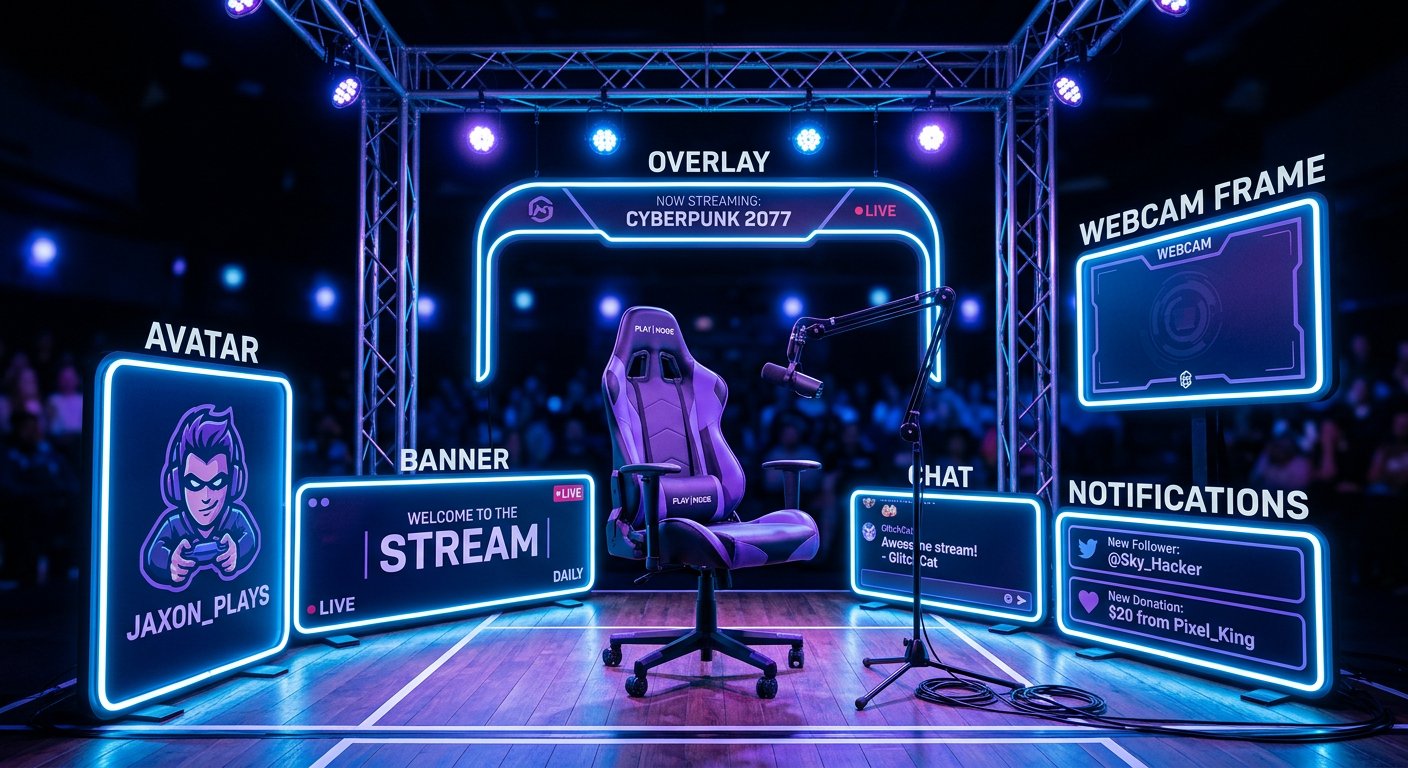
- overlays for the game screen, pause, and stream end;
- webcam frame, panels, and intros;
- graphics for alerts, chat, and donations;
- templates for thumbnails, posts, and stories for social media.
You don't have to order everything at once. To get started, an avatar, banner, stream screens, and a few panels are usually enough. Animation, additional scenes, and social media templates can be added later, once you figure out which formats you use most often.
Where to Order Stream Design
There are four main options: a private designer, a freelance marketplace, a design studio, and a specialized service for streamers. They differ not only in price but also in how much work you'll have to do yourself.
- A private designer works well if you need an individual style and you're ready to discuss every detail. You can find a designer through recommendations, Behance, Telegram communities, and designers' personal pages.
- Kwork is convenient for ordering individual elements or small sets with a pre-described composition. Before paying, study exactly what's included in the chosen service, how many concepts you'll get, and in what form the files will be delivered.
- On FL.ru and Freelance.ru, you can post a task and get offers from several designers. This option requires a more detailed brief and comparing responses on your own.
- A studio is useful for a large project: brand identity, animation, channel graphics, and social media materials. It's usually the most time-consuming option to coordinate.
- A specialized service for streamers helps you find design by purpose: banner, overlay, screen set, or a full channel package.
Prices vary widely. A single avatar or banner on marketplaces can cost roughly from 1,000 to 5,000 rubles, an overlay set — from 3,000 to 15,000 rubles, and a comprehensive design — from 10,000 rubles and up. On FL.ru and Freelance.ru, the price is often quoted after reviewing the task, while on Kwork it depends on the chosen package and additional options. These ranges are only for budget planning, not a substitute for a specific quote.
When a Specialized Service Is Convenient
On a general marketplace, you have to separately explain that the overlay must work in OBS, that the banner must account for the Twitch or YouTube interface, and that important information must not fall under the game screen and camera. A designer may be great with advertising layouts but have no experience specifically with streaming graphics.
A specialized service shortens this stage through a clear division of services. On Stream-Promotion, you can look at design not as abstract graphics but as a set for a task: a single banner, a screen set, panels, stream elements, or a comprehensive visual system. This is especially convenient if you're just starting out and don't know which files you'll need to launch.
This option also has an objective limitation: the service doesn't replace checking the scope of the order and the quality of work. If you only need a simple logo, ordering directly from a designer may be more cost-effective. But if you need several connected elements and preparation for streaming platforms, a ready-made service description helps you compare options faster and avoid assembling a set piece by piece.
Compare not only the total sum. What matters is the number of elements, number of concepts, revisions, deadlines, file formats, availability of source files, and permission to use the graphics. Design doesn't guarantee growth in views or subscribers, but it helps your channel look cohesive and not get lost among other broadcasts.
What Sizes and Formats You Need
It's best to determine sizes before work begins. If you order one layout and then stretch it for different platforms, the text may become unreadable and important elements may get cut off. Below are typical guidelines. Before handing over the task, check the platform's current recommendations: interfaces and requirements can change.
- For a Twitch channel banner, a canvas of 1200 × 480 pixels is often used.
- A Twitch waiting screen or offline screen is usually prepared at 1920 × 1080 pixels.
- For Twitch panels, the guideline is a width of 320 pixels, while the height is chosen based on the amount of text and the panel's content.
- An overlay for a regular broadcast is most often created for a 16:9 ratio, for example 1920 × 1080 or 2560 × 1440 pixels.
- A YouTube banner is usually prepared at 2560 × 1440 pixels. The main text and logo are placed in a safe central area of about 1546 × 423 pixels so they don't get cut off on different devices.
- A YouTube avatar is convenient to deliver as a square, for example 800 × 800 pixels, keeping in mind that it's displayed in a circle on the page.
- YouTube video and stream recording thumbnails are usually made at 1280 × 720 pixels.
Transparent overlays are most often delivered in PNG. Background images are convenient to store in JPG, and the logo — additionally in a vector source file, such as SVG, if that's part of the agreement. For animation, clarify in advance which format your widget, OBS, or alert service accepts. Don't order GIF, WEBM, or another option just because it's listed in a portfolio: compatibility depends on where it will be placed.
How to Write a Brief for a Designer
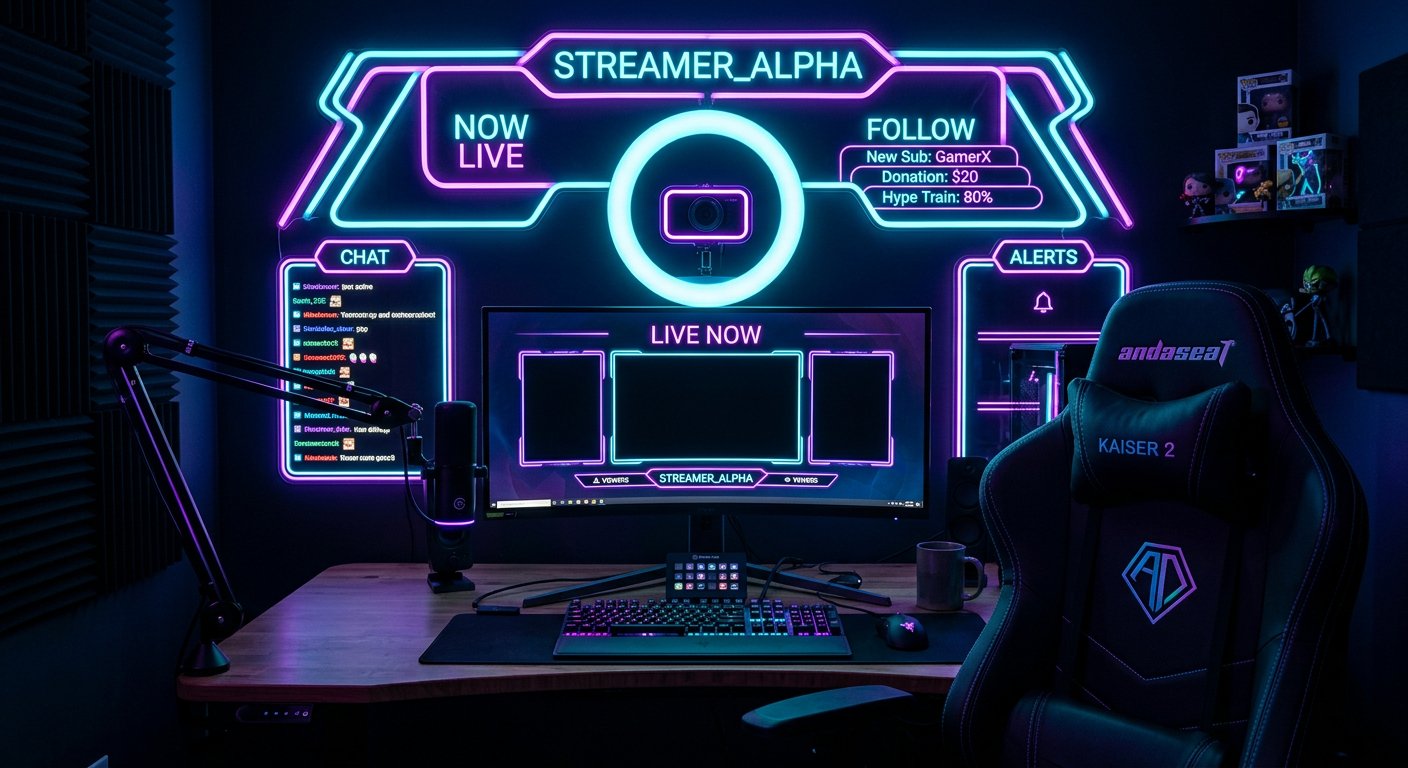
A good brief doesn't have to be long. Its job is to pin down exactly what needs to be done, where the graphics will be used, and what you envision as the result. A single phrase like "make it look nice in neon style" isn't enough: the client and designer may have different ideas about colors, composition, and the amount of detail.
Start by stating the channel name, links to existing pages, the topic, and platforms. Write down what resolution your main broadcast runs at, whether you use a webcam, where the chat is located, and which elements must not be covered. For vertical broadcasts, separately specify the 9:16 format and the required size, for example 1080 × 1920 pixels.
Then list the scope of the order. For example: avatar, Twitch banner, waiting screen, end screen, game overlay, camera frame, and four panels. For each element, specify the required text: channel name, schedule, links, nicknames, or a call to subscribe. If the text needs to be easily changed, ask for an editable template.
Describe the visual part through several specific characteristics:
- primary and secondary colors;
- desired mood and theme;
- preferred fonts or a ban on certain typefaces;
- whether you need characters, a logo, game symbols, or abstract graphics;
- what should be most noticeable on screen;
- which elements are unacceptable.
Attach two or three references and note exactly what you like about them: color, composition, frame style, or text placement. References explain the direction but don't mean a request to copy someone else's design. Separately write down which files you want to receive: finished PNG and JPG, as well as a source file in PSD, Figma, or another format if you need it for future changes.
How to Check a Portfolio and Choose a Designer
A portfolio shows a designer's level, but it's important to look not just for pretty pictures but for work similar to your task. If you need a broadcast set, individual logos and ad banners don't give the full picture. Look at how waiting screens, game scenes, panels, and thumbnails are designed.
- Select several works in the style you want and compare them by readability, not just brightness.
- Check whether the overlay covers the host's face, the game screen, the chat, and important metrics.
- Find out whether the designer has made layouts for Twitch, YouTube, or the broadcasting software you use.
- Ask how many concept options are included in the price and how many rounds of revisions are provided.
- Ask to show the final files or an example set if the portfolio only has individual fragments.
Don't choose a designer based only on the lowest price. A too-cheap offer may not include source files, adaptation for multiple sizes, or text error corrections. On the other hand, an expensive package isn't always needed by a beginner: first determine the minimum set of elements that will actually be used in your upcoming broadcasts.
What Rights You Need to Agree On
It's best to settle the rights issue before work begins. Clarify whether you can use the finished images on Twitch, YouTube, social media, ad publications, and on a website. If the design is ordered for a brand or team, separately specify who gets the right to display the graphics.
Ask them to state whether stock images, paid fonts, ready-made templates, or third-party elements are used in the work. Their license may permit use only for certain purposes. If the set includes a logo, find out whether it's transferred as an original design and whether you'll receive the source file.
Also discuss in advance the ability to change text, colors, and individual details after the order is completed. Transfer of source files, the right to modify, and the right to use the graphics on multiple platforms should be reflected in the correspondence or the terms of service. This will save you from disputes when the channel starts growing and the design needs to be updated.
How to Accept the Finished Design
After receiving the files, don't rush to upload them to your channel right away. Open each layout on a computer and phone, check the text, links, nicknames, contrast, and placement of important details. Try the overlay on a real OBS scene: the camera frame shouldn't cover the face, and decorative elements shouldn't cover game information.
Check that PNGs have transparency, that sizes match the task, and that there are no extra layers in the finished images. If you ordered animation or alerts, test them in the widget where they'll be used. Errors in size or text are easier to fix before publication than after the first broadcast.
If the result differs from the agreed brief, make a single list of revisions. This makes it easier for the designer to check the feedback and for you to see what's already been fixed. Don't send new requirements in parts if they weren't covered by the original agreement.
Conclusions: What to Do Step by Step
- Determine the platforms, broadcast resolution, and minimum set of elements.
- Compare private designers, Kwork, FL.ru, Freelance.ru, studios, and specialized services.
- Set a budget accounting for individual elements, the set, revisions, and source files.
- Prepare a brief: list of files, sizes, texts, colors, camera placement, and references.
- Check the portfolio for stream-related work, not just individual pretty layouts.
- Agree in advance on formats, deadlines, usage rights, and transfer of source files.
- Test the finished design in OBS, on Twitch or YouTube before publishing.
Last Articles
Ihe gbanwere na nhazi na ọrụ Anyị emelitela saịtị ahụ ka ịrụ ọrụ na ya dị ọsọ ma dị mfe. Mgbanwe ndị bụ isi metụtara interface, ụlọ ọrụ onwe na njikw..
Good afternoon, I've collected all the news during this time.: 1. The main news is that prices for twitch viewers have been greatly reduced, while Tw..
1. Yi amfani da lambar talla "December2025" don ragi 15% ga duk masu kallon mu2. Mun rage farashin asali na na'urar saitin mu da mafi aranjin rukuni n..
Twitch services are working stably, so we are ready to cooperate with squads, resellers, service owners, bot owners, and many others.Individual te..
We have completely updated our Twitch viewer services, and they are now working stably. We only use high-quality IP addresses for the viewers.The ..
Hello everyone! Today, we are announcing a new feature—"Twitch Viewer Configurator". Now, you can customize any plan for your Twitch channel. Choo..
Greetings, I have compiled a guide for streamers, which will be very relevant at the moment. Now YouTube and twitch have disabled monetization from vi..
We have finally developed the APINow it will be more convenient for our partner sites to work with us.To update the maximum tariffs for YouTube, an up..
N'ihi nnukwu ewu ewu nke ọrụ mmekorita na mmemme ntinye aka, anyị emeela tebụl imekọ ihe ọnụ. Ihe kachasị mkpa dị nnọọ mfe: ndị na-ege ntị na-ebi ndụ ..