
Hogyan javítsd a képminőséget a streamen az OBS Studio-ban
Ebben a pluginban sok hasznos dolog van: átmenetek, szűrők, szép háttérképek, kezdőképernyők, fejlett színkorrekció és még sok más.
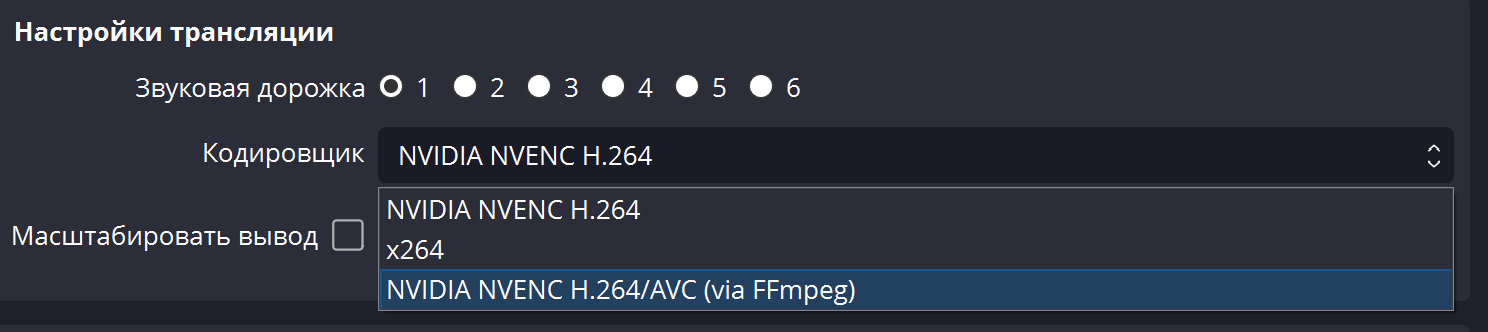
De a legfontosabb - a plugin új verziójában megjelent egy új Nvidia kodek, amely lehetővé teszi, hogy ne növeld a bitrátát, miközben többszörösen jobb minőséget érj el a streamen.
Az FFmpeg támogatást ad az NVIDIA NVENC AV1 kódolóhoz, amely 100%-kal felülmúlja a HEVC-et.
Az FFmpeg mostantól az NVIDIA AV1 hardveres kódolójának támogatását is hozzáadta. Az AV1 40%-kal hatékonyabb, mint a H.264,
ugyanazon bitráta mellett.
Letöltés itt - github.com/Xaymar/obs-StreamFX/releases/tag/0.12.0a151
Deposit funds, one-click order, discounts and bonuses are available only for registered users. Register.
Szolgáltatásaink Streamelőknek







Shopee

Szolgáltatásaink Tartalomkészítőknek






