
How to set up a chat bot greeting for a new viewer
Why you need an auto-reply to the first message
An auto-reply shows a new viewer that their message hasn't been lost in the chat. The greeting usually includes one useful hint: a command with the rules, schedule, links, or channel navigation.
Don't turn the message into an ad. The viewer has only just joined the conversation, so a long text with several links, a request to subscribe, and a mention of donations feels pushy. Leave one entry point: for example, a command with the rules or a list of useful links.
Which trigger you need for a new viewer
Event names depend on the platform and the bot. Before enabling the scenario, check what exactly the bot counts: the first message ever on the channel, the first message during the current stream, or any new message in the chat. These are different conditions with different effects.
- The first message on the channel is suitable for greeting an unfamiliar viewer.
- The first message per stream is suitable for a regular greeting on every stream.
- A regular message with filters is used if the bot can't store user history.
The first-message-on-channel trigger is more convenient but depends on the bot's database. After changing services, clearing data, or re-authorizing, a regular viewer is sometimes detected as new again.
First message on the channel vs. first message per stream
The "first message per stream" scenario is usually simpler: the bot remembers that the user has already written during the current broadcast and doesn't reply to them again until the next launch. This option is appropriate in a small chat where the host wants to quickly give everyone navigation.
The downside of this approach is obvious: regular viewers will see the same greeting on every stream. In an active community, this turns into noise. If you only want to react to new participants, you need a trigger with channel history or a separate user database.
Setup example in StreamElements
In StreamElements, first check the chat bot section and the available chat alerts or events for Twitch. If the panel has a new viewer's first message event, create a separate rule for it rather than a regular command or timer.
- Select the first chat message event on the channel if it's available in the connected integration.
- Add exceptions for the channel owner, moderators, and service accounts.
- Disable triggering on commands if the bot allows separating commands from regular messages.
- In the message field, enter a short text and one navigation command.
- Enable a repeat limit for a single user and an overall limit on a series of replies.
- Test the rule with a test account that isn't in the bot's history.
If the required event isn't available in the StreamElements interface, don't replace it with a timer: a timer writes to all viewers, not just the newcomer. In that case, use another bot that handles the first message, or a voluntary command like !start. The downside of a command is that the viewer has to enter it themselves.
Filters for roles, commands, and messages
Before enabling the scenario, add exceptions for the channel owner, moderators, editors, bots, and team accounts. If the integration accounts for roles, decide separately whether the scenario should reply to subscribers, community members, and viewers with a paid status.
Check how commands, links, emojis, and technical messages are handled. The bot shouldn't greet a moderator for a service command or a user who sent a link in an allowed format. The downside of strict filters is that some real newcomers may not get a reply.
It's better to arrange the conditions in order: first exceptions by roles and commands, then the user history check, and after that the message sending. This makes it easier to understand why the greeting was sent an extra time or didn't trigger.
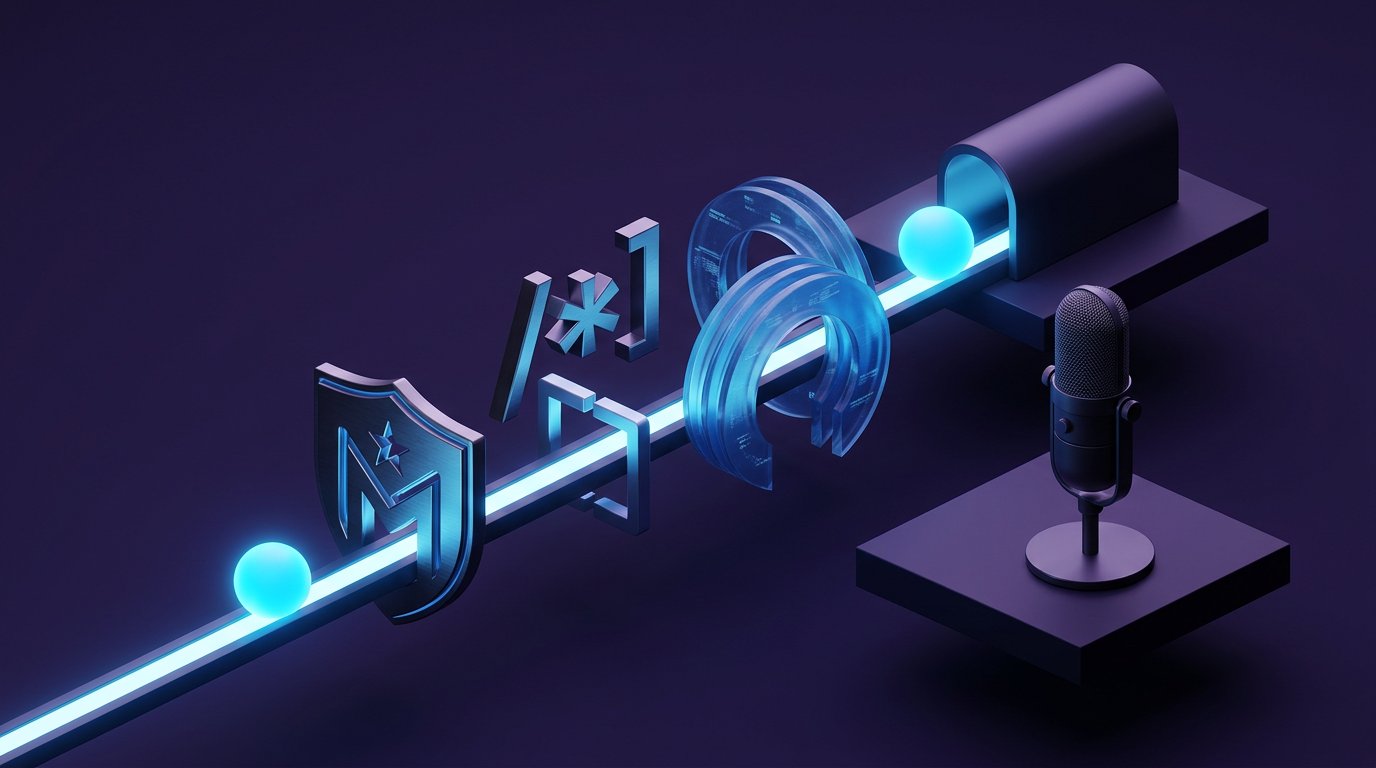
What blocks the scenario consists of
The setup needs three blocks: the trigger event, the conditions, and the action. The event can be the first message on the channel or the first message per stream. The conditions set roles, stop words, command exceptions, and the history check. The action is sending the text to the chat.
The delay, repeat protection, and overall limit are configured separately. Don't combine these parameters into a single rule: the delay determines the moment of the reply, repeat protection works with a specific viewer, and the overall limit protects the chat during a sudden influx of new messages.
How to insert the viewer's nickname without errors
Nickname substitution makes the reply more noticeable, but the variable needs to be tested on a test account. Nicknames can contain Latin and Cyrillic characters, digits, spaces, emojis, and non-standard symbols. A long name stretches a short message, and an unsupported character can break the mention or the markup.
If the bot can limit the name length, set truncation and a clear fallback: for example, use a shortened name or a neutral address without a nickname. If there's no such function, it's safer to skip personal substitution. It's less noticeable, but the bot won't create a truncated nickname or an accidental tag.
Enable escaping of special characters if it's provided. A nickname shouldn't be inserted inside a link, command, or complex markup. Long and non-standard nicknames need a fallback without addressing by name. The downside of this option is that the greeting looks less personal.
Greeting text for different chats
The message should look like a regular reply, not a broadcast. A greeting and one command are enough. Full rules, a list of links, and calls to subscribe are better placed in a separate command, the channel description, or a pinned message.
A ready-made short version with one entry point
Welcome to the chat! Rules and commands — !help.
Options for a cozy chat
- Hi, {nickname}! Make yourself at home, rules and commands — !help.
- Glad to see you, {nickname}. Stream schedule — !schedule.
- Welcome! Channel links — !links.
Options for a fast chat
- For new viewers: rules — !rules.
- Channel navigation — !info.
- Useful commands — !help.
In a large chat, it's better to use text without a nickname or keep it to a minimum. A series of personal greetings quickly fills up the feed. The downside of an impersonal message is that the viewer may not immediately realize the bot replied to their message.
Delay, repeat protection, and overall limit
The delay is needed so the reply doesn't look like an instant machine reaction. Choose a short interval and test it in a live chat: a reply that's too late may arrive after the conversation has moved on to another topic.
Repeat protection should limit the scenario to one trigger per user. Check whether this rule persists between streams and after a bot restart. If the history is stored only during the broadcast, a regular viewer will be considered new on the next stream.
The overall limit is needed during a raid, a channel mention, or another wave of new messages. When the limit is reached, the bot should skip extra greetings rather than send them later in a batch. The downside of the limit is that some newcomers won't get a reply, but the chat won't be flooded with identical phrases.
How to test the scenario before going live
- Use an account that isn't in the bot's history, or temporarily enable a test condition.
- Send a regular message and make sure the reply came only once.
- Check the exceptions for the channel owner, moderator, editor, and another bot.
- Send a command, a link, a message made of emojis, and several messages in a row.
- Test a long nickname, a name with non-standard characters, and a nickname with spaces if the platform supports them.
- Make sure the delay doesn't cut into the conversation too late.
- Restart the bot or end the test stream if user history should be preserved.
Testing on an account that's already in the database won't show how the greeting works for a newcomer. If the service doesn't allow checking user history, temporarily replace the condition with a regular message, test the filters, and then restore the original trigger.
When it's better to choose another scenario
If the bot can't reliably identify a new viewer, you can use the first message per stream or a voluntary !start command. The first option is easier to set up, but it greets your regular audience again. The command doesn't clutter the chat, but most newcomers won't enter it without a hint in the description or a pinned message.
If viewers complain about the auto-reply, first shorten the text, remove the nickname, and leave one command. On especially active streams, it's better to temporarily disable the scenario and move navigation to a command or a rare regular message. The downside of disabling it is that a new viewer is left without an automatic hint.
Checklist before enabling the auto-reply
- The first-message-on-channel trigger is selected, not the first message per stream.
- Moderators, the channel team, and service bots are excluded.
- Commands, links, and technical messages don't trigger the greeting.
- Nickname substitution has been tested on long and non-standard names.
- Truncation, character escaping, or a fallback without a name is configured for the nickname.
- Repeat protection limits to one reply per viewer.
- The overall limit prevents the bot from flooding the chat during a mass influx of viewers.
- The greeting text has only one entry point: a command with rules or navigation.
Last Articles
What has changed in design and functionality We have updated the website to make working with it faster and more convenient. The main changes affect ..
Good afternoon, I've collected all the news during this time.: 1. The main news is that prices for twitch viewers have been greatly reduced, while Tw..
1. Use promo code "December2025" for a 15% discount for all our viewers2. We have reduced the base prices for our configurator and the most affordable..
Twitch services are working stably, so we are ready to cooperate with squads, resellers, service owners, bot owners, and many others.Individual te..
We have completely updated our Twitch viewer services, and they are now working stably. We only use high-quality IP addresses for the viewers.The ..
Hello everyone! Today, we are announcing a new feature—"Twitch Viewer Configurator". Now, you can customize any plan for your Twitch channel. Choo..
Greetings, I have compiled a guide for streamers, which will be very relevant at the moment. Now YouTube and twitch have disabled monetization from vi..
We have finally developed the APINow it will be more convenient for our partner sites to work with us.To update the maximum tariffs for YouTube, an up..
Due to the huge popularity of the partnership services and referral program, we have made a cooperation table. The essence is very simple: more live a..
Our Services for Streamers








Our Services for Content Creators






