
Trovo Channel Description After Moving to Kick: Templates and Formatting
Why Update Your Trovo Description Before Moving
After you move your streams, your Trovo profile remains an entry point for old subscribers, clips, social media mentions, and search results. Someone may open the page through an old link weeks or months after your last stream. If the description hasn't changed, they won't know whether the channel is active or where the streams are now.
The goal of the text is simple: direct the viewer to your active Kick channel. You don't need to explain the reasons for the move in detail, compare platforms, or write a farewell post. To make the transition work, you need the name of the new platform, the exact nickname, the direct address, and a way to follow upcoming streams.
Give the first line of the description to information about your Kick streams. It should be clear to someone who doesn't follow your social media and is visiting your profile for the first time.
Where to Place the Kick Link in Your Trovo Profile
Put the main route in the About or "Description" field in the Trovo profile editor. This is a permanent part of the page: viewers will see it between streams and when they arrive from an old clip.
If your profile has an external links block, add the Kick address there too. But don't leave the route only in the links. In the app or on a small screen, the block may end up below the main information, and the visitor will close the page before reaching it.
At the start of the description, it's enough to name Kick, give the nickname, and provide the full URL. That way the viewer can follow the link or find the channel through search if the address displays as plain text.
How to Check the About Field Length on Trovo
Don't rely on old data about the character limit. The available description length and how the block looks can change after interface updates. Prepare your text, paste it into the editing form, and check whether it saves without being cut off.
After saving, open the public page without logging in, then check it on your phone. It's important to see not only the full text but also the first lines without expanding the block. If the Kick link ends up too far down, shorten the description or rearrange the lines.
If space is tight, keep this order: move to Kick, nickname, channel address, stream format, schedule or announcements. Chat rules, goals, donations, and secondary links are better removed from the old page.
What to Write in the First Line of the Description
The first line should clearly state where your main broadcasts now take place. Phrasing like "I'm somewhere else now" or "stay tuned for news" forces the viewer to search for the platform and nickname on their own.
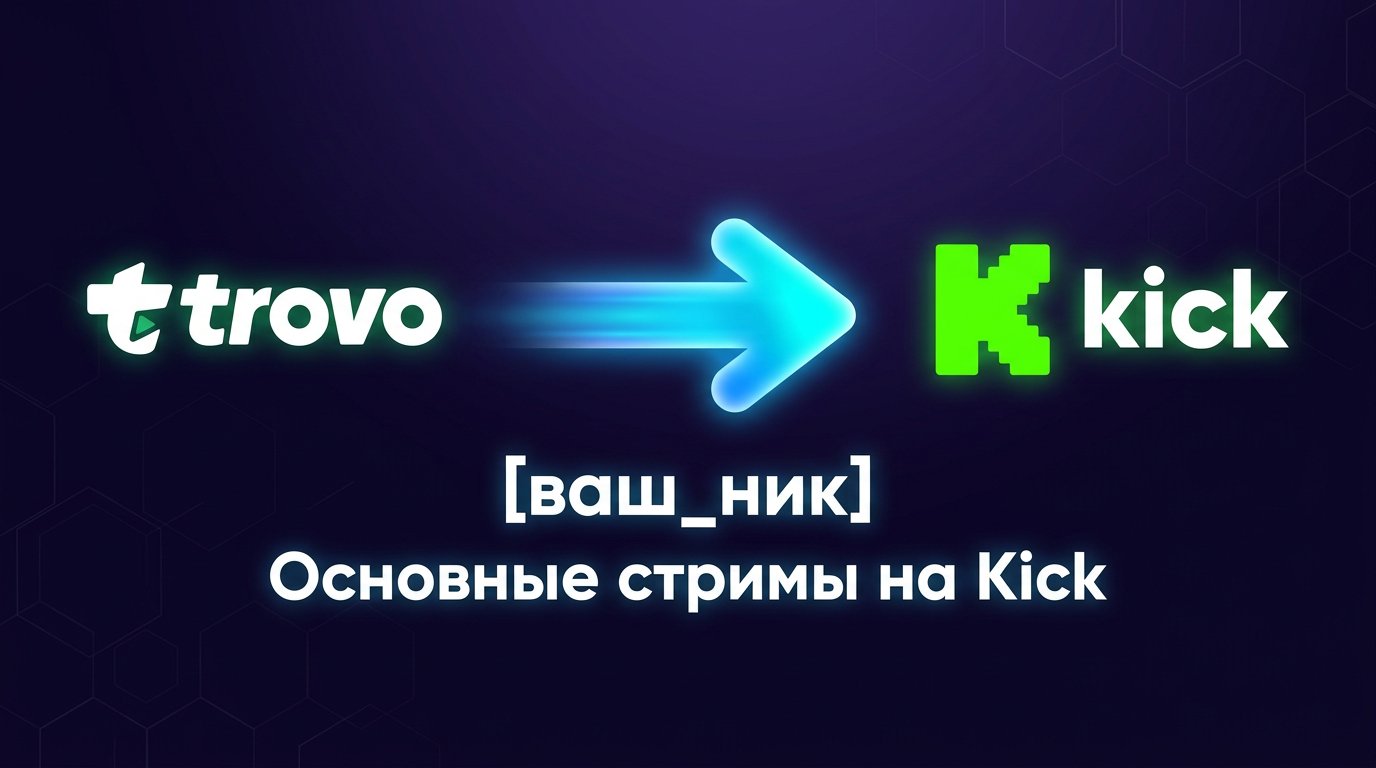
- My main streams now take place on Kick: [your_nickname].
- Continuing streams on Kick — channel [your_nickname].
- New broadcasts on Kick: [your_nickname].
- My main channel is now on Kick: [your_nickname].
- Watch new streams on Kick: kick.com/[your_nickname].
Don't put a greeting, a joke, a game list, or a long slogan before this line. They take up the most visible spot and hide the reason the visitor opened your profile.
How to Specify the Nickname and Direct Channel Address
Right after the move announcement, add the full address: kick.com/[your_nickname]. Below or next to it, repeat the nickname exactly as it should be entered in Kick search. This is useful if the address contains numbers, underscores, dots, or unusual spelling.
Check the URL after publishing: open it in a browser without logging in and on your phone. Make sure the link leads to your channel and the nickname is written without extra characters. Pay especially close attention to the address after changing your channel name.
Don't use link shorteners or unclear redirects. The viewer should immediately see that they're going to Kick. If your Trovo and Kick nicknames differ, state this on a separate line: "On Kick: [new_nickname]".
Which Links to Keep in the Trovo Description
After Kick, you can keep one platform for announcements: Discord, Telegram, or another community you actually maintain. That's enough for the viewer to understand where to expect information about the next stream.
A page with all your links works for several active projects, but it doesn't replace the direct Kick URL. An extra step reduces the chance that the person reaches your channel. The Kick address should stay in the description itself, even if it's also in the general links list.
Remove inactive communities, old channels, outdated goals, and links to Trovo broadcasts. Several routes create confusion: the viewer may subscribe in the wrong place or decide you no longer stream.
How to Keep Your Channel Recognizable After Moving
The viewer should recognize your channel on Kick before your first stream. To make that happen, keep familiar elements: nickname, avatar, colors, banner, segment names, and thumbnail style. Fully copying the old design isn't necessary, but the connection between the pages should be immediately clear.
In the Trovo description, add one specific line about your format: playthroughs, co-op games, competitive matches, talk streams, creative content, or other familiar content. Write only about what will actually appear on Kick.
If the format has changed, state it without long explanations. For example: "On Kick — evening co-op and talk streams" or "Continuing playthroughs and streams with subscribers." That way old viewers understand what to expect, and new ones can decide whether to subscribe.
A consistent nickname, recognizable avatar, and familiar format reduce the risk that viewers lose your channel after the move. If keeping your nickname isn't possible, explicitly connect the old and new names in the description.
When to Add a Stable Stream Schedule
A schedule in About makes sense if the days and times repeat and you're ready to update the text when they change. Include the days, time, and time zone if you're watched from different regions.
A short entry works: "Streams on Kick: Tue, Thu, and Sat, [time] [time zone]." Don't turn the description into a month-long calendar and don't publish preliminary game plans. It's better to use announcements on your active platform for that.
Don't specify a fixed schedule if your streams often depend on work, your team, tournaments, or personal circumstances. An outdated schedule is worse than no schedule: the viewer will show up at the stated time, won't find a stream, and may not come back.
Where to Direct Viewers When Your Schedule Is Unstable
With a fluctuating schedule, don't promise specific days and times. Instead, direct the viewer to one place where announcements appear: on Kick, in Discord, Telegram, or another community. Choose the platform you check and update before streams.
Phrasing like this works: "Upcoming streams and announcements — on Kick," "I post stream times in [community name]," or "I announce when the stream starts in [community name]." If the announcement only goes out right before the broadcast, it's better to say so directly.
Don't list several news sources at once. The viewer needs one clear route. If the announcement community is rarely updated, send visitors straight to Kick: there they can subscribe and follow the channel's activity.
Which Phrasing Hinders the Move to Kick
The description shouldn't make the viewer guess where to go. General move announcements, unlabeled links, and emotional complaints about the old platform distract from the main action.
- Bad: "The channel has moved." Better: "My main streams are now on Kick: [your_nickname]."
- Bad: "All links in the profile." Better: "Channel on Kick: kick.com/[your_nickname]."
- Bad: "I stream every day." Better: "Upcoming streams and announcements — on Kick."
- Bad: "Find me on social media." Better: "I post announcements in [platform name]."
- Bad: "Trovo isn't needed anymore." Better: "Thanks for watching here. Continuing on Kick."
Don't overload the text with emojis, hashtags, and decorative dividers. They take up space but don't help anyone find your new channel. If you use emojis in your formatting, put one before the first line and make sure it doesn't hide the name Kick.
Short Template for a Limited About Field
This option works if the description is only visible in a few lines or you want to keep the page as simple as possible. Replace the text in square brackets with your own details and paste the block as is.
My main streams are now on Kick: [your_nickname].
kick.com/[your_nickname]
[Playthroughs / co-op / chat]. Announcements — on [Kick or platform].
If your nickname is hard to read in the address, add a separate line: "Nickname on Kick: [your_nickname]." If space is tight, it's better to remove the format description but keep the platform, nickname, and link.
Ready-Made Trovo Description Template to Copy
This template is designed for a channel moving to Kick, with a recognizable format and announcements without a strict schedule. It suits most channels with an unstable schedule.
Thanks for watching me on Trovo.
My main streams now take place on Kick: [your_nickname].
Channel: kick.com/[your_nickname]
Nickname on Kick: [your_nickname].
On streams: [exact content format].
I post upcoming streams and announcements on [Kick / Discord / Telegram].
If your nickname on the new platform differs, replace the nickname line with a clear connection: "On Trovo — [old_nickname], on Kick — [new_nickname]." If your schedule is stable, you can replace the last line with a schedule including the time zone.
Description Template for a Channel with a Stable Schedule
This option works when your stream times repeat and viewers don't need to look for an announcement every time. Before publishing, make sure the stated days and times are current.
My main streams are now on Kick.
Kick: kick.com/[your_nickname]
Nickname for search: [your_nickname].
[Playthroughs / co-op games / chat].
Streams: [days], [time], [time zone].
I post schedule changes on [Kick or announcement platform].
Update the text immediately whenever your schedule changes. If you can't keep it accurate, replace the days and times line with a neutral phrase about announcements.
What to Check After Saving the Description
Update your profile before your first stream on Kick or at the same time as your move announcement. Then open the Trovo page without logging in and check that the first line is visible, the nickname is spelled correctly, and the address leads to the right channel.
Repeat the check on your phone. See whether the link is hidden in the collapsed description, ends up too far down, or gets lost among old profile blocks. If viewers keep asking where your streams now take place, shorten the text and move the route to Kick higher up.
Remove old mentions of active Trovo broadcasts, outdated schedules, goals, and announcements. The page can remain accessible as a pointer, but it shouldn't create the impression that streams are still happening on the old platform.
When to Update the Description Again
Come back to the profile after changing your nickname, Kick channel URL, stream format, schedule, or announcement platform. A check is also needed after Trovo updates: the placement of the description and external links may change in the browser or app.
Don't delete the profile right away if old links, clips, videos, and posts point to it. Periodically check that the route to Kick still works. One short, up-to-date entry is enough for the old profile to keep bringing interested viewers to your active channel.
Last Articles
What has changed in design and functionality We have updated the website to make working with it faster and more convenient. The main changes affect ..
Good afternoon, I've collected all the news during this time.: 1. The main news is that prices for twitch viewers have been greatly reduced, while Tw..
1. Use promo code "December2025" for a 15% discount for all our viewers2. We have reduced the base prices for our configurator and the most affordable..
Twitch services are working stably, so we are ready to cooperate with squads, resellers, service owners, bot owners, and many others.Individual te..
We have completely updated our Twitch viewer services, and they are now working stably. We only use high-quality IP addresses for the viewers.The ..
Hello everyone! Today, we are announcing a new feature—"Twitch Viewer Configurator". Now, you can customize any plan for your Twitch channel. Choo..
Greetings, I have compiled a guide for streamers, which will be very relevant at the moment. Now YouTube and twitch have disabled monetization from vi..
We have finally developed the APINow it will be more convenient for our partner sites to work with us.To update the maximum tariffs for YouTube, an up..
Due to the huge popularity of the partnership services and referral program, we have made a cooperation table. The essence is very simple: more live a..
Our Services for Streamers








Our Services for Content Creators






