
How to improve the image quality on the stream in OBS Studio
There are a lot of useful things in this plugin: transitions, filters, beautiful background screensavers, start screens, improved color correction and much more.
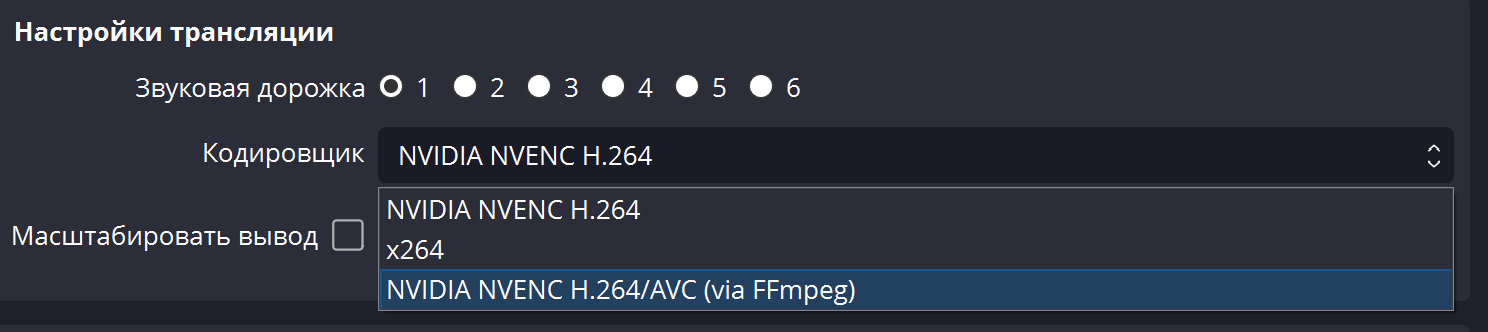
But most importantly, the new version of the plugin has a new codec from Nvidia, which allows you not to increase the bitrate and at the same time significantly improve the quality on the stream.
FFmpeg adds support for the NVIDIA NVENC AV1 encoder, which is 100% superior to HEVC.
Now FFmpeg has also added support for NVIDIA's AE1 hardware encoder. AV1 is 40% more efficient than H.264, at the same bitrate.
Download here - github.com/Xaymar/obs-StreamFX/releases/tag/0.12.0a151
Deposit funds, one-click order, discounts and bonuses are available only for registered users. .
Our Services for Streamers








Our Services for Content Creators






