
Why the Twitch bot skips moderator messages
First, determine at which stage the message disappears
Check whether the bot receives regular messages in the same channel. If the logs show neither viewers nor moderators, the problem is usually in authorization, the chat connection, or the channel name. If viewers are visible but the moderator's messages are missing, look for the cause in the role filter, IRC tags, or the EventSub subscription.
Don't just look at the bot's reply in chat—look at the incoming event log. A message may reach the application but fail to trigger a command due to a prefix, cooldown, stop words, an ignore list, or a permission check. For testing, send the same short phrase from a viewer and a moderator, then the same command.
Check the channel, the bot account, and the IRC connection
Make sure the bot has joined the correct channel and under the account that is supposed to read chat. After a channel rename, a login change, or switching between test and production environments, the application may stay online but be listening to a different chat.
The connection log should show successful authorization, the bot's nick, and the channel join command. After a connection drop, check not only the reconnect attempts but also whether a new successful join actually happened. Auto-reconnect without logging the error hides an expired token, an incorrect OAuth password, or an error in the channel name.
Check the OAuth token and read permissions
The token must belong to the account through which the bot reads chat. Don't confuse it with the streamer's token: the channel owner's permissions are not transferred to a separate bot account. To read messages via IRC, you need the chat:read scope.
If messages are received via EventSub, the chat event requires a user token with the user:read:chat permission. Depending on the authorization scheme and who creates the subscription, permissions for the bot to access the channel may also be required, including channel:bot. Don't add scopes at random: verify them against the current subscription scheme and the account on whose behalf it is created.
You can verify the validity of a user token and the list of granted permissions with a request:
curl -H "Authorization: OAuth $BOT_OAUTH_TOKEN" https://id.twitch.tv/oauth2/validate
In the response, check the login, user ID, expiration, and the scopes array. If chat:read or user:read:chat is missing, reauthorization with the required set of permissions will be needed. The downside of this solution is that old tokens and saved sessions must be replaced in the bot's configuration, otherwise it will keep working with the previous permissions.
Separate IRC and EventSub diagnostics
IRC and EventSub deliver messages through different paths. IRC transmits the chat stream over a persistent connection: in the raw log, you need to find the PRIVMSG line from the moderator. EventSub delivers the channel.chat.message event through a created API subscription: here you check its status, condition, and delivery transport.
If the bot uses both sources, log the source of each event. Otherwise, a single message may be processed twice, and a failure of one transport will go unnoticed. If only EventSub is used, the absence of an IRC connection is not an error. The downside of the EventSub scheme is that with an incorrect or disabled subscription, the bot won't see messages at all, even with a working token.
Check the EventSub subscription for chat messages
In the list of subscriptions, find the channel.chat.message event. The record must have an active status. In the condition, check broadcaster_user_id—this is the streamer's channel ID—and the user_id of the user receiving the events. An error in either of these IDs often looks like messages selectively missing.
Request the list of subscriptions via GET /helix/eventsub/subscriptions. In the response, check type, status, condition, and transport. A status of enabled means the subscription is active; notifications of a delivery failure, a deleted record, or a different channel will point to the cause. For this request, use the token and Client ID of the application that created the subscription.
Don't rely solely on the presence of a record in the dashboard or the bot's database. The subscription may have been created for a test channel, deleted after a delivery error, or belong to a different application. The downside of checking via the API is that it shows the subscription configuration but doesn't explain the filtering logic inside the handler itself.
Enable IRC tags and check the author's role
If permission checks are based on IRC, the client must request the twitch.tv/tags capability. Without tags, the bot may receive the text and the author's nick but not see the mod and badges fields. In that case, regular commands come through, but moderator rules produce a false denial.
In the moderator's raw message, look for mod=1 and badges=moderator/1. The user-type field may be absent, empty, or not match the current role, so don't use it as the only indicator. The parser must correctly handle empty tag values and escaped characters; the downside of the IRC approach is precisely the need to parse this format yourself.
If mod=1 is missing, first make sure the tags capability was actually confirmed by the server, not just sent by the client. Then check badges. The value moderator/1 means moderator, broadcaster/1 means channel owner. A VIP usually has the vip/1 badge, but a VIP does not automatically become a moderator. The streamer and VIPs should not be treated as moderators based on nick, color, or display-name: determine the role by badges and separate access rules.
Check the role rules in the code and settings
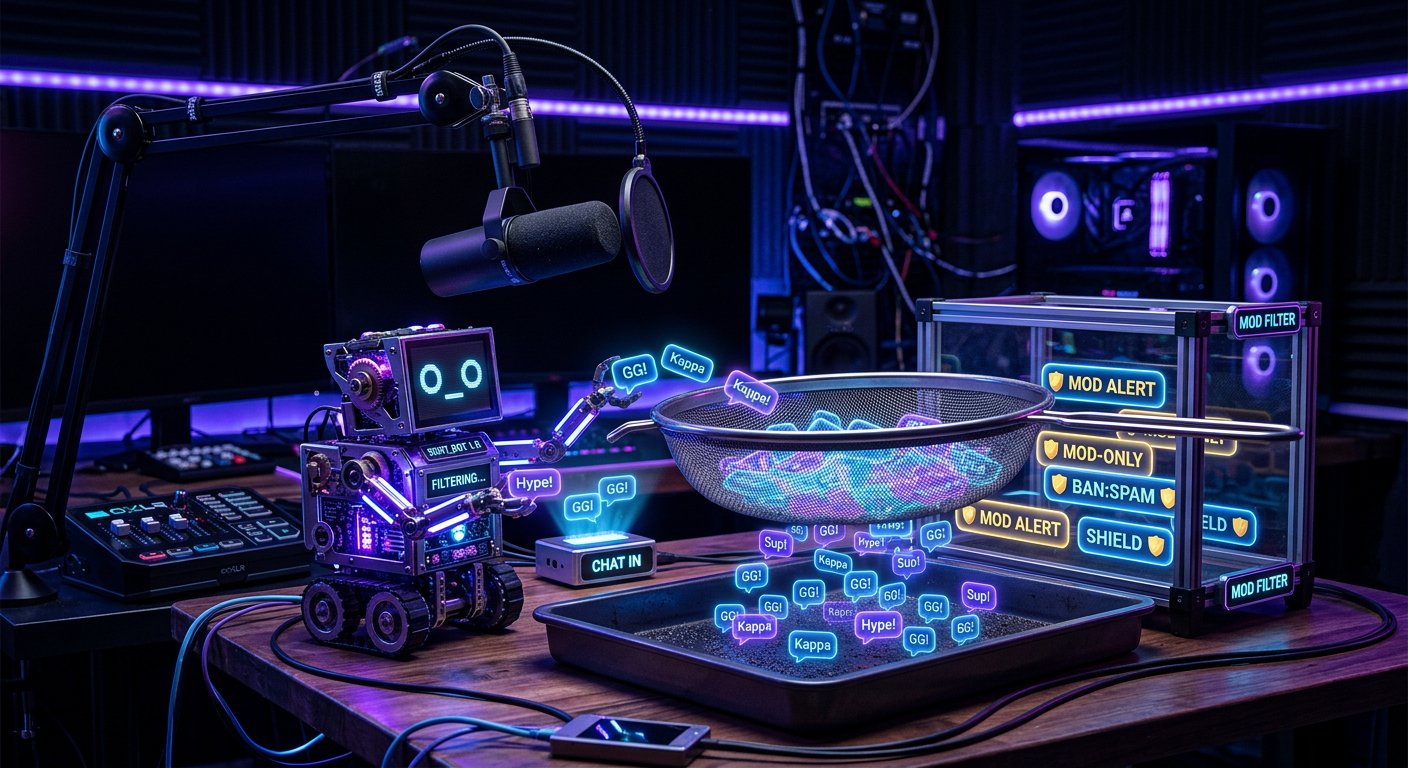
Compare the raw events from a viewer, VIP, moderator, and channel owner with identical text. If the event from the moderator reached the application but the handler skipped it, the error is after reception: in the role check, blacklist, anti-spam, or command routing.
- Normalize logins to a single case before comparing.
- Check mod=1 and the moderator badge, not a single fixed set of tags.
- Define permissions separately for broadcaster, moderator, vip, and the bot's own account.
- Check whether the moderator ended up in the ignore list, ban list, or blocked users list.
- Look at the order of conditions: anti-spam or stop words may trigger before the role check.
- Make sure the command isn't blocked by a rule for messages with a mention, a link, or repeated text.
A manual list of nicks is only suitable for brief diagnostics. Its downside is that it becomes outdated after moderators change, an account is renamed, or channel roles change.
Rule out command format, limits, and hidden ignores
The bot may see the message and deliberately not respond. Check the command cooldown, the message limit per user, repeat protection, the emoji filter, and stop words. Moderators often send commands quickly and may hit anti-spam just like viewers.
Separately test a regular phrase and a command with a prefix. If the phrase is in the log but the command didn't reach the processing result, check the prefix, keyboard layout, spaces, invisible characters, and arguments. Slash commands and moderation actions don't always arrive as regular text that the handler expects.
Log the reason for the decision on each message
For diagnostics, save the time, event source, channel, author ID, message type, tags, and processing outcome. The text can be masked if it isn't needed to find the error. The log should contain a specific reason: message not received, role not recognized, prefix didn't match, cooldown triggered, user is ignored, or the EventSub subscription is disabled.
Don't write OAuth tokens, the application secret, webhook addresses, and full authorization headers to regular logs. This data is convenient for debugging, but its leak could grant access to the bot and application settings.
Diagnostics checklist in order
- Send the same phrase and the same command from a viewer and a moderator.
- Check the raw log and determine whether the message arrived via IRC, EventSub, or both sources.
- If IRC isn't receiving messages, verify the bot account, channel name, token, and successful chat join.
- If the IRC message arrived, make sure tags are enabled, then check mod=1 and badges=moderator/1.
- If mod=1 is missing, check the twitch.tv/tags confirmation and distinguish moderator/1, vip/1, and broadcaster/1.
- Check the token via validate: IRC needs chat:read, EventSub messages need user:read:chat.
- When working via EventSub, check channel.chat.message, the enabled status, condition, and transport in the subscription list.
- Compare role handling, the ignore list, anti-spam, prefix, cooldown, and stop words.
- Add to the log an explicit reason why each message was accepted, ignored, or rejected.
Last Articles
What has changed in design and functionality We have updated the website to make working with it faster and more convenient. The main changes affect ..
Good afternoon, I've collected all the news during this time.: 1. The main news is that prices for twitch viewers have been greatly reduced, while Tw..
1. Use promo code "December2025" for a 15% discount for all our viewers2. We have reduced the base prices for our configurator and the most affordable..
Twitch services are working stably, so we are ready to cooperate with squads, resellers, service owners, bot owners, and many others.Individual te..
We have completely updated our Twitch viewer services, and they are now working stably. We only use high-quality IP addresses for the viewers.The ..
Hello everyone! Today, we are announcing a new feature—"Twitch Viewer Configurator". Now, you can customize any plan for your Twitch channel. Choo..
Greetings, I have compiled a guide for streamers, which will be very relevant at the moment. Now YouTube and twitch have disabled monetization from vi..
We have finally developed the APINow it will be more convenient for our partner sites to work with us.To update the maximum tariffs for YouTube, an up..
Due to the huge popularity of the partnership services and referral program, we have made a cooperation table. The essence is very simple: more live a..
Our Services for Streamers








Our Services for Content Creators






