
Twitch viewer count delay: causes and checking your stream
How Twitch counts live viewers
The viewer count under a stream is not the same as the number of open tabs with the broadcast. Twitch doesn't register connections instantly: the platform has to receive data from the player, verify viewing activity, and update the figure on the channel page. So a person may already be watching the stream while the number at the top of the channel hasn't changed yet.
The delay is especially noticeable during a sudden influx of viewers: after a raid, a link posted on social media, the start of a tournament, or being featured in recommendations. The counter updates in batches, not after every new connection. A brief gap between the actual audience and the number on the page is normal.
Why the number can change in jumps
The service isn't required to show live viewers with one-viewer precision every second. Data goes through several processing stages, so the figure can stay put for a while and then change by several people at once. This doesn't mean viewers arrived or left all at the same time.
- A viewer has just opened the stream, and the player hasn't yet sent confirmation of the view.
- The user has an unstable connection: the stream drops, quality changes, the page reloads.
- Some of the audience watches via an embed on another site or in an app, where updates may work differently.
- After a raid or host, the platform processes a group of connections with a delay.
- Twitch may be undergoing maintenance or experiencing increased load in certain regions.
The downside of a real-time counter is that it's handy for a quick read on your stream but not suitable for precisely tracking every viewer joining and leaving.
Filtering out inactive and suspicious views
Twitch filters out some views that the system considers low-quality or suspicious. These may be numerous tabs, automated connections, unusual account behavior, or views without normal interaction with the player. Because of this check, the number may rise first and then be adjusted.
Sometimes a streamer sees viewers in chat but the counter shows fewer. Being in chat doesn't always mean actively watching the video: a user may have opened chat separately, left the page in the background, or connected through a third-party client. The opposite can also happen — a viewer watches the stream without sending messages.
You shouldn't judge the effectiveness of your promotion by a single moment on the counter. When updates are unstable, it may show a picture that's worse or better than reality.
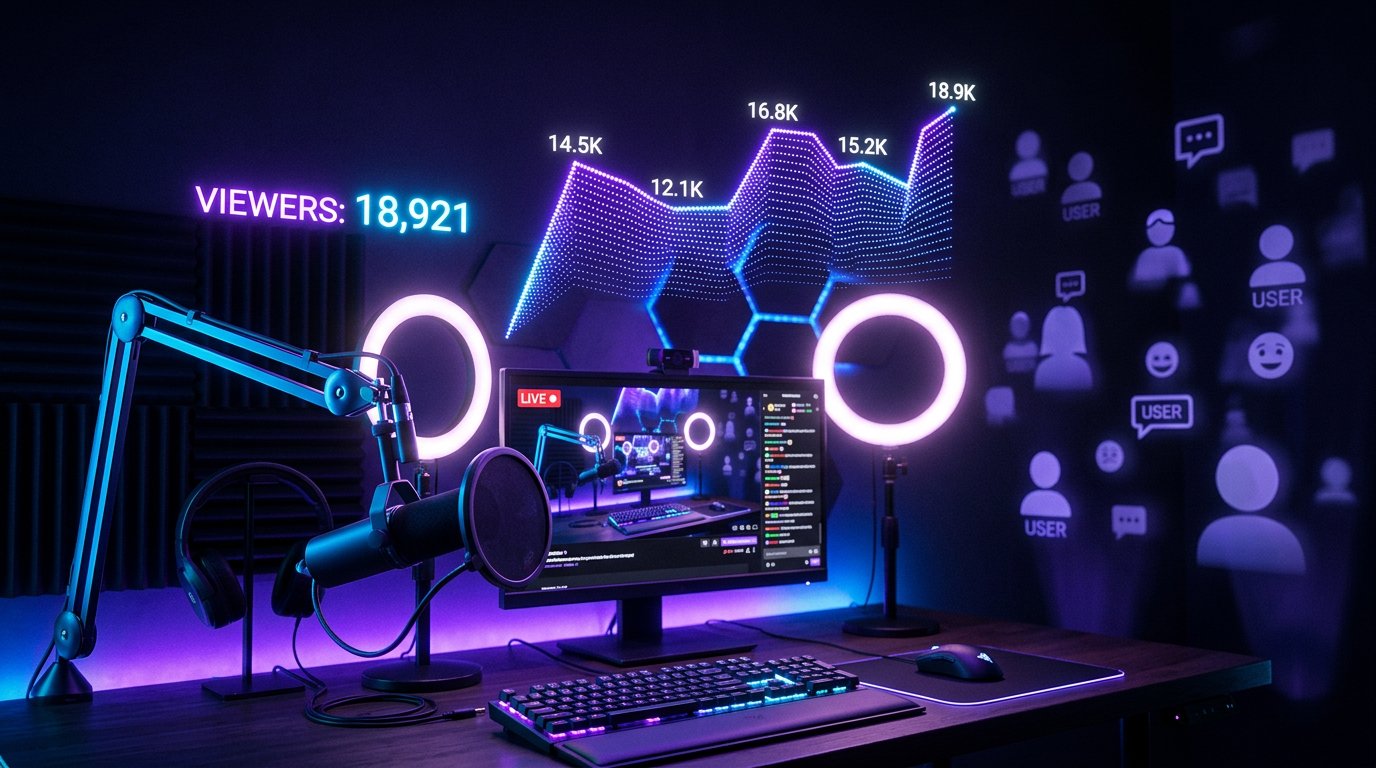
How the live count on the page differs from channel analytics
The current live count is meant as a reference during a stream. Analytics after the broadcast shows processed data: average viewers, peak viewers, unique viewers, traffic sources, and watch time. These figures may not match what was visible during the stream.
Reports also aren't generated instantly. The platform processes events, excludes invalid views, and merges data from different entry points. The downside of analytics is different: it's more accurate for reviewing results but doesn't help you quickly figure out what's happening with your live count right now.
How to check whether there's a problem with the counter
First, check the stream itself: is the player open, is there picture and sound, is Twitch showing any connection errors. Then view the stream from another browser or a mobile device without logging in to your main account. This will help separate a channel issue from a local session glitch.
- Compare the viewer count on the channel page with the data in your dashboard, but don't draw conclusions from a single check.
- Look at chat activity, new follows, traffic after a raid, and messages from regular viewers.
- Check the Twitch service status if the counter hasn't changed for a long time or on several channels at once.
- After the stream ends, wait for analytics to be processed and compare average viewers with peak.
When a delay needs attention
A normal delay doesn't last long and doesn't interfere with viewing. A check is needed if the live count hasn't updated for a significant time, the player won't start for viewers, chat is glitching, or the audience doesn't show up at all after a raid. In that case, it's useful to note the time the problem started, take screenshots of your dashboard, and save a link to the stream recording.
If the stream is running stably and the viewer count is simply changing in steps, intervention usually isn't needed. Restarting the stream just to refresh the counter isn't worth it: viewers may lose the stream, and your stats will be split across multiple sessions.
Last Articles
What has changed in design and functionality We have updated the website to make working with it faster and more convenient. The main changes affect ..
Good afternoon, I've collected all the news during this time.: 1. The main news is that prices for twitch viewers have been greatly reduced, while Tw..
1. Use promo code "December2025" for a 15% discount for all our viewers2. We have reduced the base prices for our configurator and the most affordable..
Twitch services are working stably, so we are ready to cooperate with squads, resellers, service owners, bot owners, and many others.Individual te..
We have completely updated our Twitch viewer services, and they are now working stably. We only use high-quality IP addresses for the viewers.The ..
Hello everyone! Today, we are announcing a new feature—"Twitch Viewer Configurator". Now, you can customize any plan for your Twitch channel. Choo..
Greetings, I have compiled a guide for streamers, which will be very relevant at the moment. Now YouTube and twitch have disabled monetization from vi..
We have finally developed the APINow it will be more convenient for our partner sites to work with us.To update the maximum tariffs for YouTube, an up..
Due to the huge popularity of the partnership services and referral program, we have made a cooperation table. The essence is very simple: more live a..
Our Services for Streamers








Our Services for Content Creators






