
Why OBS Noise Suppression Cuts Off Word Endings and How to Fix It
Why word endings disappear after noise suppression
Word endings often consist of quiet consonants: "s," "t," "sh," "f," "k." In level, they are noticeably weaker than vowels and can resemble hissing, breathing, computer noise, or fan sound. The noise suppression filter doesn't understand text as a whole: it analyzes the signal and decides which parts look like voice and which should be attenuated.
If the voice is recorded quietly, the microphone is far away, or there's a lot of constant background in the room, the filter starts working more aggressively. As a result, the loud part of the word passes through fine, but the quiet final consonant partially disappears. This is especially audible in fast speech, whispering, words with multiple sibilants, and at the end of phrases when the streamer lowers their voice.
How noise suppression distinguishes voice from noise
OBS offers different noise suppression methods. Some rely on simpler signal processing, while others use a model that tries to separate human speech from background sounds. In both cases, the filter works on probability, not certainty: a weak fragment of voice may be mistaken for interference.
The RNNoise method usually preserves speech naturalness better with moderate background, but it can also affect quiet consonants if the source signal is poor. The Speex method allows stronger control over the suppression level, but at high intensity it more often makes the voice metallic, choppy, or muffled. Any software noise suppression has one drawback: it cannot restore speech that the microphone recorded too quietly against background noise.
The filter should remove residual background, not compensate for a noisy room or incorrect microphone placement.
Check whether other OBS filters are to blame
Noise suppression often gets blamed for a problem created by other processing. First, check the noise gate and expander. They close or attenuate the microphone when the signal level drops below a set threshold. The end of a word may fall right below that threshold.
The noise gate works harshly: it can completely cut off a quiet section of speech. The expander acts more gently and is usually better suited for streaming, but with too high a threshold it also eats word endings. The compressor usually doesn't cut consonants by itself, but after heavy compression the noise becomes more noticeable, and there's a temptation to over-boost noise suppression.
- Turn off noise suppression, gate, expander, and compressor one at a time.
- Record a short test with normal volume, quiet speech, and words with "s," "sh," "t," "k."
- Compare the tracks, not just listen to real-time monitoring.
- Bring the filters back one by one, repeating the recording after each change.
This way you'll see the specific source of the problem. Adjusting the whole chain at once is a bad idea: after several changes, it's impossible to tell which parameter ruined the diction.
Filter order affects speech intelligibility
For voice, not only the set of filters matters but also their sequence. If the gate or expander comes before noise suppression and attenuates the signal too early, the second filter receives already clipped speech. If noise suppression works after aggressive frequency correction, it may recognize sibilants and quiet consonants differently.
There's no universal order for all microphones, but the setup logic should be clear: first get a clean and sufficiently loud signal, then remove a small amount of residual noise, and after that level the volume. An equalizer is needed only for a specific problem in the voice or microphone, not as a mandatory stage in the chain.
Trying to fix clipped word endings by boosting high frequencies rarely helps. It makes "s" and "sh" brighter only in the places the filter hasn't cut yet. If the consonant is already suppressed, the equalizer won't bring it back. The drawback of this solution is the risk of getting a harsh, fatiguing sound and amplifying background hiss.
Improve the source signal before adjusting filters
The closer the microphone is to the speech source, the higher the ratio of voice to ambient noise. This allows you to reduce suppression intensity or skip it entirely in a quiet room. You don't have to speak right up against the capsule: it's enough to find a position where the voice stays intelligible without excessive gain.
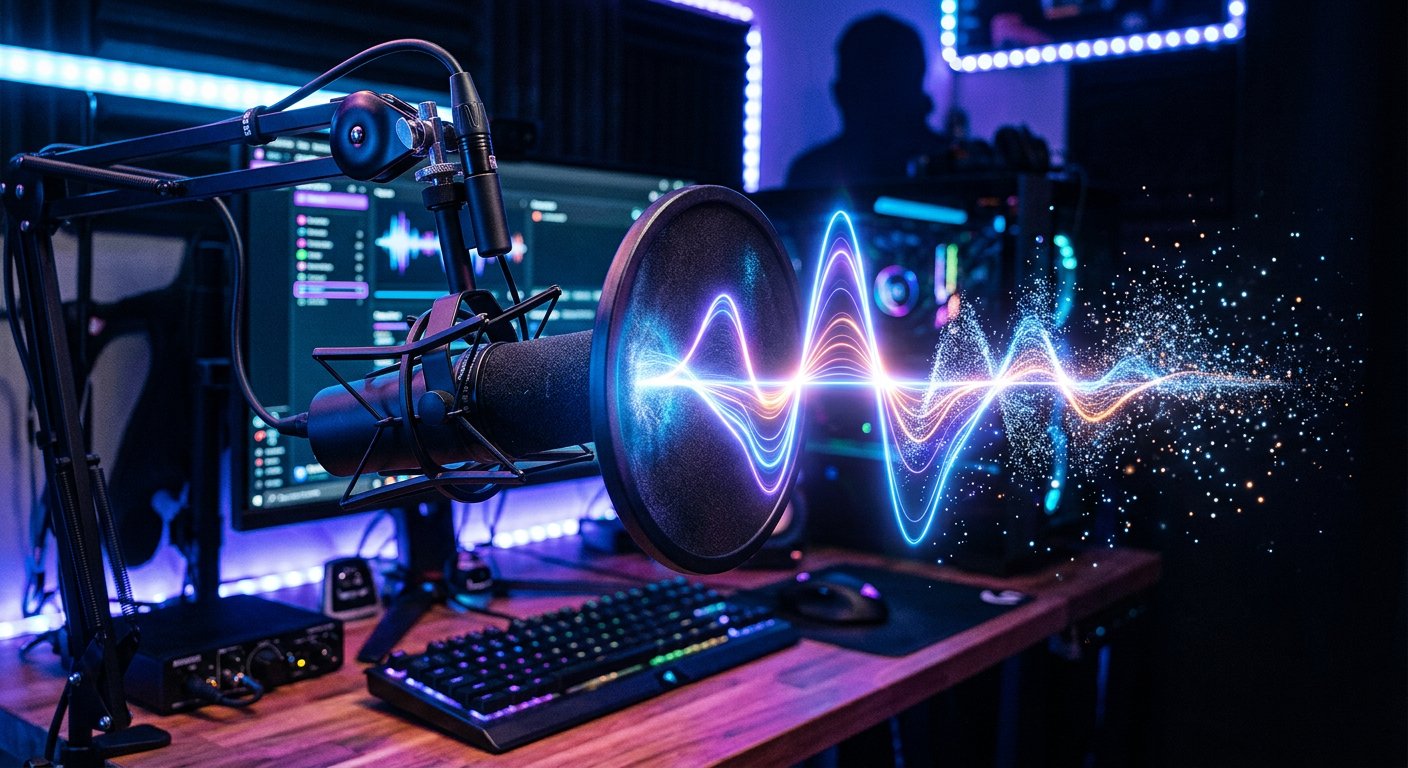
Point the microphone slightly away from your mouth rather than directly into the airflow. This reduces plosive consonants and breathing while keeping the voice full. A pop filter or windscreen helps with air blasts, but doesn't remove noise from the PC case, keyboard, or open window. Their drawback is that they don't replace proper distance and can slightly muffle high frequencies if placed too close to the capsule.
Remove available background sources before processing: move the microphone away from the PC case, lower the speed of noisy devices, close the window, use a quieter keyboard, or move it farther from the microphone. This isn't always possible during a stream, but even a small reduction in background gives the filter more freedom.
How to set up suppression without losing consonants
Start with noise suppression off. Adjust the microphone input level so that normal speech is confident but doesn't overload on loud words. Then enable one suppression method and listen not only to the pauses between phrases but also to the last sounds of words.
If you're using a mode with intensity adjustment, move the parameter from a gentle value to a stronger one in small steps. After each step, record the same phrase. Once the background stops being distracting and the diction hasn't changed yet, further boosting the filter is usually unnecessary. The desire for absolute silence between words often leads to unnatural speech.
- Say phrases with sibilants, voiceless consonants, and short endings.
- Repeat them quietly, at normal voice, and with fast delivery.
- Listen to the recording on headphones and regular speakers.
- Keep the minimal processing at which background noise doesn't bother the viewer.
A small constant background is usually perceived better than a voice with swallowed words.
When it's better to choose another way to fight noise
If the noise changes abruptly—for example, a fan turns on nearby, the keyboard clatters, or voices are heard from another room—regular suppression may react unstably. In those moments it either lets the interference through or mistakenly cuts speech. Increasing suppression further isn't worth it: it usually makes the voice noticeably worse.
For constant weak background, moderate noise suppression and proper microphone placement are enough. For pauses between lines, you can carefully use an expander. Its drawback is that it doesn't distinguish speech from noise and relies mainly on signal level. Therefore, quiet lines, laughter away from the microphone, and phrase endings require separate checking.
If the noise source is near the microphone, it's more useful to change the equipment placement or choose a microphone with suitable directionality. This approach also has a limitation: a directional microphone doesn't remove sound completely, and with incorrect positioning it can make the voice quieter and require extra gain.
Check the result through recording, not the meter
The level meter in OBS shows volume but not speech recognition quality. Even a stable level doesn't guarantee the viewer will hear the last consonant. To check, record a few minutes of normal conversation: a greeting, a game comment, an emotional phrase, a quiet line, and speech over game sound.
Listen separately to moments after pauses and words before an inhale. That's where a too-fast gate, aggressive expander, or noise suppression most often shows up. If the problem occurs only in-game, check whether the distance to the microphone changes, whether you're speaking more quietly, or whether keyboard or speaker sound is getting into it.
Save your working filter configuration before experimenting. This lets you compare options without the risk of losing a clear baseline sound. With each change, evaluate one criterion: background, word endings, breathing, keyboard, or overall volume. This approach quickly shows which filter is actually hurting speech.
Last Articles
What has changed in design and functionality We have updated the website to make working with it faster and more convenient. The main changes affect ..
Good afternoon, I've collected all the news during this time.: 1. The main news is that prices for twitch viewers have been greatly reduced, while Tw..
1. Use promo code "December2025" for a 15% discount for all our viewers2. We have reduced the base prices for our configurator and the most affordable..
Twitch services are working stably, so we are ready to cooperate with squads, resellers, service owners, bot owners, and many others.Individual te..
We have completely updated our Twitch viewer services, and they are now working stably. We only use high-quality IP addresses for the viewers.The ..
Hello everyone! Today, we are announcing a new feature—"Twitch Viewer Configurator". Now, you can customize any plan for your Twitch channel. Choo..
Greetings, I have compiled a guide for streamers, which will be very relevant at the moment. Now YouTube and twitch have disabled monetization from vi..
We have finally developed the APINow it will be more convenient for our partner sites to work with us.To update the maximum tariffs for YouTube, an up..
Due to the huge popularity of the partnership services and referral program, we have made a cooperation table. The essence is very simple: more live a..
Our Services for Streamers








Our Services for Content Creators






