
Why a traffic surge after a stream looks suspicious and how to distribute it
Why clicks after a stream can look suspicious
A sharp rise in visits after a broadcast, raid, successful clip, or mention by another creator does not by itself mean artificial inflation. Viewers often click the link at the same time: at the moment of a call to action, while a promo code is shown, or right after the broadcast ends. To the website, this looks like a short but explainable spike.
Suspicion arises when analytics cannot connect the surge to a specific event or when visitor behavior does not resemble the behavior of the channel's audience. What matters is the source, time of the click, entry pages, actions on the site, geography, and technical parameters of the visits.
What dynamics look abnormal for a channel
Rely on your own usual statistics, not on a universal norm. If a link in the stream description usually brings a small number of visitors per hour, and within a few minutes there is a multiple increase without a raid, ad, clip, or mention, the source is worth checking. The number of visits alone proves nothing: context matters.
A natural peak usually coincides with the start of the stream, a pinned chat message, a link shown on screen, a clip release, or a partner post. It has a clear beginning and a gradual fade. A bot wave can arrive in even batches, repeat at identical intervals, and fail to match activity on the channel.
How raids, clips, and stream recordings affect clicks
A raid sends viewers to another channel, not to an external website. A direct surge of clicks to a landing page after a raid is possible if the host separately voiced a call to action, showed a promo code, or pinned the link in chat. Without such a link, you cannot automatically attribute all traffic to the raid's result.
Raid traffic has a drawback: the audience arrives with varying levels of interest. Some viewers stay for the host, some close the stream immediately, and some notice the link only after the main announcement. A clip and a stream recording work differently: clicks may not come as a single peak but stretch over days. Therefore, they cannot be evaluated by the same logic as a call to action during a live broadcast.
Signs of artificial inflation in traffic from streaming platforms
For a streamer, what matters more is not an individual technical signal but the mismatch between actions on the platform and visits to the website. If there are few viewers in the stream, the chat is almost empty, the clip gets no reach, yet the affiliate link collects many identical clicks, that traffic channel needs to be examined separately.
- Clicks on the link appear before it is published in the description, chat, donation panel, or on screen.
- The clip barely gets views and reactions, but its tag shows a sharp flow of visits.
- Visitors land on the donation page but do not open the rules, payment methods, creator profile, or other related sections.
- Visits come from regions where the channel is not usually watched and where the placement was not announced.
- Clicks arrive in identical series outside moments of a call to action, pinned message, and offer display.
- Users share the same path: entry to one page, no scrolling, no clicks, and a quick exit.
Why a short visit does not always mean a bot
A viewer may click from a phone, see the price, contest terms, or promo code, and immediately return to the stream. This is a normal scenario, especially when the link leads to one specific page. A short session by itself does not make traffic low-quality.
The problem arises when signs combine: identical session durations, zero transitions to related pages, no scrolling, strange geography, and a mismatch with the stream time. Check the chain "content — link — action," not a single bounce rate metric.
Tag links for each placement location
A separate link or tag is needed for the channel description, the description of a specific stream, a pinned chat message, the donation panel, a clip, a stream recording, a partner post, and an integration with another creator. Then the report will show not just the number of visits but the place where the viewer saw the call to action.
Set a unified format for tags so you do not mix sources due to different spellings. For example, a link for a stream might look like this: site.ru/offer?utm_source=stream&utm_medium=live&utm_campaign=channel_name&utm_content=chat_2025_06_15. For a clip, change medium to clip, and for the support panel, change it to donate_panel. The date in content is convenient for recurring streams.
Which tags to use for a stream, clip, and donation panel
In the source field, specify the platform or type of external source: stream, video, partner, social. In medium, record the call-to-action point: description, chat, live, clip, vod, donate_panel. In campaign, write the channel name, promotion, or joint stream. In content, leave a clarification: date, call-to-action slot, partner name, or creative variant.
- Stream description: utm_source=stream&utm_medium=description&utm_campaign=channel_name&utm_content=live_date.
- Pinned chat message: utm_source=stream&utm_medium=chat&utm_campaign=channel_name&utm_content=first_call.
- Repeat call to action: utm_source=stream&utm_medium=chat&utm_campaign=channel_name&utm_content=second_call.
- Donation panel: utm_source=stream&utm_medium=donate_panel&utm_campaign=channel_name&utm_content=profile_link.
- Clip: utm_source=video&utm_medium=clip&utm_campaign=channel_name&utm_content=clip_topic.
- Partner stream: utm_source=partner&utm_medium=live&utm_campaign=partner_name&utm_content=integration_date.
Detailed tagging has a drawback: it is easy to confuse manually. Do not change tag names in the middle of a campaign and do not use one link for all placement points, otherwise comparing sources will lose its meaning.
A scheme for distributing calls to action throughout a stream
Do not publish all links and calls to action in the first minutes. At that moment, viewers are connecting, adjusting sound, writing in chat, or waiting for the main part to begin. One early call to action is acceptable if a registration click is needed before the event starts, but it should not be the main one.
- Before the stream starts, place a permanent link in the description and in the donation panel. Use separate tags for them because a viewer may click before the start.
- In the first part of the stream, give one short call to action after the topic of the broadcast is clear. Pin the link in chat and use the first_call tag.
- Place the main call to action after demonstrating the product, promotion terms, promo code, or result. Show the link on screen, repeat it verbally, and update the pinned message with the main_call tag.
- If the stream lasts a long time, make one repeat call to action after a pause or a change of topic. Do not copy the message every few minutes: the chat looks like spam, and viewers stop reacting.
- At the end, remind those who watched without sound or arrived late about the link. Use the final_call tag for this and do not repeat the entire long integration.
- After the stream, add the link to the recording description and to the clip with the best moment. These are separate sources, not a continuation of clicks from the live broadcast.
For a regular stream, three call-to-action points are enough: after the topic starts, after the main demonstration, and before the end. This scheme has a drawback: it does not provide maximum reach in a single minute. But clicks are easier to connect to a specific message, and the website does not get a sharp load from several identical sources at once.
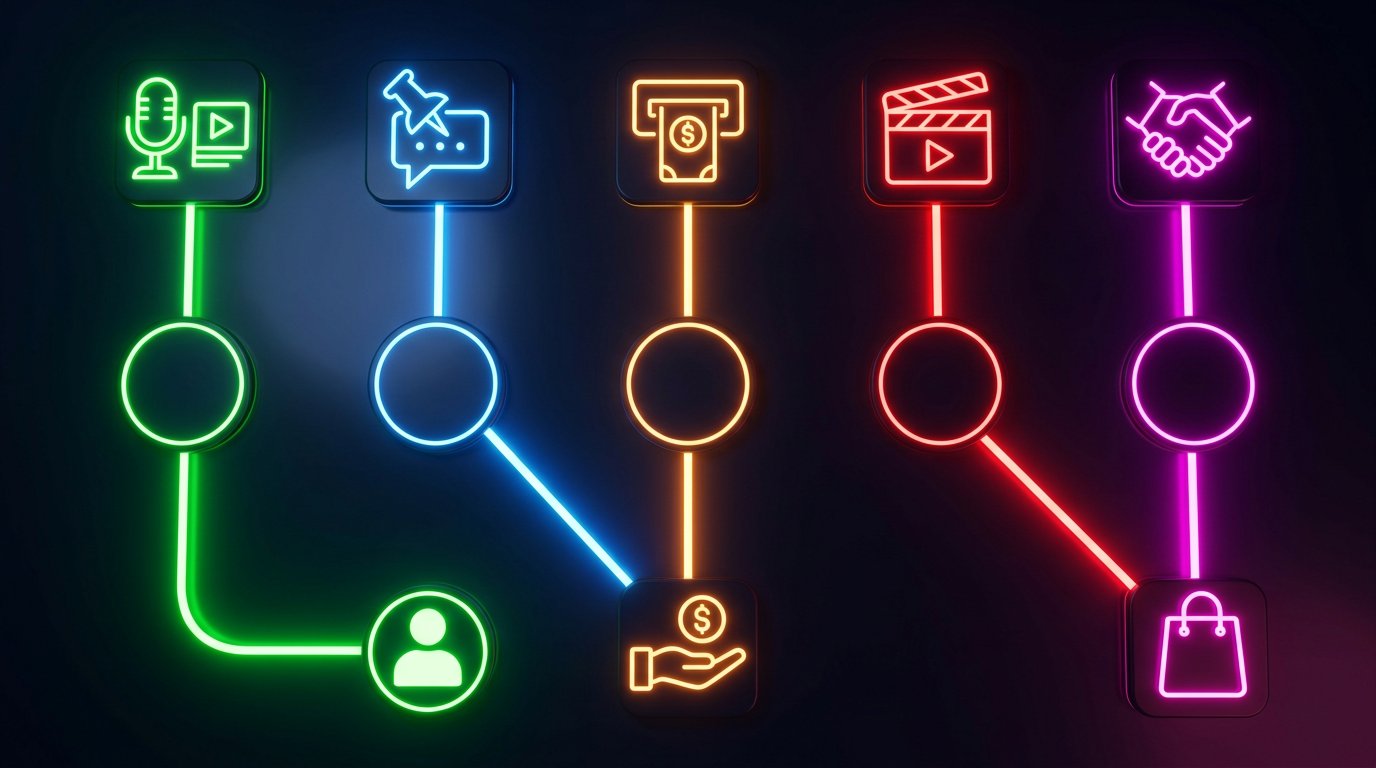
What a traffic distribution scheme should include
The scheme next to this section should show the viewer's path through real call-to-action points: stream description, pinned chat message, donation panel, clip, and partner post. From each point, there should be a separate route with its own tag to a suitable landing page. Next, you can show actions: registration, application, purchase, donation, or subscription.
Abstract jars, boxes, pipes, and random symbols are not suitable for such an illustration: they do not explain where the user came from. The drawback of an overly detailed scheme is the opposite — the routes become unreadable. Five sources, several landing pages, and clear target actions are enough.
Separate the audience by landing pages
Do not send all viewers to the website's home page. An audience after a review of a donation service should land on the connection or support terms page. Viewers of a tournament stream need tournament registration. A click from a clip is better directed to a short page with the same offer that was mentioned in the video.
If a promo code is promised in the stream, it should be visible without searching through the menu. If the affiliate link leads to a subscription, do not make the user first browse a general catalog. A mismatch between the promise and the page increases bounces even with a genuine, interested audience.
What to place on a landing page for a stream viewer
The page should quickly explain where the user has landed and what they will get. Keep the promotion name or partner name if this is stipulated by the agreement, show the terms, restrictions, and one main action. For a donation mechanic, this could be connecting a service; for a tournament, an application; for an affiliate program, registration.
- Repeat the wording of the offer from the stream or clip without changing the meaning.
- Show the promo code, rules, and restrictions before the form is filled out.
- Make the main button visible on a mobile screen.
- Check the form, payment, authorization, and post-registration emails.
- Add a separate tag and a separate landing page for each streamer in parallel integrations.
A narrow landing page has a drawback: it is less suitable for visitors who want to explore the entire project. Provide a link to the main website, but do not replace the campaign's main action with it.
What to do if the surge turns out to be a bot wave
First, save the data before cleaning the reports: visit times, entry URLs, UTM tags, referrers, countries, devices, browsers, actions on the site, and server errors. Mark the bot-wave period in analytics with a separate note or segment. This will help you avoid mixing questionable visits with regular traffic when analyzing the campaign.
Then exclude the suspicious segment from the working report: by tag, source, entry page, time range, or a combination of signs. Do not delete data without a saved export — later you may need to cross-check with a partner, advertising platform, or technical support.
Where to report suspicious traffic
If the wave comes through an affiliate link, inform the partner and attach the period, URL, tag, and a brief description of the anomaly. When the traffic is related to an ad placement, pass the same data to the manager or the advertising platform's support. Do not accuse the source of artificial inflation without evidence: first show the mismatch between the placement and the behavior of the visits.
If the requests create a load on the website, contact hosting support, the developer, or a website security specialist. Provide examples of times, page addresses, errors, and an excerpt from the logs if available. Do not try to disguise suspicious visits as a live audience or redistribute them retroactively. This will distort the evaluation of the placement and complicate the technical check.
How to control the load during major placements
Before a joint stream, a raid from a large channel, or a series of clips, check the mobile version of the site, loading speed, forms, payment, post-registration emails, and the availability of the product or slots in the application. If the promotion is limited, prepare a clear message in case the limit is reached.
During the stream, you need access to at least basic analytics and technical notifications. This will help you notice a page outage, a non-working promo code, or a sharp flow of questionable clicks before a repeat call to action. The drawback of constant monitoring is obvious: you need a separate person who watches the site rather than participating in the broadcast.
How to evaluate traffic quality after a campaign
Analyze clicks separately by stream description, chat, donation panel, clip, recording, raid, and partner publication. Look not only at the number of visits but also at subsequent actions: opening the terms, using the promo code, registration, application, purchase, donation, or returning to the site.
Do not turn off a source just because there is no immediate result. A viewer may see the offer during the stream, return to it from the recording, or click from another device. If the tag is clear, the behavior looks genuine, and the user's path can be traced, the source can be tested further in small volumes.
Last Articles
What has changed in design and functionality We have updated the website to make working with it faster and more convenient. The main changes affect ..
Good afternoon, I've collected all the news during this time.: 1. The main news is that prices for twitch viewers have been greatly reduced, while Tw..
1. Use promo code "December2025" for a 15% discount for all our viewers2. We have reduced the base prices for our configurator and the most affordable..
Twitch services are working stably, so we are ready to cooperate with squads, resellers, service owners, bot owners, and many others.Individual te..
We have completely updated our Twitch viewer services, and they are now working stably. We only use high-quality IP addresses for the viewers.The ..
Hello everyone! Today, we are announcing a new feature—"Twitch Viewer Configurator". Now, you can customize any plan for your Twitch channel. Choo..
Greetings, I have compiled a guide for streamers, which will be very relevant at the moment. Now YouTube and twitch have disabled monetization from vi..
We have finally developed the APINow it will be more convenient for our partner sites to work with us.To update the maximum tariffs for YouTube, an up..
Due to the huge popularity of the partnership services and referral program, we have made a cooperation table. The essence is very simple: more live a..
Our Services for Streamers








Our Services for Content Creators






