
What Is Streaming and How It Works
What Is Called Streaming
Streaming is the transmission of video, audio, or other content over the internet in parts. The viewer starts watching or listening to the material almost immediately, without waiting for the file to fully download to the device. The platform receives the signal, processes it, and delivers it to the audience in a suitable quality.
Streaming refers not only to live broadcasts. It includes real-time broadcasts, watching recorded videos, music streams, podcasts, and cloud gaming services. A live broadcast is one of the streaming formats, but not the entire technology.
How a Stream Is Transmitted
The creator sends video and audio from their computer, console, or mobile device to the platform's server. For this, an encoding program is used: it compresses the signal so it can be transmitted over the network. The platform then creates several stream variants for viewers with different internet speeds.
The viewer receives not a single large file, but short fragments. The device preloads a small reserve of such fragments into the buffer. If the connection temporarily drops, playback can continue. The drawback of this mechanism is that during long outages, the stream still freezes or automatically lowers the quality.
Main Streaming Formats
The format determines the way of communicating with the audience, the preparation requirements, and the risks for the creator.
- A live broadcast goes out without editing: viewers can write in the chat and react to what is happening in real time. The drawback is that technical errors, slips of the tongue, and weak moments of content remain in the broadcast.
- Recorded content is available on demand: the viewer turns on the video at a convenient time. It can be edited before publication, but there is no live contact with the audience here.
- An audio stream is suitable for talk formats, music, and podcasts. It is easier to produce, but holding attention without visuals is harder.
- A joint stream brings several participants together in one stream. It expands the topic and audience, but depends on the connection, discipline, and equipment of each participant.
How a Stream Differs from Downloading Video
With a regular download, the user first downloads the file fully or almost fully, and then opens it. In streaming, playback begins during data transmission. This is convenient for long videos and broadcasts: the viewer does not need to wait for the entire material to load.
Streaming has a limitation: viewing quality depends on the viewer's current connection. Even a well-prepared broadcast may look worse for part of the audience due to weak internet, an overloaded network, or device capabilities.
What Is Needed to Launch a Live Broadcast
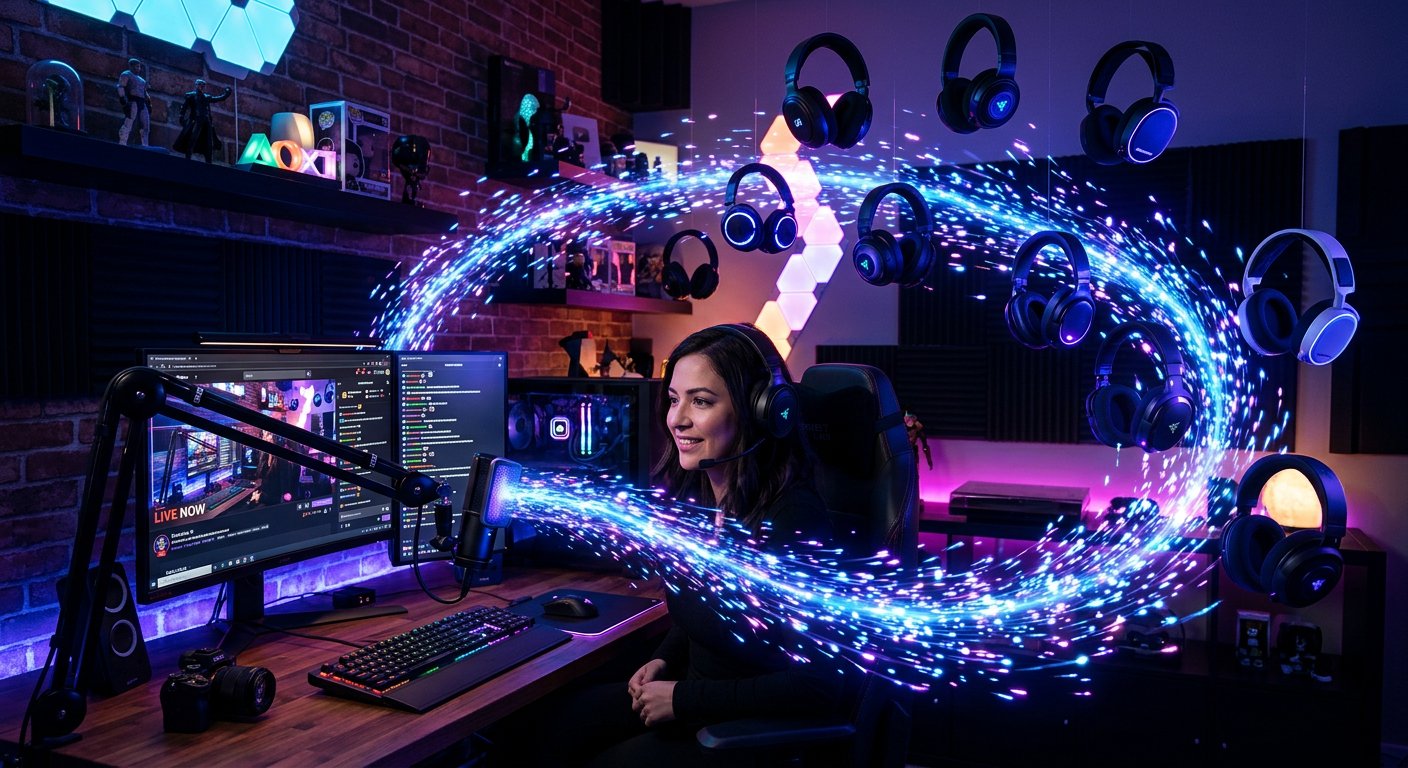
The basic setup includes a device for capturing video, a microphone, a broadcasting program, a stable outbound connection, and an account on the platform. For gaming content, screen or console capture is usually used. For a talk format, sound, lighting, and a clear frame are more important.
Connection stability is more important than maximum resolution. If the communication channel cannot handle the selected settings, viewers will see dropped frames, desynchronization, or stream stoppages. Before launching, it is useful to check the sound, scene, notifications, music rights, and chat delay.
Which Metrics to Watch During a Stream
Views are not the only thing that matters to the creator. It is useful to track average view duration, chat activity, peak viewer count, audience returns, and traffic sources. This data helps to understand at what point viewers leave and which topics get a reaction.
You should not evaluate a broadcast only by the online count in the first minutes. Reach is influenced by launch time, topic, regularity, platform notifications, and the interest of the current audience. Content quality and a clear format usually provide a more useful guideline for channel growth than a one-time spike in viewers.
Last Articles
What has changed in design and functionality We have updated the website to make working with it faster and more convenient. The main changes affect ..
Good afternoon, I've collected all the news during this time.: 1. The main news is that prices for twitch viewers have been greatly reduced, while Tw..
1. Use promo code "December2025" for a 15% discount for all our viewers2. We have reduced the base prices for our configurator and the most affordable..
Twitch services are working stably, so we are ready to cooperate with squads, resellers, service owners, bot owners, and many others.Individual te..
We have completely updated our Twitch viewer services, and they are now working stably. We only use high-quality IP addresses for the viewers.The ..
Hello everyone! Today, we are announcing a new feature—"Twitch Viewer Configurator". Now, you can customize any plan for your Twitch channel. Choo..
Greetings, I have compiled a guide for streamers, which will be very relevant at the moment. Now YouTube and twitch have disabled monetization from vi..
We have finally developed the APINow it will be more convenient for our partner sites to work with us.To update the maximum tariffs for YouTube, an up..
Due to the huge popularity of the partnership services and referral program, we have made a cooperation table. The essence is very simple: more live a..
Our Services for Streamers








Our Services for Content Creators






