AI search through your stream archive: find clips by meaning
What AI search through a stream archive is
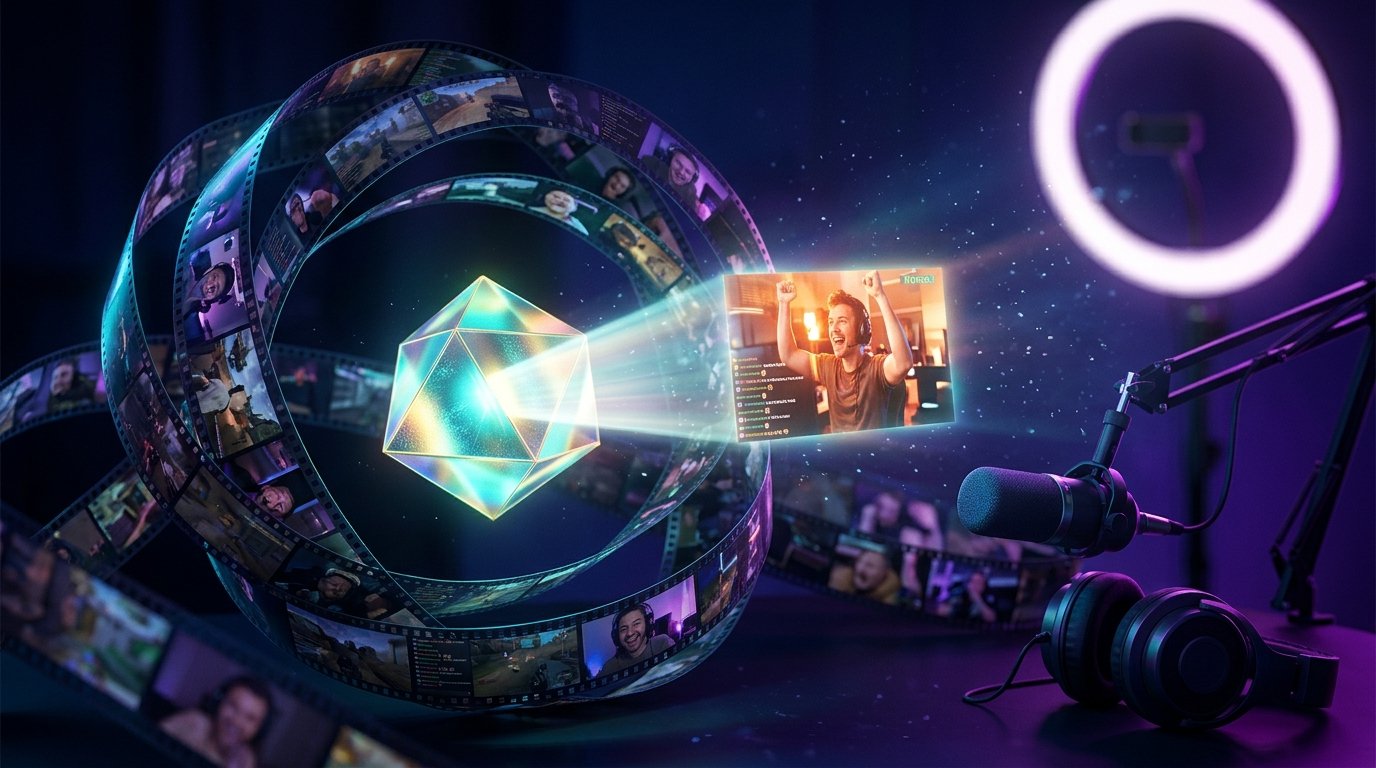
AI search through a stream archive helps you find fragments of a recording not only by exact phrase but also by meaning. Instead of watching a hours-long broadcast, you describe the episode you need in plain words: "the moment where I explain character setup," "the funny reaction to an unexpected ending," or "the discussion of donations at the start of the stream."
For this to work, the system analyzes the recording, converts speech to text, and builds a search index. Depending on the tool's capabilities, it may also take into account scene changes, on-screen text, participants' names, loud sounds, and other signals. In response, you get the found fragment and a timestamp you can jump to.
This kind of search is useful not only for watching old broadcasts. It helps you quickly pick material for clips, highlights, short videos, posts, and social media publications. At the same time, AI doesn't replace checking the recording: you need to listen to the result and evaluate it in context.
How an archive becomes a searchable database
First, the recording is uploaded to the system or connected from the storage where it already lives. Then the audio is processed using speech recognition. The resulting text is linked to the video timeline, so each sentence can be matched to a specific moment in the broadcast.
After transcription, an index is created. It's needed for fast searching by words and semantic connections. With a regular search, the system finds an exact match, for example the word "settings." Semantic search can surface the same fragment even if it says "parameters" or "configuration."
The better the archive is processed, the more accurate the results. If the system can only analyze transcription, it may not understand queries about visual events. Some tools additionally recognize:
- on-screen text and messages;
- changes in game scenes and interface appearances;
- conversation participants;
- laughter, shouting, applause, and sudden volume changes.
The quality of the source matters. A muffled microphone, music over the voice, several people talking, and recording dropouts all hurt transcription. If the archive consists of several files, process them in sequence and keep the link between the recording's name and the broadcast date.
What queries AI understands best
You can phrase a query as a short description of an event. You don't have to remember the exact quote or the word that was said on stream. It's enough to specify the topic, the participant, and the approximate context: "where I first show the new character," "the conversation about preparing for the tournament," "the moment a viewer suggested an unusual solution."
The more useful details in the query, the fewer random results. Specify the game, the topic of conversation, the participant's name, the emotion, or the action. The query "funny moment" is too broad. The variant "funny reaction to a mistake in the match finale" gives the system clearer reference points.
Four groups of details help especially well:
- what happened: a win, a mistake, an argument, an explanation, or a reaction;
- what was discussed: the game, equipment, settings, donations, or plans;
- who was involved: the streamer, a guest, a moderator, or a viewer;
- when it happened: at the start of the stream, after a break, or before the final match.
Don't be afraid to search for one episode using several phrasings. The same moment can be described through a line, an event, and a result. For example, first enter "discussion of the new microphone," then "sound advice," and after that "where I compare the old and new microphone." Different variants help you find the fragment if speech recognition distorted some words.
Two practical query examples
Imagine that after a gaming stream you remember: in one of the matches you explained to a viewer why you changed the mouse sensitivity. You can't find the exact phrase. Instead, the query "explanation of mouse sensitivity settings after the match" will work. If there are too many results, add the game's name or the words "conversation with chat."
Another common scenario is finding a reaction. You know that at the end of the broadcast you unexpectedly lost because of a teammate's mistake, after which you laughed for a few seconds and discussed the situation. The query "funny reaction to a teammate's mistake at the end of the match" will be more useful than "where I laugh." Here AI gets the topic, the event, the emotion, and the approximate time.
How to search for the right fragment step by step
Start with a general description. Don't try to build the perfect query from all the details right away. If you only remember the event, write it in plain words and see what results the search offers. The results usually show short text fragments, the recording's name, and a timestamp.
Then narrow the search. Add the streamer's or guest's name, the game's name, the subject of discussion, and the nature of the event. If there are too many results, remove the extra context. Instead of "the moment about settings," use "mouse sensitivity settings in the conversation after the match."
After that, open a few of the found spots and check the surrounding minutes. AI may point to the start of a conversation, even though the best line came a little later. Sometimes the episode you need is right next to the marked result, because the system links the query to the general topic rather than to a single phrase.
A convenient sequence looks like this:
- Describe the event or topic in plain words.
- Filter results by recording, game, or participant.
- Add a time marker if you roughly remember when it happened.
- Open the found fragment and review a few minutes around it.
- Save the broadcast's name, the time range, and a short description.
Once you find the right moment, immediately note its possible format: a clip, a vertical video, part of a longer highlight reel, or a quote for a post. Such notes turn scattered results into a working catalog of materials for future publications.
Why the found moment needs a manual check
Speech recognition doesn't always capture the streamer's words accurately. Errors come from accents, slang, gaming terms, unusual names, and background noise. The system may misrecord the name of a character, an item, or a place, and then fail to show a result for the correct query.
Semantic search can make mistakes too. It finds semantic similarity but doesn't always understand what matters for a publication. A query about a funny reaction may surface an ordinary discussion of humor, and a query about an argument may surface a calm conversation with opposing views.
Before editing, listen to the fragment in full. Check whether what's happening is clear without a long backstory, whether a line is cut off at the start, and whether the scene ends mid-sentence. For a short video, you often need not one result but a small, complete segment with a beginning, development, and reaction.
Separately check names, numbers, game titles, and technical terms in the subtitles. An error in such a detail can change the meaning of a publication. If the fragment is meant for channel promotion, not only the accuracy of the transcription matters but also how clear it is to someone who didn't see the original stream.
Search by visual and audio events
Not every moment you need is defined by words. Sometimes you remember that a rare item appeared on screen, the map changed, a new tab opened, or a vivid reaction happened, but you don't remember the specific phrase. If the system supports image analysis, such an episode can be searched by describing the visual event.
When querying a visual moment, specify exactly what should be on screen:
- "where the map opens";
- "the moment with the settings demonstration";
- "the appearance of a new item after a win."
Another option is searching by sound. The archive may contain laughter, shouting, applause, a game signal, or a sudden volume spike. These cues help find emotional episodes but require caution: a similar sound may appear in an intro, an ad, a notification, or a conversation with the audience.
For sound search, add an action or context. The query "reaction to an unexpected sound in the game" is more precise than just "loud moment." That way the system can more easily distinguish the right scene from a random notification or a music intro.
If the tool can't analyze video and audio events, use indirect cues. The appearance of a new item is often accompanied by an explanation, and a sharp reaction by words of surprise or laughter. This method doesn't replace visual search but helps you get closer to the right fragment through transcription.
How to turn a found moment into content
A found episode can become the basis for several formats. From it you make a short clip, a vertical video, part of a longer highlight reel, or a post with a quote. The format is chosen not only by length but also by content: an explanation is convenient to present as a useful fragment, while an emotional reaction works as a short video with a fast start.
Before editing, define the main idea. The viewer should quickly understand what's happening and why this moment is interesting. If the fragment starts with a long greeting or conversation, you can cut the extra pause, but you shouldn't remove lines without which the event becomes unclear.
AI search can help find several episodes on one topic. For example, in the archive you can gather all discussions of a particular game, reactions to an update, or answers to viewer questions. From them you get a themed highlight reel, a series of publications, or material to reintroduce the audience to the channel.
A practical option is to make several standalone materials from one stream:
- present an explanation of a game mechanic as a useful short video;
- use a vivid reaction for a clip;
- turn an answer to a viewer's question into a post or a publication with subtitles;
- combine several episodes on one topic into a highlight reel.
Prepare a clear title and description for each fragment. You don't need to retell the whole stream or add random keywords. It's better to state the specific value or event: what happened, what idea the streamer expressed, and why the viewer should watch this excerpt.
Before publishing, check the rights to music, images, guest materials, and other elements of the recording. Also make sure no personal data, private messages, or information not meant to be shown publicly accidentally remains on screen.
How to organize your archive for repeat searches
Search works more conveniently when the archive has a clear structure. It's better to link recording names to content: specify the game, topic, guest, or stream format. If all files are named the same, it will be harder to quickly identify a found moment and use it in your work.
After processing, save not only the link to the fragment but also a short note. Write down:
- what's happening on screen;
- which line is the key one;
- which format the episode suits;
- whether additional context is needed before publishing.
This way, a content library gradually forms that you can return to when preparing publications. After a while, you won't have to rewatch the archive: just open the note and jump to the right timestamp.
Recurring queries show which topics you most often have to search for. If viewers regularly ask about settings, walkthroughs, or equipment, the corresponding fragments should be grouped into separate categories. This helps you prepare answers faster and find ideas for future streams.
For channel promotion, the archive can be used as a source of content between broadcasts. From one stream you sometimes find educational explanations, emotional reactions, and answers to audience questions. You don't have to publish them all at once: materials can be distributed across different platforms and formats while keeping a consistent meaning.
Limitations of AI search and privacy questions
AI search won't recover a moment that isn't in the available archive. If a recording was deleted, damaged, cut, or never processed, the system won't be able to find its content. The same applies to conversations that are barely audible in the source video.
You need to consider language and speech characteristics. Slang, mixing languages, deliberate distortion of words, fast dialogues, and several people speaking at once reduce accuracy. In gaming streams, item and character names become an additional problem, since recognition may record them in different variants.
If the moment you need can't be found, try changing the query:
- replace the exact word with a general description of the event;
- remove the disputed surname, nickname, or item name;
- describe not the line but the action and its result;
- check the neighboring fragment of the recording manually.
Don't upload recordings with personal correspondence, addresses, payment data, and other private information to a third-party system without checking the processing terms. For private archives, it's important to understand who gets access to the files, how long transcriptions are stored, and whether the source materials can be deleted.
The search result should be treated as a hint, not as a final editing plan. The final decision is made by a person: they check accuracy, ethics, appropriateness, and compliance with the platform's rules. This is especially important if the fragment contains a controversial joke, a conflict, a guest's opinion, or a statement taken out of context.
A short action plan
To use AI search through your stream archive without wasting time, follow this scheme:
- Gather the available recordings and check the audio and image quality.
- Process the archive so the system creates a transcription and a search index.
- Describe the moment you need in plain words, adding the topic, participant, or event.
- Refine the query if there are too many results, and check neighboring fragments on the timeline.
- Listen to the found scene, choose a complete excerpt, and save a note about its content.
- Prepare a suitable publication format, and check rights and personal data before posting.
Last Articles
What has changed in design and functionality We have updated the website to make working with it faster and more convenient. The main changes affect ..
Good afternoon, I've collected all the news during this time.: 1. The main news is that prices for twitch viewers have been greatly reduced, while Tw..
1. Use promo code "December2025" for a 15% discount for all our viewers2. We have reduced the base prices for our configurator and the most affordable..
Twitch services are working stably, so we are ready to cooperate with squads, resellers, service owners, bot owners, and many others.Individual te..
We have completely updated our Twitch viewer services, and they are now working stably. We only use high-quality IP addresses for the viewers.The ..
Hello everyone! Today, we are announcing a new feature—"Twitch Viewer Configurator". Now, you can customize any plan for your Twitch channel. Choo..
Greetings, I have compiled a guide for streamers, which will be very relevant at the moment. Now YouTube and twitch have disabled monetization from vi..
We have finally developed the APINow it will be more convenient for our partner sites to work with us.To update the maximum tariffs for YouTube, an up..
Due to the huge popularity of the partnership services and referral program, we have made a cooperation table. The essence is very simple: more live a..
Our Services for Streamers







Our Services for Content Creators