
Why a stream announcement doesn't bring viewers
Reactions don't show readiness to watch the stream
A like, emoji, or short comment takes a follower a few seconds. Tuning into a live stream is a different action: you need to free up time, open the platform, start the broadcast, and decide to stay. A reaction is not an intention to watch the stream. Some of the audience supports the creator automatically, some react to the image, a joke, or a familiar topic but don't plan to watch the content in full.
This is especially noticeable under emotional announcements: a loud headline, a controversial shot, or a meme boosts engagement but doesn't explain what will happen in the stream. Such a post works as a standalone publication, not as an entry point into the broadcast.
The announcement says there's a stream but gives no reason to come
The phrase "stream tonight" informs active viewers, but for everyone else it's too vague. The follower doesn't understand what topic will be covered, what game will be played, who will appear on screen, or at what point the story continues. If the stream looks like just another episode with no differences, putting off watching is easier than rearranging plans.
It's better to highlight one specific reason: a challenge finale, a breakdown of an update, a match against a strong opponent, clearing a difficult stage, or answering questions on a stated topic. The downside of a too-narrow announcement is that it can filter out people who aren't interested in this particular episode. But a vague post usually filters out almost everyone except the core regulars.
The announcement's content doesn't match the stream's content
A post can promise one mood, while the broadcast starts with something completely different. For example, the announcement features a loud conflict or a rare game, but in the stream the first half hour is taken up by technical setup, off-topic conversations, or other content. A viewer who came for the promised moment leaves quickly and reacts worse to the invitation next time.
You don't have to reveal the entire stream plan, but the key promise must be kept. If the main segment starts later, it's worth noting that. This approach has a downside: a clear timing reduces the freedom to improvise. But the audience understands when it makes sense to tune in and feels less deceived.
The post's audience and the stream's audience are different
An announcement often gets reach beyond regular viewers. It may be seen by followers who came for short videos, old posts, giveaways, clips, or another format. They readily leave reactions because the content in the feed is familiar to them, but they don't need streams or they're inconvenient in terms of time.
This doesn't mean broad reach is useless. It helps remind people about the channel and gradually introduce them to the stream format. The downside of such reach is weak conversion predictability: by the number of reactions you can't tell how many new viewers will actually come. Track the behavior of those who regularly watch live broadcasts separately, not just the activity of the entire base.
The announcement lacks time, place, and a simple action
A follower may get interested but not find important details: the exact time, the platform, the link, the channel name, or a reminder about the time zone. While they search for information in the profile, switch between apps, or try to recall the schedule, the interest fades. The more steps between the post and the stream, the more losses.
It's useful to leave a clear path in the announcement: when the broadcast starts, where it will be, and what to do before it begins. If the platform allows turning on a notification or going to the stream page in advance, mention it. A direct link is convenient, but it has a downside: some users don't like leaving their usual social network and simply close the publication.
The posting time doesn't match viewers' habits
A post can gather reactions right after it's published, but by the time the stream starts it's forgotten. This happens when the announcement is posted too early without a follow-up reminder. The opposite situation also hurts: a publication a few minutes before the start doesn't make it into some followers' feeds in time, especially if they rarely open the app.
Separate the announcement and the reminder. The first post builds anticipation and explains the topic, the second brings attention back before the stream. Multiple reminders have a downside — a tired audience may perceive them as spam. Don't repeat the same text; give a new reason to come in: an important segment has started, a guest has appeared, a question collection is open, or the announced challenge has begun.
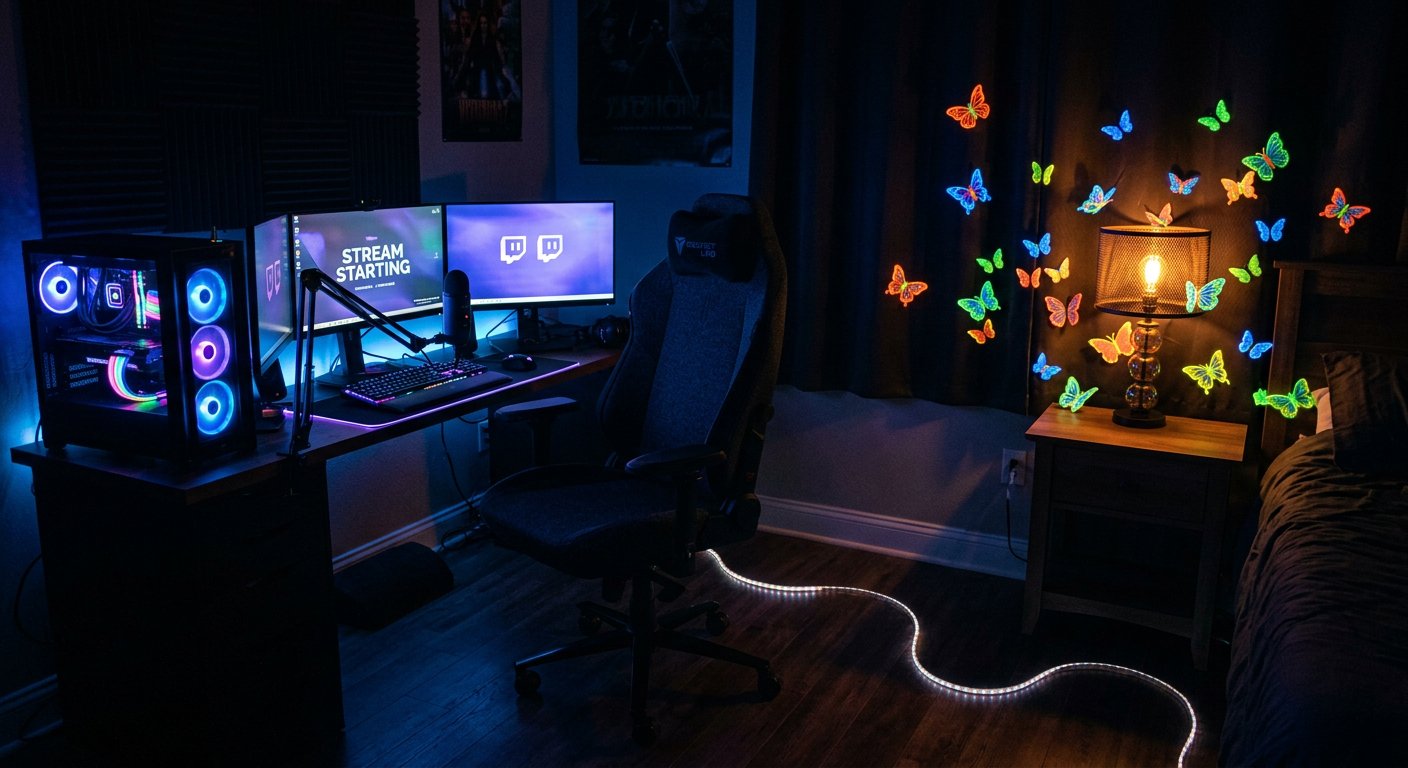
The cover and text attract the wrong people, not those who need the stream
Clickbait visuals can work well for reactions: a bright shot, a provocative phrase, an unexpected character. But if it isn't connected to the stream's program, the publication gathers random engagement. A person reacted to the post, got an emotion, and sees no reason to go further.
The cover should quickly answer two questions: what will be in the stream and why it's worth watching now. Too much information in the design doesn't always help either: small text on an image is hard to read on a phone, and an overloaded composition loses its main focus. Check the announcement in the feed in a reduced size, not just in the editor.
The viewer has no habit of watching the channel live
Subscribing doesn't equal regular viewing. A person may value the creator, watch recordings, watch highlights, and read posts but not be ready to spend time in a live stream. For them, a broadcast looks like a long and unpredictable format where it's hard to tell when the interesting part will start.
A habit can be built with a stable schedule, recurring segments, and a clear stream structure. The downside of a fixed schedule is that it limits the ability to stream spontaneously. Spontaneous streams can also gather the core, but they're harder to promote with announcements: the audience has no established expectation by day and time.
The stated topic isn't suited to a live format
Some topics work well in recordings but poorly hold attention in a live stream. For example, a short news item, a single match result, or a ready answer to a question can get reactions for the announcement, but the viewer has no reason to wait through hours of broadcast. They already got the gist from the publication.
The announcement should sell a specific episode, not the fact of the stream itself. For a stream, what matters are the process, the tension, chat participation, story development, and the ability to influence what's happening. If these elements are missing, it's better not to disguise a regular post as a reason for a broadcast. The downside of interactive formats is that they require moderation and preparation, otherwise the chat starts running the stream chaotically.
The broadcast starts weaker than the post promises
Even a good announcement won't save things if the first minutes of the stream don't confirm the expectation. A viewer comes via a notification, sees an empty screen, long setup, silence, or a conversation on an unrelated topic, and leaves. Reactions to the announcement stay high, but return rates for future streams drop.
Prepare the opening block in advance: a greeting, a brief explanation of the plan, and a quick start to the main topic. A rigid structure has a downside — it can make the stream less natural. But the absence of a start usually costs more: new viewers don't know the context, and regulars don't get the promised reason to stay.
Notifications and algorithms don't deliver the announcement to all followers
Not every follower will see the publication in their feed, and the live-start notification may not arrive or may go unnoticed. Reach is affected by user settings, audience activity, post format, and the platform's internal ranking. That's why the number of reactions shows the response of those who saw the announcement, but not the size of the actually notified audience.
Placing invitations on several platforms is useful if each has a live audience. The downside of cross-posting is that the same text quickly looks mechanical, and followers on different resources may receive duplicates. Adapt the delivery: in a short format use one reason, in a channel with a regular audience use the program and time, in a community use a question or a topic for discussion.
Reactions are counted separately from clicks and retention
To understand the problem, it's not enough to compare likes under announcements. Break the viewer's path into stages: post reach, clicks to the stream page, viewers in the first minutes, average watch duration, returns for the next stream. This will show exactly where the audience is lost.
- Many reactions and few clicks — the post evokes an emotion but doesn't motivate watching the stream or doesn't contain a clear path.
- There are clicks but weak live numbers at the start — viewers didn't wait for the start, didn't get a notification, or ran into an inconvenient entry.
- Live numbers appear and drop quickly — the announcement's promise didn't match the first minutes of the broadcast.
- Viewers watch for a long time but don't return — the problem may be the schedule, the repetitiveness of the format, or the lack of a next reason.
Such diagnostics require regularly recording data, and that's its downside: without a spreadsheet or notes, it's easy to draw conclusions from one successful or unsuccessful stream.
How to test announcements without random conclusions
Change one element at a time: the wording of the topic, the posting time, the cover format, the presence of a link, the reminder before the start. If you replace everything at once, you can't tell what exactly affected the clicks. Compare announcements for similar streams, not a post about a rare event with a regular weekly broadcast.
- Record the topic, start time, and format of a specific stream.
- Note exactly what was in the announcement: the reason, the visual, the link, the call to action, the posting time.
- Mark clicks, starting live numbers, and retention in the first segments of the stream.
- On the next comparable stream, change one element of the announcement.
- Keep the working version only after several observations, not after a single spike in reactions.
Slow tests don't give an instant answer and are poorly suited for urgently promoting a one-off event. But they help distinguish a pretty post that the feed likes from an announcement that actually brings the right viewers to the stream.
Last Articles
What has changed in design and functionality We have updated the website to make working with it faster and more convenient. The main changes affect ..
Good afternoon, I've collected all the news during this time.: 1. The main news is that prices for twitch viewers have been greatly reduced, while Tw..
1. Use promo code "December2025" for a 15% discount for all our viewers2. We have reduced the base prices for our configurator and the most affordable..
Twitch services are working stably, so we are ready to cooperate with squads, resellers, service owners, bot owners, and many others.Individual te..
We have completely updated our Twitch viewer services, and they are now working stably. We only use high-quality IP addresses for the viewers.The ..
Hello everyone! Today, we are announcing a new feature—"Twitch Viewer Configurator". Now, you can customize any plan for your Twitch channel. Choo..
Greetings, I have compiled a guide for streamers, which will be very relevant at the moment. Now YouTube and twitch have disabled monetization from vi..
We have finally developed the APINow it will be more convenient for our partner sites to work with us.To update the maximum tariffs for YouTube, an up..
Due to the huge popularity of the partnership services and referral program, we have made a cooperation table. The essence is very simple: more live a..
Our Services for Streamers








Our Services for Content Creators






