
What to do if an API order was created but its ID was not saved in the panel
Check whether the order was accepted by the API
The absence of an ID in the panel does not always mean the order was not created. The request may have reached the service, but the response with the identifier was not saved in the script, CRM, database, or intermediate handler. First, you need to separate a display error from an order creation error.
Check the HTTP status, response body, and send time. A successful status together with an identifier field usually means the order already exists on the service. If the connection was interrupted, the response is empty, or the server returned an error, the result cannot be considered known without additional verification.
The drawback of checking only the HTTP status is that it does not always confirm the ID was written to your system. The error may have occurred after the external API had already accepted the request.
Find the API response and ID in the integration logs
The main source for recovery is the logs of the application, server, task queue, or automation system that sent the order. Look for entries by call time, channel or publication link, service, quantity, and internal request number.
The field name depends on the specific API documentation. The field order_id is common, but the identifier may be in id, order, or another part of the response. For example, the log may contain an entry: response={"order_id":"123456","status":"success"}. If such a response is found, save the ID in the request card and check it in the service panel.
It helps to search not only for successful responses but also for messages about database write errors: the API may have returned a number, but the handler did not manage to save it before a restart or failure.
The drawback of this method is that logs may be cleared quickly, and the response body is sometimes not recorded due to security settings or space savings.
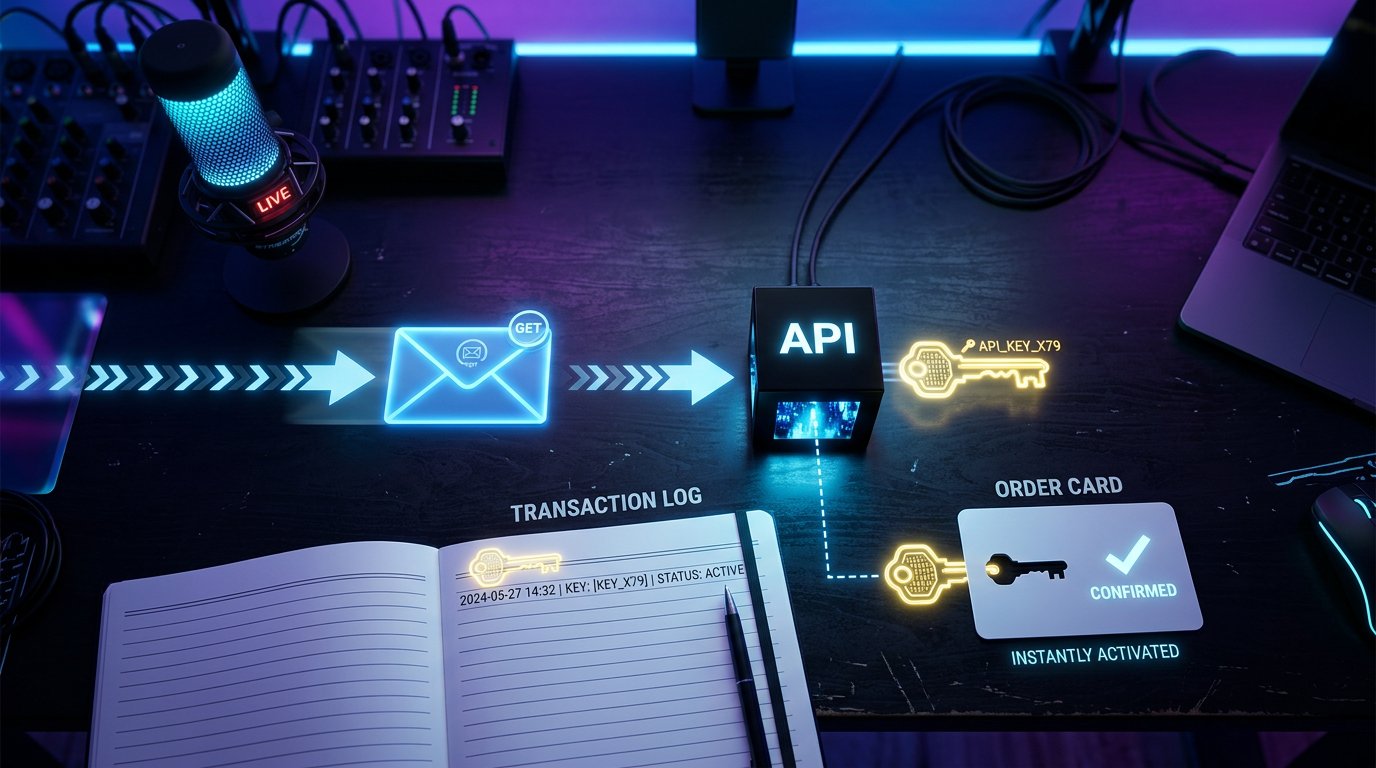
Match the order with a record in the panel
Open the order history and filter the period around the request send time. Do not look for the request by quantity alone: identical orders for the same link are easy to confuse, especially if the request was sent again after a timeout.
Compare several attributes at once: the exact link from the request body, service, quantity, creation time, cost, status, and order source. If the panel shows an API, integration, or external request marker, use it as an additional attribute, but not as the only confirmation.
- First, compare the link in the panel with the URL that was sent to the API.
- Check the creation time taking into account the time zone of the panel and the server.
- Match the service, quantity, and other request parameters.
- Once they match, save the found ID in the internal order card.
The drawback of searching in the panel is that the service may show limited history, round the time, or not display all parameters received via the API.
Do not send the same request before checking for duplicates
If the client side did not receive a response, there is a temptation to repeat the request immediately. First check the logs and order history. The first request may have been accepted, and the connection between your server and the API may have been interrupted before the response was received.
Retrying without checking can create two orders for the same target. Canceling the second order is not always possible: it may quickly move into processing, and the ability to cancel depends on the service rules. A connection timeout does not confirm that the API refused to create the order.
If the API supports an idempotency key or an external request ID, pass a constant value for one operation. On resend, the service will be able to recognize the same request. The drawback of the method is that idempotency is not available in every API, and the key validity period and retry handling rules must be clarified in the documentation.
Check the task queue and the database record
The order may be lost not between the service and the panel, but inside the integration. For example, the API returned a response, but the task failed while saving data to the database, the queue was restarted, or the transaction did not complete. Then the ID will remain in the call log but will not appear in the orders table.
Check the background task status, resend attempts, database errors, webhook logs, and the response handler journal. Link the internal request ID with the API call time: this makes it easier to distinguish the required operation from similar orders.
The drawback of this option is that access to the queue, database, and technical logs is usually available only to the developer or integration administrator.
Contact support with complete request data
If the ID could not be found in the logs and the panel, the service support team can check order creation by the operation parameters. The message "the order disappeared" is almost no help: the specialist needs to distinguish the request from other orders with the same link and quantity.
- Specify the date and the exact or approximate send time with the time zone.
- Provide the link, service, quantity, and other order parameters.
- Add the internal request ID or task identifier in your system.
- Attach a screenshot of the API response or a fragment of the technical log with the HTTP status and call time.
- Provide the request body without tokens, passwords, access keys, and other secret data.
- Specify the client ID if it is used in the panel or passed via the API.
- State whether there were retry attempts and specify the time of each repeated request.
The drawback of contacting support is that the check may take time, and without precise parameters the employee will not be able to reliably distinguish the required request from a similar one.
Set up saving of the ID and the full response for the future
After each API call, save in a single record the internal request ID, send time, URL or method name, request body without secrets, HTTP status, full response, and the received order ID. You need to log the API response itself, not just the message "order created": otherwise the number will have to be recovered manually again.
Separate the states "API returned an error," "no response received," and "response received but not written to the panel." For requests with an unknown result, a "pending verification" status is useful. Such a request should not be automatically resent until the system finds the result via the log, idempotency key, or order history.
The drawback of additional logging is that it requires storage and data protection setup. Do not write tokens and API keys to the logs, and choose the response retention period taking into account access rules and log volume.
Last Articles
What has changed in design and functionality We have updated the website to make working with it faster and more convenient. The main changes affect ..
Good afternoon, I've collected all the news during this time.: 1. The main news is that prices for twitch viewers have been greatly reduced, while Tw..
1. Use promo code "December2025" for a 15% discount for all our viewers2. We have reduced the base prices for our configurator and the most affordable..
Twitch services are working stably, so we are ready to cooperate with squads, resellers, service owners, bot owners, and many others.Individual te..
We have completely updated our Twitch viewer services, and they are now working stably. We only use high-quality IP addresses for the viewers.The ..
Hello everyone! Today, we are announcing a new feature—"Twitch Viewer Configurator". Now, you can customize any plan for your Twitch channel. Choo..
Greetings, I have compiled a guide for streamers, which will be very relevant at the moment. Now YouTube and twitch have disabled monetization from vi..
We have finally developed the APINow it will be more convenient for our partner sites to work with us.To update the maximum tariffs for YouTube, an up..
Due to the huge popularity of the partnership services and referral program, we have made a cooperation table. The essence is very simple: more live a..
Our Services for Streamers








Our Services for Content Creators






