
How to Create a Minecraft Challenge Controlled by Viewers
What Makes a Challenge Viewer-Controlled
A regular Minecraft challenge is built around a restriction: beat the game without armor, don't break blocks, survive on a single island. The interactive format adds a second rule: viewers can change the conditions during the stream. They choose prohibitions, tasks, the route, equipment, or the penalty for a mistake.
Control must be limited. If the chat can cancel all progress at any moment, the stream turns into a series of restarts. If viewers only influence cosmetics, the interactivity quickly stops being interesting. The working scheme is to give the audience influence over decisions that change tactics but don't make completion impossible.
Start With the Main Goal of the Playthrough
First, define what counts as a win. The goal should be clear to someone who joined in the middle of the broadcast: find a fortress, defeat the dragon, build an object, survive a certain number of days, or complete a list of achievements. The goal determines which viewer commands will be appropriate.
For a short stream, a single task with a clear finale works better. For a series of broadcasts, you can use a long goal with daily intermediate stages. The downside of a long challenge is that it's harder for new viewers to understand the context and feel their influence on the result.
- Defeating a boss works well for votes on preparation and gear.
- Survival with restrictions lets the chat add new prohibitions as the game progresses.
- A building challenge gives viewers control over the theme, palette, and details of the project.
- A map playthrough is convenient for choosing a route and additional conditions.
Choose One Type of Audience Influence
Don't mix votes, paid commands, random events, chat tasks, and death penalties all at once. The viewer must understand what action they can take and what it will lead to. For a first interactive challenge, one mechanic that repeats throughout the stream is enough.
The simplest option is a regular vote. The chat chooses one of two or three options: go to the Nether or explore a mine, craft a shield or a bow, build a farm or find a village. The downside of votes is that they can slow the pace, especially if you launch them too often.
Another option is for viewers to suggest tasks while you pick the suitable ones. This format gives more live interaction but requires active moderation. Without selection, the chat quickly starts repeating the same impossible or deliberately annoying conditions.
Phrase Conditions Without Debatable Interpretations
A bad condition causes an argument: "don't use rare resources," "play carefully," "don't take strong weapons." Viewers and the streamer will have different ideas of what counts as a violation. A good condition can be checked immediately: don't eat meat, don't use a bed, wear only leather armor, don't place torches.
Before starting, state when the rule takes effect and when it ends. For example, a ban on mining iron lasts until the next vote, and the task to build a shelter counts as complete after installing a door, a bed, and a light source. The downside of overly precise wording is that the rules can sound cumbersome. It's better to display them on screen in short phrases.
Use Conditions That Change Tactics
Viewers find it more interesting not just to watch a penalty but to see how a new rule changes your decisions. A ban on jumping affects movement, a slot limit forces you to choose resources, giving up a certain type of food changes preparation for a trip. Such restrictions create situations that can be discussed in chat.
A condition should leave several paths to a solution. If the chat bans all types of weapons right before a difficult battle, the choice of tactics disappears. If it allows only one type of weapon, you have to adapt, look for resources, and change the plan. The downside of tactical restrictions is that part of the audience may not immediately understand their consequences. A short explanation before launching the rule solves this problem.
- Use only items found in chests.
- Don't return home until the chosen task is complete.
- Keep a limited number of inventory slots for resources.
- Choose one biome where mining materials is allowed.
- Replace your usual tool with a weaker equivalent.
- Build a base before the next in-game night falls.
Add Viewer Decisions at Clear Moments
The best time for chat intervention is a fork in the road. You've found a village, approached a portal, finished a mine, returned to base, or are preparing for a dangerous journey. At that moment, viewers already see the context and can make a meaningful choice.
Don't launch a vote during a battle, parkour, escape from mobs, or any other situation that requires constant concentration. The chat may perceive the pause as ignoring them, and you risk losing because you tried to read messages. The downside of tying votes to forks is that there can be a long gap between them. You can fill it with small tasks without a choice: guess the found resource or suggest a name for the base.
Limit the Frequency of Commands and Penalties
Every viewer intervention should have a cost in time. If a new rule appears every minute, it's impossible to remember and follow. If a penalty triggers after every minor mistake, the viewer stops distinguishing important moments. It's useful to choose an interval in advance: upon completing a goal, after death, at the end of an in-game day, or at a specially marked point on the route.
The stronger a command's influence on the playthrough, the less often it should appear. This preserves the value of the choice. For example, you can change the route after a major stage, but choose the material for the next build more often. The downside of rare commands is that active viewers may get bored waiting. For them, it's worth leaving the discussion of options in advance, but not changing the rule until the appointed moment.
Prepare a Set of Safe Options
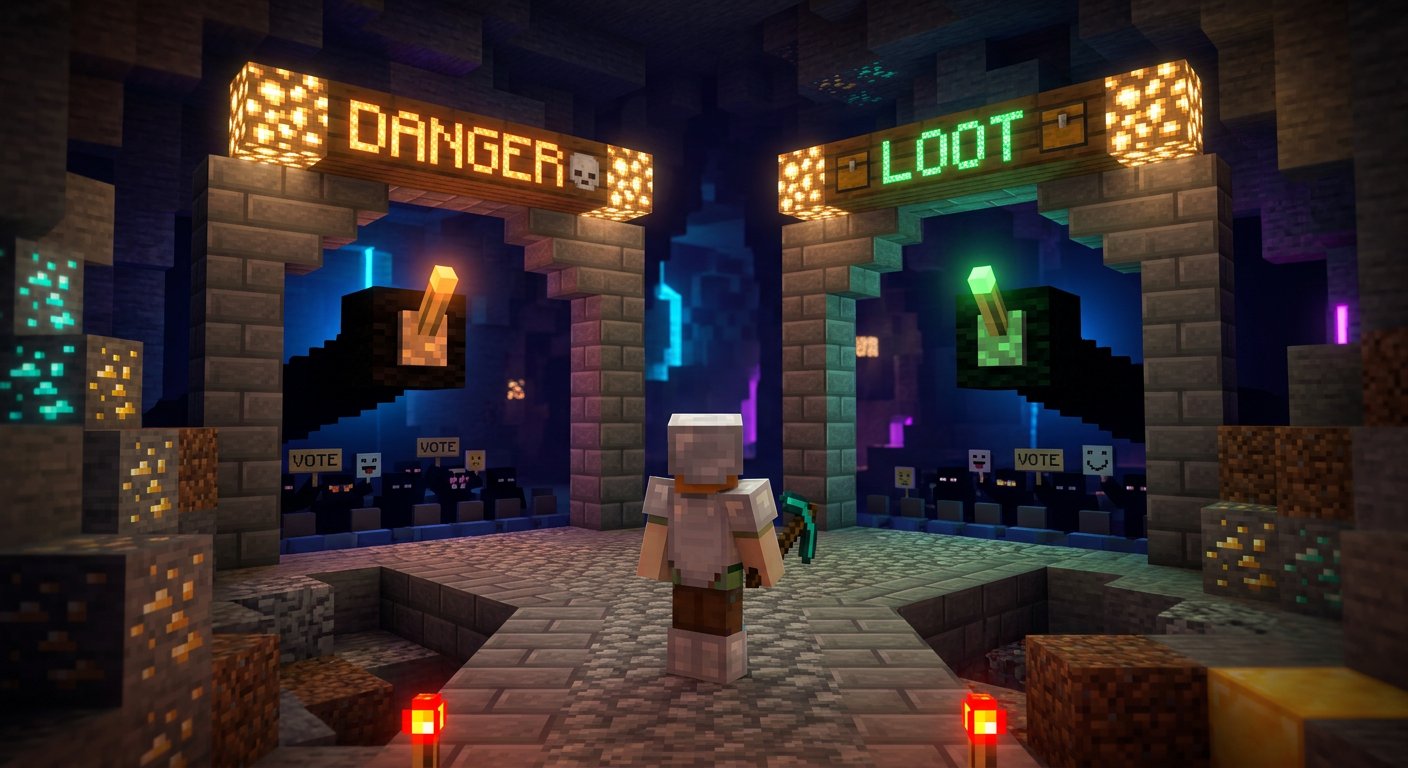
Don't assemble all conditions only from chat messages. Make a list in advance of the rules you're willing to accept in this world and on this stream. Then the vote will include options that can create an interesting situation rather than break the broadcast. This is especially important for survival with a limited number of attempts.
The set needs conditions of varying severity. Some change the play style for a short time, others create a long task, and others work as a penalty for failure. The downside of a pre-prepared list is less sense of complete unpredictability. But viewers get an honest choice between options rather than an illusion of control that you then have to cancel.
- Easy option: choose the next biome or type of food for a short stretch.
- Medium option: ban one tool until a task is complete.
- Hard option: head to a dangerous location with a limited set of items.
- Penalty: drop a random item, build a temporary shelter, or return to base on foot.
Set Boundaries for the Chat in Advance
It's best to pin the participation rules in the stream description, a chat message, or on screen. State which suggestions are accepted, how long the vote lasts, whether the same idea can be repeated, and what happens in case of a tie. If there are paid ways to interact, separately explain which commands they don't grant.
Don't let viewers buy the right to insults, spam, dangerous tasks, or bypassing platform rules. Explicitly exclude demands to reveal personal data, include dubious links, deliberately ruin other players' worlds, or use prohibited mods. The downside of strict boundaries is that part of the audience may see them as a restriction of freedom. Without them, interactivity easily becomes a conflict instead of a game.
Separate Viewer Choice From Moderator Decision
A vote answers the question of which option the majority likes. The moderator answers the question of whether that option can be launched at all. These roles shouldn't be mixed. If the winning condition violates the broadcast rules, repeats an already active ban, or requires too much time, it must be replaced before execution begins.
With an active chat, it's useful to agree on signals with the moderator in advance: they collect suggestions, remove spam, publish the final options, and remind of the current rule. The downside of this scheme is that without a dedicated person, you'll have to do part of the work yourself. In that case, reduce the number of formats and use only ready-made votes.
Think Through What Happens After Death or Failure
Death in Minecraft often becomes a natural point for viewer reaction. They can choose a penalty, a new route, an equipment swap, or an additional restriction for the next attempt. But the penalty shouldn't destroy all interest in continuing. A full world restart is only appropriate when that was the main rule of the challenge from the very beginning.
A soft option is to lose part of the accumulated advantage or complete a separate recovery task. A hard one is to give up an important item or go through a dangerous stage with restrictions. The downside of soft penalties is that death may seem insignificant. Hard ones have the opposite problem: after several failures, the stream risks getting stuck recovering progress.
Show the Current Condition on Screen
A viewer isn't obligated to remember a rule the chat chose twenty minutes ago. A short caption helps new people join in and reduces the number of repeated questions. It's enough to indicate the active restriction, the nearest goal, and the way for the audience to intervene next.
Don't overload the screen with a long list. If too many rules have accumulated, that's a signal to remove old ones or combine them into one clear mode. The downside of on-screen hints is that they need to be updated manually or set up in advance. However, without them, interactivity looks less transparent, especially for viewers watching the broadcast without sound.
Alternate Control, Discussion, and Execution
A controlled challenge works in a cycle: viewers get information, choose an action, watch the consequences, and discuss the result. If you leave only the votes, you get a series of polls without gameplay. If you leave only the execution, the chat stops feeling that it influences the stream.
After a decision, let the chosen condition play out. Comment on how it changes the plan, note the successful and unsuccessful consequences, and return to relevant messages. The downside of this pace is that it requires discipline: sometimes you'll have to not open a new vote even though the chat is actively asking for more. Otherwise, the previous choice won't have time to become part of the playthrough.
Examples of Mechanics for Different Stream Formats
For solo survival, a stage system works well. After each major action, the chat chooses the next restriction: resource gathering, base preparation, a trip to the Nether, or a boss fight. The downside of the format is that viewer control only appears at the end of stages, not constantly.
For a hardcore playthrough, you can use a complication bank. After reaching a goal, viewers choose one new rule from a safe list. The downside is that too many accumulated restrictions make the world practically unbeatable, so some rules should have an expiration.
For building, choosing a brief works well: theme, materials, a mandatory detail, plot size, building function. The downside of building interactivity is that the result appears more slowly than in survival, and it's harder for viewers to assess the consequences of a choice right away.
For a map playthrough, use the choice of route or an additional goal. The downside is that the map may not provide equivalent paths, so the options need to be checked in advance.
Test a Condition Before Promising It to the Chat
Before the stream, test the world, mods, commands, and rules on a separate save. Check whether the task can be completed without hidden requirements, whether the restrictions conflict with each other, and whether there's a way to get back into the game after a failure. Separately prepare backup options in case the chosen condition turns out to be impossible due to world generation or a technical error.
Don't hide the cancellation of a rule if it was needed. Briefly state the reason and offer the chat a replacement from the same difficulty level. The downside of backup options is that preparation takes time before the stream. But during the broadcast, you won't have to explain why the viewer's choice suddenly stopped working.
Last Articles
What has changed in design and functionality We have updated the website to make working with it faster and more convenient. The main changes affect ..
Good afternoon, I've collected all the news during this time.: 1. The main news is that prices for twitch viewers have been greatly reduced, while Tw..
1. Use promo code "December2025" for a 15% discount for all our viewers2. We have reduced the base prices for our configurator and the most affordable..
Twitch services are working stably, so we are ready to cooperate with squads, resellers, service owners, bot owners, and many others.Individual te..
We have completely updated our Twitch viewer services, and they are now working stably. We only use high-quality IP addresses for the viewers.The ..
Hello everyone! Today, we are announcing a new feature—"Twitch Viewer Configurator". Now, you can customize any plan for your Twitch channel. Choo..
Greetings, I have compiled a guide for streamers, which will be very relevant at the moment. Now YouTube and twitch have disabled monetization from vi..
We have finally developed the APINow it will be more convenient for our partner sites to work with us.To update the maximum tariffs for YouTube, an up..
Due to the huge popularity of the partnership services and referral program, we have made a cooperation table. The essence is very simple: more live a..
Our Services for Streamers








Our Services for Content Creators






