
The "Refill" button in the SMM panel: how refill works
What the "Refill" button means
The "Refill" button submits a request to restore a metric for a previously completed order if part of the result has dropped. For example, after ordering followers, their number may decrease. In the panel, this function may also be called "Refill."
The request is tied to a specific order. The button does not place a new order or initiate a refund. Refill availability and its terms depend on the service.
Why drops happen
Followers may unfollow, and the platform may remove or block accounts that were part of the order. Views, reactions, and other metrics may also be adjusted after activity checks. The reason for a decline is not always known to the channel owner or the SMM panel.
Even a restored metric may decline again. A refill does not protect the account from platform checks and does not make the acquired audience permanent.
How to check whether there has been a drop
The reference point for checking is the difference between the starting metric, taking into account the completed order volume, and the current counter. For example, before the order there were 1,000 followers, an order for 100 followers was completed in full, and now the counter shows 1,060. The difference from the expected 1,100 is 40 followers.
This is a calculation of the overall decline, not proof of a drop under the order. New followers may have arrived or previous ones may have left during that time. If the order was partially completed, you need to account for the volume actually added rather than the ordered volume.
Why the panel's calculation may differ
The provider may compare the current counter with the starting value recorded when the order was processed and apply its own service terms. If other orders for the same channel were running at the same time, it is especially difficult to separate their result from organic growth and unfollows.
If there is a discrepancy, it is worth asking support for the starting value and the drop calculation for the specific order. Screenshots of the counter will help show the change but will not establish its cause.
When the button is available
The button usually appears for an order whose service includes refill. Availability may depend on the order status, how long the function is valid, and the interval between requests. Some services have no refill at all.
The terms may limit the minimum drop, the number of requests, or the refill period. The start of this period also needs to be checked: depending on the service, it may be counted from when the order was created or completed.
What to check before submitting a request
In the order history, find the relevant entry and open the service description. There you should check the completed volume, the refill period, any possible restrictions, and the cost: if the terms do not state whether the procedure is free, it is best to clarify with support.
The link to the profile, channel, or post must remain active. If you changed the username, deleted the post, or restricted access to it, the provider may not be able to find the order object. Whether the link can be updated depends on the panel.
How to submit a refill request
The names of sections and buttons differ across panels, but the general procedure is usually as follows:
- Open the order history and find the order by number, link, or service.
- Check the status, completed volume, and refill terms.
- Click "Refill" next to the relevant order.
- If the panel asks for confirmation or additional data, fill it in and submit the request.
- Check the request status in the order card, refill history, or panel notifications.
There may not be a separate refill card in the panel: the status is sometimes shown next to the original order.
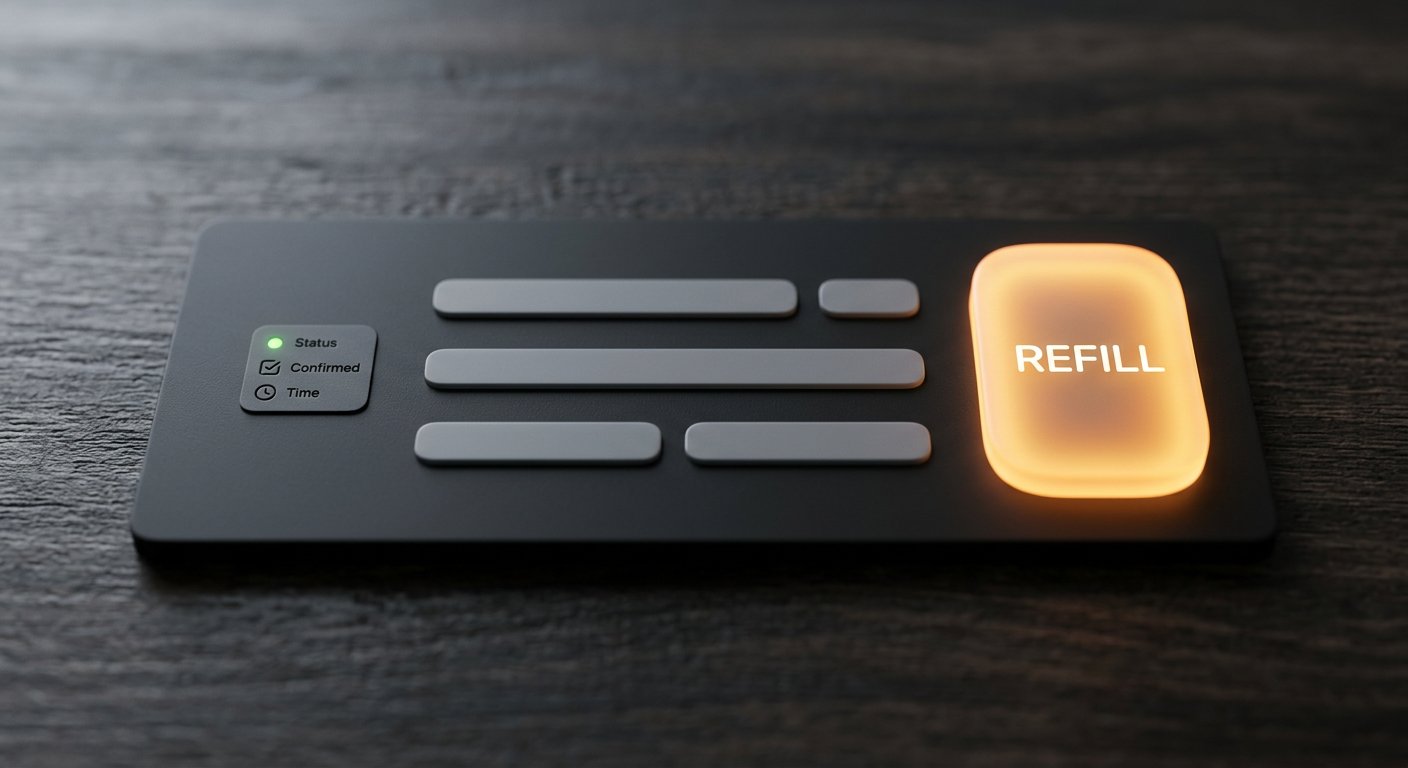
What the request looks like in the history
After submission, a request marker or a separate entry with its status may appear next to the order. Status names vary: the panel may show that the request has been created, is being checked, is in progress, is completed, or was rejected. The exact status meaning should be checked in the panel's help section.
An accepted request does not equal a completed refill: the provider is still checking the order, and the restoration may not be completed in full.
How long to wait for a refill
The request may appear in the panel immediately or after a few minutes. The check and the refill itself may take hours or several days: the request is processed first, and then the missing volume is added again if the terms provide for it.
These are guidelines, not a universal standard. The timeframe depends on the provider, the queue, and platform restrictions. Duplicate requests usually do not speed things up and may interfere with the review.
Refill period vs. processing time
These terms are easy to confuse. The refill period defines the window during which you can request restoration after a drop. The processing time shows how long it may take to review or complete an already submitted request.
A long refill validity period does not mean that every request is processed instantly. If the period is coming to an end, it is useful to save the date the request was submitted and clarify with support which rules apply to this service.
Why a request may be rejected
Grounds for rejection may include an expired refill period, an unsuitable order status, or no drop according to the provider's calculation. A request may also fail if the link is unavailable, the service no longer supports restoration, or a previous request is still being processed.
If a rejection comes without explanation, it is worth asking for the reason and the calculation data. Resubmitting without fixing the problem may end with the same result.
If the button is missing or the request is stuck
First, check the service description and the order status. A missing button may mean that refill is not included, the period has expired, or the order is not yet eligible for a request. Sometimes you need to wait for the interval specified by the provider before submitting a request.
If the status does not change for a long time relative to the timeframe specified for the service, you can contact support. A manual check is not available in every panel and may also take time.
What to write to support
For the check, it helps to have the order number, the link to the promotion object, the starting and current metrics, the completed volume, the request date, and its status. If some data is unknown, you can ask support to find it in the order history. A screenshot with a date will help record the current counter.
Example message: "For order No. [number] at [link], the metric has decreased. Before the order it was [number], [number] was completed, and it now shows [number]. The refill request was submitted on [date], status — [status]. Please check the drop calculation and the request status."
What data is not needed for the check
You should not share your account password, login code, or two-factor authentication codes with support. To find an order, its number and the link to the promotion object are usually enough. If support needs additional information, it is worth asking why it is required.
In a screenshot, it is helpful to leave the metric and date visible but hide payment details, personal messages, and other information unrelated to the request.
How refill differs from a new order
A refill relates to a previous order: the provider checks the drop and the terms of that service. A repeat order is a separate purchase of a new volume. It can be useful when refill is not included or its period has expired, but you will have to pay for the service again.
The downside of a new order is that it does not eliminate the cause of drops. In addition, mixing the results of several orders complicates the calculation and verification of each of them when requesting restoration.
How refill differs from a refund
With a refill, the provider tries to restore the metric. With a refund, part or all of the paid amount is returned according to the panel's rules. For example, a partially completed order may be considered for recalculation, but this does not mean that any refill rejection automatically gives the right to a refund.
The money may be credited to the panel's internal balance rather than back to the payment method. The refund terms and the possibility of withdrawal should be checked before submitting a request.
Risks of services with refill
The presence of the button does not indicate the quality of the audience. Restored followers may not watch streams or participate in chat, and artificial activity may violate platform rules. Counter adjustments and other restrictions from the platform are possible.
A service with refill can help you request restoration of a paid metric, but it does not guarantee growth of a live audience. Without refill, such an option may not exist at all, so the terms should be checked before purchase.
Last Articles
What has changed in design and functionality We have updated the website to make working with it faster and more convenient. The main changes affect ..
Good afternoon, I've collected all the news during this time.: 1. The main news is that prices for twitch viewers have been greatly reduced, while Tw..
1. Use promo code "December2025" for a 15% discount for all our viewers2. We have reduced the base prices for our configurator and the most affordable..
Twitch services are working stably, so we are ready to cooperate with squads, resellers, service owners, bot owners, and many others.Individual te..
We have completely updated our Twitch viewer services, and they are now working stably. We only use high-quality IP addresses for the viewers.The ..
Hello everyone! Today, we are announcing a new feature—"Twitch Viewer Configurator". Now, you can customize any plan for your Twitch channel. Choo..
Greetings, I have compiled a guide for streamers, which will be very relevant at the moment. Now YouTube and twitch have disabled monetization from vi..
We have finally developed the APINow it will be more convenient for our partner sites to work with us.To update the maximum tariffs for YouTube, an up..
Due to the huge popularity of the partnership services and referral program, we have made a cooperation table. The essence is very simple: more live a..
Our Services for Streamers








Our Services for Content Creators






