
Kick Channel Description: Attracting Viewers
Why a Kick Channel Description Matters When Viewers Come for the Stream
A channel description doesn't generate traffic on its own and doesn't replace engaging broadcasts. Its purpose is different: to help a new visitor quickly understand where they've landed, what's happening here, and whether it's worth coming back.
A viewer might open your profile after a recommendation, a short clip, a social media mention, or a link from another creator. They've already shown interest but don't yet know if your streams will match their expectations. A clear description shortens the path from a casual click to watching and subscribing.
Good text answers not only the question "who are you" but also "why might this channel be right for me." It should include the topic, format, what makes it unique, the schedule, and a clear next step.
Don't turn the description into an autobiography. For a new visitor, it's more important to know what they'll see today or on the next stream than to read a long story about how the channel was created.
Kick Limitations: Length, Text, and Search Display
For a short description or channel bio on Kick, keep in mind the 300-character limit. This space includes not just letters but also spaces, punctuation, emojis, and link text. Before saving, check the counter in the interface: if the platform changes the field or its limit, the value shown by Kick itself will be the current one.
The safe formatting option is plain text with short paragraphs or separators. Don't rely on HTML tags or full Markdown formatting: the formatting may not display the way you intended. It's best to write the link carefully and check it after saving. A long URL quickly uses up the available space, so leave just one main platform or a link to a page where other contacts are collected.
The description shouldn't be considered a standalone search engine optimization tool. Kick's internal search and recommendation blocks depend not only on profile text but also on the channel name, category, current stream title, activity, and other platform signals. There's no reason to expect that every word in your bio will make the channel appear for a corresponding query.
So use your main keywords naturally: the game name, music genre, IRL stream format, or podcast topic. Don't repeat them as a list. Put the main topic in the first line, the channel name and stream title, and use the description to confirm expectations.
Six Pieces of Information That Help Viewers Decide
Typically, six types of information are useful in a description. They don't require six separate paragraphs: some points can be combined to fit within Kick's limit.
Who you are. State your nickname and role: streamer, musician, host, artist, podcast creator, or IRL streamer.
What the channel is about. Name the main games, topics, segments, or creative direction. A vague phrase like "everything here" doesn't help anyone choose a channel.
How the stream goes. Explain the format: blind playthrough, ranked matches, live conversation, music creation, walks, or interviews.
Who it's for. You can indicate the pace and atmosphere: relaxed streams without rushing, competitive games, beginner-friendly breakdowns, or chat-involved conversations.
When you go live. Add days, times, and time zone if your schedule is stable enough.
What to do next. Invite them to subscribe, join the next stream, or open a single link with the schedule and updates.
Chat rules and additional links can also be useful, but that's supporting information. They shouldn't push out the channel's topic and format. If you're short on characters, keep what helps a new viewer decide whether the stream is right for them first.
How to Build a Description from Six Points Using a Three-Part Formula
The final text is best structured in three major blocks. First — who you are and what the channel is about. Second — how exactly the streams go and what makes them different. Third — when to come and what action to take.
This is how the six pieces of information are distributed without conflict:
The first block includes the creator and the main topic.
The second combines format, atmosphere, and target audience.
The third contains the schedule and a call to action.
Chat rules and a link are added at the end if there's room left. They aren't a mandatory fourth part of the formula but support the main message. This order matters: the viewer should first understand the channel's value, and only then see the technical details.
The basic template looks like this: "I'm [who you are]. Here [what happens and for whom], in the format of [distinctive feature]. Streams — [schedule]. [One action or link]." Don't copy the template word for word — replace generic words with specifics.
Example Description for a Gaming Channel
In a gaming description, listing project titles isn't enough. The same game can be played silently, with detailed story discussion, in competitive mode, or together with viewers. It's the format that helps understand what watching will be like.
Instead of "I stream various games," it's better to write: "I play story-driven RPGs blind, discuss character decisions, and read chat during the stream." Here there's a topic, a style, and a reason to stay on the broadcast.
Example of a ready-made text:
"I'm [nickname]. I play RPGs and story games blind, discuss characters, and don't rush to skip details. Streams on Tuesdays and Thursdays at 7:00 PM Moscow time. Spoilers and hints — only by agreement. Schedule — via the link in my profile."
If you change games often, don't list the entire catalog. Name two or three main directions, and put the current project in the stream title. Update the description when the main topic changes, otherwise a new visitor will see a promise the channel no longer keeps.
Examples for Music, IRL, and Podcasts
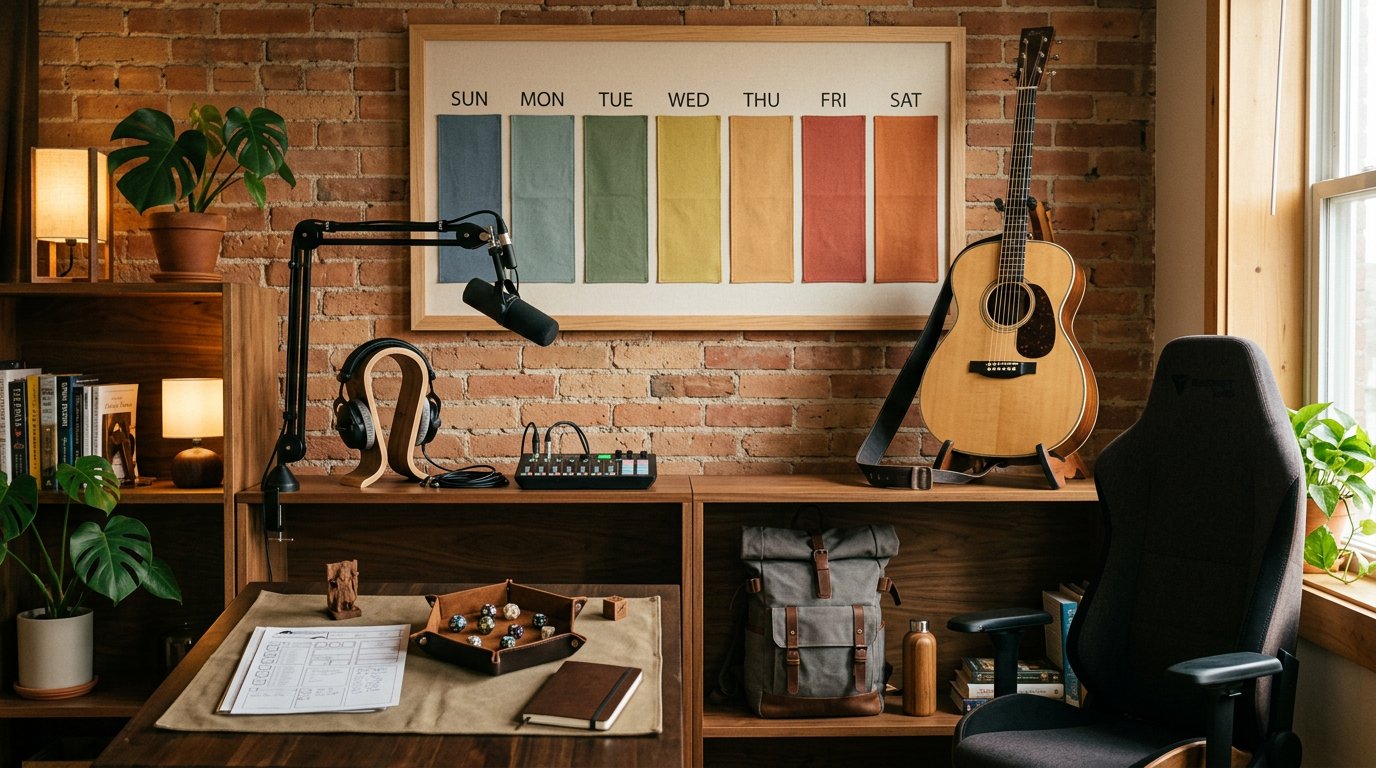
Non-gaming channels also need specifics. A musician needs to state the genre and how viewers can participate, an IRL creator — the type of routes or events, and a podcast host — the topic and format of the conversation.
Music Channel
"I'm [name], I play acoustic covers and break down songs by your requests. Relaxed music streams on Mondays and Fridays at 8:00 PM Moscow time. Song list and news — on social media via the link."
IRL Channel
"IRL streams from [city or region]: walks, local events, and chat conversations without staged scenes. I post the route and time of the next broadcast before the stream. In chat — respectful communication and no sharing of personal data."
Podcast or Talk Channel
"I discuss streaming, games, and work on creative projects with guests and viewers. You can leave questions in chat during the recording. New episodes come out on Wednesdays, topics and schedule — via the link in my profile."
Each example has not only a niche but also a clear viewing experience. That's more useful than words like "unique content," "cozy atmosphere," or "we talk about everything."
How the Description Connects to Traffic from Social Media
A user from social media doesn't arrive at an empty channel — they come with a certain expectation. It was shaped by a clip caption, a short video, a post, or a recommendation from a creator they know. The description should confirm that expectation in the very first line.
If the video shows a breakdown of a complex game but the profile only says "I play and chat," the click loses some of its value. Write that you analyze the story, test strategies, or play with restrictions. Then the path "post — profile — stream" will be consistent.
Wording also affects the external call to click. Compare: "Check out the channel" versus "Full playthrough and discussion of character decisions — on the next stream." The second option explains what the viewer will get after clicking.
Don't promise in the description what isn't on the page. If social media leads to a music stream, don't leave an old gaming channel description in your profile. Before a notable post, check three elements: the post text, the stream title, and the first line of the description. They should all talk about the same format.
The same principle applies to recommendations. A recommended channel is viewed quickly, so the topic and specific format should come first. The schedule, rules, and link can come lower, but not the other way around.
Schedule, Rules, and Call to Action
A schedule only works when it can be understood without additional explanation. State the days, approximate times, and time zone. If streams depend on work or other circumstances, don't create an illusion of precision: write that current dates are published on the chosen social media platform.
Specific: "Tue and Thu, 7:00 PM Moscow time."
Acceptable with a changing schedule: "streams several times a week, current schedule — via the link."
Weak: "streams regularly" or "I go live when I can."
Formulate chat rules briefly. It's enough to state respectful communication, your stance on spoilers, hints, advertising, or personal questions — whatever truly matters for your specific format. Don't turn the rules block into a long list of prohibitions.
Leave one main action at the end. Subscribe and come to the next stream, open the schedule, or ask a question in chat — choose the option that matches your profile's goal. Multiple calls to action in a row scatter attention and take up space that could go to the channel description.
How to Make the Text Noticeable but Not Overloaded
In Kick's limited field, every phrase should convey useful information. Remove introductions like "welcome," "glad to see everyone," and "it'll be fun here." They may sound friendly but don't help understand the channel's topic.
Use short sentences and put the main point first. Emojis are acceptable as separators, but they shouldn't replace words or take up most of the description. Don't write everything in capital letters and don't add many exclamation marks: that style hurts readability and doesn't attract the target audience on its own.
Keep your own tone. A calm channel suits one type of wording, a competitive one — another, but in both cases the description should be honest. If you read chat when possible, don't promise to respond to everyone. If your schedule changes, don't present it as fixed.
Check the text on your phone and computer. Make sure the first line doesn't cut off before the key idea, the link works, and the schedule isn't lost among the rules. Look at the profile through the eyes of someone who knows nothing about you.
Mistakes That Keep a Description from Helping Promotion
The topic is hidden behind the nickname. It's impossible to tell what you stream just from the profile name.
There's only a list of games or topics. It doesn't explain how the stream goes or who it's for.
The description has too many generic promises: "best content," "funniest streams," "unique atmosphere."
The text doesn't match the external post. A user comes for one format but sees a description of another.
An outdated schedule is listed. Even a good channel looks abandoned if a visitor sees outdated days.
Too many links are left. They take up space and make it harder to choose, especially on a small screen.
Keywords are repeated mechanically. Such text reads worse and doesn't provide any additional guarantee of appearing in search.
Rules or a personal story take up the first lines. For a new viewer, they're secondary compared to the topic and stream format.
Update the description after changing your main game, genre, schedule, rules, or external platforms. It's useful to review it before promoting a new format, publishing a clip, or launching a collaboration stream.
Checking the Description Before Publishing
Make sure the text fits within the 300-character limit and isn't cut off after saving.
Check the first line: it should make clear who you are and what happens on the channel.
Remove HTML and Markdown if the Kick interface doesn't render them as formatting. Keep plain text and a verified link.
Cross-check the description with the channel name, category, and upcoming stream.
Add the format and distinctive feature: what exactly the viewer will see, not just the stream topic.
State the schedule with a time zone or honestly explain where changes are published.
Leave one clear action: subscribe, come to the stream, or open the schedule.
Open the profile after saving and check it the way a new visitor from social media or a recommendation would.
Quick Takeaways: What to Do Step by Step
State the channel's topic and your format in the first line.
Combine information about you, the content, the audience, and what makes you different into one short block.
Add a schedule with a time zone and one action for the viewer.
If needed, add a brief chat rule and one main link.
Check the Kick limit, text display, and whether the description matches your social media posts.
Update the description when the format, schedule, or main stream topic changes.
Last Articles
What has changed in design and functionality We have updated the website to make working with it faster and more convenient. The main changes affect ..
Good afternoon, I've collected all the news during this time.: 1. The main news is that prices for twitch viewers have been greatly reduced, while Tw..
1. Use promo code "December2025" for a 15% discount for all our viewers2. We have reduced the base prices for our configurator and the most affordable..
Twitch services are working stably, so we are ready to cooperate with squads, resellers, service owners, bot owners, and many others.Individual te..
We have completely updated our Twitch viewer services, and they are now working stably. We only use high-quality IP addresses for the viewers.The ..
Hello everyone! Today, we are announcing a new feature—"Twitch Viewer Configurator". Now, you can customize any plan for your Twitch channel. Choo..
Greetings, I have compiled a guide for streamers, which will be very relevant at the moment. Now YouTube and twitch have disabled monetization from vi..
We have finally developed the APINow it will be more convenient for our partner sites to work with us.To update the maximum tariffs for YouTube, an up..
Due to the huge popularity of the partnership services and referral program, we have made a cooperation table. The essence is very simple: more live a..
Our Services for Streamers








Our Services for Content Creators






