
Twitch Turbo
What Is Twitch Turbo
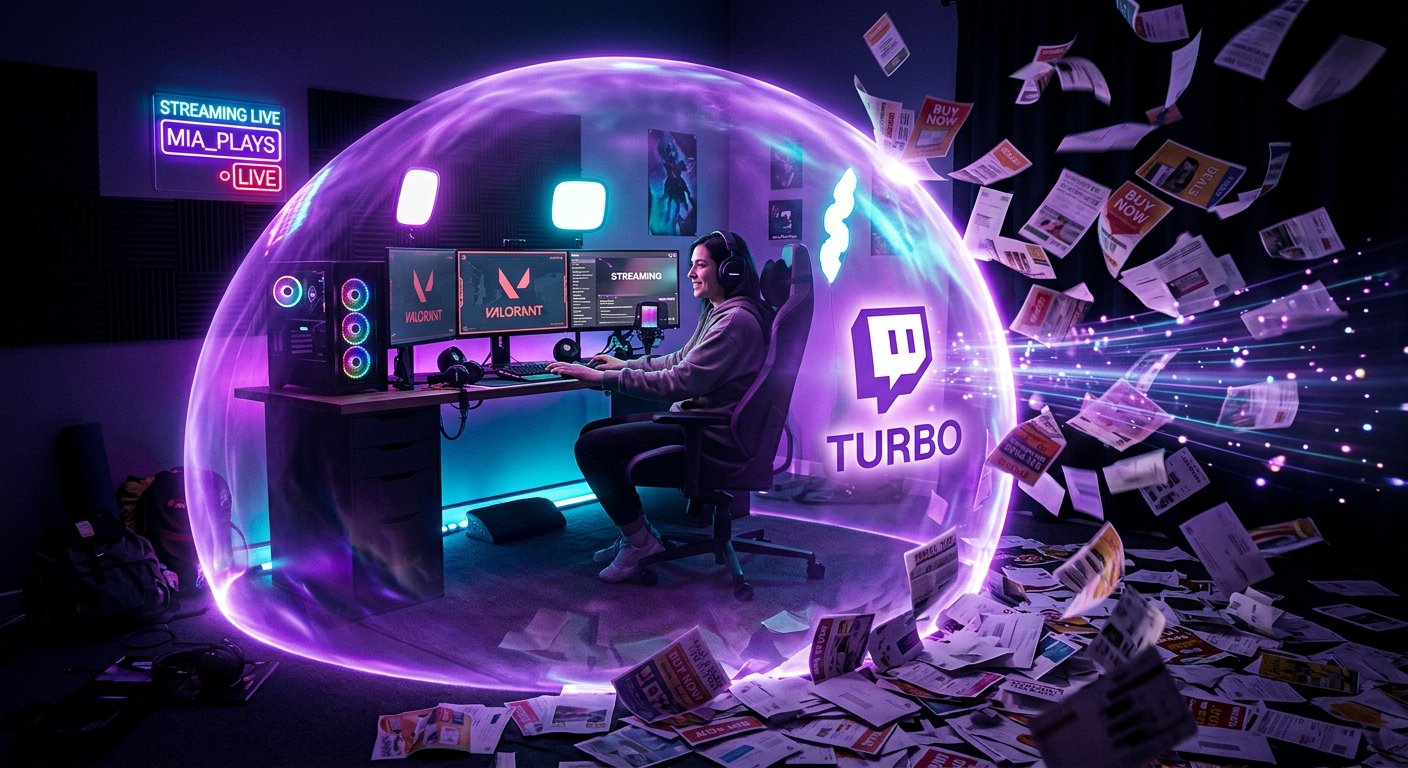
Twitch Turbo is a paid subscription for the entire Twitch service. It is set up on a user's account and applies not to a single channel, but while watching broadcasts across the platform as a whole. The main reason to sign up for Turbo is ad-free viewing of the ads Twitch shows to viewers.
The subscription also adds several features for chat and expands the storage options for your own past broadcasts. At the same time, Twitch Turbo does not unlock access to a specific streamer's exclusive content, does not replace a channel subscription, and does not give any advantages in recommendations.
The cost and available payment methods depend on the country, currency, and the platform through which the subscription is set up. Before payment, Twitch shows the current terms for your account.
What Features Are Included in Twitch Turbo
The set of Turbo capabilities is designed for viewers who use Twitch regularly. It typically includes the following features:
- watching broadcasts without the ad breaks Twitch runs;
- a special Turbo badge next to your name in chat;
- additional settings for name color and how you appear in chat;
- an expanded set of emojis available to Turbo users;
- extended storage time for your own past broadcasts.
The names of the items and individual terms may change along with Twitch's rules. So before signing up, it's worth checking the list of benefits on the subscription page. An already paid subscription remains active for the account until the end of the current period or until renewal is canceled.
How Twitch Turbo Works with Ads
After you sign up for Turbo, the ads Twitch inserts during viewing should no longer appear on supported broadcasts. This applies to viewing on the subscriber's account, not just a single selected channel. The feature is especially noticeable when switching between different streams: you don't have to wait for an ad break before the broadcast starts each time.
However, Turbo does not remove all commercial materials from a broadcast. A streamer may talk about a partner themselves, show an ad banner, place a link in the description, or build a sponsored integration into the broadcast. Such materials are not ads that Twitch automatically inserts into the player, so the subscription does not hide them.
If ads appear despite Turbo, check whether the right account is being used in the browser or app. The cause could also be an expired subscription, a sync error, or a change in the terms for a specific viewing format.
How Turbo Differs from a Channel Subscription
A channel subscription applies to a specific streamer. It may unlock access to their emojis, a subscriber badge, subscriber-only chat, and other settings the channel owner has enabled for their audience. The money from such a subscription goes toward supporting the chosen channel.
Twitch Turbo works at the level of the entire platform. It does not give you a subscriber badge on a channel, does not unlock that channel's exclusive emojis, and does not include access to subscriber-only chat. If you want to support a particular creator, Turbo does not replace a regular subscription to their channel.
Turbo also shouldn't be confused with Prime Gaming. Prime Gaming may have its own benefits, including the ability to set up one subscription to a chosen channel under the terms that apply to that program. Turbo and Prime Gaming are set up separately and are not the same subscription.
What Twitch Turbo Gives a Streamer
Turbo is intended primarily for the viewer, not for promoting a channel. A streamer does not get automatic increases in reach, a spot in recommendations, or growth in viewer numbers from it. The subscription also does not unlock partner or affiliate features and does not affect Twitch's decision to grant those statuses.
For a creator, the benefit shows up indirectly. A viewer with Turbo can watch a broadcast longer without ad breaks, so it's easier for them to stay on the stream and move between the channel's broadcasts. But this does not guarantee growth in average concurrent viewers, subscriptions, or chat activity.
If you run a channel, you don't need to sign up for Turbo just to stream. First evaluate it as a viewer: do you watch other channels, do ads bother you, and do you need the chat features. To promote a broadcast, you'll need other tools: clear presentation, a consistent schedule, content work, and drawing in an audience from social media.
How to Set Up and Cancel Twitch Turbo
Signing up is done through the official Twitch interface. Log in to the account you want, open the Turbo page, check the cost and the list of available features, then choose a payment method. Before confirming, pay attention to the subscription period and the auto-renewal terms.
- Log in to the account you want to use Turbo on.
- Open the Twitch Turbo section and check the regional terms.
- Choose a payment method and confirm the sign-up.
- After payment, check that the Turbo badge and other features have appeared on the account.
If you no longer want auto-renewal, cancel it in your subscription settings before the next charge. If the subscription was set up through an app store, renewal management may be in that store's settings. After cancellation, the paid period usually remains until the end date, but the exact terms depend on the payment method.
Who Turbo Suits and What Limitations There Are
Twitch Turbo may suit active viewers who frequently watch different channels and want to remove ad breaks across the entire platform at once. The subscription is also convenient for users who care about chat appearance, extra emojis, or longer storage of their own broadcasts.
If you visit Twitch rarely or almost always watch one channel, it's more worthwhile to compare Turbo with a subscription to that channel. A regular subscription supports a specific creator and unlocks their special features, while Turbo provides general viewing features.
Before paying, keep three limitations in mind: Turbo does not hide a streamer's sponsored integrations, does not give a free channel subscription, and does not promote an account in recommendations. If these features aren't important to you, the decision should be based on the main benefit — how often you watch Twitch and whether the built-in ads bother you.
Last Articles
What has changed in design and functionality We have updated the website to make working with it faster and more convenient. The main changes affect ..
Good afternoon, I've collected all the news during this time.: 1. The main news is that prices for twitch viewers have been greatly reduced, while Tw..
1. Use promo code "December2025" for a 15% discount for all our viewers2. We have reduced the base prices for our configurator and the most affordable..
Twitch services are working stably, so we are ready to cooperate with squads, resellers, service owners, bot owners, and many others.Individual te..
We have completely updated our Twitch viewer services, and they are now working stably. We only use high-quality IP addresses for the viewers.The ..
Hello everyone! Today, we are announcing a new feature—"Twitch Viewer Configurator". Now, you can customize any plan for your Twitch channel. Choo..
Greetings, I have compiled a guide for streamers, which will be very relevant at the moment. Now YouTube and twitch have disabled monetization from vi..
We have finally developed the APINow it will be more convenient for our partner sites to work with us.To update the maximum tariffs for YouTube, an up..
Due to the huge popularity of the partnership services and referral program, we have made a cooperation table. The essence is very simple: more live a..
Our Services for Streamers








Our Services for Content Creators






