
Emote-only chat mode on Twitch: how to enable it and when to use it
What is emote-only mode
Emote-only is a chat mode where viewers can only send messages consisting of emotes. Regular text is blocked automatically — the platform simply won't let a message through if it contains letters or symbols outside the emote set. Twitch emotes, channel emotes the viewer is subscribed to, and connected third-party sets all work if they're integrated via chat extensions.
How it differs from other restrictions
Unlike slow mode or subscriber-only mode, emote-only doesn't reduce message frequency or limit who can participate — it changes the very format of communication. The chat stays active, but without text. It's a fundamentally different tool: not about speed or access, but about message content.
How to enable it via site settings
The simplest way is the moderator panel in the chat on the Twitch website.
- Open your channel or a channel where you have moderator permissions.
- Below the chat window, find the gear icon or the chat settings icon.
- In the list of modes, select "Emote Only".
- Toggle the switch on — the mode activates immediately for all viewers.
To turn it off, do the same: go to settings and toggle the switch off.
How to enable it via a chat command
If you prefer working from the keyboard or via a bot, use a command right in the chat input field.
- /emoteonly — turns the mode on.
- /emoteonlyoff — turns the mode off.
These commands are available to the streamer and moderators with the appropriate permissions. This method is handy when you need to react quickly to a situation in chat without switching windows — type the command and keep watching the stream.
Setting it up through moderation bots
Many streamers connect bots that can enable emote-only on a schedule or by trigger — for example, automatically when there's a spike in messages per minute. This removes the need to stay on top of things constantly and lets you react before chat turns into a flood of spam.
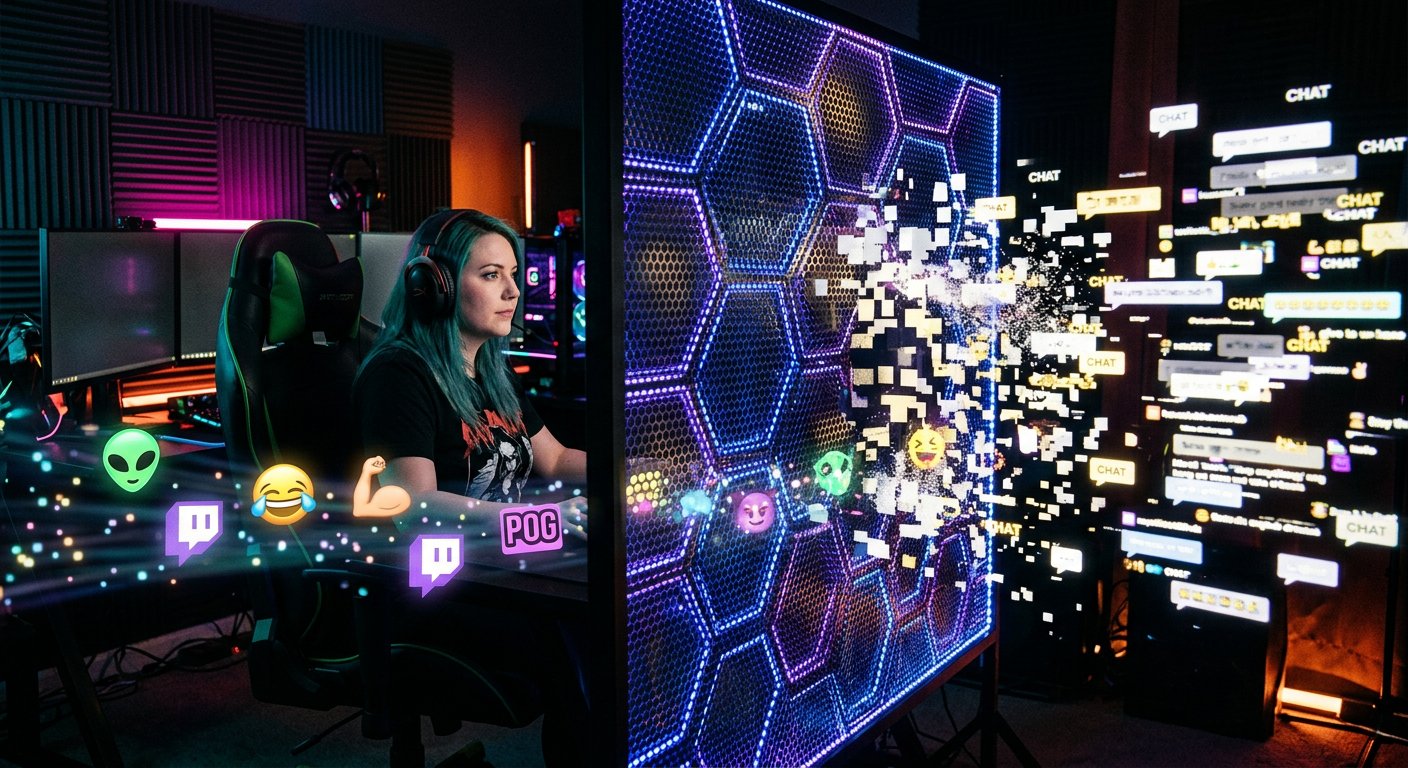
When the mode is actually needed
Emote-only isn't an everyday mode — it's a tool for specific situations.
- An influx of new viewers. After getting featured in recommendations or doing a collab with a big streamer, lots of new people enter chat and write without knowing the channel's context. Emote-only cuts the noise while keeping the feel of a live chat through emote reactions.
- A raid or spam attack. If chat is being flooded with insults, spam, or ads, the mode blocks text messages faster than moderators can ban each person individually.
- Intense moments during a stream. A tournament final, a controversial moment in a game, an emotional beat — chat ramps up and messages fly faster than you can read them. Emotes let viewers express their reactions without text chaos.
- Language barriers. On international streams, part of the audience writes in different languages, which makes chat hard to follow. Emotes are a universal language of reaction, understood without translation.
When the mode is more of a hindrance
If the channel is small and chat is primarily a way to talk with viewers, emote-only cuts off the very essence of interaction. Questions, game discussion, live dialogue — all of that requires text. Turning the mode on permanently on such channels makes no sense: the audience leaves chat because there's nothing to say there.
Combining it with other modes
Emote-only can be combined with follower-only or subscriber-only mode. For example, enabling subscriber-only and emote-only at the same time during a raid — that way only subscribers remain in chat, and even they can only write emotes. It's a harsh measure, but it's effective against organized bot or hater attacks.
Slow mode is rarely combined with emote-only, since the mode itself already restricts message content, and slowing down primarily fights the speed of the text flow — and here there's no text to begin with.
Practical tips for using it
- Warn chat in advance if it's a planned activation — for example, before a tournament final. Viewers will understand the reason and won't see it as a punishment.
- Don't keep the mode on longer than necessary — once the activity peak has passed, turn it off to bring liveliness back to chat.
- Set up a hotkey command or a bot so you can enable the mode in seconds without getting distracted from the game or your conversation with viewers.
- Check in advance which custom emotes are available on the channel — if there aren't many, viewers will struggle to express different reactions, and the mode may feel too restrictive.
Last Articles
What has changed in design and functionality We have updated the website to make working with it faster and more convenient. The main changes affect ..
Good afternoon, I've collected all the news during this time.: 1. The main news is that prices for twitch viewers have been greatly reduced, while Tw..
1. Use promo code "December2025" for a 15% discount for all our viewers2. We have reduced the base prices for our configurator and the most affordable..
Twitch services are working stably, so we are ready to cooperate with squads, resellers, service owners, bot owners, and many others.Individual te..
We have completely updated our Twitch viewer services, and they are now working stably. We only use high-quality IP addresses for the viewers.The ..
Hello everyone! Today, we are announcing a new feature—"Twitch Viewer Configurator". Now, you can customize any plan for your Twitch channel. Choo..
Greetings, I have compiled a guide for streamers, which will be very relevant at the moment. Now YouTube and twitch have disabled monetization from vi..
We have finally developed the APINow it will be more convenient for our partner sites to work with us.To update the maximum tariffs for YouTube, an up..
Due to the huge popularity of the partnership services and referral program, we have made a cooperation table. The essence is very simple: more live a..
Our Services for Streamers








Our Services for Content Creators






