
Setting Up Banned Words in Kick Chat
What to Consider Before Setting Up the Filter
A banned words filter is needed to cut off insults, spam, advertising, and attempts to bypass chat rules. In your channel settings, find the moderation section and the list of words or phrases to block. Item names and available actions may change, so before going live, check exactly what the filter does: deletes the message, hides it, or restricts the author.
Don't turn the list into a collection of every unpleasant word in a row. The broader the filter, the higher the risk of losing regular viewer comments. You should block a specific violation of the chat rule, not an individual emotion.
Sort Words by Type of Violation
First, make a draft list of messages that have already appeared in chat or will almost certainly appear during broadcasts. It's more convenient to split it into several groups: direct insults, ad links and names, unwanted topics, flood commands, spelling variants of known spam phrases.
- Direct insults and degrading remarks.
- Words and phrases related to advertising third-party channels.
- Repeating templates of scam messages.
- Spoilers, if the channel restricts discussion of the plot.
- Words used to harass a specific community member.
This approach has a drawback: the list will have to be maintained manually. But it stays clear to moderators, and accidental blocks are easier to track.
Add Exact Words, Not Fragments
The safest option is to add a complete word or a stable phrase. For example, if the problem is an ad template, it's better to block the template itself rather than a short part of it. A short fragment can appear inside a regular word, a nickname, a game title, or a message about the stream topic.
Filtering by part of a word catches more bypasses, but its main drawback is false positives. This happens especially often with short letter combinations, common slang words, and names. If the platform doesn't show which match hid the message, finding the cause will be even harder.
For questionable cases, start with the exact wording. You should expand the rule only after violators have actually started bypassing it with similar spelling.
Check Word Forms and Deliberate Misspellings
A single banned word rarely covers all variants. Viewers may swap letters for numbers, add spaces, symbols, repeat letters, or misspell the word. You don't need to add dozens of variants at once: some of them may catch normal vocabulary and user nicknames.
Start with the most common bypasses you've already seen in chat. Separately check forms with spaces and characters between letters. If the Kick filter only recognizes exact matches, similar spellings will have to be added separately. The drawback of this solution is that the list grows quickly, and moderation requires regular monitoring.
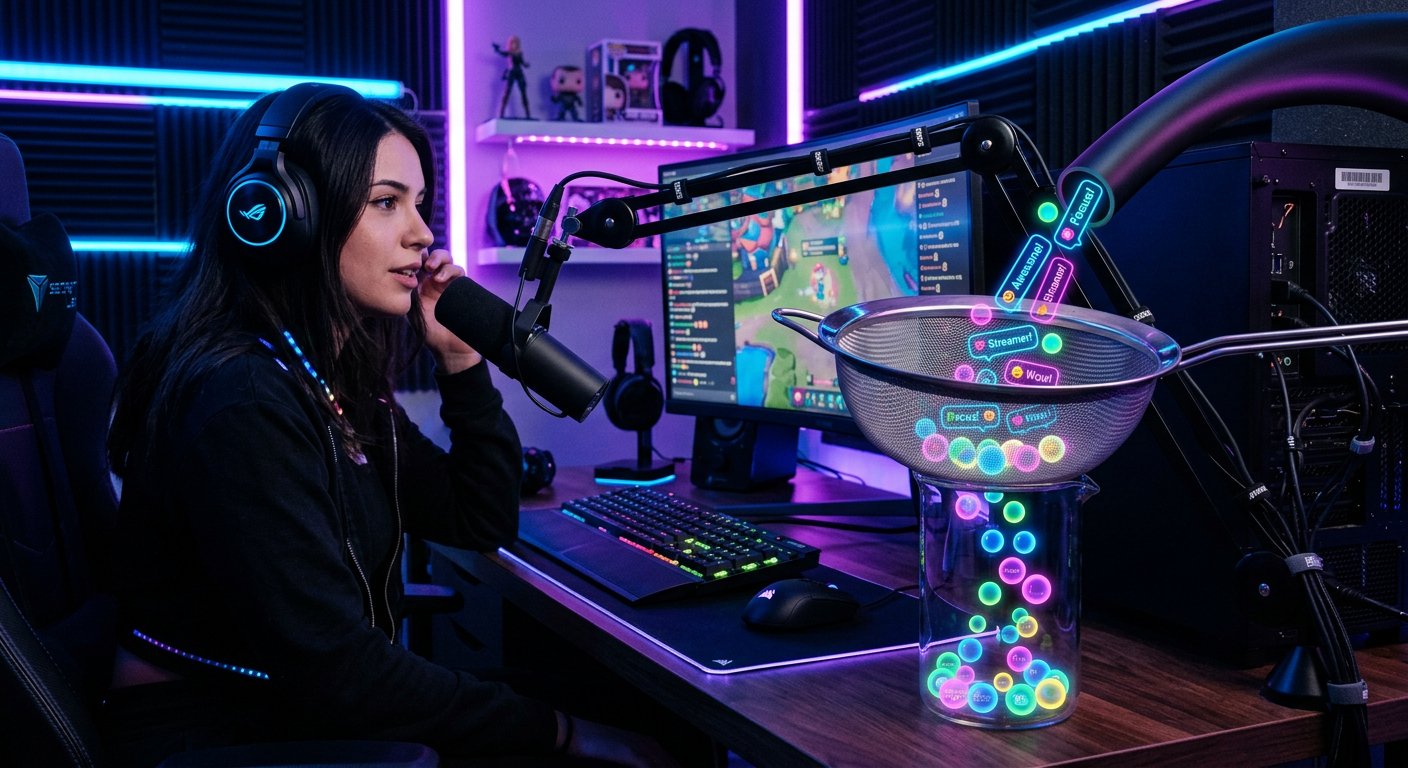
Don't Block Words With Multiple Meanings
Some expressions can be an insult in one context and a neutral word in another: in a discussion of a game, memes, music, news, or technical issues. It's better not to add such words to the automatic filter. Pass them to moderators as a reason to look at the context, not as a cause for instant deletion.
Manual review reduces the number of errors, but it has a drawback: a moderator may not have time to react on an active stream. For a fast chat, it's useful to appoint several trusted moderators in advance and explain to them the line between a joke, an argument, and a violation.
Choose the Filter Action for Different Violations
Not every match requires the same sanction. Ad spam, scam links, and repeated insults usually require a strict response. For borderline words, it's safer to hide the message or leave the decision to a moderator, if such options are available in the settings.
Automatically restricting the author saves time but can punish a viewer for a phrase with no bad intent. Simply deleting the message is softer, but the violator may continue spamming. Separate the rules: use automation for obvious violations, and manual moderation for words with a double meaning.
Test the List Before and During the Stream
After adding the rules, test them on a separate account or together with a moderator. Send neutral phrases, messages with regular viewers' nicknames, game titles, and ordinary slang. Then test the banned words in different spellings. This will show whether the filter triggers where it shouldn't.
- Add a few of the most obvious violations.
- Check the chat's reaction to an exact match.
- Send regular phrases with similar letters and parts of words.
- Add only those bypass variants that the filter lets through.
- Review messages hidden during the upcoming streams.
Testing doesn't eliminate all errors: viewers' language and bypass methods change. But it helps avoid leaving rules in the filter that block regular communication.
Update the Rules Based on the Chat Log
Return to the list after raids, conflict-heavy streams, and spam surges. If a rule often catches normal messages, delete it or replace it with a more precise phrase. If a certain bypass repeats, add exactly that one, not a broader fragment of the word.
A working filter is a short list of clear rules, not the maximum number of blocks. Record the reason for each new word: this will simplify review for moderators and help avoid leaving outdated restrictions after a change in the channel's format.
Last Articles
What has changed in design and functionality We have updated the website to make working with it faster and more convenient. The main changes affect ..
Good afternoon, I've collected all the news during this time.: 1. The main news is that prices for twitch viewers have been greatly reduced, while Tw..
1. Use promo code "December2025" for a 15% discount for all our viewers2. We have reduced the base prices for our configurator and the most affordable..
Twitch services are working stably, so we are ready to cooperate with squads, resellers, service owners, bot owners, and many others.Individual te..
We have completely updated our Twitch viewer services, and they are now working stably. We only use high-quality IP addresses for the viewers.The ..
Hello everyone! Today, we are announcing a new feature—"Twitch Viewer Configurator". Now, you can customize any plan for your Twitch channel. Choo..
Greetings, I have compiled a guide for streamers, which will be very relevant at the moment. Now YouTube and twitch have disabled monetization from vi..
We have finally developed the APINow it will be more convenient for our partner sites to work with us.To update the maximum tariffs for YouTube, an up..
Due to the huge popularity of the partnership services and referral program, we have made a cooperation table. The essence is very simple: more live a..
Our Services for Streamers








Our Services for Content Creators






