
How to Properly Write a Complaint to VK Administration
When to Contact VK Administration
A complaint to VK is needed when a post, page, message, or community violates the platform's rules. For example, it could involve spam, fraud, publication of prohibited materials, threats, distribution of someone else's personal data, or copyright infringement. For each case, choose the reason that most accurately describes the problem.
First, determine what exactly you are complaining about: a specific post, comment, message, user page, or community. A complaint about a specific piece of content is usually clearer for review than a general request to "block the account." The administration evaluates the content and circumstances of the violation, so a decision is not guaranteed.
If the problem is related to hacking, loss of access, or an account malfunction, choose the help section for the relevant topic. This is not a complaint about another user, and submitting under the wrong category may slow down the review.
What to Prepare Before Submitting a Complaint
Gather the facts before filling out the form. Don't remove the disputed post from your bookmarks until you've saved its address. If the content might disappear, take a screenshot with visible context: the page name, the text of the post, and the date or time if they are displayed.
- A link to the page, post, comment, or other content.
- A brief description of the violation without emotional judgments.
- An exact quote or reference to a specific fragment of the post.
- Information about when you discovered the problem.
- Screenshots and other materials if they help clarify the situation.
Don't send unnecessary personal data and don't attach entire conversations if a single fragment is enough for the review. It's best to copy the link directly from VK rather than retyping the address manually.
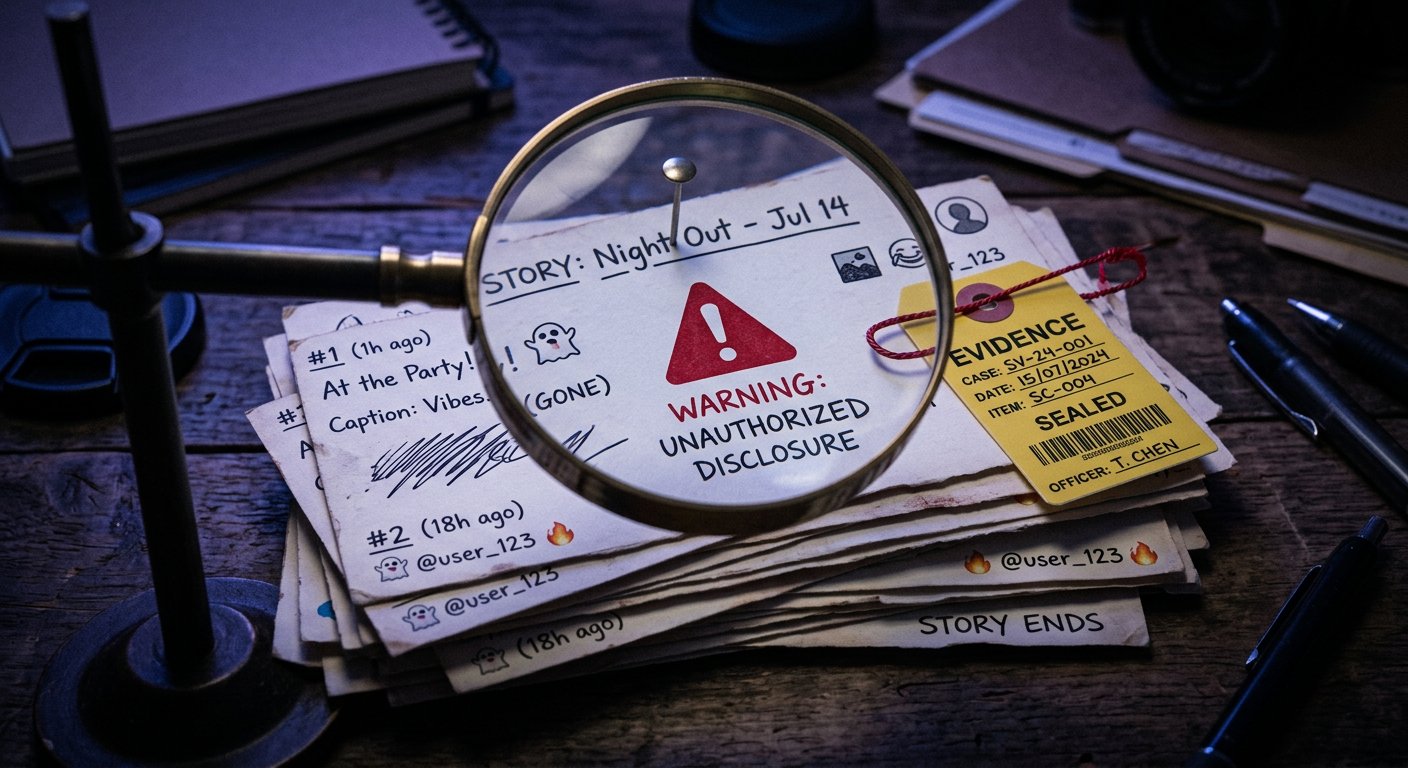
How to Report a Page, Post, or Message
Open the content or page you need and find the additional actions menu. It may look different on the website and in the app. Usually, the menu has an option for filing a complaint. Choose the appropriate reason, review the description, and submit your request.
If you're complaining about a post, reference it specifically, not just the author's page. To complain about a comment or message, use the menu next to the corresponding text. If necessary, add a link to the profile or community so the administration can more easily verify the context.
When the standard form isn't enough, open the VK help section and create a support request. Describe the problem in your own words, include a link to the violation, and attach evidence. If the form asks you to choose a topic, pick the one closest to the essence of your complaint.
Don't send the same request many times in a row. Duplicates don't add new information and can complicate processing. If new facts emerge, add them to the existing request if the interface allows it.
How to Write the Text of a Support Request
A good complaint consists of several parts: what happened, where it is located, which rule or right is affected, and what exactly you're asking to be reviewed. Write calmly and specifically. Phrases like "deal with this person" don't explain the problem and don't help conduct a review.
You can use this template as a basis:
Hello. Please review the content at the following link: [link]. The page has published: [brief description or quote]. I believe this violates VK's rules because: [explanation]. The content was discovered on [date or approximate time]. I'm attaching [screenshots or other evidence]. Please review the post and make a decision based on the results of the review.
If you're reporting a copyright violation, specify which content belongs to you, where it's posted, and what confirms your right to it. If the complaint concerns threats or blackmail, save the conversation and don't edit the screenshots. If there's immediate danger, also contact the appropriate emergency services.
Don't exaggerate the circumstances and don't add insults. The administration may request additional information, but this doesn't mean the page will necessarily be blocked. The outcome depends on the content of the material, the data provided, and the results of the review.
In Short: Step-by-Step Actions
- Save the link to the specific content or page.
- Take screenshots and note what the violation consists of.
- Open the content menu and select the option for filing a complaint.
- If the standard form isn't enough, submit a request through the VK help section.
- Write briefly, attach evidence, and don't duplicate the complaint without new information.
Last Articles
What has changed in design and functionality We have updated the website to make working with it faster and more convenient. The main changes affect ..
Good afternoon, I've collected all the news during this time.: 1. The main news is that prices for twitch viewers have been greatly reduced, while Tw..
1. Use promo code "December2025" for a 15% discount for all our viewers2. We have reduced the base prices for our configurator and the most affordable..
Twitch services are working stably, so we are ready to cooperate with squads, resellers, service owners, bot owners, and many others.Individual te..
We have completely updated our Twitch viewer services, and they are now working stably. We only use high-quality IP addresses for the viewers.The ..
Hello everyone! Today, we are announcing a new feature—"Twitch Viewer Configurator". Now, you can customize any plan for your Twitch channel. Choo..
Greetings, I have compiled a guide for streamers, which will be very relevant at the moment. Now YouTube and twitch have disabled monetization from vi..
We have finally developed the APINow it will be more convenient for our partner sites to work with us.To update the maximum tariffs for YouTube, an up..
Due to the huge popularity of the partnership services and referral program, we have made a cooperation table. The essence is very simple: more live a..
Our Services for Streamers








Our Services for Content Creators






