
Setting Up GOTV Delay for a CS2 Streamer
What Determines GOTV Delay in CS2
GOTV, which in CS2 materials may also be called CSTV, doesn't transmit the match directly from the player's game but through a server-side spectator stream. The delay of this stream is set by the server owner or the broadcast organizer. If you've opened a public GOTV broadcast of a tournament, you can't change it in your client: the viewer receives an already prepared signal with the established delay.
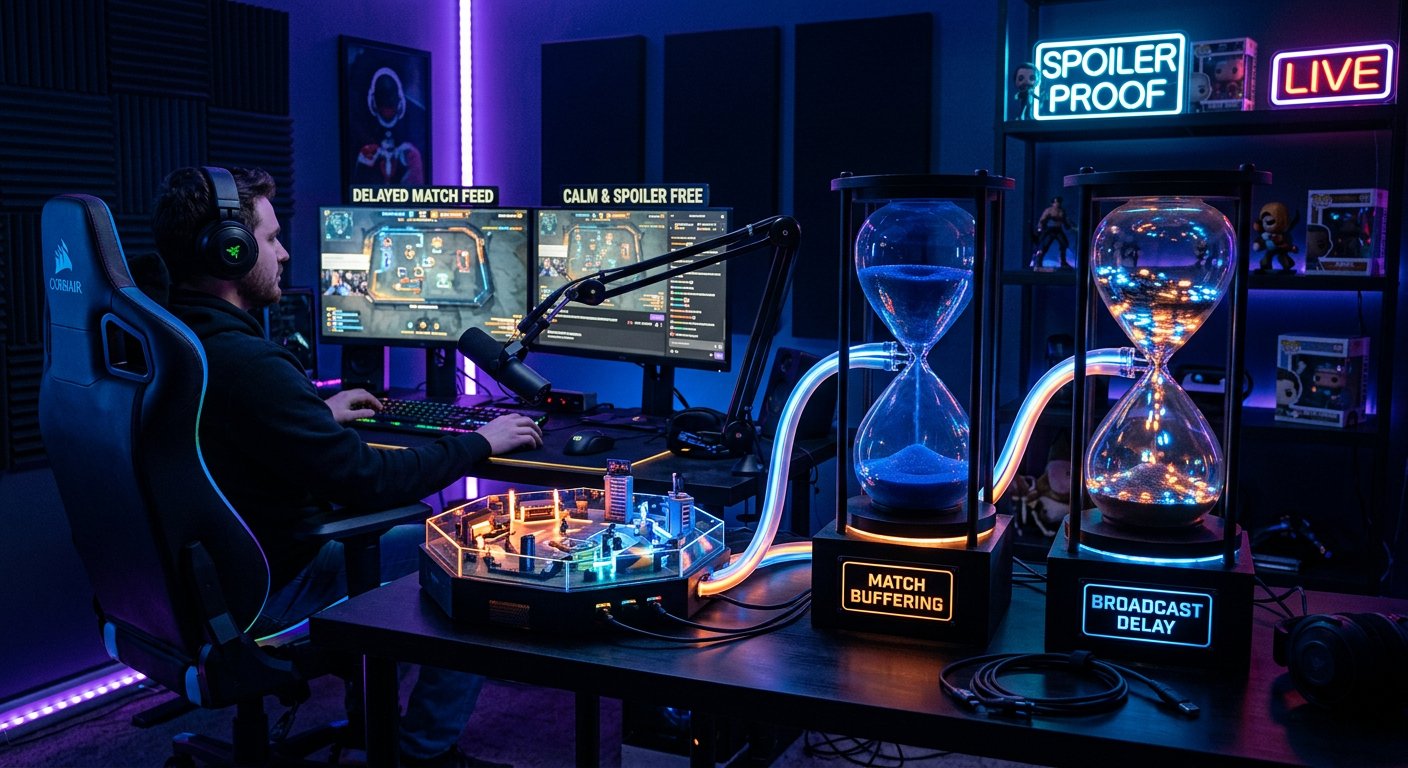
It's important to distinguish this from stream delay. GOTV determines how far behind the match your viewing is. The delay in OBS determines when the picture from your scene reaches the viewers. These are two independent buffers, and setting one doesn't change the other.
When a Streamer Can Change GOTV Delay
You can only control the parameter on a server you have administrative access to: your own dedicated server, a team server, or a platform with access to the server console and configuration. In that case, the delay is set in the server's TV module settings, usually via the tv_delay parameter.
This method doesn't work for official matches, public leagues, and other people's servers. Even if the command is available in the local console, the server may ignore client-side values. The drawback of this scenario is simple: you depend on the organizer's decision and can't make the GOTV stream faster or slower yourself.
How to Set the Delay on Your Own Server
It's better to make the setting through a permanent server config rather than just a single command during a match. Otherwise, it may reset after a map change, container restart, or automatic loading of the hosting configuration. Find the section responsible for the TV stream and specify the desired value for tv_delay in seconds.
- Check whether TV mode is enabled and the server is available to spectators.
- Add the delay value to the main server config or the match launch config.
- Restart the TV stream, the map, or the server if the hosting panel requires it.
- Connect to the broadcast from a separate account and compare the events with the live match.
- Save the working configuration separately from temporary match settings.
File names and available parameters may differ across rental panels and server builds. If the value isn't applied after the change, check the matchmaker configs, the launch template, and the settings the hosting inserts at startup.
How to Choose the Delay for a Spoiler-Free Broadcast
You shouldn't pick the value at random. To watch a match without spoilers, the delay must cover the gap between your GOTV stream and the sources that could reveal the result earlier: stat widgets, Discord messages, other broadcasts, social media, and viewers in the chat.
If you're casting a match from an already delayed official GOTV, additional server delay isn't available to you. In this case, all you can do is organize your workspace so that faster sources don't come into view. Delay by itself doesn't protect against spoilers that viewers write in the chat.
A buffer that's too short won't solve the problem, and an excessively long one will complicate communication with the audience and moderators' reactions. The drawback of a large delay is that the chat will start discussing events you haven't shown on air yet, unless you restrict messages and external hints.
How to Sync GOTV and OBS Delay
If GOTV is already behind the live match, you only need to add delay in OBS for the streaming task, not for setting up the spectator stream. OBS can delay the output of the entire scene, including the game, camera, microphone, and overlays. This is useful when you want to give moderation time to delete an accidental spoiler or avoid showing information from voice chat right away.
Check synchronization not by feel but by a noticeable in-game event: the start of a round, bomb plant, pause, or end of the map. Compare the time on the server spectator stream, in the preview scene, and on your own broadcast page. Keep in mind that the platform also adds its own delivery delay, which can change when switching low-latency mode and under service load.
Why You Can't Rely on Stream Delay Alone
OBS delay doesn't change what you see yourself. If you watch the match via GOTV without a buffer but send the picture to viewers later, spoiler sources are still available to you in the browser, chat, and overlays. To watch without revealing the score, you need to control each data source separately.
- Disable browser score widgets if they receive data faster than GOTV.
- Don't display automatic notifications from team and tournament channels on screen.
- Close stat sites and results of matches running in parallel.
- Ask moderators to delete messages about upcoming rounds, maps, and the series result.
- Don't use a voice channel where someone is watching the match from another source.
The drawback of manual filtering is that it requires discipline from the entire broadcast team. One open widget or a helper's message can reveal a moment before the broadcast.
How to Set Up Chat Against Spoilers
For a stream with delayed GOTV, set a chat rule in advance: the score of upcoming rounds, the map outcome, results of parallel matches, and hints about them are prohibited. Phrases like "there's a clutch coming" are also a spoiler, even without a direct result. Pin the rule in the description or a bot message before the broadcast starts.
Assign a moderator who isn't watching a faster match source. Otherwise, they can delete obvious spoilers, but they'll react to events before you do and unintentionally give them away in messages. With an active chat, it's useful to temporarily restrict messages for new participants or enable manual moderation if the platform offers such a feature.
The moderator must follow the same point in the match timeline as you. Otherwise, even a good GOTV delay won't help.
How to Verify the Delay Actually Works
Test your settings before an important broadcast on a private server or a practice match. Open the game as a player and as a separate spectator, then note the time of the same event on both screens. Events with a clear starting moment work best for testing: round restart, grenade explosion, bomb plant or defuse.
After testing, restart the server and repeat the test. Some configs only last until the first restart, and some parameters may be overridden by the match template. If the delay disappears after a map change, the problem is usually not in OBS but in the order in which server configurations load.
What to Do When Watching Someone Else's GOTV Stream
If the delay is set by the tournament server, don't try to compensate for it with client commands. It's more reliable to accept the stream as is and remove fast information sources. For recording or broadcasting, you can add scene delay in OBS, but it won't change your position in the GOTV timeline.
An alternative is to watch the match after it ends via a demo or broadcast recording. That way you fully control the viewing pace, pauses, and rewinding. The drawback is obvious: it's no longer a live broadcast but a discussion of the match with a delayed start. This format suits breakdowns, highlights, and analysis, but not reacting to the game in real time.
Last Articles
What has changed in design and functionality We have updated the website to make working with it faster and more convenient. The main changes affect ..
Good afternoon, I've collected all the news during this time.: 1. The main news is that prices for twitch viewers have been greatly reduced, while Tw..
1. Use promo code "December2025" for a 15% discount for all our viewers2. We have reduced the base prices for our configurator and the most affordable..
Twitch services are working stably, so we are ready to cooperate with squads, resellers, service owners, bot owners, and many others.Individual te..
We have completely updated our Twitch viewer services, and they are now working stably. We only use high-quality IP addresses for the viewers.The ..
Hello everyone! Today, we are announcing a new feature—"Twitch Viewer Configurator". Now, you can customize any plan for your Twitch channel. Choo..
Greetings, I have compiled a guide for streamers, which will be very relevant at the moment. Now YouTube and twitch have disabled monetization from vi..
We have finally developed the APINow it will be more convenient for our partner sites to work with us.To update the maximum tariffs for YouTube, an up..
Due to the huge popularity of the partnership services and referral program, we have made a cooperation table. The essence is very simple: more live a..
Our Services for Streamers








Our Services for Content Creators






