
Moving from Twitch to Kick: How to Stay Connected with Your Audience
First, figure out the reason for the switch
Regular viewers need to understand not only that you're changing platforms, but also why it's happening. You don't have to share the details of personal negotiations, financial decisions, or internal channel stats. It's enough to calmly state the main reason and explain what exactly will change for your audience.
Before announcing, answer a few questions for yourself:
- Why are you considering the switch right now?
- Are you leaving Twitch entirely, or will you stay active there for a while?
- Will your streaming days and times change?
- Do viewers need to create a Kick account or take any other actions?
- Where will you post news if the schedule changes?
- What will happen to your previous broadcasts and VOD archive?
The reason should sound specific. You can say you want to focus your streams on a single platform, test a new format, change your working conditions, or try a different way of engaging with your audience. Don't blame Twitch, Kick, or your viewers: harsh wording turns a business decision into a conflict.
Decide on the status of the switch right away. If you're still testing Kick, say so. If the decision is final, give a date or a clear reference point. The less uncertainty in the first message, the less your viewers will have to guess about your plans.
Prepare a short and clear announcement
The first message is best kept compact. It should contain four main points right away: where you're moving, when the first stream will be, why you made this decision, and where to find further news. If you start with long justifications, the key information gets lost.
- Thank your viewers for watching you and supporting the channel.
- State directly that you're moving from Twitch to Kick.
- Give the reason without exaggeration or promises.
- Specify the date or reference point for your first stream on the new platform.
- Add a link to your Kick channel.
- Write where the schedule and updates will appear.
If the details aren't set yet, don't make up dates and conditions. You can honestly write that you're testing a new platform and will share the exact schedule after the first few streams. That's better than changing an already published plan several times.
A ready-made template for your post
"Thank you for watching my streams and sticking with me. I've decided to move my main broadcasts from Twitch to Kick because I want to [briefly state the reason]. The first stream on the new platform will take place on [date or reference point] at [time], channel link: [link]. Soon I'll share a separate update about what will happen with Twitch and the recording archive. I'll post news and schedule changes here: [link]. If you have any questions about the switch, leave them in the comments or ask during the stream."
Don't use phrases like "now everyone has to switch" or "anyone who doesn't switch isn't a real viewer anymore." Your audience may have technical limitations, a habit of using Twitch, or an unwillingness to change platforms. A respectful tone leaves room to stay connected even with those who aren't ready to switch yet.
Explain the decision during your stream
A post provides the basic information, while a live stream lets you discuss the switch without guesswork and rumors. Set aside a specific segment at the start of the broadcast for the conversation, or give a heads-up in advance that you'll be answering questions. Don't drop important news between gameplay moments, when part of the audience may be distracted or join later.
Speak for yourself and don't present the switch as a decision that has already changed everything around you. A calm phrasing works well: "I've decided to try streaming on Kick. Certain conditions matter to me, so my upcoming broadcasts will be there. I understand that not everyone finds it convenient to change platforms, and I'm ready to answer questions."
Mention the restream option separately. Kick allows you to restream your broadcast to Twitch, so for a certain period you can run your main stream on Kick while still maintaining a presence on Twitch. This gives your regular viewers time to find the new channel, set up notifications, and get used to the interface.
A restream doesn't replace the announcement. In the stream description and during the broadcast, you still need to explain where the main chat is, which platform the next streams will be on, and where it's best to subscribe for news. Before going live, check the current rules of both platforms and the technical limitations of the chosen setup.
After explaining, let your viewers speak. Questions may cover registration, notifications, subscriptions, schedule, moderation, and saving recordings. Write down recurring topics: they'll make a good separate post, FAQ, or pinned message.
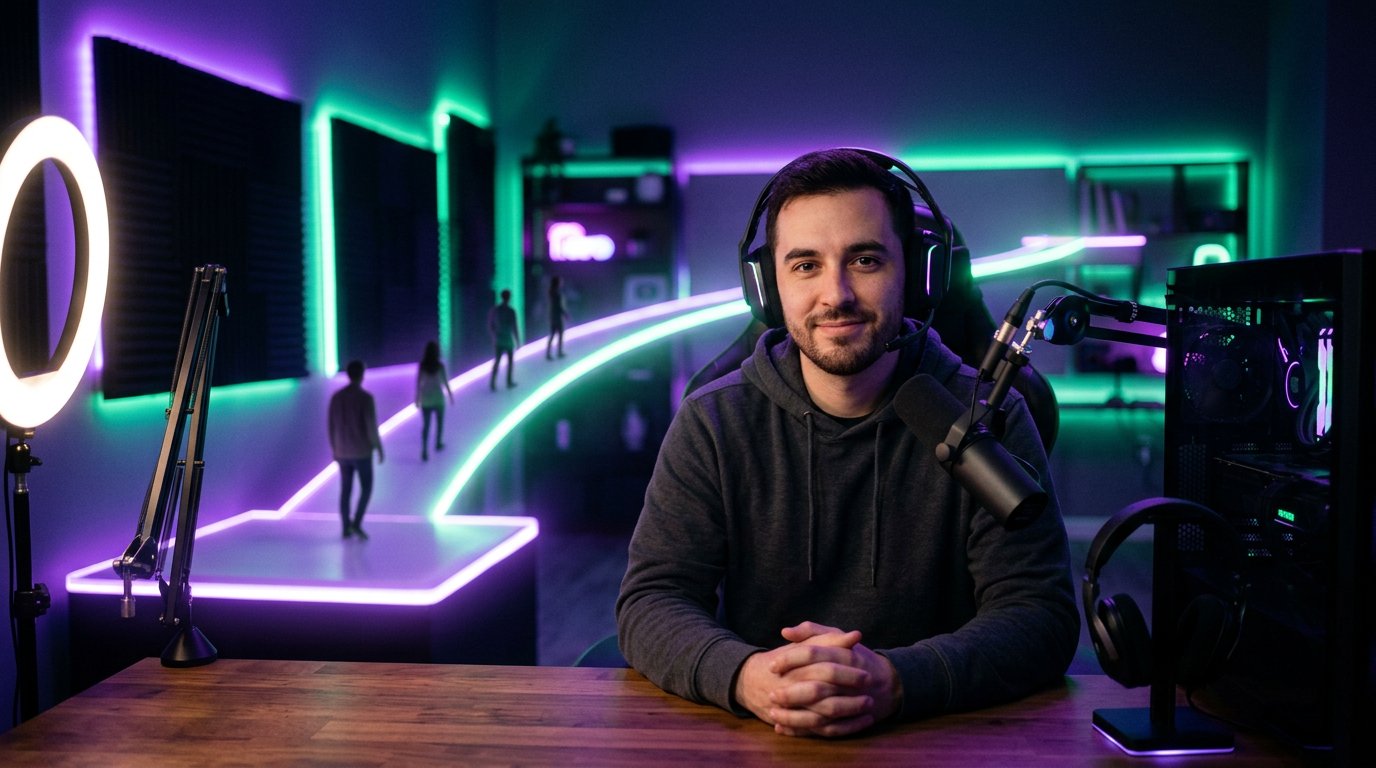
Use restreaming as a temporary bridge
Restreaming from Kick to Twitch is especially useful in the first weeks of the switch, when part of your audience is still coming via the old link. If a viewer sees the familiar broadcast on Twitch but receives a clear message that the main stream is on Kick, it's easier for them to gradually change their habit.
Decide in advance how long this period will last and what will happen after it. You don't have to give an exact end date right away if you don't know it yet. It's enough to say that the restream is being used as a transitional option, and you'll evaluate the further format after a few streams.
To keep the setup from confusing viewers, decide in advance:
- which platform the main chat is on;
- where giveaways, polls, and other activities take place;
- where questions about the switch are answered;
- which channel to subscribe to for notifications;
- whether Twitch will remain just an additional viewing option.
If communication happens in two chats at once, explain in advance how you'll read and moderate them. If needed, appoint moderators who can guide viewers to the main platform. Don't pretend the two chats are completely identical if, technically or organizationally, you can't monitor each one equally.
At the end of the transition period, update your message on Twitch and announce your further plans once again. Otherwise, part of your audience will continue to think the restream is a permanent format and won't understand why the familiar broadcast disappeared.
Decide what to do with your Twitch VOD archive
The VOD archive often worries viewers no less than the platform switch itself. Twitch may host long playthroughs, important conversations, educational streams, and moments your audience returns to over time. Don't leave this question unanswered: saying "I'll figure it out later" can create the impression that the recordings will soon disappear.
First, pick one of the clear options:
- keep Twitch as an archive, even if new streams don't happen there;
- keep only the old broadcasts that are valuable to the channel on Twitch;
- move the best moments as clips or compilations to another platform;
- download important recordings for personal storage and don't promise a full transfer of the entire library;
- delete part of the archive only after checking that the needed materials are saved.
A full automatic transfer of your VOD library from Twitch to Kick shouldn't be taken for granted. Platform archives are usually tied to a specific channel, storage settings, and the service's rules. So make a list in advance of the recordings you can't lose: long playthroughs, collab streams, answers to frequently asked questions, and materials that already have links pointing to them.
Before downloading, check whether you have the rights to the music, clips of others' videos, images, and collaborative content. A recording that was available as part of a live broadcast isn't always suitable for republishing without changes. In some VODs, you can remove questionable fragments, cut out the best moments, or leave a link to the old recording without re-uploading it.
If Twitch remains an archive, write about it in your profile description and pinned message. You can use this phrasing: "New streams happen on Kick, while previous recordings remain here for now. Link to the new channel — [link]." If the archive will gradually shrink, announce it in advance and specify which materials you plan to keep.
On Kick, don't promise viewers that the entire old library will appear at once. It's better to break the task into stages: first set up regular streams, then process the best recordings, and only after that decide which materials are worth republishing.
Prepare answers to uncomfortable questions
Some of your regular viewers may react calmly, while others may be annoyed. This doesn't always mean a loss of interest in you. People may be unhappy about a change to their usual routine, worry about the archive, or not want to create a new account.
Prepare answers to the main questions in advance:
What will happen to Twitch? Say whether the archive will remain there, whether there will be a restream, or whether you're stopping activity entirely.
Why Kick specifically? Name the criteria that matter to you personally, without claiming the new platform suits absolutely everyone.
Will the schedule change? Give the new days and times, or honestly say you're still finalizing them.
Will the format stay the same? Explain which games, segments, chat rules, and ways of communicating you plan to keep.
What will happen with subscriptions and support? Don't promise an automatic transfer of anything that depends on a specific platform.
Where can notifications be received? Give the link to your Kick channel and point to an additional place for news.
Can viewers still watch you without switching? Explain whether there will be a temporary restream and how long it's planned to last.
Respond to criticism on the merits. You don't need to convince everyone who has doubts. A phrase like this works well: "I understand Twitch is more familiar to you. I still want to test Kick and will keep you posted on how the switch is going." You acknowledge the inconvenience but don't back away from your own decision.
Make your new channel recognizable and convenient
A viewer may support you but still get lost on the new platform. Check that the link leads to the right channel, that the name and avatar match your familiar branding, and that the description includes your schedule and a link to news. Don't assume your audience will find you by name alone.
Before your first stream on Kick, check:
- the channel link in posts, profiles, and descriptions;
- the name, avatar, and branding that make you easy to recognize;
- the schedule, or an honest note that it's still being finalized;
- the chat rules and a list of important links;
- notifications and stream visibility settings;
- the microphone, camera, scenes, sources, and a backup way to connect;
- that the restream works, if you're using it during the transition.
In your first streams, briefly repeat the rules and schedule, but don't turn the whole broadcast into an advertisement. It's enough to mention the link at the beginning, pin it in the right place, and answer the questions of those who genuinely didn't figure it out.
Don't copy branding and content without checking. On the new platform, chat features, moderation settings, notifications, and support methods may differ. Explain to your audience only the changes you've already verified, and describe unknown details as things you plan to look into.
Gather feedback after the first stream
The switch doesn't end with publishing a link and doing the first stream. After the broadcast, check what difficulties your viewers ran into: someone didn't get a notification, someone couldn't find the chat, someone didn't understand where the next episode will be. Collect recurring questions and answer them in a separate message.
Don't draw conclusions from a single broadcast. The first streams may draw a smaller audience than usual due to a missed announcement, a time difference, or an unfamiliar interface. Check the quality of your communication, whether the links work, and how clear the schedule is before changing your entire plan.
Update old descriptions and pinned posts as new details emerge. If you initially called the switch an experiment and then decided to stay on Kick, say so directly. If the restream is ending, give advance warning and repeat the link to your main channel.
Separately, say that what matters to you isn't just the viewer count, but the usual communication. At the same time, don't promise to maintain the channel's previous scale or previous activity level. Talk about what you actually control: the regularity of streams, the content, answering questions, moderation, and the quality of your connection with your audience.
Quick takeaways: what to do step by step
- Formulate one main reason for the switch and determine whether the decision is final.
- Decide what will happen to Twitch: archive, temporary restream, or a complete stop of activity.
- Review your VOD archive, save important recordings, and don't promise a full transfer without checking rights and capabilities.
- Prepare a post following the outline: gratitude, new platform, reason, date, link, and a place for questions.
- Talk about the switch during your stream and explain that Kick allows you to restream your broadcast to Twitch during the transition period.
- Set up your Kick channel, schedule, notifications, branding, chat rules, and technical setup.
- After the first streams, collect questions, update old messages, and announce what the next stage will be.
Be honest, don't pressure your viewers, and don't promise what you can't control. Then the platform change will look like a clear business decision rather than an unexpected break with your audience.
Last Articles
What has changed in design and functionality We have updated the website to make working with it faster and more convenient. The main changes affect ..
Good afternoon, I've collected all the news during this time.: 1. The main news is that prices for twitch viewers have been greatly reduced, while Tw..
1. Use promo code "December2025" for a 15% discount for all our viewers2. We have reduced the base prices for our configurator and the most affordable..
Twitch services are working stably, so we are ready to cooperate with squads, resellers, service owners, bot owners, and many others.Individual te..
We have completely updated our Twitch viewer services, and they are now working stably. We only use high-quality IP addresses for the viewers.The ..
Hello everyone! Today, we are announcing a new feature—"Twitch Viewer Configurator". Now, you can customize any plan for your Twitch channel. Choo..
Greetings, I have compiled a guide for streamers, which will be very relevant at the moment. Now YouTube and twitch have disabled monetization from vi..
We have finally developed the APINow it will be more convenient for our partner sites to work with us.To update the maximum tariffs for YouTube, an up..
Due to the huge popularity of the partnership services and referral program, we have made a cooperation table. The essence is very simple: more live a..
Our Services for Streamers








Our Services for Content Creators






