Clear navigation for posts in a MAX channel
Why a MAX channel needs navigation
When a channel has only a few posts, subscribers can easily find what they need in the feed. But as the archive grows, old guides, important announcements, and useful roundups drift upward. New readers have to scroll through the channel or ask the same question again and again.
Navigation solves this problem. It shows where to start, where to find materials on a topic, and which posts are considered essential. Good structure doesn't replace quality content, but it helps people get to it faster.
For a MAX channel, a simple scheme is enough: one pinned index post, clear categories, and links to key posts. There's no need to turn navigation into a long catalog of every message. Include only the materials that genuinely help someone understand the topic or complete an action.
Create a pinned index post
The first navigation element should be a post that a new subscriber sees. Start by briefly explaining what the channel is about and how to use it. Then add links to the main sections or individual posts.
The title of this post should immediately signal its purpose: "Channel navigation," "Where to start," or "All useful materials." Inside, use short labels for the links. For example: "How to set up your design," "Beginner's guide," "FAQ," "Project news."
You can get a link to the post you need through the message menu if that option is available in your MAX interface. Before publishing the index, check each link individually: it should lead to the exact material, not to the channel feed.
Pin the post and don't overload it with secondary messages. If the list gets too long, keep links to sections in it, and gather related materials inside each section.
Divide posts into clear categories
A category helps a subscriber quickly gauge what a post is about. Choose a few consistent areas that match your content. For an expert channel, these might be guides, breakdowns, answers, and news. For an author's or gaming channel — streams, announcements, highlights, and beginner materials.
Don't create a separate category for every rare format. If a section has just one post, it won't help navigation. It's better to combine related topics and add clarification in the post title.
Category names should be short and consistent across all posts. If you started labeling guides as "Guides," don't change that name to "Useful tips" in later messages. A unified vocabulary makes searching easier and makes the feed predictable.
You can use hashtags for additional labeling. Choose one spelling for each topic and don't mix Russian and English forms unnecessarily. The tag should complement the title, not replace it.
Link posts to each other
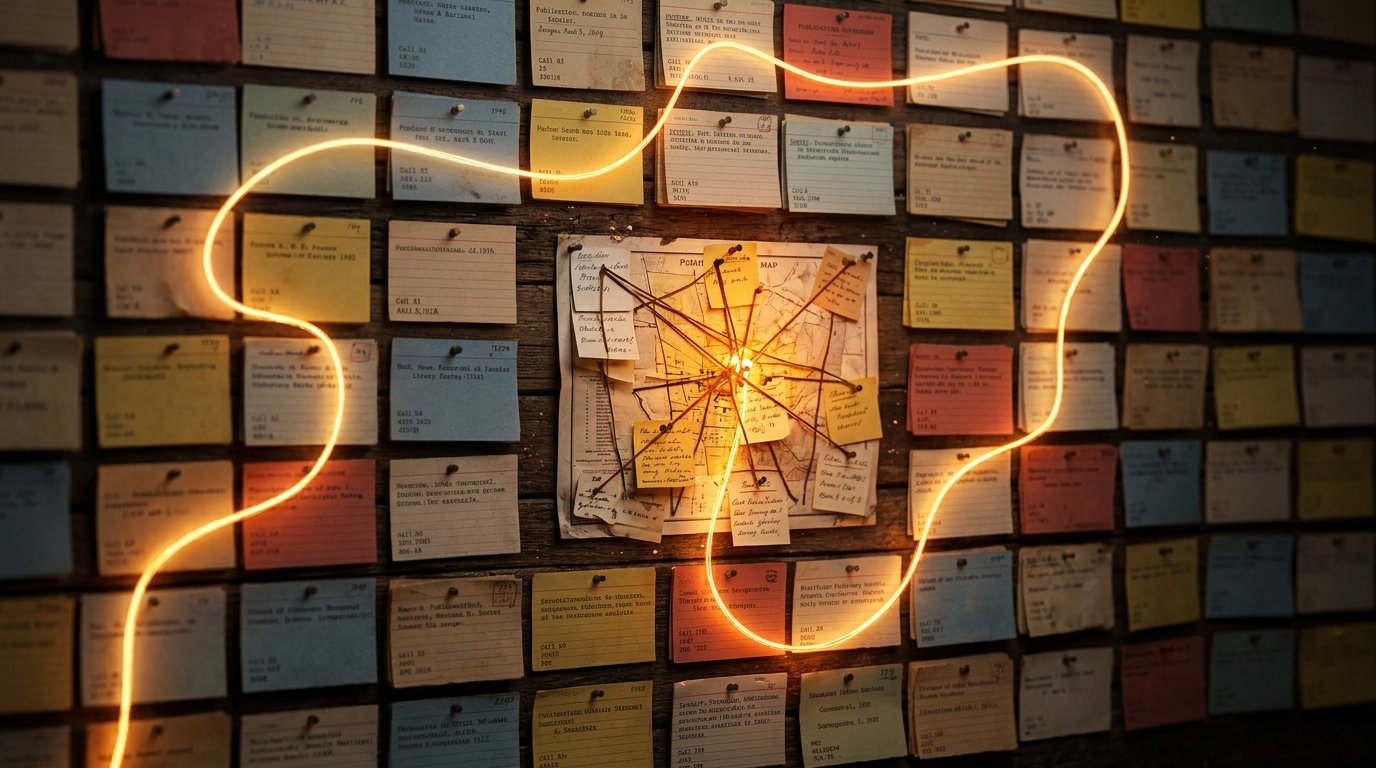
A single general index isn't always enough. Within a series of materials, add links to the previous and next post. That way a subscriber can follow a topic in sequence, even if the messages were published on different days.
Numbering helps show the order: "Part 1," "Part 2," "Part 3." But don't rely on numbers alone. Also state the substance of the material in the title so the post is clear in search and when shared. A format like "Part 2. How to choose a stream format" is more informative than just "Part 2."
At the end of an important post, you can add a block with transitions: "Previous material," "Next material," "All posts on this topic." Links should lead to specific messages, not to a random spot in the feed.
If an article or guide becomes outdated over time, don't leave it without explanation. Add a note about the update or replace the link in the index post with more current material.
Format posts so they're easy to find
Navigation doesn't start with the pinned message alone. Every post should be understandable on its own. State the topic in the first line, then briefly describe what the material offers. A subscriber should be able to grasp the content without opening the full post.
Stick to one template: title, short introduction, main text, link to related material. Don't start with a long row of emojis, generic phrases, and several different calls to action. They push the topic aside and make it harder to scan the archive quickly.
Give special thought to posts for new subscribers. You can repeat the link to the "Where to start" post in relevant announcements, but you don't need to duplicate the entire index in every message. For your regular audience, quick transitions between materials and current announcements matter more.
Keep navigation in order
The index post can't be considered finished forever. When a new series comes out, add it to the right section. If a category is closed, outdated, or renamed, update the description and links. Otherwise, navigation will start to diverge from the channel's content.
Periodically check the pinned post and a few old links. Remove duplicates, merge related sections, and fix unclear names. If there's a lot of material, move the most important to the top and leave the archived items below.
As a result, a subscriber should be able to grasp three things in just a few actions: what gets published on the channel, which material to start with, and where to find the answer to a specific question.
What to do, step by step
- Identify the channel's main topics and group them into a few categories.
- Prepare a "Where to start" post with links to key posts.
- Pin the index and check all the links.
- Add consistent categories, titles, and hashtags to new posts.
- Link materials in the same series to each other.
- Regularly update the index's contents and remove outdated links.
Last Articles
What has changed in design and functionality We have updated the website to make working with it faster and more convenient. The main changes affect ..
Good afternoon, I've collected all the news during this time.: 1. The main news is that prices for twitch viewers have been greatly reduced, while Tw..
1. Use promo code "December2025" for a 15% discount for all our viewers2. We have reduced the base prices for our configurator and the most affordable..
Twitch services are working stably, so we are ready to cooperate with squads, resellers, service owners, bot owners, and many others.Individual te..
We have completely updated our Twitch viewer services, and they are now working stably. We only use high-quality IP addresses for the viewers.The ..
Hello everyone! Today, we are announcing a new feature—"Twitch Viewer Configurator". Now, you can customize any plan for your Twitch channel. Choo..
Greetings, I have compiled a guide for streamers, which will be very relevant at the moment. Now YouTube and twitch have disabled monetization from vi..
We have finally developed the APINow it will be more convenient for our partner sites to work with us.To update the maximum tariffs for YouTube, an up..
Due to the huge popularity of the partnership services and referral program, we have made a cooperation table. The essence is very simple: more live a..
Our Services for Streamers





Our Services for Content Creators