
A Series of Clips from One CS2 Match for Shorts, TikTok, and VK Clips
First, save the match and mark the timecodes
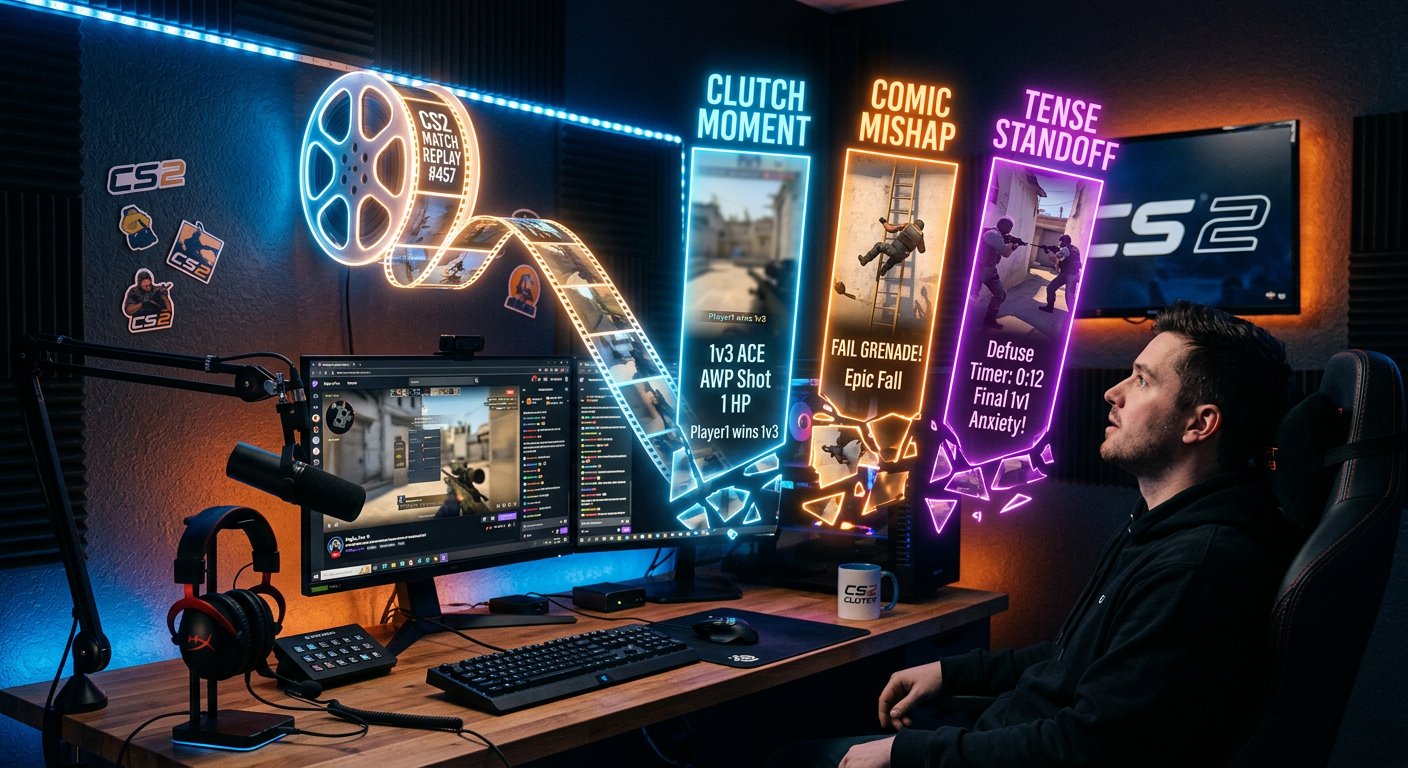
You shouldn't cut a match right after the stream from memory. Save the broadcast recording, the local file, or the match demo, and separately write down the moments with approximate timestamps: clutches, aces, funny mistakes, questionable decisions, team reactions, unusual rounds. One match is material for several different storylines, not just for cutting the best frags.
A demo lets you freely change the camera angle, zoom in on an important episode, and remove unnecessary pauses between actions. The downside of a demo is that it usually has no live reaction from the mic, webcam, alerts, or chat. A stream recording preserves the emotion but limits you to the original camera angle.
Look beyond just strong frags
An ace can work on its own, but the feed is full of identical highlights. Moments with a clear conflict stand out more: you're left one against several opponents, the team doesn't believe in the round, the opponent makes an obvious mistake, and then the situation flips dramatically. For the viewer, it's not just the killfeed score that matters but the reason to watch to the end.
- A clutch with a short setup: how many opponents were left and why the round seemed lost.
- An unexpected round with a shotgun, pistol, or unconventional position.
- A mistake by an opponent or teammate that can be broken down without toxicity.
- A reaction to a loss, a win, a lucky frag, or a confusing moment.
- One useful gameplay technique shown on a real episode.
Split the material into series formats
Don't turn every moment you find into the same clip with music and subtitles. From one match you can build several rubrics: a highlight, a mistake breakdown, a funny moment, a reaction, a quick tip, and a story continuation. The formats will differ in presentation, even if the source is the same.
Highlights are easier to edit, but they quickly become repetitive. Breakdowns hold the viewer through usefulness, but they require clear commentary and can look boring without a visual moment. Reactions convey the channel's character, but they won't work if the emotion on screen is weak or dragged out too long.
Start the clip with the event, not the setup
In a vertical feed, the viewer isn't obliged to wait for the buy phase to end or for you to reach a position. The first seconds should explain what happened or what's about to happen: "left one against three," "this round fell apart because of one grenade," "the teammate said there's no chance." Then show the action right away.
If context matters, add it as text over the gameplay or a short line. A long intro with a logo, bumper, and greeting is a direct downside: the viewer gets a reason to scroll past the video before the match even starts. You can point to the full stream version in the description or a pinned comment rather than putting it before the clip.
Build a vertical frame without losing the gameplay meaning
CS2 is recorded in widescreen, so when converting to vertical it's important to preserve the crosshair, radar, killfeed, and key screen area. Don't automatically zoom into the center of the frame: at the decisive moment, the viewer might miss the flank, the score, or the opponent's reaction in the killfeed.
There are several ways to format a vertical video. You can keep the horizontal gameplay in the center and fill the empty zones with a background. The downside is that the main frame gets smaller. You can crop the game to vertical. The downside is that part of the interface and what's happening at the edges will be lost. A third option is to place the webcam or subtitles in the free area, but it requires careful composition and a clean recording.
Add subtitles only to what enhances the moment
Subtitles are useful when the clip has speech, a reaction, or an explanation. They help people watch without sound and grasp the context faster. For a gameplay episode without commentary, it's better to add short captions: the situation score, the weapon, the clutch condition, or the round outcome.
Don't cover the center of the screen, the crosshair, the killfeed, and the radar with text. Automatic subtitles speed up the work but often get game terms, nicknames, and weapon names wrong. They need to be checked manually. Manual formatting is more accurate, but it takes noticeably more time for a series of videos.
Keep only one main twist in the video
A clip doesn't have to show the whole round from the first contact to the end. If the point is one precise frag, keep the minimal context before it and the reaction after. If the value is in breaking down a position, then on the contrary, show the setup and explain the decision before the firefight. Extra seconds of buy phase, waiting, and talking slow down the pace.
Editing with frequent cuts makes the video more dynamic but can confuse the viewer in a tactical episode. Editing with almost no cuts preserves the understanding of the round but requires a genuinely tense source. The pace should be chosen for the specific moment, not applied as one template to all videos.
Adapt the caption and thumbnail to the platform
The same file can be published on Shorts, TikTok, and VK Clips, but you shouldn't copy the formatting entirely. The caption should give context: the map, the situation, the mistake, the weapon, or the round outcome. Instead of generic phrases, it's better to name a specific reason to watch the clip: a clutch on the last round, a weird smoke, a failed retake.
A thumbnail is especially useful where the viewer opens the profile and picks a video from the grid. A frame with clear action works better than a random menu freeze-frame. Too much text on the thumbnail is a downside: on a small screen it's unreadable and looks like noise.
Don't publish all the clips from a match back to back
If a match gave you a lot of material, spread the videos out over time. First you can release the clearest and strongest moment, then a reaction or breakdown, and later a continuation with the same match. That way one stream works longer, and it's easier for the viewer to recognize the series by its common theme.
Publishing all the cuts back to back frees up the source folder faster, but the videos start competing with each other for attention. Releasing too rarely also has a downside: the connection between episodes from one match is lost. Keep an order in which each clip looks self-contained but leads to the next piece of material.
Link the clips to the channel's full content
A short video can lead the viewer to the stream, the match recording, a highlight compilation, or the channel profile. A short call to action at the end or in the description is enough: watch the full match, see the next round, find the map breakdown. Don't turn the clip into an ad block — the main moment should stay the main moment.
A link to a long video is useful for the viewer who needs context. The downside is that part of the vertical feed audience won't move to the long format. That's why the clip should deliver a complete emotion or benefit even without a click.
Check which moments viewers watch to the end
Compare more than just view counts. Look at which videos viewers watch to the end, where they rewatch a moment, which captions spark comments, and which types of clips bring subscribers. Separately note what exactly was at the start: a frag, text context, a reaction, a controversial moment, or a gameplay tip.
If clutches perform better, that doesn't mean you should publish only clutches. Monotony is a downside even for a successful format. It's more useful to alternate strong highlights with reactions, breakdowns, and short gameplay observations, and then repeat the combinations that get a steady audience response.
Last Articles
What has changed in design and functionality We have updated the website to make working with it faster and more convenient. The main changes affect ..
Good afternoon, I've collected all the news during this time.: 1. The main news is that prices for twitch viewers have been greatly reduced, while Tw..
1. Use promo code "December2025" for a 15% discount for all our viewers2. We have reduced the base prices for our configurator and the most affordable..
Twitch services are working stably, so we are ready to cooperate with squads, resellers, service owners, bot owners, and many others.Individual te..
We have completely updated our Twitch viewer services, and they are now working stably. We only use high-quality IP addresses for the viewers.The ..
Hello everyone! Today, we are announcing a new feature—"Twitch Viewer Configurator". Now, you can customize any plan for your Twitch channel. Choo..
Greetings, I have compiled a guide for streamers, which will be very relevant at the moment. Now YouTube and twitch have disabled monetization from vi..
We have finally developed the APINow it will be more convenient for our partner sites to work with us.To update the maximum tariffs for YouTube, an up..
Due to the huge popularity of the partnership services and referral program, we have made a cooperation table. The essence is very simple: more live a..
Our Services for Streamers








Our Services for Content Creators






