
Interactive Horror Streaming: How to Get Chat Involved in Your Playthrough
Interactivity Must Change the Playthrough
Horror holds the viewer through the streamer's reactions, sound, and the unknown. Interactivity adds another layer: chat doesn't just comment on a jumpscare, it makes decisions that change the next few minutes of the broadcast. It can choose a route, the order of rooms, resource spending, a weapon, or a rule for the next stretch.
A choice must have clear consequences on screen. If a poll doesn't affect the game, viewers quickly stop pressing buttons. The downside of hard interactivity is also obvious: chat can deliberately lead you into dangerous places, drag out the playthrough, and provoke repeated deaths.
Choose a Game and the Points Where a Choice Is Possible
Horror games with exploration, branching paths, scarce resources, and multiple tactical options work best. Chat can decide whether to check a locked door, go into the basement, pick up a suspicious item, heal now, or save a medkit for the boss.
In a linear game with long cutscenes, there's less room for decisions. Here you should mark in advance equipment choices, the order of exploring locations, puzzle attempts, and actions before a dangerous zone. The downside of a linear format is that part of the interactivity will have to be created artificially, and viewers notice that.
Run Polls Through Built-in Tools and Bots
For a simple path choice, the built-in polls on Twitch or YouTube will do: the viewer doesn't need to remember commands, and the result is visible right away. If you need chat-command voting, you can set up Nightbot, StreamElements, Mix It Up, or Streamer.bot. The last two options let you link a command to an on-screen message, a sound, or a scene change in OBS.
Use two or three options for a choice. For example: "check the operating room," "head to the elevator," or "go back for the key." The question should be closed-ended and doable. The downside of bots is that they need to be tested before the stream: misconfigured permissions, a wrong command, or a delay can halt the interactivity at the moment when pace matters.
- Launch a poll only before a real decision.
- Give chat a short time to choose.
- Show the options on screen or repeat them out loud.
- Once the poll closes, immediately carry out the winning decision.
- Don't cancel the result just because the route seems too dangerous.
Keep the Streamer's Right to Stop a Harmful Choice
Not every decision should be handed to chat without limits. If a choice leads to a pointless restart, a softlock, the loss of several hours of progress, or a violation of platform rules, this needs to be stated in advance. For example, viewers choose the route and restrictions, but they can't demand deleting a save or deliberately ruining the playthrough.
A convenient scheme is one risky choice per checkpoint. Chat can ban healing until the next save or send you into an optional area, but after a death the rule is lifted. The downside of the scheme is that regular viewers may find it too soft and predictable.
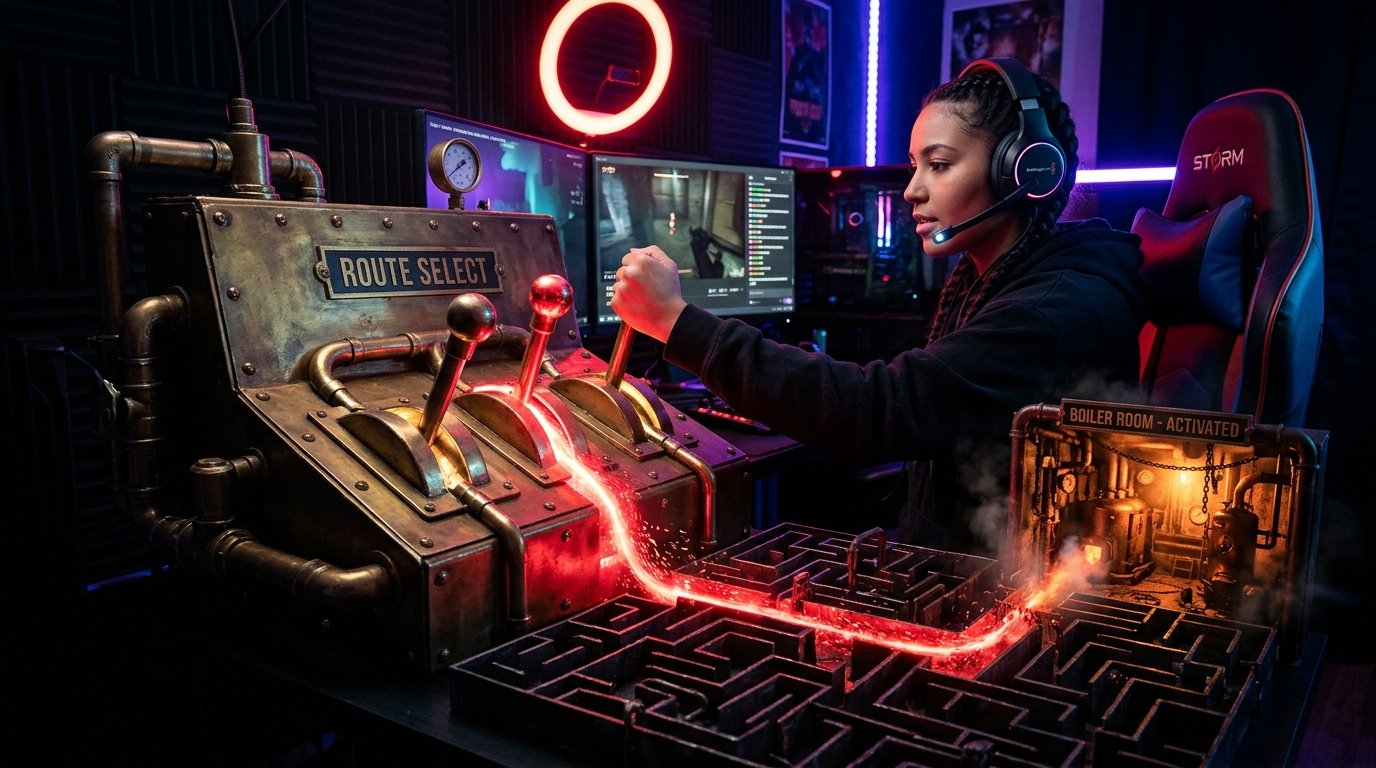
Let Viewers Add Restrictions for a Short Stretch
Restrictions create tension even in a familiar game. Chat can choose to play the next room without a map, ban healing until a checkpoint, require checking every locker, or allow only weapons you find. It's better to tie the conditions to a specific goal rather than the whole stream.
Before starting, state the boundary of the rule: "until you leave the wing," "until the next save," "until the first death." This protects the stream from arguments. The downside of restrictions is that viewers often pick the most destructive option, and you risk getting stuck in one episode for a long time.
Connect Direct Game Influence Only After Testing
In games supported by Crowd Control, viewers can trigger effects right during the playthrough: change resources, make controls harder, or create obstacles. This format gives chat more power than a regular poll. Before the stream, check which effects are available for your specific game and whether they break the save.
Direct intervention is best limited by time, zone, or number of triggers. For example, enable it only during a chase or on a single boss attempt. The downside of Crowd Control and similar solutions is that not every game is supported, and chaotic effects can kill the atmosphere and make the playthrough unreadable.
Set Up Alerts So They Don't Ruin the Scene
Alerts are useful not on their own, but as part of managing attention. In OBS, you can put them in a separate scene or source and quickly mute them during dialogue, cutscenes, and important audio cues. Through Streamer.bot or Mix It Up, you can set up different actions for a subscription, raid, and donation: a short radio sound, a message on the monitor, a change in the camera frame color.
For jumpscare scenes, a delay comes in handy: the notification appears after the tense moment rather than drowning it out. Don't put a scream, siren, or loud jumpscare on every viewer action. The downside of themed alerts is that when they trigger often, they quickly become noise and stop working for the atmosphere.
Use Predictions for One Specific Bet
A prediction is worth opening before a clear goal: whether you'll get through a chase on the first try, whether you'll find the item in this room, whether you'll solve the puzzle without a hint in time. On Twitch there are built-in predictions for this, and on other platforms you can make an equivalent through a two-outcome poll and pin the choice on screen.
State the closing condition right away: the prediction ends after a death, a found key, or leaving the location. Don't open it before every door. The downside of predictions is that too frequent a mechanic distracts chat from the game and turns horror into a stream of identical bets.
Separate Help from Spoilers with Rules and Moderation
Before starting, pin a short rule in chat: no spoilers, veiled hints, or warnings about jumpscares. Separately state when help is allowed: only after a direct request, only through a moderator, or after several failed attempts. That way viewers understand how to participate without ruining the first reaction.
For automatic filtering of repeats and links, the platform's built-in moderation tools, Nightbot, or StreamElements will do. Moderators should be given a clear list of words and phrases that count as spoilers: "behind this door," "don't turn around," "in a minute there will be." The downside of a strict filter is that it can remove harmless discussion, so automatic blocks need to be checked periodically.
Separate Game Scenes from Talking with Chat
During a chase, dialogue, or exploration, it's better not to read every message over the sound. After a dangerous episode, stop at a safe point: announce the poll result, go over a failed decision, suggest the next route, or open a prediction. The viewer sees that their participation isn't ignored, but the game doesn't turn into background video.
You can display a small list of active rules on screen: the chosen route, the current restriction, and the prediction goal. This is especially useful for viewers who joined mid-stream. The downside of a permanent overlay is that it takes up space in the frame and can hide important game interface elements.
Prepare Scripted Points and Material for Clips
Before the stream, mark a few spots for interactivity: the first fork, resource choices, a dangerous door, a puzzle, a boss encounter. You don't need to study the entire playthrough with guides. It's enough to know where the game offers a choice and where it's better not to distract chat because of the story or timing.
Interactive moments are convenient to turn into short videos: at the start, show the question or poll result, then the action and consequences. Clips work best where chat's decision led to an unexpected outcome, rather than a standalone jumpscare without context. The downside of highlight reels is that without a caption showing the viewer's choice, such an episode looks like an ordinary horror reaction.
Last Articles
What has changed in design and functionality We have updated the website to make working with it faster and more convenient. The main changes affect ..
Good afternoon, I've collected all the news during this time.: 1. The main news is that prices for twitch viewers have been greatly reduced, while Tw..
1. Use promo code "December2025" for a 15% discount for all our viewers2. We have reduced the base prices for our configurator and the most affordable..
Twitch services are working stably, so we are ready to cooperate with squads, resellers, service owners, bot owners, and many others.Individual te..
We have completely updated our Twitch viewer services, and they are now working stably. We only use high-quality IP addresses for the viewers.The ..
Hello everyone! Today, we are announcing a new feature—"Twitch Viewer Configurator". Now, you can customize any plan for your Twitch channel. Choo..
Greetings, I have compiled a guide for streamers, which will be very relevant at the moment. Now YouTube and twitch have disabled monetization from vi..
We have finally developed the APINow it will be more convenient for our partner sites to work with us.To update the maximum tariffs for YouTube, an up..
Due to the huge popularity of the partnership services and referral program, we have made a cooperation table. The essence is very simple: more live a..
Our Services for Streamers








Our Services for Content Creators






