
How to Promote a RUTUBE Channel: A Step-by-Step Guide
Step 1. Define Your RUTUBE Channel's Topic and Goal
Promoting a RUTUBE channel doesn't start with buying ads or uploading videos daily. First, determine who you're creating for, what problem you're solving, and why a viewer should subscribe to your channel specifically.
Formulate your topic in one sentence. For example: "I show beginner streamers how to set up their broadcasts" or "I break down accessible ways to repair home appliances." This formulation will help you select ideas, design your videos, and evaluate results.
Don't mix unrelated directions at the start. Gaming streams, personal vlogs, tech reviews, and cooking videos may interest you, but it will be harder for viewers to understand the channel's content. If you have several topics, unite them under a shared audience or split them into regular segments.
Define a goal for the near term. It could be growing subscribers, attracting viewers to livestreams, promoting expertise, selling services, or moving an audience from other social networks. A single post can serve several purposes, but the main goal should be clear.
Step 2. Set Up Your Channel with RUTUBE's Capabilities in Mind
Open your channel page as a new viewer and check whether it's possible to understand in a few seconds who you are and what your videos are about. Fill in the name, avatar, and description. In the name, keep a recognizable name or project title, and add a specific topic to the description.
In the channel description, specify:
- what topics you cover;
- who the videos are intended for;
- what formats you publish — reviews, tutorials, livestreams, interviews;
- how often you plan to go live;
- where viewers can learn about new episodes, if such links are available in the settings.
Use the features available in your RUTUBE account: topic categories, playlists, thumbnails, subtitles, age restriction settings, and other fields when uploading a video. Section names and the set of features may change, so check the platform's current requirements before publishing.
Separately verify the rights to music, video clips, images, and game recordings. Having a video on another platform doesn't mean you automatically have the right to use all materials in a video on RUTUBE. Copyright violations can lead to restrictions on your post or channel.
Step 3. Build a Content System, Not a List of Random Videos
A content plan for RUTUBE should connect attracting new viewers with working with an already interested audience. Some videos answer search queries, others explore the topic more deeply, and still others bring viewers to a livestream or the next episode.
Gather three groups of content:
- search materials — tutorials, answers to questions, comparisons, and breakdowns of mistakes;
- serial episodes — regular segments that are easy to follow;
- retention content — livestreams, project news, responses to comments, and continuations of popular topics.
For each idea, write down a working title, format, target audience, main benefit, and the next step for the viewer. This way you'll understand in advance whether the video should lead a person to another episode, a playlist, or a broadcast.
Choose a schedule you can realistically maintain. One quality video per week is better than a sharp start with daily posts and a subsequent break. At the same time, livestreams and short vertical videos can complement your main content if you have enough time to prepare and promote them.
Step 4. Prepare Your Video for RUTUBE Search and Recommendations
On RUTUBE, a viewer can come from search, recommendations, the feed, a playlist, a livestream, or an external link. That's why every video needs to be clearly described not only for a person but also for the system that matches the post with viewers' interests.
The title should name the topic and the result. Instead of a generic "My New Stream," it's better to write "Setting Up a Microphone for Streaming: How to Remove Noise." Don't add promises to the title that aren't in the video. A mismatch between expectations and content hurts retention and trust in the channel.
At the beginning of the description, briefly explain what the viewer will get. Then add details, useful links, timestamps, and mention related episodes. Use key phrases naturally: include real terms that relate to the video's topic. A list of random words doesn't replace meaningful text.
Choose an appropriate category and fill in the available topic fields. This is especially important for niche directions: a gaming channel, education, music, news, tech, and other topics should be labeled consistently. If RUTUBE offers an age restriction setting, choose it according to the content.
The thumbnail should be noticeable at a small size. Leave one main object, a short phrase, and good contrast. Don't repeat the entire title on it and don't use an image that isn't in the video.
Step 5. Consider Recommendation Signals, But Don't Try to Trick the Algorithms
RUTUBE doesn't have an open formula for guaranteed placement in recommendations. A video's distribution is influenced by how well the topic matches viewers' interests, audience reaction, watch depth, and other signals. So the author's task isn't to guess a secret parameter but to make the post clear and useful.
The first seconds should confirm the promise of the title and thumbnail. Start with the result, a demonstration of the problem, or a brief explanation of what will be in the episode. A long intro, a greeting unrelated to the topic, and repeating obvious information push the useful part back.
Build the video in blocks: task, solution, example, conclusion. In a long video, use navigation and make transitions between parts noticeable. At the end, offer a logical continuation: another video from the series, a playlist, or the next livestream.
Don't upload the same material many times hoping to get more impressions. Instead, rework a long episode into a short clip, a separate answer to a question, or a breakdown of a mistake. A new post should have standalone value and a clear connection to the channel.
Step 6. Use Short Videos as an Entry Point to Your Channel
A short vertical video can draw attention to the creator, but by itself it doesn't replace the main content. On RUTUBE, publish short materials if this format is available in your account, taking into account its current length and formatting requirements.
For a short video, choose one point: a useful tip, a clip from a livestream, a beginner's mistake, an unexpected result, or an answer to a frequent question. Don't try to retell an entire long episode in a short format.
Show the essence in the first seconds. Add clear text on screen if the meaning is lost without sound, and check readability on a phone. In the description or a pinned element, if this feature is available, direct the viewer to the full version or the relevant playlist.
Evaluate short videos not just by views. What matters is whether viewers move on to other videos, subscribe, and return for livestreams. If a short clip gains attention but doesn't spark interest in the channel's main topic, change the connection between the video and its continuation.
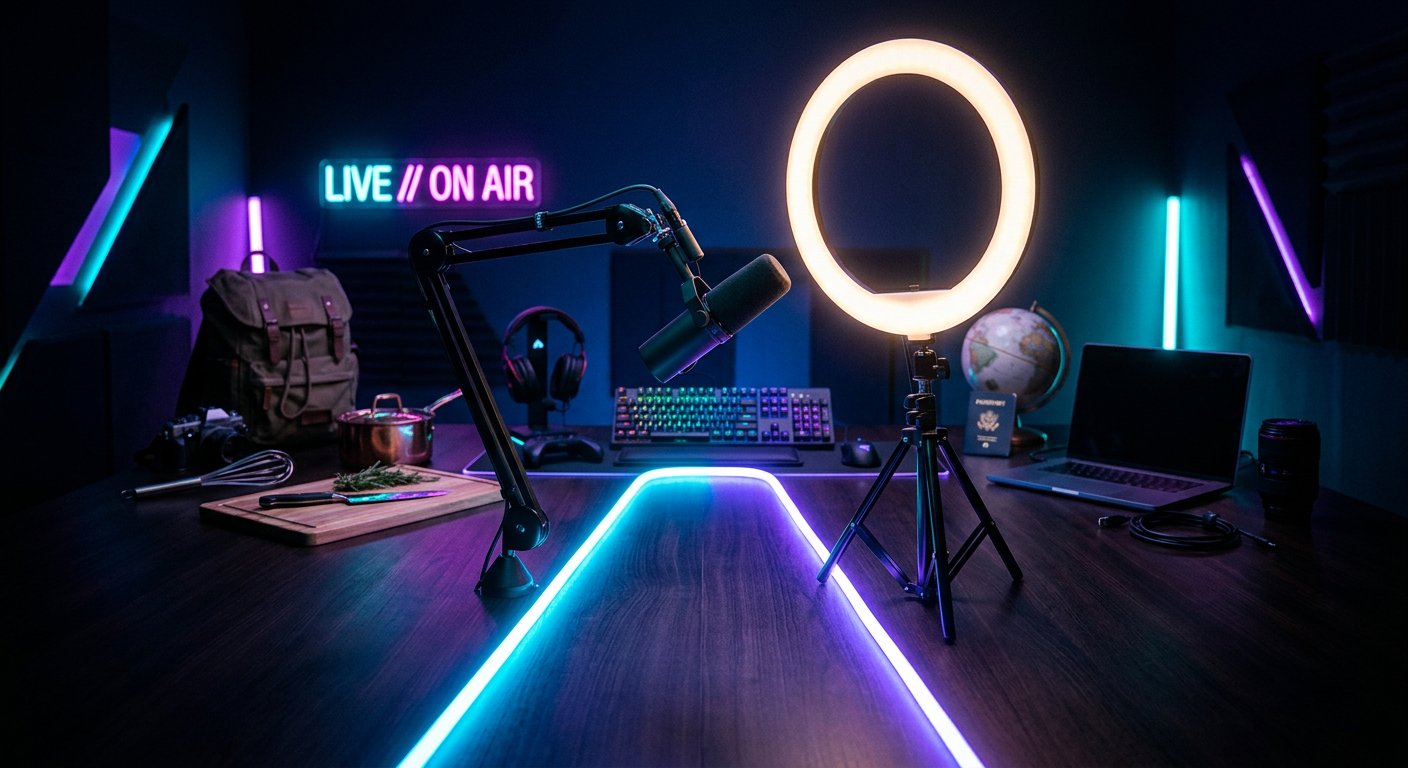
Step 7. Promote Livestreams on RUTUBE
For a streamer, a livestream isn't just another content format but a way to build a habit of returning to the channel. But even a good stream can end up without viewers if you only announce it after it starts.
Prepare the livestream in advance:
- Choose one topic or a specific task for the broadcast.
- Write a title that makes it clear what will happen on the stream.
- Add a description with the plan, start time, and a way to ask a question.
- Prepare a thumbnail without small text and unnecessary details.
- Check the sound, image, internet connection, and broadcast settings.
- Announce the stream on social media, in communities, and in previous posts.
If scheduling a broadcast is available in your interface, use it: it's easier for viewers to save the event and come back to it. Before starting, remind people about the stream, and during the broadcast periodically explain to new viewers what's happening. Chat moderation helps maintain the conversation and remove spam.
After the stream, don't leave the recording without further work. Check the title and description, add timestamps, cut out standalone clips, and answer questions you didn't get to address during the livestream.
Step 8. Attract an Audience Through Collaborations
Collaboration on RUTUBE works best when creators' interests overlap but their content doesn't fully coincide. It should be clear to the viewer why they should watch an episode with two authors, and each participant should understand what topic they're covering.
Possible formats:
- a joint livestream with viewer questions;
- an interview or a breakdown of one problem from two perspectives;
- an exchange of guest episodes;
- a competition or test with uniform rules;
- a series of videos where the continuation airs on another channel.
Before publishing, agree on the topic, script, links, release date, and how channels will be mentioned. Don't limit yourself to the phrase "subscribe to my partner." Explain what material the viewer will find there and why it's connected to the current episode.
Choose a partner not just by channel size. Look at the quality of comments, the topic, audience activity, and shared interests. A large number of subscribers doesn't guarantee traffic to your RUTUBE channel.
Step 9. Use Paid Promotion Without Wasting Your Budget
Paid promotion can speed up channel discovery, but it doesn't fix a weak video. Before launching ads, choose a video with a clear topic, a strong opening, and a logical continuation. If viewers close the post quickly, increasing impressions won't solve the problem.
Check the available placement options in RUTUBE's advertising tools and on external platforms. Terms, formats, and feature availability may vary, so before paying, clarify where the ad will appear, which audience will see it, and what reports you'll receive.
Start with one audience and one ad message. Don't mix streamers, business owners, and entertainment content viewers in a single test. Prepare a separate text and video for each group. This will make it easier to understand who responds to the offer.
Track not only the number of views from ads but also retention, subscriptions, transitions to other videos, and livestream attendance. For external placements, use different links, promo codes, or separate landing pages if that fits your goal. Don't buy "guaranteed views" and subscribers: such activity doesn't equal real interest.
Step 10. Study RUTUBE Analytics and Make Data-Driven Decisions
In the RUTUBE analytics section, look not at a single number but at the chain of viewer behavior: saw the thumbnail, opened the video, watched the beginning, reached the main part, moved on to the next post, and subscribed. The set of metrics may depend on the type of post and the current dashboard interface.
Which Metrics to Check
- Views show the overall volume of consumption but don't explain its quality.
- CTR shows how often a viewer clicks to watch after seeing the thumbnail, if this metric is available in analytics. A low CTR may indicate a weak combination of title and thumbnail.
- Retention shows at which moments viewers leave. A sharp drop at the beginning is often related to a drawn-out intro or a mismatch with the promise.
- Average view duration helps compare videos of different lengths, but it should be considered together with the retention graph.
- Traffic sources show whether viewers came from search, recommendations, external links, playlists, or other sections.
- Subscriber growth and transitions to other videos help you understand whether a view turns into interest in the channel.
- Comments, reactions, and livestream activity show the depth of contact with the audience.
Compare posts of the same type. Don't put a short video on par with a two-hour livestream, and don't draw conclusions from a single unsuccessful video. If search brings interested viewers, develop that topic. If recommendations generate impressions but retention is low, rework the beginning and structure. If CTR is low but retention is good, test a new thumbnail or title wording.
Change one element at a time and record the result. Don't delete a post right away because of a weak start: first check traffic sources, the quality of the packaging, and viewer reaction after the first clicks.
Practical Promotion Scenarios on RUTUBE
Scenario for a Gaming Streamer
The streamer picks one game and three regular segments: livestreams, beginner tutorials, and short clips of the best moments. Tutorials bring viewers from search, short videos introduce the host's style, and livestreams give a reason to return. In analytics, he compares first-minute retention, traffic sources, and the number of subscriptions after each format.
If short clips get views but few people move on to livestreams, the connection between posts needs to be clearer: state the topic of the upcoming broadcast and publish clips from moments that will be continued on the stream. This is an example of a working hypothesis, not a promise of a specific result.
Scenario for an Expert Channel
The author publishes a detailed breakdown of a problem, then releases a short answer to one question and hosts a livestream analyzing viewers' situations. In the descriptions, he links the materials together, organizes a playlist, and analyzes which sources bring the most interested audience. After that, he can test paid placement only on a video that already shows decent retention without ads.
What Not to Do When Promoting a Channel
Don't use artificial inflation of views, reactions, and subscribers. Fake activity doesn't create a loyal audience, and its sources may violate platform rules.
Don't copy others' videos, thumbnails, and scripts. Analyzing popular posts is useful, but you should replicate the presentation principle, not the specific material. Verify the rights to music, broadcast clips, and images.
Don't change your channel's topic every week and don't launch ads on every post without comparing results. First, build a clear content system and check which topics already generate interest.
Don't evaluate promotion by views alone. A channel grows through viewers who watch videos to the end, return for livestreams, watch other posts, and engage with the creator.
Quick Takeaways: What to Do Step by Step
- Define your channel's audience, topic, and goal.
- Fill in your RUTUBE profile, set up playlists, and verify rights to materials.
- Create a content plan from search videos, series, short videos, and livestreams.
- For each post, prepare an accurate title, description, category, and thumbnail.
- Hold attention from the first seconds and connect videos to each other.
- Promote livestreams in advance, arrange collaborations, and test paid placements on the right audience.
- Regularly check CTR, retention, traffic sources, subscriptions, and transitions to other videos.
- Change your strategy based on data, not random views.
Last Articles
What has changed in design and functionality We have updated the website to make working with it faster and more convenient. The main changes affect ..
Good afternoon, I've collected all the news during this time.: 1. The main news is that prices for twitch viewers have been greatly reduced, while Tw..
1. Use promo code "December2025" for a 15% discount for all our viewers2. We have reduced the base prices for our configurator and the most affordable..
Twitch services are working stably, so we are ready to cooperate with squads, resellers, service owners, bot owners, and many others.Individual te..
We have completely updated our Twitch viewer services, and they are now working stably. We only use high-quality IP addresses for the viewers.The ..
Hello everyone! Today, we are announcing a new feature—"Twitch Viewer Configurator". Now, you can customize any plan for your Twitch channel. Choo..
Greetings, I have compiled a guide for streamers, which will be very relevant at the moment. Now YouTube and twitch have disabled monetization from vi..
We have finally developed the APINow it will be more convenient for our partner sites to work with us.To update the maximum tariffs for YouTube, an up..
Due to the huge popularity of the partnership services and referral program, we have made a cooperation table. The essence is very simple: more live a..
Our Services for Streamers








Our Services for Content Creators






