
How to Involve Chat in Minecraft Hardcore Without Breaking the Playthrough
Define the boundaries of chat influence before going live
In Hardcore, one death ends the world's story, so viewers shouldn't get the ability to accidentally break the playthrough. Before the stream, decide what chat influences: the route, the order of tasks, the base's appearance, extra goals, the names of builds, or the next expedition. Character control, combat decisions, and emergency retreats are better left to you.
State the rule at the start and pin it in chat: "You choose the goal and the preparation plan, but in a dangerous situation the decision stays with me." Viewers take part in the world's development but can't push risk for a reaction. The downside of this approach is direct: fans of chaotic interaction may find the stream too calm.
Choose interaction between dangerous stages
The most sustainable format works in the pauses between outings. Chat chooses what to build, which goal to close out before the stream ends, and where to head after preparation. At that moment you can check armor, food, potions, blocks, and an escape route without losing contact with the audience.
- Choosing the next goal: a village, a mine, a resource farm, a fortress, or preparation for the Nether.
- Choosing the base location, wall materials, a pet's name, or a banner design.
- Choosing a decorative project to be built in a safe zone.
- Collecting achievements and long-term tasks for future streams.
Direct control through commands, redstone triggers, or viewer activations looks impressive, but for Hardcore it's a bad foundation. A setup error, spam, or an accidental trigger can end the world without an interesting continuation.
Run votes at clear decision points
Don't launch polls every few minutes. Two or three points per stream is enough: after the start, before a big preparation phase, and at the finale. While viewers vote, do safe things: sort loot, repair tools, prepare food, or build a protected route.
The question should contain only real options. For example: gather resources for potions first or look for the fortress entrance first. Briefly explain the consequences of the choice, wait for the result, and repeat the decision out loud. A good poll changes the plan but doesn't cancel caution.
The downside of votes is losing pace if viewers don't understand the difference between options or there are too many of them. Don't include ideas like going without armor in a poll: chat shouldn't be responsible for a decision that already looks like a mistake.
Set up the poll so one viewer doesn't decide everything
For votes, it's better to use the platform's built-in tool rather than counting messages with numbers in chat. For example, in the Twitch dashboard, create a poll with two answers: "Potion farm first" and "Fortress search first." Disable extra votes for channel points if you want to keep the "one viewer, one vote" principle, and give moderators the right to launch a poll only on your command.
If you use a bot with custom commands, keep it in an assistant role: a command can remind people of the rules, list the options and a link to the poll, but it shouldn't trigger in-game effects. Example of a safe command: !plan — the bot sends the message "Voting via the platform poll: 1 — farm, 2 — fortress. We carry out the result after preparation."
This solution has a downside: the built-in poll isn't available on every platform and isn't always visible to viewers on an external player. Before the stream, check where your main audience will see it, and repeat the question out loud.
Shut down vote manipulation and flooding during voting
If voting goes through a built-in poll, don't accept parallel votes via messages. This immediately removes the dispute over how many times a viewer typed a number and which account they came from. If you suspect manipulation, stop the poll, don't announce the disputed result, and restart it after a short pause with simpler options.
A moderator just needs to quickly delete the flood, time out repeat offenders, and enable subscribers-only or followers-only chat mode if the channel's rules allow it. This mode doesn't guarantee protection from new accounts, but it complicates a mass raid. Its downside is that some regular viewers temporarily won't be able to join the conversation.
Don't discuss suspected manipulators on stream and don't ask chat to "find the culprits." Set the rule: a disputed vote is canceled, and the next choice stays with you or moves to a calm segment of the stream.
Give chat roles, not control over the route
Viewers don't have to constantly choose the direction. It's more useful to assign specific roles that don't overlap with votes: keeping a list of needed resources, reminding about the backup portal, noting unfinished tasks, suggesting names for rooms and builds. That way messages remain part of the playthrough instead of turning into a stream of commands.
Before a trip, chat can put together an equipment checklist. During building, they can suggest base zones: storage, an enchanting room, a safe exit to the mine, farms, and a trophy wall. After an outing, viewers help sort the loot and figure out what's missing for the next stage.
You don't need to take every suggestion. Pick ideas that you've repeated out loud yourself or that a moderator has confirmed. The downside of this format is that some viewers will feel their suggestion went unnoticed. That's better than arguing with chat and losing control during the game.
Technically limit viewer influence
If you use a bot, configure it to accept only safe commands: joining a vote, choosing a name, or adding an idea to the queue. Commands tied to in-game actions, teleportation, mob spawning, effects, inventory, and difficulty changes are better disabled entirely for Hardcore.
For important commands, set access rights: only you and moderators can run them, not all viewers or new accounts. Set a delay between commands and a limit on repeated messages. This reduces the risk of spam, vote manipulation, and accidental activations.
Stream delay also helps if viewers can influence the game through external tools. It doesn't protect against harmful advice, but it gives you time to notice mass flooding and disable the problematic mechanic. The downside of delay is that communication and reactions to polls become less lively.
Add challenges with safe conditions
A challenge creates a storyline for a single stream or a whole series if it's tied to the world's current stage. The goal should be achievable without deliberate risk, and the consequences should be clear in advance. Chat can choose not just the task itself but also the reward for completing it.
- Build a lit road from the base to the mine before the stream ends. Condition: don't go beyond already explored territory. Reward: chat chooses the design of the mine entrance. Consequence of failure: the road stays unfinished, and the next outing is postponed.
- Assemble a Nether kit: food, blocks, fire resistance potions, a backup portal, and a ranged weapon. Condition: don't enter the Nether until the list is complete. Reward: viewers choose the location and style of the portal room. Consequence: the expedition is postponed to the next stream.
- Find a village within a pre-chosen radius. Condition: return before nightfall and don't enter an unfamiliar cave along the way. Reward: chat gives a name to the trading hall or the first villager. Consequence: you return to the base and switch to a backup task.
Don't make risk for risk's sake the goal: fighting without armor, jumping over lava, going to a bastion without potions. It can give a quick thrill but often cuts the series short without development. The downside of safe challenges is different: they need to be tied to the world's plan rather than made up on the fly.
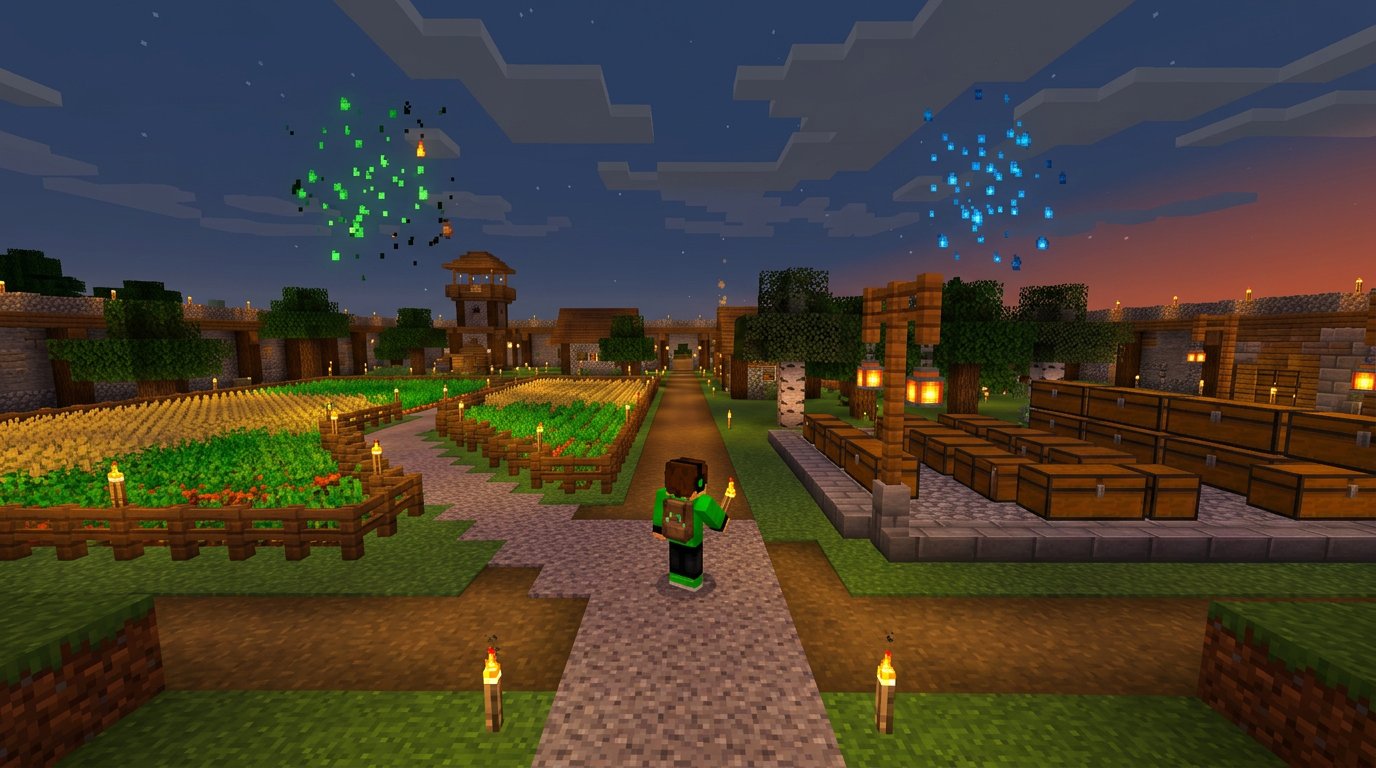
Encourage activity without selling dangerous decisions
Chat activity can be recognized within the playthrough. A viewer's idea makes it into the base plan, the audience chooses the name of a new farm, or unlocks a decorative task after a shared goal. Such rewards don't change the Hardcore balance and don't force risk at a dangerous moment.
If the channel has subscription perks, paid reactions, or other ways to support, don't tie them to choosing a dangerous action. A format where support decides whether to go into a difficult location unprepared creates pressure for a reaction. Safe perks are less provocative, and the rules stay clear for everyone.
Close out the reward with a specific action: after a completed goal, chat chooses a decorative element for the new farm at the next calm stage. The downside of such a reward is that it doesn't give an instant effect, so it needs to be announced in advance and followed through.
Separate dangerous gameplay from conversation
During a mine, bastion, ancient city, or fight, don't try to respond to every message. In a dangerous segment, game audio, visibility, and quick decisions matter more. Before entering, announce the transition: "For the next few minutes I'll read chat selectively; after I return we'll go through ideas and choose the next plan."
At the base you can actively communicate again: show the loot, discuss mistakes, run a vote, gather suggestions for builds. This rhythm teaches viewers that a pause in replies doesn't mean being ignored.
The downside of separating is that calm segments are easy to drag out. Don't turn sorting chests into a long silence: use it for questions to chat, preparing a poll, and explaining the next task.
Set up moderation and hint rules
Before the stream, decide which tips are allowed. You can allow hints about familiar mechanics but ban structure coordinates, location contents, spoilers, and pushy instructions. If you want to get through a stage without help, state it directly: tips only on request.
Pin a short rule: "No coordinates or spoilers. No command spam. Tips only on request." Moderators should filter out not only harmful advice but also insults, flooding, provocations, false claims about mechanics, and calls to die on purpose.
For trolling, a simple sequence works: delete the message, time out on repeat, ban for systematic violations. Don't argue with a troll on stream: a public reaction often gives them the attention they're writing for. Strict moderation may displease some new viewers, but without it a Hardcore chat quickly becomes a source of noise.
Prepare a response to death and technical failure
Death in Hardcore is best built into the scenario in advance. Decide what will happen on stream: a breakdown of the mistake, a base tour, a discussion of a new start, or ending the series at a planned point. Then the finale won't look like a suddenly cut-off broadcast.
A world backup is useful for recording, reviewing the playthrough, and a base tour video. But you can't restore it to continue Hardcore without a rule announced in advance. If death ends the world, don't silently reverse that decision. Otherwise viewers will stop taking the risk seriously.
In case of a stream failure, prepare a short message for chat and an action plan in advance: stop the game in a safe place, check the connection, restart the program, and explain whether the stream will continue. The downside of preparation is that it doesn't rule out failure, but it helps you avoid losing the world to haste.
Pre-stream checklist
- Formulate the world's current goal and one backup task in case of a failed outing.
- Define two or three points for votes and prepare real answer options.
- Pin the rules for hints, spoilers, flooding, and chat behavior.
- Set up bot permissions, command delays, and disable dangerous in-game activations.
- Agree with a moderator on which messages to delete, when to time out, and at what point to stop a disputed poll.
- Check the character's equipment, food, blocks, potions, and escape route before a dangerous zone.
- Prepare a safe task for conversation after the outing: building, sorting resources, or choosing the next goal.
- Decide in advance what you'll tell chat on character death, technical failure, or the end of the stream.
At the finale, record the next stream's goal in a pinned message, note, or task list. New viewers will get into the playthrough faster if they see the world's current stage, the nearest plan, and the role they can take in chat.
Last Articles
What has changed in design and functionality We have updated the website to make working with it faster and more convenient. The main changes affect ..
Good afternoon, I've collected all the news during this time.: 1. The main news is that prices for twitch viewers have been greatly reduced, while Tw..
1. Use promo code "December2025" for a 15% discount for all our viewers2. We have reduced the base prices for our configurator and the most affordable..
Twitch services are working stably, so we are ready to cooperate with squads, resellers, service owners, bot owners, and many others.Individual te..
We have completely updated our Twitch viewer services, and they are now working stably. We only use high-quality IP addresses for the viewers.The ..
Hello everyone! Today, we are announcing a new feature—"Twitch Viewer Configurator". Now, you can customize any plan for your Twitch channel. Choo..
Greetings, I have compiled a guide for streamers, which will be very relevant at the moment. Now YouTube and twitch have disabled monetization from vi..
We have finally developed the APINow it will be more convenient for our partner sites to work with us.To update the maximum tariffs for YouTube, an up..
Due to the huge popularity of the partnership services and referral program, we have made a cooperation table. The essence is very simple: more live a..
Our Services for Streamers








Our Services for Content Creators






