
How to Organize a Jackbox Stream with Viewers: Queue, Code, and Roles
Choose the participation format before the stream starts
Chaos in Jackbox begins before the first game: viewers don't understand whether they can join the room, where to get the code, and who is already playing. Before launching the game, pick one format and announce it at the start of the broadcast. Don't change the rules between rounds unless necessary: some viewers will only hear the old version.
For a public stream, suitable options are a closed lineup with guests, open entry, and a queue. A closed lineup is easier to manage, but new viewers almost never get into the game. Open entry fills the room quickly, but random people take slots before those who waited. A queue requires a moderator's work, but it provides a clear order and lets you swap players without arguments.
Jackbox is not a free shared room for the entire audience: launching it requires a purchased game or access to it on your platform. The limit of main players, whether there's an audience mode, and the connection rules depend on the specific game in the pack. Check this before announcing so you don't promise eight seats where there are fewer.
Pick a game that fits rotation and your audience's capabilities
Before the stream, check the player limit, the viewers' role, the length of one game, the language of the prompts, and whether the audience can be connected to voting. In some games viewers influence the outcome; in others they barely participate. If the main room is small, the audience mode becomes more important: people in the queue need to see that they're not just waiting in silence.
For a viewer format, short standalone games work better. After the finale, you can swap the entire lineup without hard feelings, refresh the queue, and start a new room. A long game gives participants more time to shine, but its direct drawback is that the queue moves slowly, and those who signed up at the start of the stream may not live to see their turn.
Launch the game in a test room beforehand. See when the code appears, what the waiting screen looks like, whether you can hide the lobby with a separate scene, and what happens when a player leaves. Also check whether a personal message notification or a list of participants from a private chat ends up on the broadcast.
Separate the queue, lineup selection, and code distribution
These are three different actions. The queue answers the question of who wants to play. Selection determines the main lineup and reserves for the upcoming game. Code distribution happens only after the chosen people have confirmed they're ready. If you mix these stages, viewers start treating the code as a way to sign up and join the lobby without an invitation.
Collect the queue in chat with a single command or through a moderator. When a game ends, the moderator names the selected players and reserves. Only then does the main lineup confirm they're still online and ready to connect. The code goes to those who passed this stage, not to everyone who typed the command during the stream.
The room code must not be a way to join the queue. This order is a bit slower than open entry: players need to wait for a call and confirmation. But it eliminates the main cause of conflicts — occupied slots that no one was responsible for.
Don't show the room code on stream
Don't put the lobby on the broadcast right after creating the room. Even a brief reveal is enough for free seats to be taken by viewers who didn't read the rules or didn't make the lineup. With an active chat, the host may only notice this after all slots are filled.
Create the room on a scene without game capture or behind a rules overlay. Bring the game screen back on stream once the main players have joined and the lineup is verified. If the code accidentally appears on screen, don't waste time looking for someone to blame: it's safer to close the room, create a new one, and give a new code to the selected group.
Sending the code separately via direct messages, a private community channel, or a group's private chat is more reliable than showing it on screen. The drawback of this method is that not every viewer has direct messages open, and switching to another service slows down recruitment. Check the communication channel while people are still signing up for the queue.
Pin short rules and a signup template
A message saying "join in" doesn't explain the participation process. Pin a short instruction in chat and repeat it out loud before the first game. Keep only the rules you're willing to enforce. No one will reread an overly long rulebook, and vague conditions won't help the moderator make a decision.
- Signups open only after recruitment is announced.
- Seats go to players from the queue whom the moderator names.
- The room code must not be shared with other viewers.
- A player confirms readiness and stays until the end of the current game.
- After the agreed number of games, the participant returns to the end of the queue.
- Insults, harassment, threats, and publishing personal data result in removal from the queue.
A signup like "!play in_game_name" will work. If the Jackbox nickname differs from the chat nickname, this must be stated right away. That way the moderator doesn't have to figure out on the fly who exactly appeared in the room and whether they match the person on the list.
Set up bot commands for the queue
On a small channel, the queue can be managed manually. The moderator records signups, marks who has played, and names the next lineup. The advantage of this option is that you can immediately filter out duplicates, wrong nicknames, and people who have already played. The drawback is that one person gets overwhelmed quickly if the chat is active.
For chat commands, Nightbot or StreamElements will work. The viewer command can be simple: "!play in_game_name". In Nightbot, the moderator creates a response to it via the Custom Commands panel or a management command like "!addcom" if they have permissions. In StreamElements, a similar command is usually added through the commands section or via "!command add". The bot itself won't build a fair queue without a configured scenario: it will only repeat text or trigger a connected module.
Don't make the command a promise of a seat. It's better to set up a response: "Signup received, the moderator confirms the order." For leaving, you can use "!leave". If the bot can't correctly remove a person from the list, the moderator must do it manually and announce the change. Automation is convenient, but its drawback is that the bot can't see whether a viewer is ready or whether their nickname is being used by someone else.
Divide the host and moderator roles
The host launches games, explains the game rules, works with audience reactions, and keeps an eye on pacing. The moderator runs the queue, opens and closes recruitment, checks player readiness, sends the code, calls reserves, and logs violations. When these tasks are separated, the host doesn't have to interrupt a round to find a nickname in the message stream.
A unified set of messages helps the moderator: "Signups for the next game are open," "Main lineup: [nicknames]," "Reserves: [nicknames]," "Main lineup, confirm readiness," and "Signups closed." They also clarify in advance how players will receive the code and how much time they have to join. This reduces the number of identical questions in chat.
If there's no moderator, simplify the format: take fewer players, don't open several signups at once, and don't try to run a long queue. The drawback of solo queue management is obvious — during breaks between games, the stream turns into organization rather than play.
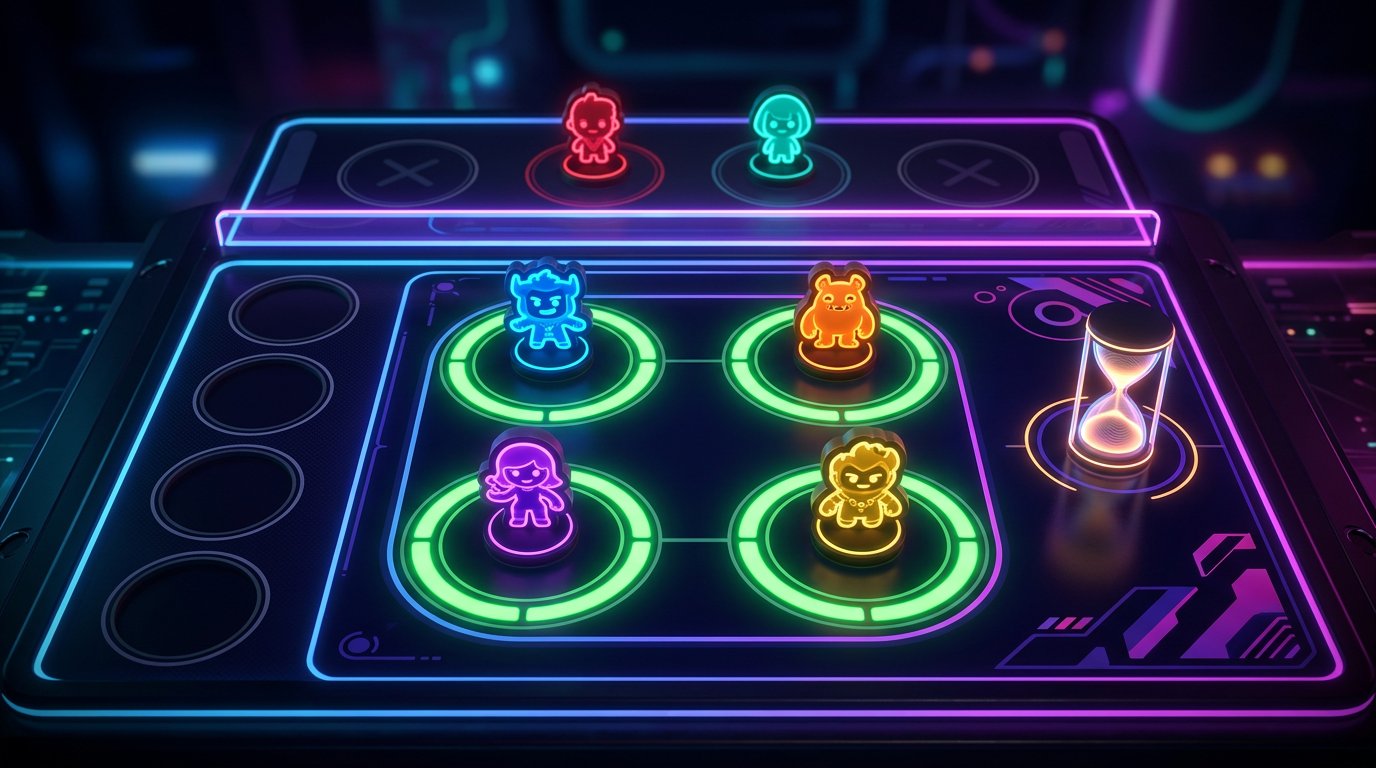
Give players a limited time to confirm
A selected viewer may step away, close the stream, or change their mind. Don't wait for them indefinitely. Before the stream, set a simple procedure: the moderator calls a player, they respond in the agreed format, such as "ready nickname," and then receive the code. If there's no confirmation, the seat goes to the first reserve.
It's better to pick reserves in advance rather than look for a new person after every refusal. They don't need to receive the code along with the main lineup: just ask them to stay online. When a slot frees up, the moderator calls the reserve and sends them the code separately.
A strict time limit may upset a viewer who saw the call late. But waiting a long time for one person holds everyone up: the main lineup sits in the lobby, viewers watch a pause, and the queue stops moving.
Set stream delay as extra protection
Delay helps if the room code appears on screen for a second. It leaves time to switch the scene or hide the game window before the picture reaches viewers. Without delay, any lobby mistake immediately becomes an open invitation for the entire audience.
It also smooths over the situation when viewers see prompts and answers before participants do or start giving hints in chat. But delay doesn't make the game immune to hints: a viewer can watch on another device while a player reads the public chat. For games where this is critical, ask participants not to watch the stream during their turn.
Too much delay hurts live interaction: chat reactions arrive noticeably later, and it's harder for the moderator to call players. So use it as a safety net, not as a replacement for a hidden lobby and private code distribution.
Separate lineup messages from the general chat
The general chat simultaneously has jokes, voting, signups, and questions. An invitation to a player quickly scrolls up, especially at the finale. For a small channel, a pinned message and one confirmation format are enough. On a more active stream, moderator direct messages or a separate private channel for the selected lineup are more convenient.
It's enough for a player to receive the code, join the room, and confirm their presence once. Don't make them constantly report in the general chat. Handle organizational matters between games, otherwise recruitment starts taking more time than the game itself.
A private channel makes communication more reliable, but it requires viewers to take an extra step and register in the right place. Some of the audience won't want to switch to another service. In that case, it's better to stick with direct messages and a small lineup than to publish the code on stream.
Rotate the lineup by a pre-announced rule
Rotation works when a viewer understands exactly when a seat will free up. Before the first game, announce the rule: the lineup changes after each game, or a player participates the agreed number of times and returns to the end of the queue. Don't keep a lucky lineup for the entire stream if the stream is billed as a game with viewers.
- During the current game, the moderator opens signups for the next one.
- Before the finale, they check who from the queue is still online.
- After the results, they name the main lineup and reserves.
- The main lineup confirms readiness.
- The moderator creates a room off-stream and gives the code to the selected players.
- Once the room is filled, the host brings the game back to the main scene.
Rotation has a drawback: strong and funny players don't always get to shine in a single game. But new viewers don't feel that the queue exists only for show, and they're more willing to stay until their round.
Stop toxic answers before the next game
In Jackbox, players create the content themselves, so a chat filter doesn't protect against insults on the game screen. Before starting, enable the available safe settings if the chosen game has them, and set boundaries: no harassment, threats, discrimination, publishing personal data, or deliberate provocation.
For accidental rudeness, a short warning is enough. For a clear violation, don't get into a ten-minute argument: the moderator removes the person from future signups, and the host continues the current game as calmly as possible. If the game doesn't let you remove a participant before the finale, simply don't invite them again.
Strict moderation may seem excessive to part of the audience. But the absence of boundaries has its own drawback: reasonable viewers stop signing up, while trolls come for the host's reaction and the chat's attention.
Act if someone takes a seat out of turn
If an outsider takes a slot before the game starts, don't argue with them in chat or ask them to leave voluntarily. Close the lobby, create a new room, and send a fresh code only to the confirmed lineup. This is faster than figuring out who saw the old code, who passed it on, and who should give up their seat.
If a person joins out of turn into an already filled room and the game allows removing them before the start, remove them and call the needed player or reserve. If there's no such function, the decision depends on the format: you can run this game as an extra one, but don't give the violator the code again. It's important to state right away that an accidentally taken seat doesn't stick with the person for future rounds.
Sometimes a restart seems too harsh, especially if everyone else is already in the lobby. Its drawback is losing momentum. But giving in to someone who bypassed the queue makes the rules meaningless and invites a repeat of the situation.
Replace a player who leaves mid-game
If a participant leaves during a round, don't try to stop the game when the mechanics don't allow it. Finish the current game with the remaining lineup. Meanwhile, the moderator marks the freed seat and calls a reserve for the next launch.
Don't automatically return a departed player to the front of the queue. If they warned in advance or dropped due to a technical issue, you can keep their place according to your shared rule. If the person silently disappeared, it's fairer to send them to the end of the queue or ask them to sign up again. Otherwise, viewers who stayed online will wait longer because of someone else's no-show.
When a player leaving breaks a specific game, use a technical overlay, end the room, and create a new one. The moderator should post a short explanation: "A player left, we're assembling the next lineup from the current queue." A silent restart looks like an error, while a clear message maintains order.
Run your first stream with a simple scenario
Your first Jackbox stream doesn't need a complex rulebook. Pick one game, one signup method, one channel for the code, and the rule of "one game per lineup." Don't run several rooms at once and don't change the format after every round: that way it's easier to spot exactly where delays occur.
- Before the stream, check the game, seat limit, scenes, delay, and code delivery method.
- At the start, explain the signup command, the rotation rule, and the ban on joining without an invitation.
- The moderator opens the queue and selects the main lineup with reserves.
- Selected players confirm readiness, then receive the code off-stream.
- Once the room is filled, the game returns to the main scene.
- During the game, the moderator prepares the next lineup.
- After the finale, those who played go to the end of the queue, and new players get seats.
This scenario is less spontaneous than open entry. But you'll quickly see the weak point of the process: collecting signups, confirmation, direct messages, joining the lobby, or lineup changes. Fix one stage at a time rather than adding new rules mid-stream.
Last Articles
What has changed in design and functionality We have updated the website to make working with it faster and more convenient. The main changes affect ..
Good afternoon, I've collected all the news during this time.: 1. The main news is that prices for twitch viewers have been greatly reduced, while Tw..
1. Use promo code "December2025" for a 15% discount for all our viewers2. We have reduced the base prices for our configurator and the most affordable..
Twitch services are working stably, so we are ready to cooperate with squads, resellers, service owners, bot owners, and many others.Individual te..
We have completely updated our Twitch viewer services, and they are now working stably. We only use high-quality IP addresses for the viewers.The ..
Hello everyone! Today, we are announcing a new feature—"Twitch Viewer Configurator". Now, you can customize any plan for your Twitch channel. Choo..
Greetings, I have compiled a guide for streamers, which will be very relevant at the moment. Now YouTube and twitch have disabled monetization from vi..
We have finally developed the APINow it will be more convenient for our partner sites to work with us.To update the maximum tariffs for YouTube, an up..
Due to the huge popularity of the partnership services and referral program, we have made a cooperation table. The essence is very simple: more live a..
Our Services for Streamers








Our Services for Content Creators






