
Spoiler-Free Valorant Match Breakdowns on Live Stream
What Counts as a Spoiler-Free Breakdown
A spoiler-free breakdown is a stream where the viewer doesn't know the match outcome, the map score, the round winner, or the key events ahead on the timeline. The host must also avoid accidentally revealing the result through tone of voice, phrasing, or reactions to the situation. The goal of this kind of content is to watch the game as if for the first time, but pause on team decisions, positions, economy, and round mechanics.
The format works for breaking down tournament recordings, ranked matches, subscriber games, and your own VODs. For matches involving viewers, confirm in advance whether the players agree to have their nickname, voice chat, and in-game messages shown.
Choose Your Recording Source and Check It in Advance
The safest option is a local recording or a VOD you haven't seen yet. If you already know the match, it's hard to hide your reaction to an upcoming clutch, comeback, or blown round. Even a phrase like "now this is going to be important" tips viewers off that a key moment is coming.
Before the stream, open the recording and check the beginning, middle, pauses, and final minutes. Make sure there's no score in the title next to the player, no comments, no timestamps describing events, and no recommended videos. The downside of recordings from open platforms is that the spoiler may not be in the video itself but in the interface around it.
- A downloaded recording is convenient because you can open it without titles, comments, or pop-up recommendations.
- A VOD in the browser is easier to launch, but you need to hide extra panels and notifications in advance.
- A demo or observer recording gives you more freedom for pauses and replays, but requires preparation and familiarity with the interface.
- A viewer's match adds audience engagement, but the recording quality, audio, and camera angle may be poor.
Don't Reveal the Result Through Your Stream Setup
Spoilers often appear before the viewing even starts. The stream title, thumbnail, waiting scene, map list, and overlay captions must not contain the final score. Don't put the tournament bracket on screen if it lets people figure out who advanced. Don't use a frame from the final round for the preview.
Separately check file names, browser tabs, and sources in your capture software. A file that lists the teams and the result can end up on screen when you switch scenes. If you're working with a series of maps, rename the materials neutrally: "map 1," "map 2," "match for breakdown."
Set a Stream Delay to Give Your Moderator Room to Work
The delay isn't a chat rule but a technical buffer of time between a message being sent and it appearing to viewers. It gives the moderator a chance to spot a direct spoiler, delete it, and keep the message from staying on screen or in front of the main audience.
This method doesn't replace manual checking. A hint like "wait for the next round" may look harmless, and emojis and short replies are sometimes only understood by those who know the match. The downside of a large delay is that the stream is less suited to quick dialogue, answering questions, and reacting to messages in real time.
- Check whether the moderator sees messages before the main audience does.
- Don't put chat on screen if you can't quickly hide it with a separate source.
- Prepare a hotkey or a chat-free scene in case of mass spam.
- Don't rely on keyword filters: they're bad at catching veiled hints.
Agree on Comment Rules With Your Audience
At the start of the stream, briefly explain that people can only discuss what has already happened on screen. Leave questions about future maps, the final score, and the teams' fate for a separate block after the viewing, or don't bring them up at all.
It helps to split chat into two modes. During the match, viewers discuss the current round: economy, positions, shooting, ability usage. During a pause, you can collect theories on why a team made a certain decision. This approach keeps things interactive without turning chat into a source of hints.
Don't ask viewers to vote on the match winner if part of the audience already knows the result. A poll quickly turns into a spoiler through an overly confident choice or the comments under it.
- No writing the score, the winner, future events, or hints about them.
- No calling a round "legendary," "decisive," or "the funniest" before it's over.
- No discussing the tournament bracket, upcoming matches, or future substitutions tied to the current recording.
- You can break down actions already shown, suggest options, and debate players' decisions.
Break Down Each Round With a Clear Structure
A spoiler-free live stream is easier to host when every round follows the same breakdown logic. You don't have to keep searching for what to talk about: viewer attention stays on specific elements of the game. That said, don't break down every round with the same depth. Ordinary rounds can be commented on quickly, while important ones can be paused and unpacked in more detail.
- Assess both teams' economy: full buy, force, eco, or mixed buy.
- Note the ultimates and abilities that could change the site take or retake.
- Show the starting positions and explain what information the teams are trying to get.
- Break down the first contact: who takes the risk, who backs up, where a trade is possible.
- After the spike plant or first frag, pause on how the team's plan changes.
- At the end of the round, separate a good idea from a lucky gunfight win.
The downside of a detailed structure is that the stream's pace can become too slow. If you pause after every contact, the viewer stops seeing the match as a cohesive game. Alternate between fast viewing and in-depth analysis.
Pause Before the Outcome, Not After It
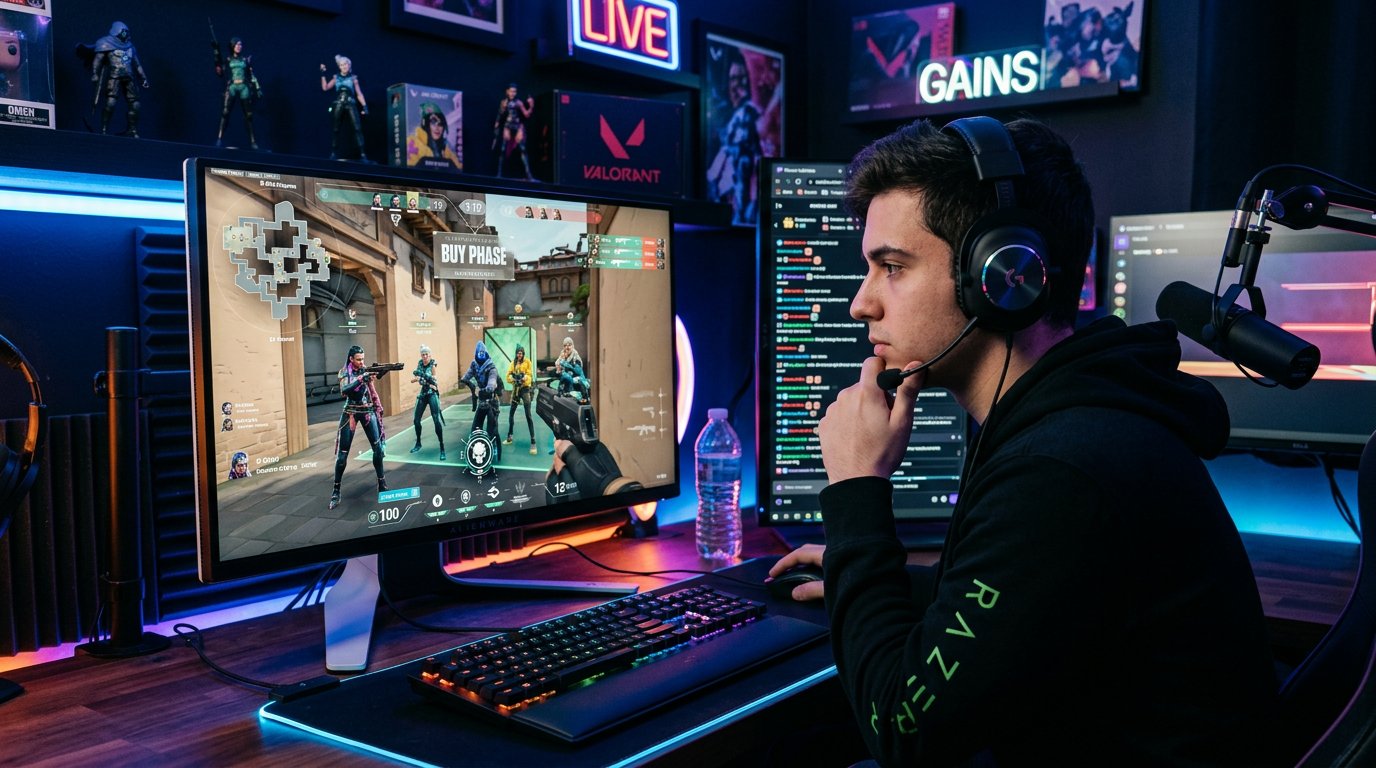
The main rule of a spoiler-free breakdown: stop the recording at the moment of decision, not when the result is already known. For example, a team is setting up a site take, the defenders have an ultimate, and one player has pushed far out for info. Pause and break down the available options for both sides.
Then play the episode and discuss what you saw as a consequence of those decisions. This way the viewer first evaluates the situation themselves, then compares their version with what happened. The format engages chat and doesn't require knowing in advance how the moment will end.
- A pause before the site take helps break down role and utility distribution.
- A pause before the retake shows whether there's enough time, where the smokes are, and who should enter first.
- A pause in a clutch lets you assess the player's information, the opponents' positions, and the timer.
- A pause after the round is useful for economy, but shouldn't hint that the next round will be a turning point.
Separate Tactical Analysis From Knowing the Result
The host's phrasing should rely on the information available at that second. Instead of "they had to lose this round," it's better to explain: the team was left without map control, spent key abilities too early, or didn't create trade distance. That analysis is useful regardless of the episode's final outcome.
Don't judge a decision only by its result. An aggressive peek can be sound against a poor enemy economy but end in a lost duel. A cautious retake can look passive but be justified by a lack of smokes or information. A strong breakdown shows the logic of the decision, not just its outcome.
The downside of this approach is that it's harder for the viewer to get a simple "right" or "mistake" verdict. But the stream doesn't slide into hindsight analysis, where any lost action is automatically called bad.
Use Replays Without Showing Future Moments
A replay helps you examine timing, an ability's trajectory, a positioning error, or the moment of a trade. But you can't play a replay in a way that shows the round length on the player's scrubber or the upcoming outcome in the frame previews. It's better to jump back a few seconds with a hotkey or a local player without thumbnails.
Pick one question for the replay. For example: why the defender didn't get out in time, how the initiator opened up space, or where the team lost flank control. If you replay the whole round several times, the stream's momentum drops and viewers start waiting only for mechanical mistakes.
Watch the Audio, Notifications, and Voice Channels
A spoiler can come from more than chat. A messenger notification, a message from an acquaintance, a news headline, or a voice in another channel can reveal the result. Before the stream, turn on do-not-disturb, close extra tabs, and disable desktop display where it isn't needed.
If you're doing the breakdown with a guest, agree on the rule in advance: the guest doesn't talk about future rounds, even if they've already seen the match. It's also best not to invite someone who reacts emotionally to every important episode and gives away the outcome with their voice. The downside of a stream with a guest is that their reactions are harder to control than your own.
Break Down Maps and Picks Without Knowing the Series
Before the viewing, you can discuss the rosters, agent roles, and the general logic of the map, but don't tie it to the series outcome. Don't say that one team "has to take" a certain map if that's based on a known result. Instead, look at the starting conditions: which areas are good for control, where the roster has a strong entry, which ultimates matter for attack and defense.
After a map is over, it's fine to sum up local observations based only on what's already been seen. For example, note weak defense on one site, problems with retakes, or overly frequent early ability spending. Don't carry those conclusions over to the next map as a prediction: rosters, sides, and pace can change.
Prepare Moderator Actions for Violations
Not every spoiler is written on purpose. A viewer may not have noticed the rule, confused the match, or thought they were discussing a moment that already passed. In that case, the moderator deletes the message and briefly reminds them of the format. There's no need to start a public discussion of the violation: it will only draw attention to the spoiler.
Repeat violations require restrictions, or the rules stop working. It helps for the moderator to know in advance what counts as a spoiler: the score, the map result, the winners' names, future substitutions, mentioning a record, comparing to a later match, hinting at a clutch or comeback. Veiled phrases need to be removed too: "you'll soon see why everyone was talking about this" reveals no less than a direct result.
Save the Stream Recording Without Spoiler Chapters or Descriptions
After the broadcast, check the description, timestamps, and moderator comment. Chapters like "the big comeback," "the decisive clutch," or "the winning round" ruin the viewing for those who come later. Use neutral titles: "first half," "economy discussion," "retake breakdown," "map questions."
If a spoiler from chat or a notification did make it onto the stream, mark the problem section for later editing of the recording, if the platform allows it. The downside of editing after the stream is that viewers who watched live have already seen the message. That's why scene preparation and a moderator's quick reaction during the viewing play the decisive role.
Last Articles
What has changed in design and functionality We have updated the website to make working with it faster and more convenient. The main changes affect ..
Good afternoon, I've collected all the news during this time.: 1. The main news is that prices for twitch viewers have been greatly reduced, while Tw..
1. Use promo code "December2025" for a 15% discount for all our viewers2. We have reduced the base prices for our configurator and the most affordable..
Twitch services are working stably, so we are ready to cooperate with squads, resellers, service owners, bot owners, and many others.Individual te..
We have completely updated our Twitch viewer services, and they are now working stably. We only use high-quality IP addresses for the viewers.The ..
Hello everyone! Today, we are announcing a new feature—"Twitch Viewer Configurator". Now, you can customize any plan for your Twitch channel. Choo..
Greetings, I have compiled a guide for streamers, which will be very relevant at the moment. Now YouTube and twitch have disabled monetization from vi..
We have finally developed the APINow it will be more convenient for our partner sites to work with us.To update the maximum tariffs for YouTube, an up..
Due to the huge popularity of the partnership services and referral program, we have made a cooperation table. The essence is very simple: more live a..
Our Services for Streamers








Our Services for Content Creators






