
How to Review an Unban Request on Twitch
How an unban request works
A banned viewer can send an unban request to the channel owner if this option is enabled on the channel. The request goes into the moderation queue: it is reviewed by the channel owner or a moderator with access to the relevant section. Submitting an appeal does not lift the ban automatically.
The request concerns a ban on a specific channel. If the account itself is blocked by Twitch, the platform decides on the block, not the streamer or a chat moderator.
Where to find the request queue
Open the creator dashboard or moderator view and find the unban requests section in the moderation tools. The queue displays viewer appeals awaiting a decision. Item names and button locations may change after Twitch updates.
If no appeals appear, check your moderation settings: the ability to send requests may be disabled. Also, the absence of an appeal does not mean the viewer did not try to send one: the availability of the feature is affected by channel settings and the status of a previous request.
What to review before deciding
Open the appeal and read the viewer's text. Then check the available message and moderation action history: what caused the ban, whether there were warnings, and whether the violation was repeated. History helps distinguish a one-time outburst from behavior that regularly deprived the chat of a comfortable atmosphere.
The appeal text alone is not enough: a viewer may not remember the circumstances or may recount them in their own favor. At the same time, a short log entry does not always convey the context of the stream.
How to reconstruct the context of the ban
Pay attention to messages before and after the violation, if they are available. A phrase that looks like a harmless joke out of context could have been part of harassment or a repeated provocation. The opposite situation also happens: a moderator misunderstood a message or banned the wrong user during a flood of messages.
If another moderator made the decision, ask them about the circumstances. Not every conversation and not every deleted comment is necessarily preserved in the available history, so if data is lacking, it is worth openly acknowledging that the picture is incomplete.
When a request can be approved
Grounds for an unban may include a moderation error, an ambiguous situation, or a violation acknowledged by the viewer that did not pose a serious threat to others. It also matters whether the user's behavior changed after warnings, if such information is available.
Approval gives the person the opportunity to return to chat, but does not guarantee that the conflict will not recur. If necessary, the response can briefly state a rule: for example, no insults or no spam.
When it is better to keep the ban
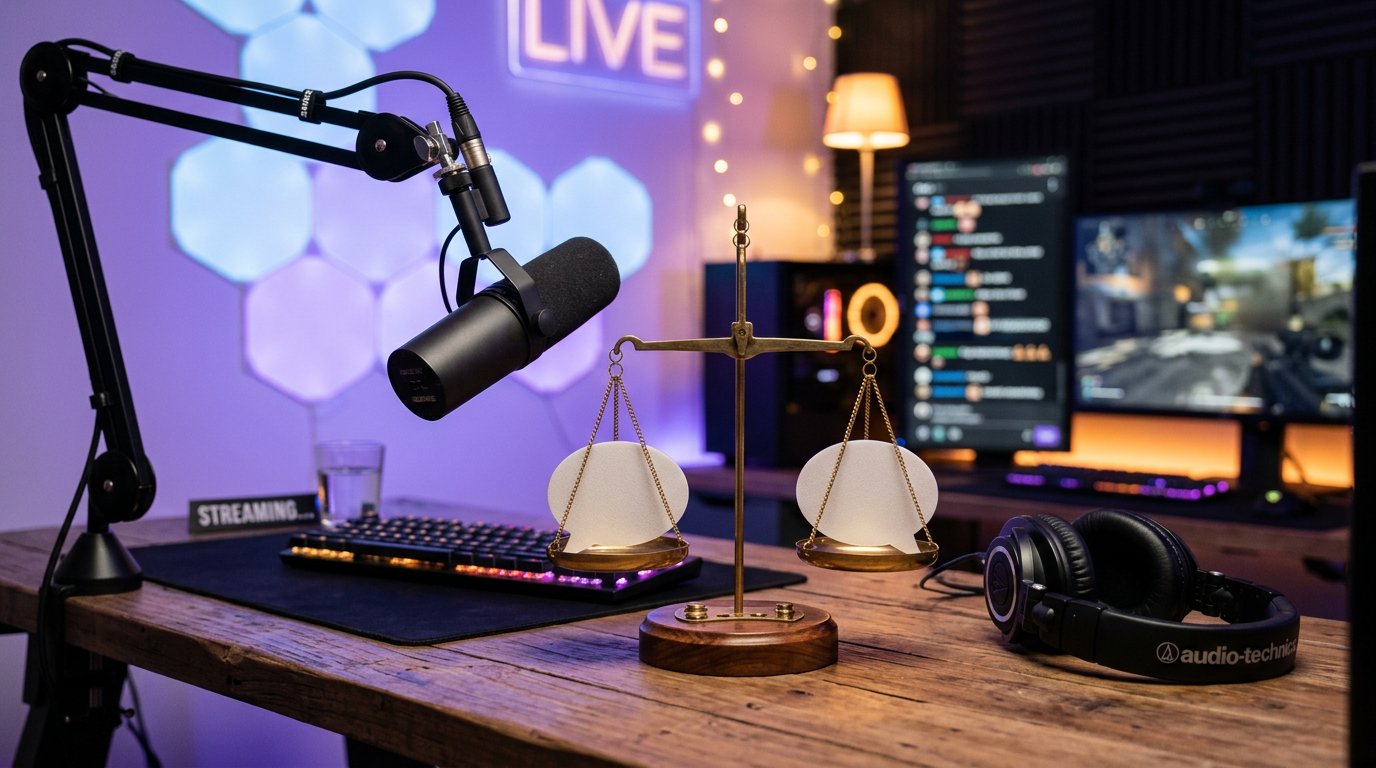
Rejection is appropriate if the appeal contains threats, insults, or a continuation of the previous provocation. Repeated violations after warnings also provide grounds to keep the ban. A lack of apologies does not in itself prove that the person will break the rules again, but shifting blame onto others can show their attitude toward the situation.
A denial also has a downside: you may fail to give a second chance to someone who has genuinely changed. Therefore, it is better to rely on specific actions, not just on the tone of a short appeal.
How to make a decision in the interface
In the appeal card, select approve or deny. If approved, the user's ban on the channel is lifted; if denied, it remains. If the interface offers to add a response, write a short reason without argument or personal judgments.
For example, when denying, it is enough to state that the ban was kept due to repeated spam after warnings. Before confirming, check the username and the selected action: there may be several similar appeals in the queue.
What to do after an unban
An unban restores the ability to participate in chat, but does not cancel the channel rules. It is useful for moderators to know why the user was banned and what conditions were set for them. This will help them respond consistently if the violation recurs.
It is not worth staging a public review of the viewer or discussing their appeal on stream without necessity. Such attention may provoke a new conflict. If, after the unban, the user again breaks the rules, moderation can apply an appropriate measure, including a repeat ban.
How to agree on review rules
Discuss with the moderation team which cases usually allow an unban and which require approval from the channel owner. It is worth deciding separately how to handle erroneous bans, repeated spam, harassment, and threats. This reduces the risk of opposite decisions in similar situations.
An overly rigid scheme deprives moderators of the ability to take circumstances into account, while a completely free approach leads to inconsistency. It is more convenient to set general guidelines and leave room to discuss a disputed case.
If a viewer cannot submit an appeal
First, check whether requests are enabled on the channel and whether there are restrictions related to an already submitted appeal or cooldown settings. It is also important to distinguish a permanent channel ban from a temporary chat restriction and from a Twitch account block: these are different situations.
If the built-in appeal is unavailable, the channel may provide another way to contact moderation. Its downside is that requests will be outside the common queue, and direct messages can create workload and confusion. Do not require the viewer to provide documents or other sensitive data to review a ban.
When a report to Twitch is needed
Threats, harassment, and other serious violations can not only be taken into account when deciding on an unban, but also submitted for Twitch review through the reporting tools. The platform's decision on a report and the channel's decision on an appeal are different processes.
If the Twitch account itself is blocked, the account owner needs to contact support or use the platform appeal procedure available to them. A channel moderator cannot lift such a block through the unban request queue.
Last Articles
What has changed in design and functionality We have updated the website to make working with it faster and more convenient. The main changes affect ..
Good afternoon, I've collected all the news during this time.: 1. The main news is that prices for twitch viewers have been greatly reduced, while Tw..
1. Use promo code "December2025" for a 15% discount for all our viewers2. We have reduced the base prices for our configurator and the most affordable..
Twitch services are working stably, so we are ready to cooperate with squads, resellers, service owners, bot owners, and many others.Individual te..
We have completely updated our Twitch viewer services, and they are now working stably. We only use high-quality IP addresses for the viewers.The ..
Hello everyone! Today, we are announcing a new feature—"Twitch Viewer Configurator". Now, you can customize any plan for your Twitch channel. Choo..
Greetings, I have compiled a guide for streamers, which will be very relevant at the moment. Now YouTube and twitch have disabled monetization from vi..
We have finally developed the APINow it will be more convenient for our partner sites to work with us.To update the maximum tariffs for YouTube, an up..
Due to the huge popularity of the partnership services and referral program, we have made a cooperation table. The essence is very simple: more live a..
Our Services for Streamers








Our Services for Content Creators






