
Brief for a Stream Clip Editor: What to Include
A brief starts with the goal, not the editing
A brief for an editor isn't a formality. It's a short, clear description of the task that should help a specialist figure out what to look for in the recording, what the video should be like, and where it will be watched. The more precisely you set the direction, the less time goes into guesswork, random decisions, and endless revisions.
Start by defining the goal of the clip. It might introduce viewers to your communication style, show funny moments, demonstrate strong gameplay, draw attention to a specific stream, or drive an audience to your channel. A single video can serve several purposes, but it's best to pick one priority. A comedy clip and a dynamic gameplay highlight require different pacing, fragment selection, and styling.
The brief should also identify the audience. You don't have to describe it in detail: just note whether viewers are familiar with you, understand the game's context, and whether the events need explaining. New viewers will need explanations and a more self-contained structure. For a regular audience, you can keep inside jokes and references if they matter to the episode.
Define the source materials and the scope of the task
Before writing the brief, gather the stream recordings, links to the relevant broadcasts, dates or stream titles, and individual files if the materials are stored locally. If there are multiple sources, specify their order. A name like "stream-final-new-file" will quickly get confusing if there are several such recordings. It's better to use clear labels with the game name, date, or episode number.
Prepare your channel assets in advance: logo, avatar, intro screen, fonts, brand colors, ready-made design elements, and links to official pages. If there's no brand guide, describe your basic preferences in words: light or dark design, muted or contrasting colors, minimal graphics or prominent visual accents.
At the start of the task, specify whether finding fragments is part of the job. There are two options: you hand over ready-made timecodes and the editor assembles the video, or you hand over the entire recording and ask them to find the good moments themselves. In the second case, it's especially important to explain what counts as a good episode, which topics to exclude, and what mood the viewer should be left with.
Set the limits of the deliverable right away: one clip or a series of episodes, editing only or also a thumbnail, a teaser, and a vertical version. This avoids the situation where additional tasks appear after the video is already done.
Describe the platform, the viewer, and the desired action
The platform affects more than just the file resolution. For a horizontal clip, the overall frame composition matters more, while for a vertical version you have to decide in advance what to keep in the center: the face, the game interface, subtitles, or another conversation participant. The same fragment can work well in one format and lose its meaning after automatic cropping.
Write where the video will be published and what action you'd like after viewing. It might be a click to the full recording, a channel subscription, watching the next episode, or simply getting familiar with your style. The call to action shouldn't overload the video, but the editor needs to know about it in advance to leave room for a final card, intro screen, or caption.
Describe the viewer in simple terms. For example: "people who are seeing the channel for the first time and don't know the game's context" or "regular viewers who understand the jokes from the stream." This determines whether a short intro text is needed, whether to keep explanations, and whether you can start with the climax without a long lead-in.
If you have topic restrictions, state them right away. A stream might accidentally include personal data, someone else's music, unwanted statements, or fragments that can't be published. Such restrictions matter more than stylistic preferences and should be at the start of the brief, not in the comments on the finished video.
Build a clear story from the fragments
It's important for the editor to understand not just the list of good moments but the logic of the video. A clip can start with a short climax, then show the context, and end with a reaction. Another option is a sequential retelling of the event from the setup to the finale. If there's no story, the video can be built around alternating jokes, gameplay mistakes, wins, or reactions.
In the brief, answer four practical questions: what the viewer should understand in the first seconds, which moment is the main one, which lines can't be cut, and how the video ends. This helps avoid turning the material into a random set of scenes. If you're unsure about the structure, say so: the editor can suggest their own order after reviewing the source material.
Don't try to keep all the interesting episodes and make a very short video at the same time. State your priority: reveal one strong moment, assemble several quick jokes, or show a full story. When all scenes are declared mandatory, the edit becomes long and loses its rhythm.
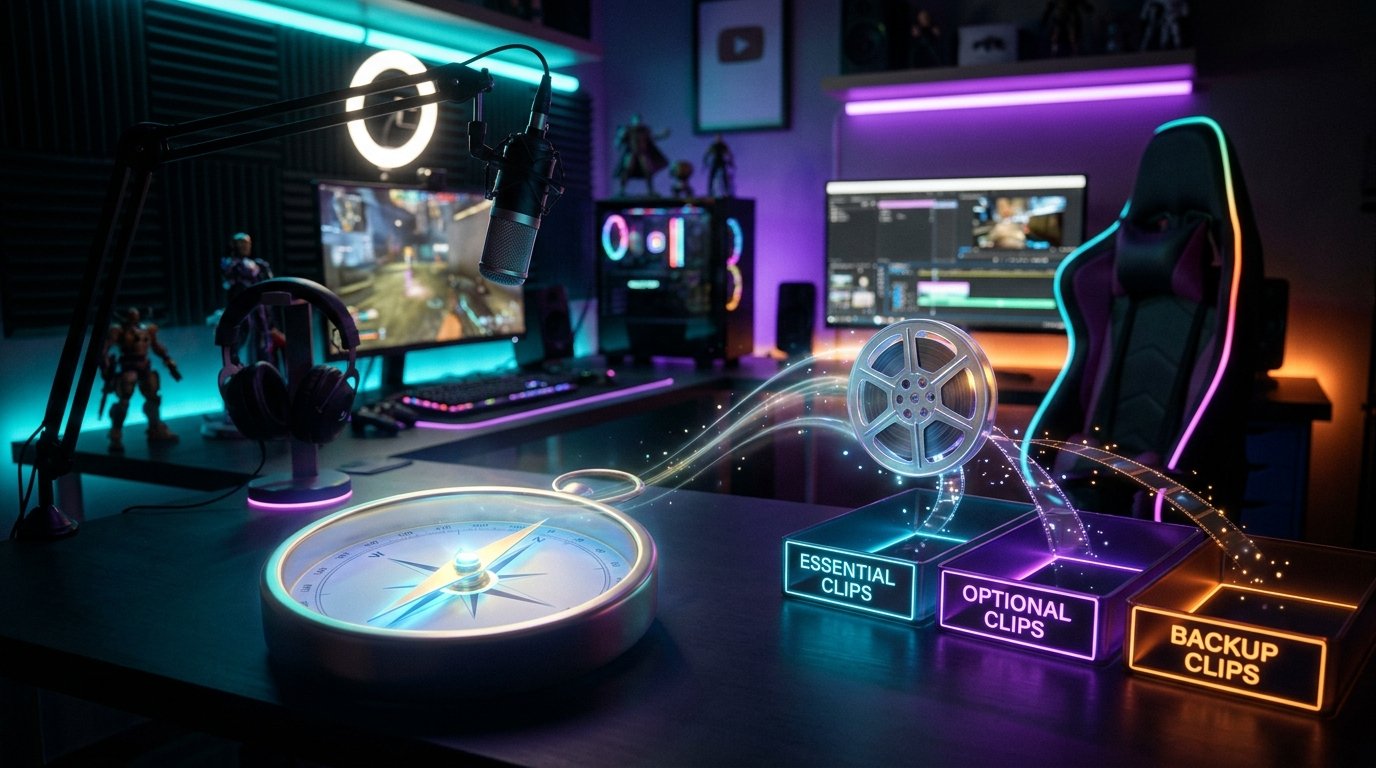
It's useful to divide fragments into mandatory, desirable, and backup. The mandatory ones form the basis of the episode. The desirable ones are used if they support the pacing and fit within the duration. The backup ones can replace a weak episode or come in handy for another version. This division leaves the editor room for reasonable selection.
Show the concept of the video, not just a set of files
A good brief connects the source recording, the idea of the video, and the specific editing decisions. The editor should see the path from the material to the result: which event the clip is built from, what mood suits it, and why some fragments matter more than others. An image, a diagram, or a short verbal description can help convey the overall concept, but they don't replace precise requirements.
For example, if you want a video about an unexpected victory, describe it as a small piece of dramaturgy: calm preparation, the opponent's mistake, rising tension, the win, and an emotional reaction. Then the editor will understand where to hold a pause and where to speed up the delivery. If the task is a compilation of short jokes, you can say right away that no overall story is needed, but each episode should quickly lead to the punchline.
Separately note what impression the final video should leave: energetic, funny, tense, cozy, or ironic. This doesn't replace the technical assignment but helps choose between several equally suitable solutions. The same moment can be edited as a comedy episode or as a dramatic climax.
Don't demand an exact copy of someone else's video. It's better to describe which element of the reference suits you: the rhythm, the text design, the audio work, or the combination of camera with the game window. That way the editor can use the principle without turning the clip into a copy of another channel.
Provide timecodes along with context
Timecodes speed up the work considerably, but they don't replace explanation on their own. A note like "01:24:10 — funny" may be clear to you, but the editor needs to know where the relevant scene begins, what the climax is, and whether lines before or after the marked moment can be used.
A convenient format for describing a fragment looks like this: start and end time, a brief summary, the reason for selection, and important restrictions. For example: "00:18:40–00:20:15 — unexpected mistake in the game; keep the reaction after the event; don't use music over the main line." Such a comment conveys the concept without dictating every cut.
If the exact end of the episode is unknown, give an approximate range and write what needs to be kept. Sometimes a joke starts before the marked moment, and the reaction ends later. It's more useful for the editor to know the meaning of the scene than to get too narrow a segment that lacks a lead-in or resolution.
If the moment spans several files or cameras, write about it separately. Specify where the main audio is, which angle to prioritize, and whether the game screen needs to be shown. For a webcam, you can choose a fixed placement, rare reaction cut-ins, or a frame change only at key moments.
Give specific guidance on pacing and cuts
The phrase "make it dynamic" barely helps an editor. One person sees dynamism in frequent cuts and bold accents, another in preserving natural speech without long empty pauses. Write what exactly needs speeding up: transitions between episodes, reactions, gameplay, or only the moments before a joke.
For a comedy clip, you can ask to remove drawn-out pauses and repetitions but keep the lead-in to the punchline and the reaction after it. The cut should support the joke, not cut it off right after the first line. For a gameplay highlight, it's usually more important to keep the sequence of actions: the viewer should understand what led to the win, mistake, or unexpected turn.
For a calm or atmospheric clip, note that the material shouldn't be sped up at any cost. You can keep longer shots, natural pauses, and complete lines if they create the mood. If the video consists of different episodes, indicate where a sharp transition is needed and where it's better to change the scene smoothly.
Transitions and effects should also be described in words. For example: "use regular cuts, zooms only on reactions, no constant glitch effects" or "make the transitions noticeable but don't let them cover the game interface." The more precisely the effects are limited, the less likely you are to get an overloaded video.
Describe subtitles and text work separately
Subtitles can be mandatory throughout the video or appear only on key lines. Specify the chosen option, because it affects pacing, composition, and the amount of work. If text is needed because of unclear audio, it's important to mention this separately rather than mixing this task with decorative design.
Describe the appearance of the subtitles: size, placement, color, background, font, and how to highlight individual words. If the channel already has branded design, provide a ready example. If it doesn't, you can set simple constraints: the text should be clearly readable on both light and dark scenes, not cover important game elements, and not overlap the speaker's face.
Decide whether shortening lines is acceptable. For conversational clips, you can sometimes remove filler words and repetitions, but you can't change the meaning or take a phrase out of context. If the subtitles must reproduce speech word for word, state this. Separately note whether different conversation participants need to be labeled.
Don't ask for minimalist subtitles and constant highlighting of every word with animation at the same time. Such requirements conflict. Choose a priority: calm readability, comedic accents, or prominent delivery for watching without sound.
Specify music, audio, and color correction
In the brief, specify which tracks are considered the main ones: voice, game audio, conversation with other participants, or music. If the recording has noise, volume fluctuations, background chatter, or clipping, warn about it in advance. The editor can assess what can be fixed with processing and which fragment is better left out of the final version.
Music should be described with more than the words "add a background." Write whether it's needed throughout, whether it should change between scenes, and whether moments of silence are acceptable. For a comedy clip, the music can drop into the background before the punchline. In a tense scene, it can gradually build if it doesn't interfere with the voice and game audio.
If you have cleared tracks, provide them along with the task. For third-party music, you need to check publication rights in advance. Otherwise, the finished video may require sound replacement after editing. The same applies to meme audio effects and fragments of other people's videos.
Color correction should also be specified concretely. You can ask to even out the brightness and camera balance, keep natural skin tones, and make the game interface readable. If you need a certain look, describe it: a cool, high-contrast image, a warm, soft design, or a neutral color without a noticeable filter. A poorly chosen aggressive effect can make the face and small screen details look worse.
Gather references the right way
A few precise examples are more useful than a long collection of videos with different moods. Provide links to the videos and add an explanation of what exactly to use as a guide. One reference might show the cutting pace, a second the subtitle design, a third the music and color work.
If a specific fragment matters, give its timecode and write down your observation. For example: "here I like that the reaction stays on screen after the gameplay event" or "I like the calm subtitle delivery without animating every word." A link without a comment forces the editor to guess what you meant.
Add examples of what not to do only if it's genuinely important. You can write: "don't use sharp zooms on every line," "don't add meme inserts unrelated to the episode," "don't put loud sound hits over the voice." Negative restrictions are especially useful after a bad experience with a previous edit.
Don't ask to replicate several incompatible styles at once. If one video needs to be fast and comedic and another calm and atmospheric, frame these as separate tasks. References should help choose a solution, not create a contradictory set of requirements.
Specify technical parameters and deliverables
In the technical part of the brief, note the purpose of the video: horizontal publication, vertical clip, or several versions for different platforms. For the vertical format, decide separately what should stay in frame: the face, the game interface, subtitles, or the conversation partner. Simple automatic cropping doesn't always preserve the meaning of a scene.
Specify the desired resolution, aspect ratio, file format, and thumbnail requirements if that's part of the task. Don't mix requirements for the video, the preview, and the short teaser in one item. It's better to write a separate line for each deliverable: main version, vertical version, thumbnail, project files.
Decide in advance whether project files are needed. They can be useful if you later need to replace text, make a new version, or hand the material to another specialist. If project files aren't needed, it's enough to request the finished export. If they are, agree on the folder structure and which fonts, images, and audio should be included.
Check access to the source files and the method for transferring large files. A link that only opens for the account owner won't help the work. Also make sure the editor has access to logos, references, and additional tracks, not just the stream recording itself.
A short example of a completed brief
Below is not a universal template but an example framework you can use for a first task. It can be made shorter or more detailed depending on the complexity of the material.
- Goal: show a funny mistake and the streamer's live reaction, attract new viewers to the channel.
- Audience: people who don't know the game's context; a short explanation of the event needs to be kept.
- Source: recording of the stream "Game — playthrough," file link; the relevant episode is 01:12:30–01:16:10.
- Structure: start with the reaction, then show what happened, end with a repeat of the joke and a short call to visit the channel.
- Timecodes: the mistake and the reaction after it are mandatory; the repeated explanation in the middle can be removed.
- Style: fast comedic pacing, regular cuts, zoom only at the climax, no glitches or meme inserts.
- Subtitles: on key lines, white text with a dark background, not covering the face or interface elements.
- Audio: keep voice and game audio clear, use music only at the start and lower it under speech.
- Format: horizontal version for publication; separately state whether a vertical fragment from the climax can be prepared.
Such a brief doesn't describe every cut but sets the goal, structure, priorities, and restrictions. The editor gets the opportunity to propose solutions without losing the main concept.
Agree on the workflow and revisions
The brief should describe not only the final video but also the process. Specify whether a rough cut without complex graphics is needed first, whether a preliminary fragment selection is required, or whether the final version can be assembled right away. A rough cut is convenient when you need to check the logic, pacing, and selected moments before costly design work.
Decide in what form you'll deliver comments. It's better to collect revisions in a single message or table with the timecode, a description of the problem, and the desired change. The wording "everything is too slow" doesn't help much. It's much clearer to write: "from 00:14, remove the pause before the line" or "keep the reaction until the end of the phrase, it's needed for meaning."
Separate mandatory changes from personal preferences. Mandatory ones include factual errors, unclear audio, the wrong timecode, a missing fragment, or a violation of the technical assignment. Preferences concern pacing, color, scale, and the strength of effects. This order helps fix first what affects the video's functionality.
If after the rough cut you decide to completely change direction, record this as a change of task. A comedic edit can't be turned into an atmospheric one without consequences just by adding a few revisions. The earlier the concept changes, the less rework will be needed.
Mistakes that make a brief fail
One common mistake is a task that's too short and lacks context. "Make a clip from this stream" doesn't explain which moments matter, who the video is for, or how to publish it. Even a few paragraphs with the goal, examples, and restrictions give the editor more to work with.
Another mistake is trying to spell out every second down to the smallest cut when you haven't seen the intermediate result. Such a document can turn a specialist into a mechanical command-follower and leave no room for good decisions. Describe the meaning, mandatory elements, and prohibitions in detail, but leave technical decisions within the agreed style.
Don't send scattered links to videos with different moods without explaining what you like about them. The editor can't simultaneously replicate the calm delivery of one example, the aggressive pacing of another, and the design of a third. Divide the references by task or choose one main guide.
A poor result is also often down to a lack of priorities. When all moments are declared mandatory, the clip becomes long or overloaded. Note what can't be lost, what can be shortened, and what can be dropped.
Finally, don't put off important restrictions until the end of the work. Information about the vertical format, a music ban, the need to hide personal data, or the use of a specific logo should be in the brief before editing. Late requirements almost always lead to rebuilding individual scenes.
Check the brief before sending
A self-check isn't about making the task longer but about finding gaps. Read the brief through the eyes of someone who wasn't present on the stream. If they can't understand what happened in the marked fragment or what result you expect, the description needs clarifying.
- The goal of the video is stated in one clear sentence.
- The audience, platform, format, and desired viewer action are specified.
- All source files open, and files and links have clear names.
- Timecodes are accompanied by a description of the event and the necessary context.
- Mandatory, desirable, and backup fragments are separated.
- It's clear what happens at the beginning, middle, and end of the video.
- The cutting pace, handling of pauses, and allowed effects are described specifically.
- Requirements for subtitles, music, audio, and color correction are listed separately.
- Each reference notes which element to use as a guide.
- Undesirable solutions and content restrictions are listed.
- The rough cut, revision process, deadline, and final file set are agreed upon.
If some point is still unknown to you, don't mask it with general words. Write that the editor can propose an option and you'll approve it at the rough cut stage. Honest uncertainty is more useful than a contradictory requirement.
Takeaways: what to do step by step
- Define the goal of the clip, the audience, the platform, and the desired viewer action.
- Gather the recordings, access, channel assets, and additional audio or graphic files.
- Mark the timecodes and briefly explain what happens in each important fragment.
- Describe the structure of the video, priorities, pacing, subtitles, music, audio, color, and allowed effects.
- Select references and note which element of each example suits you.
- Specify the technical parameters, deliverables, and the process for agreeing on revisions.
- Check the brief against the checklist and send it along with all access.
It's better to start with a clear brief for one specific clip than to write a universal document for all future videos. After the first edit, it will become clear which clarifications were missing, and the next brief will be more precise. The main recommendation is to capture not every future cut but the goal, context, priorities, and boundaries within which the editor can work.
Last Articles
What has changed in design and functionality We have updated the website to make working with it faster and more convenient. The main changes affect ..
Good afternoon, I've collected all the news during this time.: 1. The main news is that prices for twitch viewers have been greatly reduced, while Tw..
1. Use promo code "December2025" for a 15% discount for all our viewers2. We have reduced the base prices for our configurator and the most affordable..
Twitch services are working stably, so we are ready to cooperate with squads, resellers, service owners, bot owners, and many others.Individual te..
We have completely updated our Twitch viewer services, and they are now working stably. We only use high-quality IP addresses for the viewers.The ..
Hello everyone! Today, we are announcing a new feature—"Twitch Viewer Configurator". Now, you can customize any plan for your Twitch channel. Choo..
Greetings, I have compiled a guide for streamers, which will be very relevant at the moment. Now YouTube and twitch have disabled monetization from vi..
We have finally developed the APINow it will be more convenient for our partner sites to work with us.To update the maximum tariffs for YouTube, an up..
Due to the huge popularity of the partnership services and referral program, we have made a cooperation table. The essence is very simple: more live a..
Our Services for Streamers








Our Services for Content Creators






