
How to Keep Tilt in League of Legends From Ruining Your Stream
How to Spot Tilt Before It Boils Over on Stream
Tilt rarely starts with a scream after a single lost fight. Usually viewers notice it earlier: you stop explaining your decisions, snap at neutral messages, open the scoreboard several times, or instantly queue up again after a loss. A single emotion doesn't scare off a loyal audience. The problem starts when the whole broadcast boils down to irritation and looking for someone to blame.
Track your personal stop signals in advance: the urge to argue with teammates' pings, re-reading in-game chat, proving to viewers that you're right, or going silent between games. If two or three signs line up, don't automatically launch the next match. What pushes viewers away isn't anger, it's losing control of the broadcast.
Why Prolonged Tilt Affects Your Audience
A viewer might stay for a tense game, a lively reaction, or a breakdown of a mistake. But a series of matches with the same complaints about the team quickly becomes monotonous. Chat starts copying the streamer's tone, arguing among themselves, spamming advice, and pushing you to chase a comeback. In that atmosphere, it's harder for new viewers to get into the stream, and regulars may leave before the broadcast ends.
Tilt also affects retention: instead of gameplay, conversation, and a clear plan, the viewer gets long pauses, conflict with chat, or a silent queue. That doesn't mean you should hide your emotions. What matters is showing that after a loss you're in control of the format, rather than handing the broadcast over to a random message or a bad streak.
What to Say Right After a Lost Match
There's no need to pretend a loss means nothing. Briefly name your state and your next action. That way the viewer understands: the emotion is there, but it doesn't dictate the next game. Don't make excuses to chat and don't start a post-match trial of the whole team.
- "That match got me heated. Taking a short break, then I'll decide whether we keep ranking or change the plan."
- "I'm mad at my own call at the objective. First I'll look at one moment, then get back in queue."
- "Right now we're not discussing who the worst player is. I'll show the moment where we lost tempo."
- "No insults and no calls to chase a comeback. I'm not queuing the next game on emotion."
The downside of these phrasings is that they don't let you instantly vent your irritation. But chat doesn't get the signal that harassing teammates and arguing with the streamer have become part of the content.
How to Review a Loss Without Attacking Players
After a loss, it's easy to slide from reviewing the match to judging a specific player. For part of chat, that's a familiar reaction, but it quickly makes the broadcast toxic: viewers bring up teammates' nicknames, demand reports, and repeat insults. Review the decision, the position, and the timing, not the player's identity.
Instead of blaming, explain the chain of events: the team gave up the bottom river without priority, lost vision, and couldn't contest the dragon. After an ally dies, you can point out that it would have been safer to step back from the turret rather than stay to defend as a duo. That kind of review is useful to viewers and doesn't turn the match into a public humiliation.
The downside of gameplay review is obvious: when you're deeply tilted, it takes discipline and may seem dry to those who came for emotion. If you can't speak calmly, name one key moment and move on to the break.
What Moderation Rules You Need During Tilt
Moderation is responsible for order in chat, not for your mood on camera. Set the boundary before the stream so moderators don't wait for instructions mid-fight and you don't spend attention on every message. Their job is to remove violations and stop harassment. Your job is to keep the broadcast going or change its pace in time.
- Delete without warning: insults toward players, calls to go to their profile, degrading remarks.
- Timeout: spam about chasing a comeback, repeated goading, and personal attacks after a request to stop.
- Warning: debate about builds, runes, or macro without insults and persistent spam.
- Ban: threats, posting personal information, evading a timeout from another account, and systematic harassment.
The downside of a strict scheme is that some viewers will find it too harsh. But chaotic moderation is worse: a provocateur sees that the rules change with your mood and gets a reason to keep the conflict going.
How to React to Provocations on Camera
The streamer's reaction isn't meant to punish the offender — that's moderation's job. Its purpose is different: to show the rest of chat what kind of conversation you're willing to have and to quickly bring attention back to the game. A provocateur usually wants an emotion, so don't read their message aloud, don't analyze their motives, and don't try to win the argument.
Respond to the topic, not the person. If the message contains a gameplay argument, take the specifics from it. If it's just goading, don't explain your decision and don't argue. One short line sets the boundary, then immediately switch to the replay, the plan for the next game, or a normal message from chat.
- "I don't queue ranked out of anger, topic closed."
- "I heard the advice. If there's a specific moment, write the timestamp."
- "I don't discuss personal attacks, back to the game."
- "We can break down the objective, position, or vision, but not look for someone to blame."
That kind of response doesn't replace a timeout and doesn't comment on the moderator's work. It's for viewers who read chat and wait for your reaction. The downside of the approach is that it doesn't give a spectacular back-and-forth, and part of the audience may demand you answer the provocateur more harshly. But one viewer shouldn't change the topic of the whole stream.
When to Take a Break After a Loss
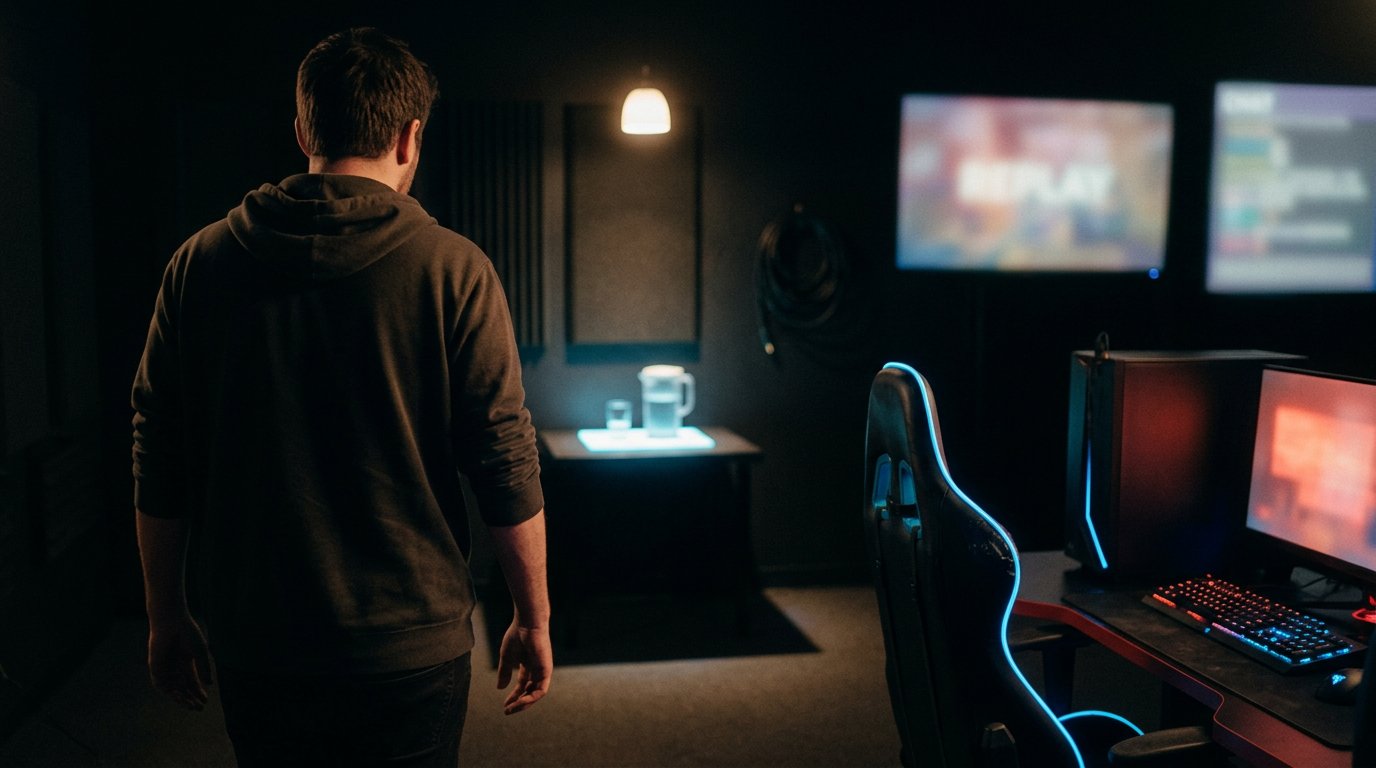
A break isn't a punishment for bad play, it's to keep irritation from carrying into the next queue. After an ordinary unpleasant match, a few minutes is enough. After two quick losses, snapping at chat, or an urge to urgently win back LP, it's better to set aside more time and only then decide whether to keep ranking.
Don't disappear silently. State the plan: get some water, stretch, watch one replay, or answer questions about a champion and build. During the break, don't open post-match chat and don't scroll through messages that set off the anger again. If you're reviewing a replay, pick one moment: where vision was lost, why you couldn't enter the river, or at what point the team lost position.
The downside of a break is that some viewers will leave, especially if they came to watch solo queue. So don't turn it into endless silence and don't promise a new game until you've gotten your calm tone back.
When to End Ranked or Change the Format
The urge to immediately win back lost LP often makes both the game and the stream worse. You start forcing fights without information, taking risks for one lucky moment, and reacting more strongly to your team's mistakes. One nervous game can be entertaining, but a long series of identical losses and outbursts of irritation wears down even loyal viewers.
Prepare a backup format: normals with subscribers, reviewing a recorded match, role theory, or Q&A. You can say outright: "That's it for ranked today, otherwise I'll start playing to win back LP. Moving on to reviews and questions about the lane." That's not a surrender, it's a decision to preserve the quality of the broadcast.
Every option has a downside. Playing with subscribers requires lobby control and can bring a wide range of skill levels. Reviews slow the pace for viewers who want action. Ending the stream cuts your time online. But continuing at peak tilt is also costly: the quality of gameplay, conversation, and moderation all drop.
How Not to Snap at Viewers and Moderators
A viewer who asks about an item isn't responsible for a lost fight. Don't take irritation from the match out on ordinary questions, even if they seem out of place. Instead of a sharp reply, say: "I won't answer that now, let me finish watching this moment" or "I'll get back to that after the break." That preserves boundaries without striking at a person in chat.
Agree with your moderators in advance that disputed actions are discussed after the stream. If a regular viewer gets a timeout, don't publicly overturn it in the heat of the moment and don't sort out who's right on camera. It's enough to write in a private chat: "We'll look at the context after the stream." Chat shouldn't take a hit for your team's mistakes.
What Preparations Reduce the Risk of Tilt on Stream
- Before you start, define your stop signal: two games in a row on irritation, snapping at chat, or wanting to queue only to win back LP.
- Turn off in-game chat if that's what triggers your tilt. The downside is that some communication with the team will be lost.
- Prepare a break scene with a clear caption about a pause or a moment review. The downside is that you need to set it up before the stream.
- Lock in a rule: we discuss gameplay decisions, we don't insult players, and we don't push toward queuing on emotion.
- Give moderators ready-made reasons for timeouts so they don't wait for your reaction during a match.
- Don't promise to regain your rank in a specific game. That promise turns the next loss into a personal failure in front of the audience.
Last Articles
What has changed in design and functionality We have updated the website to make working with it faster and more convenient. The main changes affect ..
Good afternoon, I've collected all the news during this time.: 1. The main news is that prices for twitch viewers have been greatly reduced, while Tw..
1. Use promo code "December2025" for a 15% discount for all our viewers2. We have reduced the base prices for our configurator and the most affordable..
Twitch services are working stably, so we are ready to cooperate with squads, resellers, service owners, bot owners, and many others.Individual te..
We have completely updated our Twitch viewer services, and they are now working stably. We only use high-quality IP addresses for the viewers.The ..
Hello everyone! Today, we are announcing a new feature—"Twitch Viewer Configurator". Now, you can customize any plan for your Twitch channel. Choo..
Greetings, I have compiled a guide for streamers, which will be very relevant at the moment. Now YouTube and twitch have disabled monetization from vi..
We have finally developed the APINow it will be more convenient for our partner sites to work with us.To update the maximum tariffs for YouTube, an up..
Due to the huge popularity of the partnership services and referral program, we have made a cooperation table. The essence is very simple: more live a..
Our Services for Streamers








Our Services for Content Creators






