
Blind Horror Playthrough: How to Protect Yourself from Chat Spoilers
Why Chat Ruins Your Reaction to Jump Scares
Viewers often know a horror game better than the streamer: they remember jump scares, safe routes, traps, plot twists, and ending conditions. Direct retelling of the plot doesn't happen that often. Usually the impression is ruined by short signals: "don't open it," "it's about to happen," "look behind you," a flood of identical emojis, or a sudden burst of chat activity.
For horror, this is critical. Tension is built not only on the jump scare itself but also on the uncertainty before it. If you've seen a warning, you're already expecting the event and reacting not to the game but to the hint. The goal of the rules is to preserve a natural reaction, not to force chat into silence.
Even a positive comment can become a problem. "I love this moment" before a cutscene, "the devs really went all out here" before a room, or "don't look at chat" all single out a specific segment of the game. The viewer didn't name the threat, but they've already spoiled the unknown.
Announce No-Spoiler Mode Before the Game Starts
It's best to state the rule out loud at the start of the stream and pin it in chat. The wording should be short: the playthrough is blind, no warning about the future, no hinting at routes, and no hinting at danger. In a well-known game this is especially important: part of the audience considers such advice help rather than a spoiler.
- Don't write about future jump scares, enemies, chases, deaths, or plot twists.
- Don't warn with caps, emojis, repeated messages, or sudden chat activity.
- Don't point out doors, items, passages, hiding spots, or the correct actions.
- Don't discuss upcoming branches, endings, secret scenes, or characters.
- Don't give advice until the streamer asks for help.
Most viewers won't read a long list of exceptions. The downside of a short wording is that someone will have to be told separately why their seemingly harmless reaction was deleted.
Separate Reactions to the Past from Hints About the Future
Chat shouldn't turn into an empty window. Viewers can discuss a scene they've already seen, laugh at the reaction, share their fear, and support the atmosphere. The timing of the message matters. "That was creepy" after a jump scare doesn't ruin the episode. "Are you sure you're ready?" before it already signals that there's something to be afraid of ahead.
It's useful to separately ban veiled hints. "I'd save there" hints at danger. "Did you forget something?" signals an important item. "Don't rush to leave" turns exploration into a secret hunt. Even without a direct answer, the viewer changes your decision.
A clear boundary sounds like this: the past can be discussed, the future cannot. The downside of the rule is that a moderator sometimes has to evaluate context rather than a single word.
Prepare Your Moderator to Act During the Stream
A moderator needs not only instructions on sanctions but also a procedure for acting in the moment. If chat starts warning about a scene en masse, it's more important to quickly remove the messages from the screen than to explain to each viewer why they were deleted. The moderator can enable a stricter chat mode, limit message frequency, or temporarily close the ability for new participants to write.
- Delete an obvious hint immediately and without a public argument.
- On a first accidental violation, send a short reminder about no-spoiler mode.
- On a repeat, issue a temporary message restriction.
- For deliberate leaking of jump scares, plot, or endings, block the user.
- During a wave of hints, enable slow mode or subscribers-only mode if the platform supports it.
The downside of strict mode is that regular viewers also write less often, and chat becomes quieter. But during a well-known scene, this is usually more useful than a flood of warnings on screen.
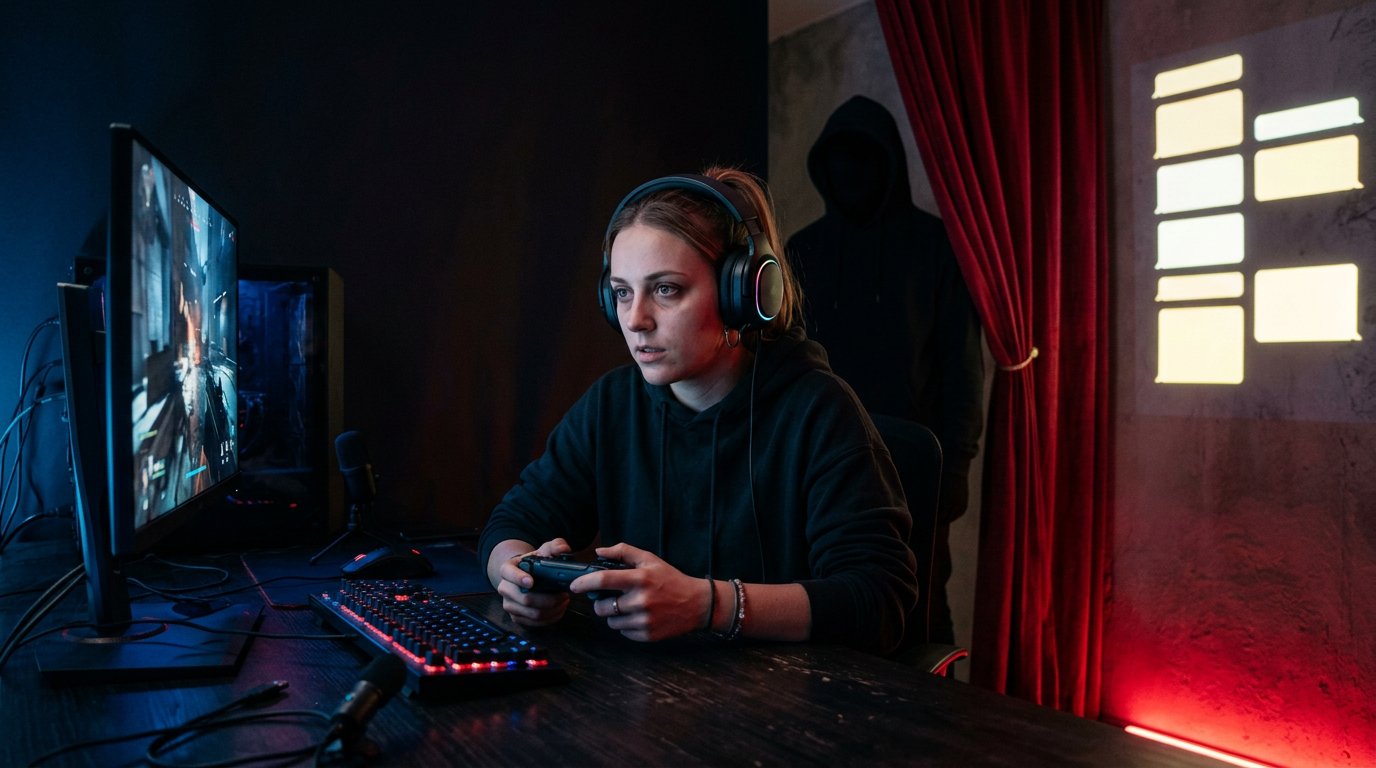
Use Chat Settings Before Dangerous Scenes
Manual moderation doesn't always keep up with an active chat. Before the playthrough, check the available settings: slow mode, restrictions for new accounts, subscribers-only mode, filters for repeats and mass sending of identical messages. Such measures don't replace a moderator but reduce the number of messages you'll see before they're deleted.
Slow mode works well against spam of identical emojis and caps. Its downside is that viewers can't quickly discuss a scene that has already happened. Subscribers-only mode reduces the number of random spoilers from new people but doesn't protect against regular viewers who know the game.
Filters should be set up carefully. You can add obvious words and recurring warning patterns, but not the names of all enemies, locations, and items. Otherwise the filter will start deleting normal discussion after the episode has already ended.
Remove Chat from the Screen During Cutscenes
If chat is displayed on your stream scene, prepare a separate version without it. Switch to it before cutscenes, final battles, chases, and other moments where viewers usually slip up. You can also temporarily collapse chat on your end so you don't read messages during exploration and tense corridors.
A chat display delay is also useful: the moderator gets a few extra seconds to remove a spoiler before you see it. The downside of a delay is that dialogue with the audience becomes less lively, and replies to regular messages come later.
You don't have to play in complete silence the whole stream. It's convenient to read chat between chapters, in menus, on the save screen, after a character dies, or when you've stopped yourself to discuss a scene. Warn your audience about this rhythm in advance so pauses in replies don't look like ignoring them.
What to Do If Chat Slips Up Anyway
If a warning catches your eye, don't start analyzing it during the scene. Arguing with the message's author draws attention to the spoiler and shows chat that a violation can get a reaction. Keep playing, and let the moderator delete the message and enable a stricter mode if needed.
You can briefly say that the message was seen and that no-hint mode is needed going forward. That's enough. Don't try to guess what the spoiler referred to. If you start looking for a threat in every door, one comment will ruin not only the nearest jump scare but the entire next segment.
Replaying the episode usually isn't worth it. A repeat won't bring back the first reaction, and viewers will already be anticipating the moment even more. The exception is when a message broke a mechanic: for example, you picked up an item or chose the right route because of a hint. Then you can return to the save and replay the section without reading chat. The downside of this solution is that the stream's pace drops, and part of the audience perceives the replay as dragging things out.
Give Help Only When You Ask for It
A blind playthrough doesn't mean you have to bang your head against a broken mechanic for hours or search for a single item with no results. Help can be enabled in stages so chat doesn't give away the whole solution. Before asking, it's better to give yourself time to examine the location and check the obvious options.
- First, ask for a "yes" or "no" answer only: is the solution in the current zone or not.
- If that's not enough, clarify the category: item, mechanism, note, or a detail you've already noticed.
- Ask for one hint without names, directions, or descriptions of future events.
- Ask the moderator to pick one neutral message and relay it in their own words.
The downside of staged help is that chat may start arguing and send several versions at once. In that case, accept one answer, close the discussion, and get back to the game.
Keep in Mind the Difference Between a New Release and a Well-Known Horror
On release day, viewers usually have less precise knowledge, but the risk of accidental spoilers is higher from those playing the game in parallel or who watched someone else's stream. Here, filters, a ban on discussing others' progress, and a quick reaction to messages about future chapters matter.
In an old, well-known horror, the audience's nostalgia is more dangerous. People remember favorite jump scares, want to see the reaction, and start writing "here it comes" in advance. They may do this without malicious intent, so the rule needs to be repeated especially clearly. The downside of this format is that moderation has to hold back even active regular viewers.
Before continuing a series, it's useful to clarify which part of the game will be on the stream, but not to reveal specific scenes. That way viewers understand the broadcast's scope, and the moderator prepares for problem spots in advance.
Review Violations After the Stream
After the stream, look at which hints were deleted most often. Maybe viewers constantly spam emojis before jump scares, hint at items, or discuss the upcoming location right after loading. These observations will help you change the pinned rule and settings before the next part.
Don't expand the list of bans after every single case. Add a specific point only where the problem repeats. It's better to move arguments about a deleted message outside the stream: on stream it will again draw attention to what the viewer tried to spoil.
When the rules and moderation response stay the same from stream to stream, your regular audience adapts to the format faster. Chat can experience the horror emotionally together with you, but not control your reaction in advance.
Last Articles
What has changed in design and functionality We have updated the website to make working with it faster and more convenient. The main changes affect ..
Good afternoon, I've collected all the news during this time.: 1. The main news is that prices for twitch viewers have been greatly reduced, while Tw..
1. Use promo code "December2025" for a 15% discount for all our viewers2. We have reduced the base prices for our configurator and the most affordable..
Twitch services are working stably, so we are ready to cooperate with squads, resellers, service owners, bot owners, and many others.Individual te..
We have completely updated our Twitch viewer services, and they are now working stably. We only use high-quality IP addresses for the viewers.The ..
Hello everyone! Today, we are announcing a new feature—"Twitch Viewer Configurator". Now, you can customize any plan for your Twitch channel. Choo..
Greetings, I have compiled a guide for streamers, which will be very relevant at the moment. Now YouTube and twitch have disabled monetization from vi..
We have finally developed the APINow it will be more convenient for our partner sites to work with us.To update the maximum tariffs for YouTube, an up..
Due to the huge popularity of the partnership services and referral program, we have made a cooperation table. The essence is very simple: more live a..
Our Services for Streamers








Our Services for Content Creators






