
GeoGuessr Streaming Without Spoilers: Rules and Chat Setup
What Counts as a Hint in the Current Round
A hint in GeoGuessr isn't just a direct country, city, or region name. A viewer might mention the alphabet, driving side, domain, pole type, license plate color, camera, climate, panorama coverage, or a distinctive brand. A comment like "you're getting close" also influences the choice: it confirms that the streamer is heading in the right direction.
Chat reactions become a problem too. A stream of identical emojis after a guess, sudden silence after a wrong guess, messages like "wrong way," "trust your first instinct," and "good logic" all work as collective navigation. You need to ban any information that narrows the search or confirms a guess before the pin is placed.
Rules Need to Be Shown Before the Game Starts
Put the rules in the stream description, the pinned message, and the bot's automatic greeting. Repeat them before a ranked game, duel, tournament, or difficult challenge. Some viewers join mid-stream and don't see the pin, and your regular audience may start helping out of habit.
The wording should ban the principle of helping, not individual words. Otherwise a viewer will decide that naming the country is forbidden but writing "they speak Spanish in this part of the world" is allowed. The downside of strict rules is obvious: chat will be quieter during rounds, especially if viewers are used to guessing locations along with you.
In the pinned message you can use this text: "We're playing without chat help. Until the result, don't write countries, cities, regions, languages, flags, road signs, directions, or reactions to guesses. Don't confirm or deny guesses. Location review comes after the round. Messages are deleted for hints, and a timeout is possible."
Safe Topics for Chat During a Round
A completely closed chat makes the stream less lively. During the search you can discuss past games, tech, channel plans, schedule, general news, music unrelated to the location, and jokes that don't relate to the image on screen.
After the result, viewers can discuss the meta, road signs, and route mistakes. For example, after the result is revealed it's acceptable to write: "You could have noticed the distinctive concrete poles and the combination of road markings here." This is a review of a completed round.
A hint for the next round would be a phrase like: "Remember these poles, look for the same ones in the new round" or "Now check for similar coverage." In it, information from the past review turns into a guide for the current search. The downside of this separation is that the moderator has to judge context, not just individual words.
Don't Ask Chat to Confirm Your Own Guesses
Phrases like "am I at least on the right continent?", "who agrees with this country?", and "type a plus if I'm close" make viewers part of the search. Even a single emoji can change a decision, and a mass chat reaction almost replaces voting.
Instead, talk through your reasoning: what clues are visible, which guesses fit, why other options are ruled out, and what needs to be checked on the map. This format shows viewers the logic of GeoGuessr but doesn't give them the right to influence the pin.
The downside of this approach is that you have to keep the pace yourself. You can't use quick audience reactions to test a hypothesis, so pauses and doubts become more noticeable. For an honest solo format, this is an expected limitation, not a hosting mistake.
Delay Only Helps With a Short Search Window
Delay is useful if a round ends faster than a viewer can study the frame, find the answer, and send a message. This happens in fast duels, short rounds, and modes where the pin is placed almost immediately. Under that condition, delay reduces the chance of getting a hint before the decision.
In a long round, a small delay doesn't protect against a spoiler: chat still has time to open a search, discuss the location, and write a veiled hint before the final choice. So delay is an additional barrier, not a replacement for rules and moderation.
The downside of delay is less lively communication. Reactions arrive later, viewer questions lose relevance, and the moderator sees a violation with the same lag. If rounds are long, it's more useful to strengthen chat control than to rely only on a technical pause.
Twitch Settings for Spoiler Protection
On Twitch, for important games you can enable Slow Mode: it limits message frequency and reduces the flow of random hints. Followers-Only Mode lets only viewers who have followed the channel for a set time write. This is useful against accounts created for a single spoiler.
In the moderation section, fill in Blocked Terms and Phrases. Add country names, capitals, regions, common abbreviations, domain zones, words about cardinal directions, and spelling variants in Russian and English. If you use AutoMod, test it before the stream: it doesn't replace the banned phrases list or manual checking of a message's meaning.
The downside of Followers-Only Mode is that new viewers can't join the conversation right away. Slow Mode also doesn't stop someone from sending one decisive phrase. Settings reduce the number of violations but don't remove the need to quickly delete what still gets into chat.
YouTube Settings for Live Streaming
In the YouTube Live Control Room you can enable Slow mode to limit message frequency and Subscribers-only mode to narrow the pool of users who can write in chat. For ranked matches and tournaments this is appropriate if regular chat turns into a stream of hints too quickly.
In the community settings, add banned words and phrases. The list should include direct location names, abbreviations, flag emojis, and typical phrases like "warmer," "colder," "you're close," and "wrong way." The list will have to be updated: viewers quickly find workarounds and hints without naming the country.
The downside of a broad word block is that it may hide normal messages after a round ends. Don't add overly general words to the filter, or chat will become inconvenient for discussion. Automatic moderation filters out obvious spoilers, but a human still has to check the context.
The Moderator Needs to Understand GeoGuessr Mechanics
Standard protection against spam and insults isn't enough. The moderator needs to be shown examples of forbidden messages in advance: countries and abbreviations, flags, languages, domains, road markings, license plates, signs, footage quality, coverage meta, direction of travel, and evaluative reactions to the streamer's guess.
For an important match, it's better to assign a dedicated person who isn't playing at the same time and isn't searching for the location themselves. Their job is to spot a message, delete it without a long dialogue, and apply a sanction if necessary. The longer a spoiler sits in chat, the greater the chance that you or viewers will read it.
The downside of manual moderation is its dependence on a particular person's attention. In a fast chat, a single comment can slip between messages. That's why a moderator needs both filters and a clear procedure, not just a request to "watch the chat."
How to React to Intentional and Accidental Spoilers
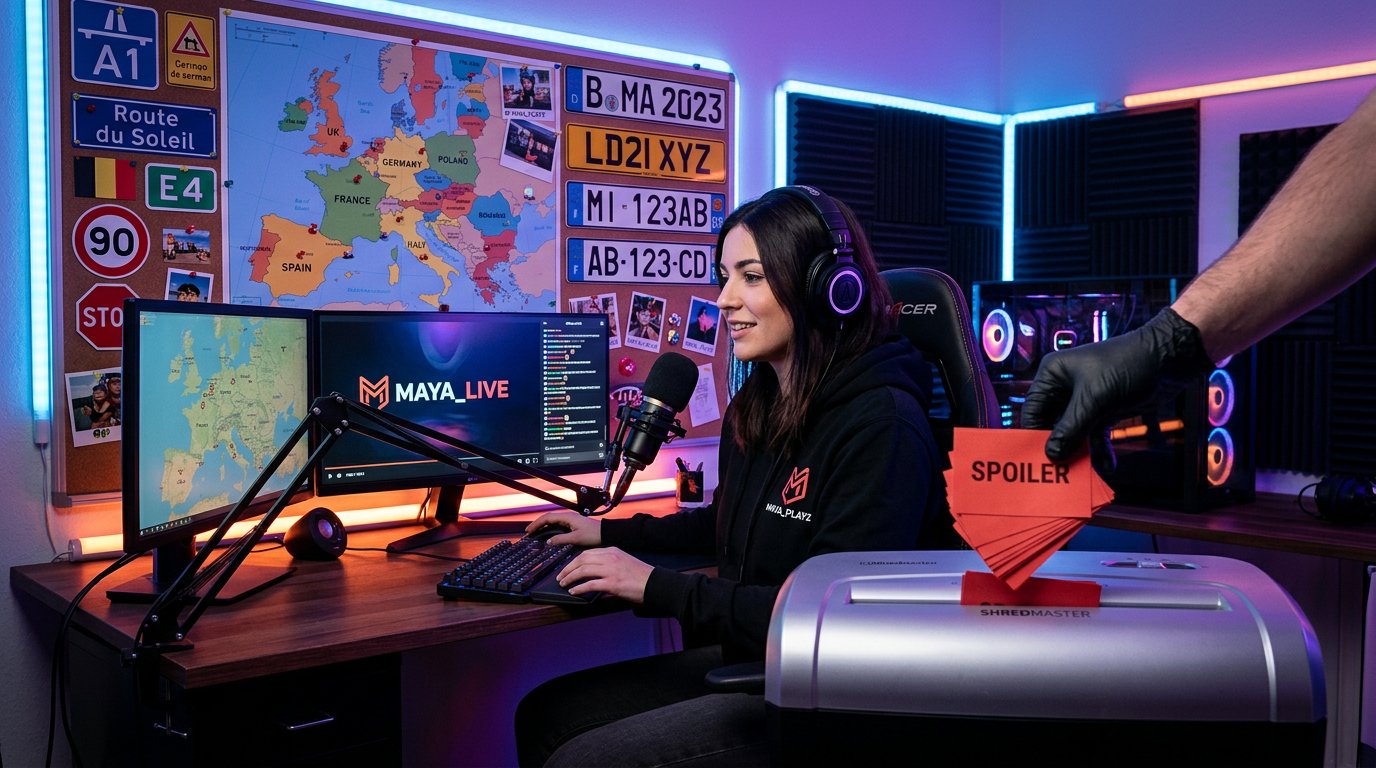
An accidental hint with no clear intent usually just needs to be deleted and given a timeout. This applies to a viewer who named a country out of habit, reacted to a guess, or carried a review of a past round into the current one. A short reminder of the rules is more useful than a public conflict.
If a viewer deliberately bypasses filters, repeats hints from new accounts, masks names with symbols, or argues with moderation, a ban is appropriate. Such a user shows that the goal isn't conversation but disrupting the format. You don't need to read their messages aloud: that only draws more attention to them.
If you did read a spoiler and it could have influenced your decision, don't use the information you received. In a competitive format, agree with the participants in advance on what to do in that case: replay the round, log a technical incident, or void the result. Quick deletion doesn't undo the hint, but it limits its impact.
Donations, Bots, and Notifications Can Spoil Too
A donation message can be more noticeable than regular chat: you, the viewers, and the stream recording will hear it. Warn your audience that paid messages don't give the right to bypass the rules. If the service allows it, disable text-to-speech during important games or send messages to pre-moderation.
Check how bots and integrations work. Some of them repeat user messages in the overlay, read them aloud, or duplicate them in another chat. Then a deleted spoiler appears a second time, now over the game screen. Separately check commands that display viewer text on screen.
The downside of manual approval and disabled text-to-speech is that viewer support becomes less visible in the moment. But in a ranked game, a paid message shouldn't get an advantage over the regular chat rules.
Don't Show Utility Windows and Searches on Stream
Before starting, check the scene: browser history, search tabs, private messages, notifications, the room code, the opponent list, and moderation tools shouldn't appear on screen. If you use a map or review materials after a round, show them only after the result is locked in.
A separate pause scene comes in handy during loading, lobby setup, conversations with the moderator, and opening utility tabs. It also helps hide chat if you need to quickly check a deleted message or resolve an issue with a rule-breaker.
The downside of multiple scenes is the risk of switching to the wrong one. A short test recording before the stream helps you spot extra elements, check donation audio, and make sure the bot isn't displaying viewer messages over the game.
Keep the Solo Format and Playing With Chat Separate
Part of the audience is specifically interested in collective searching. For that, it's better to set aside separate streams: a voting game, location reviews, watching viewer rounds, or joint challenges. In the title and pinned message, state right away whether viewers are allowed to help.
Don't mix that format with a ranked game without a clear pause and a new announcement of the rules. Viewers quickly get used to writing guesses and then do it automatically in the next round, even if you've switched to a solo game.
The downside of separation is that joint streams often produce more messages and reactions than a strict no-hints format. But the audience is left with no doubt about when they can take part in the search and when discussion is limited to the review after the result.
Checking Chat Protection Before the Stream Starts
- Pin the rule banning direct and veiled hints about the current location.
- Show the moderator examples of allowed review and forbidden hints for the next round.
- Set up Blocked Terms and Phrases on Twitch or the banned words list on YouTube.
- Decide whether Slow Mode, Followers-Only Mode, or Subscribers-only mode is needed for the specific format.
- Check whether the delay suits the round length and the speed of decision-making.
- Disable or moderate donation text-to-speech during ranked matches.
- Make sure bots don't duplicate deleted messages in the overlay or by voice.
- Decide in advance when the moderator issues a timeout and when they apply a ban.
- Prepare a pause scene for the lobby, loading, and utility actions.
Last Articles
What has changed in design and functionality We have updated the website to make working with it faster and more convenient. The main changes affect ..
Good afternoon, I've collected all the news during this time.: 1. The main news is that prices for twitch viewers have been greatly reduced, while Tw..
1. Use promo code "December2025" for a 15% discount for all our viewers2. We have reduced the base prices for our configurator and the most affordable..
Twitch services are working stably, so we are ready to cooperate with squads, resellers, service owners, bot owners, and many others.Individual te..
We have completely updated our Twitch viewer services, and they are now working stably. We only use high-quality IP addresses for the viewers.The ..
Hello everyone! Today, we are announcing a new feature—"Twitch Viewer Configurator". Now, you can customize any plan for your Twitch channel. Choo..
Greetings, I have compiled a guide for streamers, which will be very relevant at the moment. Now YouTube and twitch have disabled monetization from vi..
We have finally developed the APINow it will be more convenient for our partner sites to work with us.To update the maximum tariffs for YouTube, an up..
Due to the huge popularity of the partnership services and referral program, we have made a cooperation table. The essence is very simple: more live a..
Our Services for Streamers








Our Services for Content Creators






