
The owner's Telegram account was deleted: what to do
Short answer: rights are not returned automatically
If a Telegram account has actually been deleted, it cannot be restored in its previous form. Registering again on the same number creates a new profile: old chats, contacts, and channel owner rights are not linked to it.
The Telegram channel itself is usually not deleted along with the account. Its posts, subscribers, and link may remain in place. If the channel had other administrators, they keep the rights granted to them, but this does not mean owner status is transferred automatically.
There is no standard button for assigning a new owner in a channel without access to the previous account. In such a situation, the only option is to contact Telegram support and ask them to check whether rights can be transferred. The result is not guaranteed: the decision depends on the circumstances and the confirmations you are able to provide.
First, check whether the account is deleted
Losing access to a profile does not always mean it has been deleted. You may have lost your SIM card, forgotten your two-step verification password, or been hacked. These cases need to be distinguished from permanent account deletion.
- Check the device where Telegram might still be logged in. If the old session is working, do not log out of it and do not delete the app.
- Try logging in with the previous number. If Telegram requests a code and then a two-step verification password, the account probably still exists.
- If after logging in an empty new profile opens without the old chats and channels, the previous account may have been deleted and a new one registered from scratch.
- Check the channel from another profile. A deleted account may appear as Deleted Account, but this sign alone does not replace checking access and login history.
If you still have an active session, the task changes: first restore the account's security, and then check the rights in the channel management section.
If the account can still be brought back under control
With a saved session, add a strong two-step verification password and check the list of connected devices. Terminate unfamiliar sessions. After that, make sure you are still listed as the owner of the desired channel.
If you have lost your old SIM card, contact your operator to restore the number. After receiving the login code, check whether Telegram requests a two-step verification password. Such a password cannot be bypassed through a new profile.
When the account is open on a device but the old number is no longer in use, you can change the number in Telegram settings in advance. This transfers the account itself and the rights associated with it to the new number. This should only be done from an active session and after checking the security settings.
If you suspect a hack, do not negotiate with the person who gained access to the profile. Terminate unknown sessions, enable two-step verification, and check the channel administrators. If the intruder has already changed the settings, describe this in your request to support.
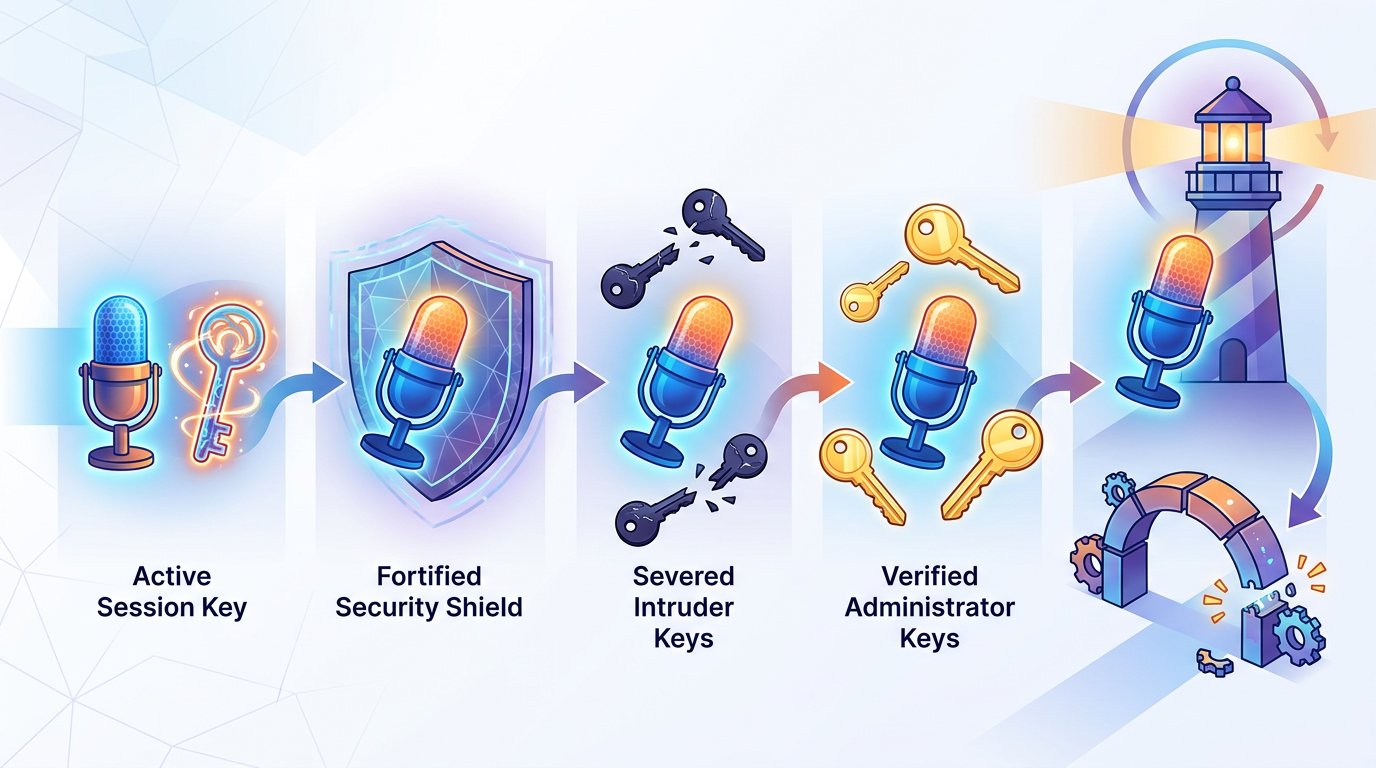
What happens to the channel after the owner is deleted
Deleting an account and deleting a channel are different actions. If only the account is deleted, the channel can continue to operate: subscribers read the posts, and the remaining administrators manage it within the permissions granted.
A public channel does not become "yours" after registering a new account on the previous number. The new profile does not receive the ownership history and does not see the old channel in the list of managed objects.
If the channel has administrators, ask them not to change the link, delete posts, or remove each other from their positions for the time being. Have them save the channel link, screenshots of the administrators section, and information about who managed the channel previously.
An administrator can publish posts and perform other actions if such permissions were granted. But their role alone does not turn them into the owner. In a channel without an accessible owner account, you should not count on transferring rights on your own through the usual settings.
If the channel itself was deleted along with the account, or it disappeared from search, state this separately. For support, it is important to understand exactly what happened: the profile was deleted, access was lost, or the object you managed was deleted.
How to contact Telegram support
Use official communication channels: the support form on the Telegram website or the help section inside the app. If access to the old account is lost, it is more convenient to fill out the form using a working email address and describe the situation in detail.
In your request, include:
- the channel link and its public name, if it has one;
- the phone number that was linked to the previous account, in international format;
- what happened: the account was deleted, access was lost, or the profile was hacked;
- whether administrators remain and whether any of them can manage the channel;
- what actions you have already taken and at what stage the problem appears.
Add confirmations that do not contain sensitive data: links to old posts, screenshots of the management panel, information about the owner's role, and correspondence with administrators. If the channel is linked to a website or other official platforms, attach links to such pages.
Do not send login codes, the two-step verification password, or backup data to support. A support employee or form does not need your authorization code. A response may take time, and restoration of rights is not promised even with documents and screenshots.
What not to do
Do not create several new accounts on the same number in the hope that one of them will receive the old channel. This does not restore the connection to the deleted profile and can make it harder to describe the situation.
Do not give the login code to a person who promises to return ownership for a fee. Handing over the code effectively gives access to the account. Also, do not assign a random user as an administrator and do not hand over the channel to them until the circumstances are clarified.
If administrators remain in the channel, do not remove them or change settings unnecessarily. Preserve evidence of management before contacting support. Even if rights cannot be transferred, this will help keep the channel running and avoid losing the audience.
What to do step by step
- Check whether the account is deleted or you simply lost access to it.
- If the old session is open, secure the account, check the number and owner rights.
- If the account is deleted, contact the remaining administrators and save information about the channel.
- Send a request through the official Telegram website or help section with a detailed description of the situation.
- Do not give login codes to anyone and do not count on automatic transfer of ownership to a new account.
Last Articles
What has changed in design and functionality We have updated the website to make working with it faster and more convenient. The main changes affect ..
Good afternoon, I've collected all the news during this time.: 1. The main news is that prices for twitch viewers have been greatly reduced, while Tw..
1. Use promo code "December2025" for a 15% discount for all our viewers2. We have reduced the base prices for our configurator and the most affordable..
Twitch services are working stably, so we are ready to cooperate with squads, resellers, service owners, bot owners, and many others.Individual te..
We have completely updated our Twitch viewer services, and they are now working stably. We only use high-quality IP addresses for the viewers.The ..
Hello everyone! Today, we are announcing a new feature—"Twitch Viewer Configurator". Now, you can customize any plan for your Twitch channel. Choo..
Greetings, I have compiled a guide for streamers, which will be very relevant at the moment. Now YouTube and twitch have disabled monetization from vi..
We have finally developed the APINow it will be more convenient for our partner sites to work with us.To update the maximum tariffs for YouTube, an up..
Due to the huge popularity of the partnership services and referral program, we have made a cooperation table. The essence is very simple: more live a..
Our Services for Streamers








Our Services for Content Creators






