How to Pin a Viewer's Comment During a TikTok Live
What pinning a comment in TikTok Live does
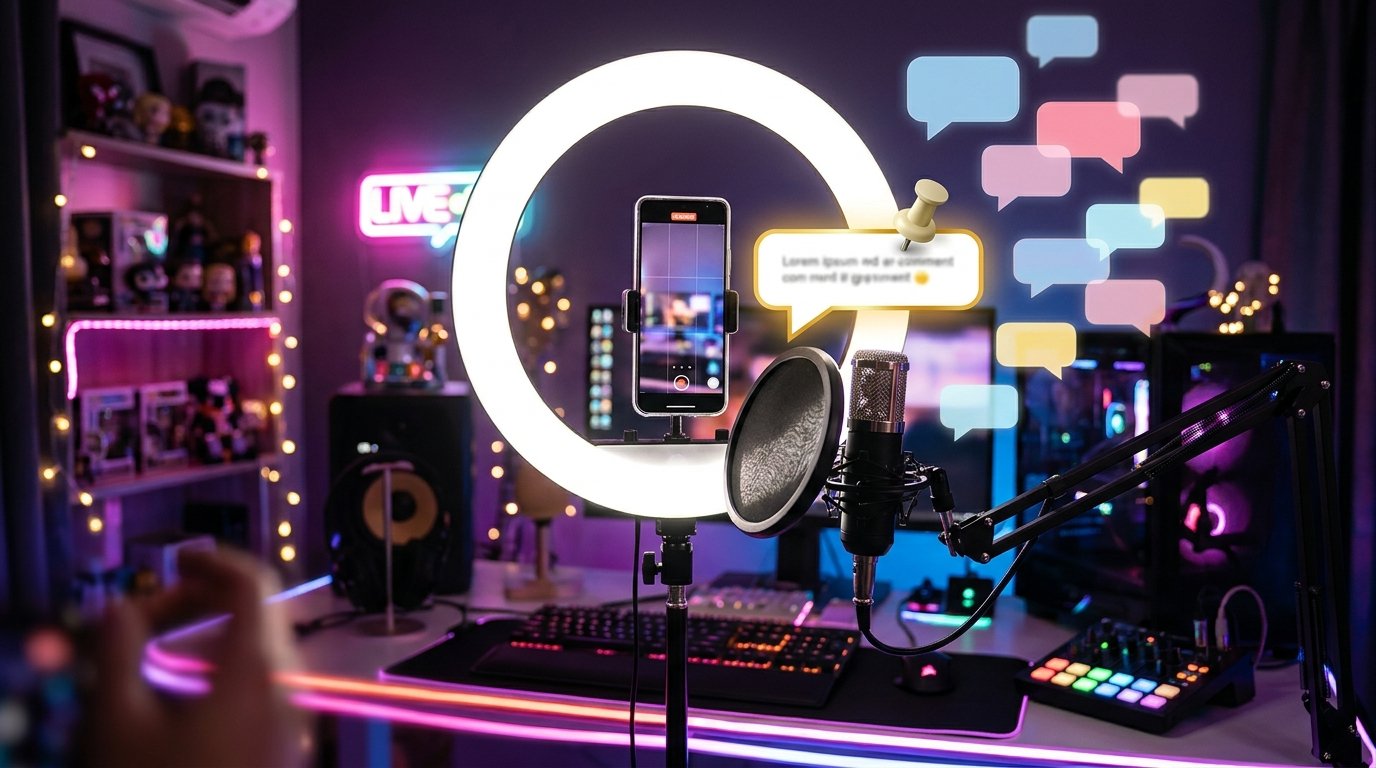
During a live stream, messages quickly scroll up as new replies come in. Pinning lets you pull a single comment out of the general feed and keep it visible to everyone watching the broadcast. This way you can highlight a viewer's question, clarify the topic of the stream, show the terms of an activity, or ask your audience to join a specific discussion.
A pinned comment applies only to the current stream. It doesn't become a separate post and isn't saved to your profile as a pinned entry. After the broadcast ends, the selected message isn't carried over automatically to the next stream, so you'll need to pin it again if necessary.
Menu item names may vary depending on the app language, TikTok version, and device. Usually the command you need is called "Pin comment."
How to pin a viewer's comment
To do this, you need an active TikTok Live and access to comment management. Follow these steps:
- Start the live stream from the account hosting it and wait for the message you want in the chat.
- Tap the viewer's comment and hold it. In some versions of the app, a single tap is enough to open the actions menu.
- Select "Pin comment" or a similar command.
- Check the chat. The message should appear highlighted or pinned so it's easier to spot among new replies.
If a comment appeared recently but you didn't manage to select it in time, ask the viewer to send the message again. For pinning, it's best to use a short and clear wording: long replies are harder to find quickly in an active chat.
How to replace or unpin a message
If a more important question comes up during the stream, you can pin it instead of the previous one. Open the menu on the new comment and select the same "Pin comment" command. As a rule, only one reply is highlighted in the chat at a time, so the new message replaces the previous one.
To remove the pin, open the menu on the comment that's already highlighted. Select "Unpin comment." After that, the message will no longer appear as pinned, but it will usually stay in the general feed if new replies haven't pushed it out yet.
You don't have to pin every question. If you change the message too often, viewers will find it harder to understand what information matters most right now. Choose a comment that relates to the topic of the stream and helps keep the conversation going.
If the "Pin comment" button doesn't appear
A missing menu item doesn't always mean an app error. The action may only be available to the stream host or to accounts with certain permissions. If someone else is hosting the stream, you may not be able to pin messages even if you're helping with the chat.
- Check that you're signed in to the stream host's account or have the necessary permissions to manage comments.
- Update TikTok and restart the app. The menu may look different across interface versions.
- Make sure you've selected an actual viewer comment and not an empty area of the chat or a system notification.
- If the chat is moving too fast, ask the viewer to repeat the message and open its menu right away.
The feature may also vary in availability across different accounts, regions, and app versions. If the item still doesn't appear after updating and signing in again, try pinning from another device or check TikTok's help center.
Quick takeaways
- Start TikTok Live and find the comment you need.
- Tap it or hold it to open the actions menu.
- Select "Pin comment" and check how it appears in the chat.
- To replace it, choose another reply; to remove the pin, use "Unpin comment."
Last Articles
What has changed in design and functionality We have updated the website to make working with it faster and more convenient. The main changes affect ..
Good afternoon, I've collected all the news during this time.: 1. The main news is that prices for twitch viewers have been greatly reduced, while Tw..
1. Use promo code "December2025" for a 15% discount for all our viewers2. We have reduced the base prices for our configurator and the most affordable..
Twitch services are working stably, so we are ready to cooperate with squads, resellers, service owners, bot owners, and many others.Individual te..
We have completely updated our Twitch viewer services, and they are now working stably. We only use high-quality IP addresses for the viewers.The ..
Hello everyone! Today, we are announcing a new feature—"Twitch Viewer Configurator". Now, you can customize any plan for your Twitch channel. Choo..
Greetings, I have compiled a guide for streamers, which will be very relevant at the moment. Now YouTube and twitch have disabled monetization from vi..
We have finally developed the APINow it will be more convenient for our partner sites to work with us.To update the maximum tariffs for YouTube, an up..
Due to the huge popularity of the partnership services and referral program, we have made a cooperation table. The essence is very simple: more live a..
Our Services for Streamers







Our Services for Content Creators