
How the KICKs Rate and Kick's Fee Work for a Streamer
What KICKs Are and Why They Have No Single Rate
KICKs are the internal unit of the Kick platform that a viewer buys through the official interface and uses to send virtual gifts during a stream. It is not a separate cryptocurrency, not an exchange-traded asset, and not money that can be freely transferred to a bank account. Its value exists within Kick's specific payment and gifting system.
When calculating, you need to distinguish between several values: the amount the viewer sees at checkout, the number of KICKs purchased, the cost of a virtual gift, and the amount that appears in the streamer's earnings section. These figures are related but are not required to match. The package price reflects the viewer's expenses, not the amount that will automatically go to the broadcaster.
For the buyer, the effective rate can be determined as follows: the total payment amount is divided by the number of KICKs in the set. For example, if the full payment is 10 dollars and the package contains 500 KICKs, the calculation looks like 10 ÷ 500 = 0.02 dollars per unit. This is an example of a formula, not a universal price for all regions and payment methods.
For the streamer, the rate of a single KICK is of secondary importance. What matters more is the cost of a specific gift, the share of that cost, possible adjustments, withdrawal conditions, and the amount that is actually credited through the payment operator. Therefore, the phrase "one KICK costs so much" is only accurate when specifying the package, currency, region, and date of verification.
How the Price of KICKs Is Formed for the Viewer
The viewer selects a KICKs package in the official Kick interface. The screen displays the number of internal units and the amount to pay. For the calculation, you should use the final charge to the card or another available method, not just the base package price, if taxes, fees, or other surcharges are shown separately below.
If the payment screen shows 10 dollars before tax and the final amount is 10.80 dollars, the viewer's actual expenses equal 10.80 dollars. However, this does not mean that all 10.80 dollars become the value of the virtual gift. A tax or payment system fee may be accounted for separately from the amount on which income distribution is based.
The final rate is affected by the regional currency, tax rules, payment method, bank conversion, and the conditions of a specific package. When paying in another currency, the bank or payment service may apply its own rate. As a result, the amount in the Kick interface and the amount in the bank statement sometimes differ.
Packages should be compared by the full charge amount and the number of KICKs. You cannot transfer the price of one package to another: different sets may have a different ratio of units to payment. Third-party calculators also do not always account for regional taxes and interface updates, so use the current data on the purchase screen for verification.
How KICKs Become a Virtual Gift
The viewer does not transfer KICKs directly to the streamer. First, they select a virtual gift with a set cost in KICKs, confirm the sending, after which the units are deducted from their balance. Information about the transaction is passed to the author's earnings accounting system.
If a gift costs 100 KICKs, this means 100 internal units are deducted. The credit to the streamer is not required to equal the entire amount the viewer spent when purchasing the package. For the calculation, the cost of the gift itself and the income distribution rules matter, not just the price of the KICKs package.
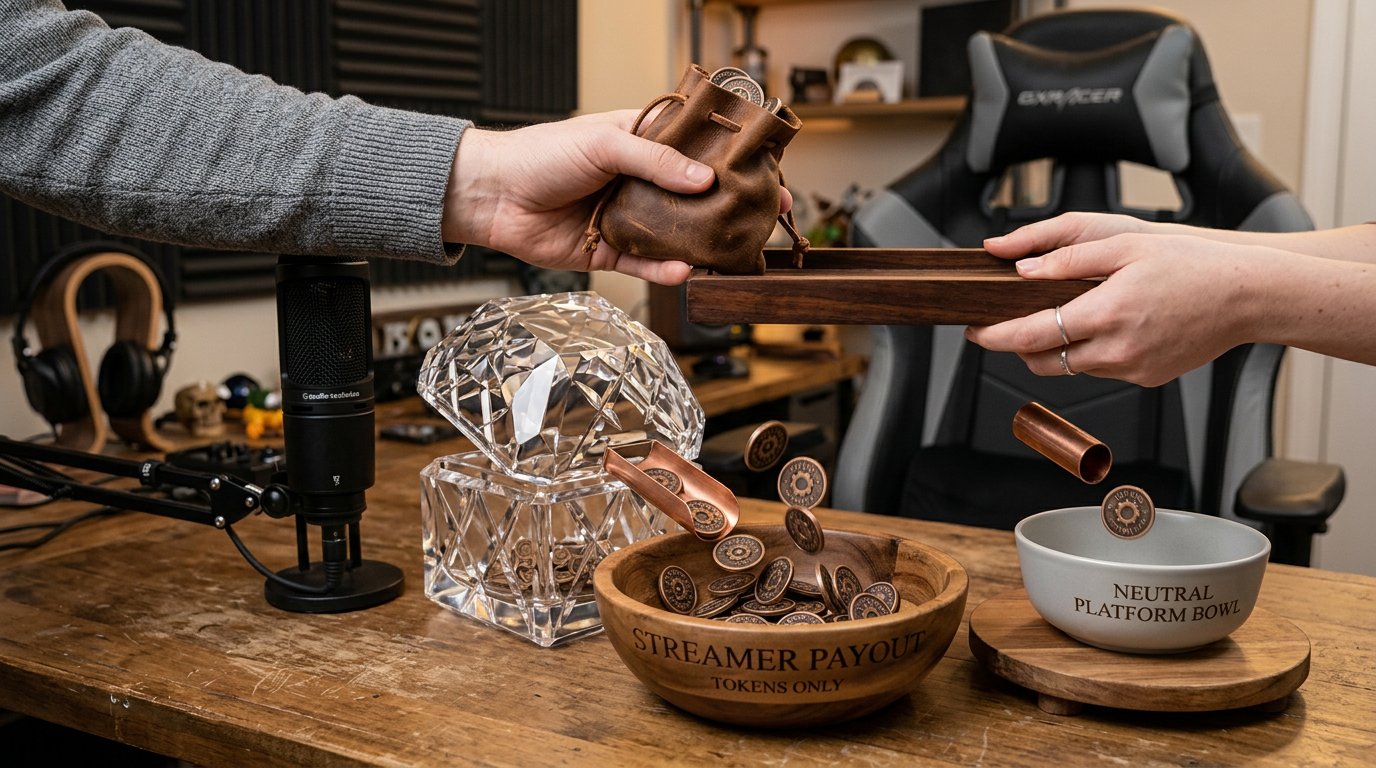
Under the stated virtual gift scheme, the streamer is credited 95% of the gift's value, and 5% remains with Kick. The simplified formula looks like this: streamer credit = gift value × 0.95.
If the gift's value in the system equals 10 dollars, the preliminary credit will be 9.50 dollars. This is the amount before any possible payout operator fee, conversion, refunds, and other adjustments. If the viewer paid more due to a tax or payment intermediary fee, the gift's value does not automatically increase.
It is important not to treat the price of the entire package as the direct price of each gift. A package can be used for different gifts, and the displayed value and internal rounding rules can affect the calculation. For an accurate check, you need to match a specific gift, the transaction history, and the credit in the streamer's dashboard.
Which Fee Belongs to Kick
Kick's fee in this scheme is 5% of the virtual gift's value. The streamer receives 95% before subsequent operations related to payment refunds, payouts, currency exchange, or other adjustments. This 5% cannot simultaneously be considered a fee for purchasing KICKs and a mandatory withdrawal fee.
The public distribution scheme shows the platform's share in a gift transaction but does not disclose an itemized breakdown of each transaction. Therefore, you cannot claim that the specific 5% goes entirely to one particular expense. It is Kick's share in operating the service, not a separate bank transfer with a payment purpose that the streamer sees.
The platform's share may cover technical infrastructure, data storage and processing, virtual gift accounting, interface operation, transaction support, and other service expenses. But from the 95/5 formula itself, you cannot derive the exact distribution of these funds among internal line items.
Separately, there may be tax, payment intermediary fee, bank commission, payout operator charge, conversion losses, or an adjustment after a payment refund. The recipient and amount of each deduction depend on the specific transaction. Therefore, the difference between the viewer's expenses and the streamer's amount should not be entirely attributed to Kick's fee.
Where the Difference Between the Viewer's Payment and the Streamer's Payout Comes From
To analyze a transaction, it helps to follow the chain. First, the viewer pays for a KICKs package. Then some of these units are used to send a virtual gift. The system determines the gift's value, applies the distribution between the platform and the creator, after which the amount appears in the streamer's balance. Before the actual transfer, payout operator costs and currency adjustments may be added.
Suppose the viewer's receipt shows 12 dollars, of which 2 dollars are designated as tax or fees, and the gift's value is 10 dollars. In this case, the base credit is calculated from 10 dollars: 10 × 0.95 = 9.50 dollars. You cannot automatically assume that Kick withheld 5% of all 12 dollars.
In another scenario, the streamer's dashboard shows 9.50 dollars, and before the payout the operator indicates a separate fee of 0.30 dollars. Then 9.20 dollars may be available for sending, if there are no other deductions. If the bank credits even less, you need to check the currency rate, bank commission, and crediting conditions.
All amounts in these examples illustrate the calculation principle, not universal payment system rates. The actual value is taken from the receipt, the credit history, and the payout form. If one of the documents shows an amount in a different currency, you first need to determine at what rate the conversion was performed.
Is There a Payment System Fee When Buying and Withdrawing
Additional payment system costs are possible, but there is no single rate for all viewers and streamers. It depends on the country, currency, bank, payment method, and specific operator. Sometimes the fee is shown as a separate line, and sometimes it is already included in the final transaction cost.
When buying, the fee may relate to processing a card or another payment method. The recipient of such a fee is not necessarily Kick. When paying in another currency, the bank or payment service may use its own rate and add exchange costs.
When withdrawing, a separate operator fee is also possible. It may be percentage-based, fixed, or absent for a specific method of receiving funds. Without data from the payment profile, you cannot name a universal value. If there is a line with a fee before confirming the payout, you should rely on its name and amount.
To avoid mixing different deductions, match four figures: the full amount charged to the viewer; the virtual gift's value; the streamer's credit after the 95/5 distribution; the amount the operator sent for payout. The last value will be the bank's actual credit, which may differ due to its rate or commission.
Minimum Withdrawal Amount and Timeframes for Receiving Money
For the standard payout scheme via a Stripe connection, Kick specifies a minimum threshold of 10 dollars. This is a condition for initiating a payout, not a fee and not the amount the streamer is guaranteed to receive from a single gift. If the balance after crediting is 9.50 dollars, one transaction is not enough: you need to accumulate at least another 0.50 dollars, subject to applicable conditions.
Reaching the threshold itself does not mean instant crediting. Before the payout, identity verification, payment profile confirmation, correct tax and bank details, and the absence of account restrictions may be required. If any stage is not completed, the payment may not proceed to sending.
A universal crediting timeframe cannot be derived from the threshold itself. The time depends on account readiness, transaction verification, payout status, operator and bank operation. If the dashboard displays a date or status, use that specific information. If the exact timeframe is not specified, do not promise viewers that money will arrive on a specific day.
A delay may be caused by verification, a refund, a payment dispute, an error in the details, or a data mismatch. After the operator sends the funds, they may also not arrive in the account immediately. In case of a delay, first check the payout status, notifications, and payment profile, and then contact support with the transaction data.
How to Tell Whether a Fee Was Withheld Specifically at Withdrawal
The 5% of the gift's value should not be re-entered into the calculation as a mandatory transfer fee. This share relates to the distribution of income between Kick and the streamer. A separate withdrawal fee exists only if it is provided for by the conditions of a specific payout method and is displayed in the payment information.
If a separate line appears in the payout form, check its name, amount, and recipient. It may be a payment operator fee, a bank commission, or a conversion cost. If there is no line, you cannot automatically promise that withdrawal is free for all regions and methods.
For example, Kick's history shows 12 dollars, of which after distribution 11.40 dollars is available to the streamer. The payout form indicates a 0.30 dollar fee, and no conversion applies. In this case, the operator should send 11.10 dollars. If the bank credits less, you need to further examine the statement and the exchange rate.
For a disputed transaction, save the date, amount, transaction ID, receipt, and a screenshot of the line with the fee. This data will help separate Kick's withholding from a payment operator fee, bank adjustment, or refund. Without documents, you cannot accurately determine at which stage the difference arose.
How to Verify the Calculation for a Specific Gift
For verification, use data from the official interface, not just a third-party calculator. First, record the number of KICKs in the selected package and the full charge amount. Then check the cost of the specific gift and the number of units deducted. After that, compare the calculation with the streamer's credit history.
The effective price of one KICK is determined by dividing the full payment amount by the number of units. But this figure is needed primarily to estimate the viewer's expenses. The streamer's income should be calculated from the gift's value, to which the 95% share is applied, not mechanically from the total package price.
After the base calculation, check for possible refunds, adjustments, rounding, conversion, and the availability status of funds. A small difference may arise from a balance update or currency recalculation. A noticeable discrepancy without explanation requires checking the transaction documents.
If the data does not match, compare the viewer's receipt, the gift history, the streamer's balance, and the payout notification. Do not combine tax, Kick's 5% share, withdrawal fee, and bank fee into one line. Each deduction may have its own recipient and separate basis.
What a Streamer Should Consider When Explaining Donations
Do not tell viewers a fixed KICKs rate without specifying the package, currency, and region. It is more accurate to speak about the cost of a specific virtual gift in the Kick interface and separately explain that the streamer's base share is 95% before payout costs and possible adjustments.
Do not confuse virtual gifts with subscriptions. Subscriptions may have a different distribution model, so its percentage cannot be transferred to KICKs. A payment processing fee is also not automatically a Kick fee.
Keep a history of purchases, credits, and payouts. Separately record gifts, refunds, adjustments, operator fees, conversion, and the actual credit to the bank account. Such a record helps quickly find the stage at which the difference arose.
Do not buy KICKs through third-party intermediaries and do not accept offers to sell units outside the official interface. A payment refund or a rules violation may lead to the cancellation of a credit and account restrictions.
What to Do Step by Step
- Open the official purchase screen and check the number of KICKs and the final charge amount.
- Divide the full payment amount by the number of KICKs to estimate the rate of the specific package.
- Look at the cost of the virtual gift you need, not just the package price.
- For a preliminary estimate, multiply the gift's value by 95%.
- Do not add this 5% again as a mandatory withdrawal fee.
- Check the payout threshold, the available method of receiving money, and separate operator fees.
- Compare Kick's history with the amount sent by the operator and the actual bank credit.
- If there is a discrepancy, save the receipt and transaction data, check the payout status, and contact support.
Last Articles
What has changed in design and functionality We have updated the website to make working with it faster and more convenient. The main changes affect ..
Good afternoon, I've collected all the news during this time.: 1. The main news is that prices for twitch viewers have been greatly reduced, while Tw..
1. Use promo code "December2025" for a 15% discount for all our viewers2. We have reduced the base prices for our configurator and the most affordable..
Twitch services are working stably, so we are ready to cooperate with squads, resellers, service owners, bot owners, and many others.Individual te..
We have completely updated our Twitch viewer services, and they are now working stably. We only use high-quality IP addresses for the viewers.The ..
Hello everyone! Today, we are announcing a new feature—"Twitch Viewer Configurator". Now, you can customize any plan for your Twitch channel. Choo..
Greetings, I have compiled a guide for streamers, which will be very relevant at the moment. Now YouTube and twitch have disabled monetization from vi..
We have finally developed the APINow it will be more convenient for our partner sites to work with us.To update the maximum tariffs for YouTube, an up..
Due to the huge popularity of the partnership services and referral program, we have made a cooperation table. The essence is very simple: more live a..
Our Services for Streamers








Our Services for Content Creators






