
What the start count in an SMM panel is and why it matters
What the start count shows
The start count is the value of a metric that the panel or provider records as the starting point of an order. For channel subscribers, it's the audience size at the time of measurement; for views, it's the number of views of a specific video or stream recording.
Comparing against the start shows the change in the overall metric. But the overall gain does not automatically equal the order result: the audience may come from other sources, and some subscribers may leave.
Why the order start is recorded
The start is needed to compare the metric before and after the order is fulfilled. Without a starting point, you can't even determine the overall change in the metric over that period.
Some providers use the difference between counters when accounting for fulfillment, while others keep their own record of delivered actions. The verification method depends on the service. The start alone doesn't show how many units the provider has already delivered.
Where to find the starting value
The start count is usually found in the order history or in the detailed order card. In an English-language panel, the field may be called Start count or Start counter. Next to it, the ordered quantity — Quantity, the remainder — Remains, and the status — Status are often shown.
Field names and locations depend on the panel. If there's no start in the table, you should open the order details, the service description and the event history, if available.
What to do if the start isn't specified
A missing field doesn't mean a zero start. It may not be displayed in the interface, may not have updated yet, or may be named differently. An empty value, zero and a dash shouldn't be treated as interchangeable without an explanation from the panel.
If the start isn't visible after launch, you need to ask support for the value, the measurement time, the data source and the metric name. Until you have this information, you can't reliably verify the change against the start.
When the start count is recorded
The measurement may be taken when the order is created, after it's passed to the provider, or before fulfillment. The payment date doesn't necessarily coincide with the measurement time: while the order is awaiting processing, the metric on the platform may change.
For example, between payment and launch, the channel could gain new subscribers after a stream. A higher start in the card isn't an error in itself if the metric was measured after that gain.
How to find out the measurement time
The Created field usually shows the order creation time, while Updated shows the time the card was changed. Neither of them alone confirms when the start count was taken.
If the event history has a separate entry about the measurement, it can be used for verification. If there's no entry, you should ask support for the start time and time zone. This matters when a stream or ad campaign happened before launch.
How to calculate the gain and the target
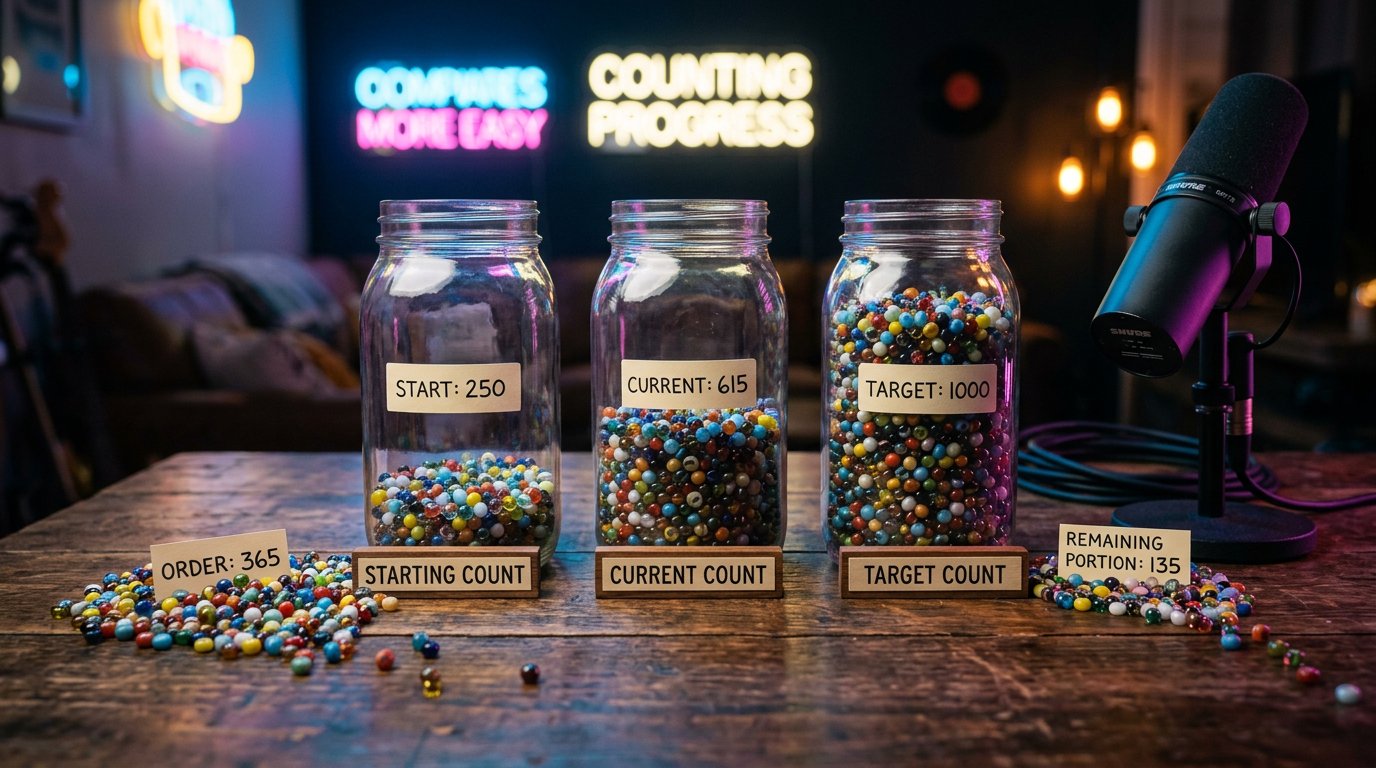
The current value minus the start count is the net change in the overall metric after measurement. The start plus the ordered quantity is the arithmetic target for comparison. It serves as a reference but doesn't replace the remainder from the order card.
The calculations only work for one metric and one object. Views of a specific video can't be compared with the channel's total views, and subscribers of one channel can't be compared with the start of another.
Example of verifying a subscriber order
Suppose the start is 1,200 subscribers, 300 were ordered, and the current counter shows 1,380. The net gain is 180. The arithmetic target is 1,500, and it's short by 120 subscribers.
The card shows a remainder of 70. If that means the unfulfilled part of the order, the panel counts 230 units as completed: 300 minus 70. That's 50 more than the net gain by the counter. Such a difference requires checking, but doesn't by itself prove an error.
Why the remainder differs from the gain
The remainder and the gain answer different questions. The remainder may show how many actions haven't yet been accounted for on the order. The gain shows how much the overall counter has changed since the start, taking into account all incoming and lost actions.
In the example, the provider may have delivered 230 subscriptions while 50 previous subscribers unfollowed. Then the overall metric would have grown by 180, even though the panel would have counted 230 delivered units. The remainder would be 70.
How to check the cause of the discrepancy
The difference of 50 in the example doesn't necessarily mean exactly 50 unfollows. New subscriptions from ads, unfollows and the platform recalculating statistics could all be happening at the same time. The panel may also not have updated the remainder yet or may count actions by something other than the public counter.
You should compare data for the same period: the start and its measurement time, the current metric, known sources of gain and losses. Then ask the provider for the counted quantity and how it's verified.
How unfollows affect verification
Unfollows during an order reduce the overall gain. Because of them, the distance to the arithmetic target may be greater than the remainder, even if the provider continues delivery. If the platform removes invalid actions or recalculates statistics, the counter may also drop.
Platform analytics help you see losses over a period, but don't always show which source each departed subscriber belonged to. You can't precisely calculate a shortfall from the overall difference.
When the counter is below the start
The current value may turn out to be below the start if losses during the order exceeded all incoming actions. In this case, the net change will be negative, and the distance to the arithmetic target will be greater than the ordered quantity.
This distance can't automatically be considered the remainder: it includes the decline in the overall counter. You need to check the platform analytics and ask the provider to confirm how many actions they counted as delivered.
What the order remainder means
The remainder usually means the unfulfilled part of the order according to the panel or provider. If that's how the field is calculated, the ordered quantity minus the remainder shows the number of units the panel counts as completed.
The distance from the current counter to the target is a different figure: it's affected by unfollows and third-party gains. If there's no description of Remains, you should ask support how it's calculated and how often it updates.
How to read status and remainder together
The status shows the processing stage: the order may be awaiting launch, in progress, completed or partially fulfilled. If it's in progress and the remainder is non-zero, you need to compare the expectation with the service terms and the timeframe specified by the panel.
A completed status and a zero remainder mean the panel has counted the order as fulfilled. They don't confirm that all actions have been retained on the platform. If the status is completed but the remainder is non-zero, you need an explanation from support: the fields may have updated at different times.
If the gain equals or exceeds the order
A gain equal to the ordered quantity means the overall metric has grown by the required number relative to the start. An excess shows stronger growth, but doesn't distribute it among sources.
Some of the audience may have come after ads, a stream recommendation or another order. Source analytics help separate known traffic, although it's not always possible to link each subscription or view to a specific service.
How to check the right metric
For verification, you need the link from the order and the same metric that the service uses. For videos and streams, it's important not to confuse recording views, unique viewers and concurrent viewers: these are different metrics.
Concurrent viewers may leave during the stream itself, so they can't be verified the same way as cumulative views without clarifying the terms. For such a service, you need to find out what counts as fulfillment: reaching a level, maintaining the metric or another condition.
Why platform and panel data diverge
The panel, the public page and the owner's analytics may update with a delay. A discrepancy also arises if different points in time, objects or metrics are being compared. First you need to rule out these causes, then submit the data for review.
For a request, it's useful to save the value on the platform, the verification time and the section where it's shown. You should ask the provider for the source and measurement time. Without matching the metric, object and time, the numbers are hard to compare.
How to verify a rounded counter
A public page may show "1.2K" instead of the exact number. A small gain or decline may not change the label, so you can't confirm the start down to a single unit from it.
The owner's analytics may give the exact number, but its data may also update with a delay. If only a rounded figure is available, you should save a snapshot with the time and ask support for the exact start, source and measurement moment.
How an incorrect start gets in the way
An inflated start understates the calculated gain, while an understated one increases it. This is especially important if fulfillment is determined by the difference between counters: an error in the starting point can affect the assessment of the order.
Before asking for a correction, you need to check the link, the metric, the measurement time and a possible data delay. If the discrepancy persists, you should send support confirmation of the platform value at a comparable moment.
How to account for parallel orders
Multiple orders for the same metric may have different starting values: measurements are taken at different times. While they're in progress, the counter may also grow due to ads and organic traffic.
A single current value can't reliably distribute the gain among providers. For each order, you should save the number, link, creation time and start. Before launching parallel services, it's useful to check whether the provider's terms allow them.
What the counter doesn't say about service quality
The starting value doesn't reveal audience quality, engagement or the origin of each action. Even a reached arithmetic target doesn't mean new subscribers will watch streams or interact with the channel.
The counter doesn't protect the account from restrictions. Some services may violate platform rules, and unnatural activity may lead to a review of statistics or measures against the channel. It's worth checking the platform rules and the service terms before paying.
What to verify if the numbers don't add up
- Check the link, the metric and the ordered quantity in the card.
- Clarify the start, the time and the source of measurement; take the current value of the same metric with the time indicated.
- Calculate the net change and compare it with the quantity counted by the panel, after first clarifying the remainder value.
- Check the status, the service timeframe, the update delay, known sources of gain and losses.
- If the difference remains, send the data to support and request a delivery check.
When to contact support
If the order is still in progress and the timeframe hasn't expired, you should wait for an update. If the timeframe has passed, the order is completed with a non-zero remainder, or you see an unexplained difference between the gain and the counted delivery, it's time to contact support.
Include the order number, the link, the metric name and the ordered quantity. You need a snapshot of the card with the start, status and remainder, as well as platform data with the verification time and the section name. It's best to hide personal data and access tokens in the snapshots.
What to ask support
You should ask them to confirm the start time and source, how the remainder is calculated and the number of units the provider considers delivered. This information will help separate a possible shortfall from unfollows, third-party gains and an update delay.
If the check reveals an unfulfilled part, you can request a top-up or a refund under the service terms. Stopping the order also needs to be requested separately: delivery may continue until cancellation is confirmed.
Last Articles
What has changed in design and functionality We have updated the website to make working with it faster and more convenient. The main changes affect ..
Good afternoon, I've collected all the news during this time.: 1. The main news is that prices for twitch viewers have been greatly reduced, while Tw..
1. Use promo code "December2025" for a 15% discount for all our viewers2. We have reduced the base prices for our configurator and the most affordable..
Twitch services are working stably, so we are ready to cooperate with squads, resellers, service owners, bot owners, and many others.Individual te..
We have completely updated our Twitch viewer services, and they are now working stably. We only use high-quality IP addresses for the viewers.The ..
Hello everyone! Today, we are announcing a new feature—"Twitch Viewer Configurator". Now, you can customize any plan for your Twitch channel. Choo..
Greetings, I have compiled a guide for streamers, which will be very relevant at the moment. Now YouTube and twitch have disabled monetization from vi..
We have finally developed the APINow it will be more convenient for our partner sites to work with us.To update the maximum tariffs for YouTube, an up..
Due to the huge popularity of the partnership services and referral program, we have made a cooperation table. The essence is very simple: more live a..
Our Services for Streamers








Our Services for Content Creators






