
VK Reactions and Buying Engagement: Types, Volume, Risks, and Analytics
VKontakte Reactions as a Signal of Interest
VK reactions show how the audience perceives a publication. A user can leave a "Like" or choose another available reaction under a post, clip, video, stream recording, or community material.
For a streamer, this is a quick indicator of initial response. It can be used to compare topics, thumbnails, headlines, and posting times. A single counter doesn't show audience quality and doesn't replace real views, retention, comments, saves, reposts, and clicks.
Why People Buy VK Reactions
Buying reactions is used for initial activity on a single publication. Material with already noticeable engagement may look more convincing to a new visitor, especially if they're visiting the channel or community for the first time.
This is how stream announcements, clips with gaming moments, promotional posts, important videos, or publications after a streamer returns to regular content are supported. Reactions can improve the visual perception of a post, but they don't make it interesting on their own and don't build a loyal audience.
This method has limitations. Purchased reactions don't create real views, watch time, comments, reposts, and clicks. They also don't trigger VK's algorithmic recommendation feed on their own. For recommendation impressions, actual content consumption and engagement from real users matter more.
Risks of Buying Engagement for Your Channel
Artificial activity isn't neutral with respect to platform rules. VK may remove some reactions, restrict certain page features, or apply other measures if activity is deemed suspicious.
A sharp spike in purchased reactions directly increases the risk of triggering VK's anti-spam filters. The bigger the jump relative to normal statistics and the less it's confirmed by views, comments, and clicks, the more noticeable the mismatch in the activity profile.
Reduced reach is also possible: a publication or community may receive fewer organic impressions if the system detects an unnatural pattern. There's no way to promise in advance that gradual delivery will completely eliminate blocking, drops, or reduced reach.
Which Reactions You Can Promote
The set of options depends on the publication format and the current VKontakte interface. Usually not only regular "Likes" are available, but also emotional reactions.
- "Like" — a universal option for a stream announcement, gaming clip, useful post, or compilation;
- "Funny" — suitable for a meme, a funny host remark, a failed gaming moment, or self-irony;
- "Surprised" — appropriate under a rare achievement, comeback, unusual event, or impressive clip;
- "Sad" — corresponds to a personal story, defeat, project ending, or farewell stream;
- "Angry" — can be used in a post about a controversial situation, unfair decision, or conflict in a gaming episode;
- "Heart" — for thanking viewers, important achievements, warm moments, and posts about community support.
Usually one main reaction type is enough. If you add all the options at once, it may not match the content and will look less natural. For each material, choose the reaction that real viewers would leave.
Which Streamer Materials Get Promoted
Before ordering, define a specific goal and publication. A post, short clip, and full stream recording have different viewing patterns, so the same volume of reactions won't be equally appropriate for them.
- announcements of upcoming streams and broadcast schedules;
- clips with a strong gaming moment or a fragment of the streamer's reaction;
- full stream recordings and themed video compilations;
- posts with channel news, giveaways, or important announcements;
- promotional publications with a link to the community;
- individual posts in a series that need to stand out among other materials.
If the goal involves discussion or clicks to the stream, reactions alone aren't enough. In statistics, views, comments, reposts, saves, clicks, and subscriptions are tracked separately.
What Share of Reactions Looks Natural
There's no universal norm for VK: indicators depend on the niche, format, audience size, traffic sources, and age of the publication. For an initial check, you can use a working reference for the overall share of reactions relative to views, including existing organic marks.
- up to 1,000 views — approximately 2–8% reactions;
- from 1,000 to 10,000 views — approximately 1–5%;
- from 10,000 to 100,000 views — approximately 0.5–3%;
- over 100,000 views — approximately 0.3–2%.
These aren't VK limits, official statistics, or a guarantee of no sanctions. A clip with a bright moment may have a higher share than a long stream recording. You need to count the final number of reactions after promotion, not just the order volume.
How to Choose a Test Volume for Your Channel Size
The number of subscribers alone doesn't determine a suitable order. To calculate, you need median views and reactions from 5–10 similar publications. If the channel is small, even a few dozen marks can create a noticeable spike.
- Channel up to 1,000 subscribers with usual 100–500 views: test volume — around 2–5 reactions, if the organic indicator isn't already at the upper limit of the range.
- Channel from 1,000 to 10,000 subscribers with 500–3,000 views: for a first test, you can consider 5–20 reactions.
- Channel from 10,000 to 50,000 subscribers with 3,000–20,000 views: test range can be 15–60 reactions.
- Channel over 50,000 subscribers: don't automatically order hundreds of marks. For a first test, it's more reasonable to match the volume to the median of organic reactions and limit it to about 30–100 marks.
These ranges describe a cautious test scenario, not safe values. If a publication usually gets 10 reactions per day, the appearance of 200 marks in a few minutes will be disproportionate regardless of the number of subscribers.
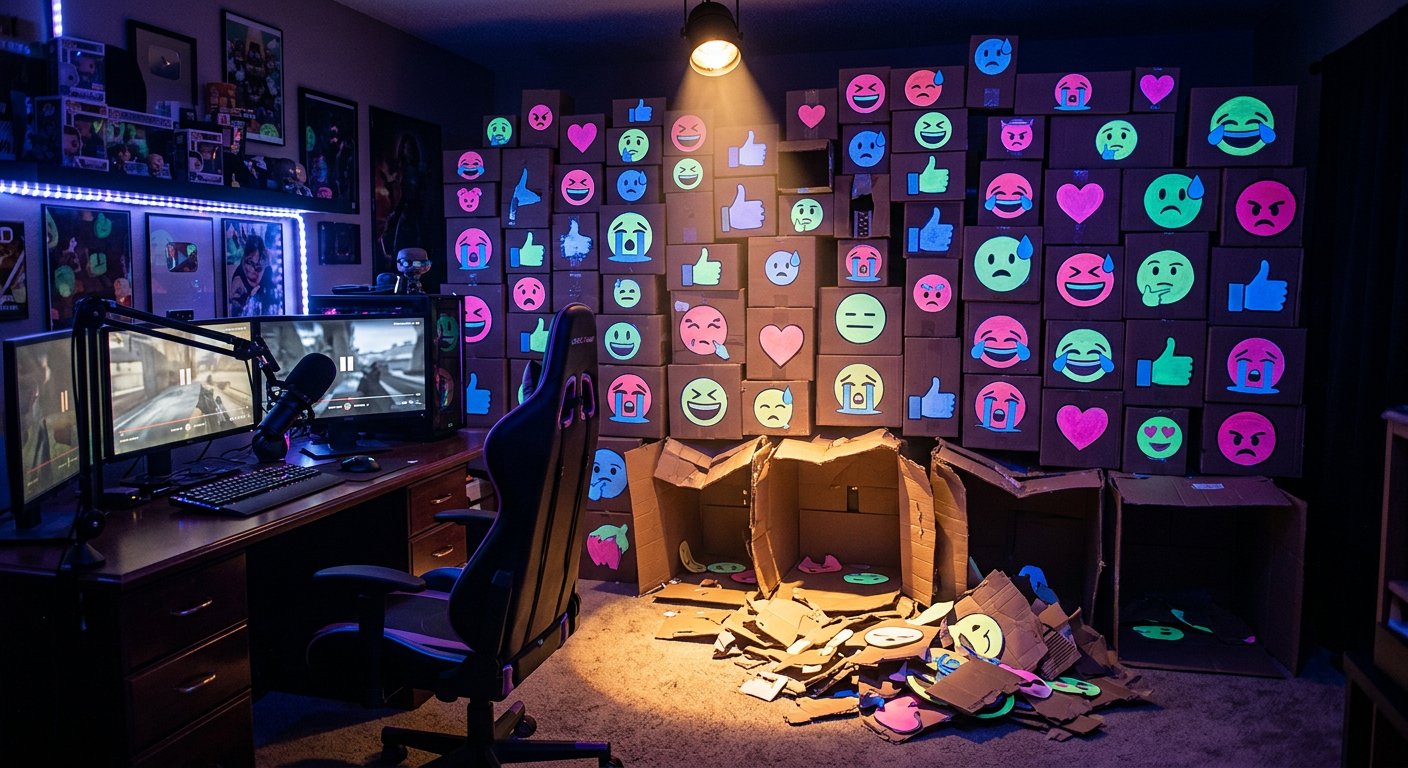
Why Delivery Speed Matters
A sharp spike is more dangerous than a gradual change in the counter, especially when views and reach remain at the same level. Instant delivery of a large order creates a more noticeable discrepancy between reactions and other audience actions.
For a test, you can choose gradual delivery over 12–48 hours, and for a larger publication — distribution over several days. This doesn't protect against filters and doesn't turn purchased engagement into organic activity, but it reduces the sharpness of the statistical change.
Don't use the same volume, reaction type, and interval for the entire feed. A funny clip, a personal post, and a stream announcement naturally get different responses. The same template under every publication looks suspicious.
Which Activity Signs Look Unnatural
Usually it's not a single number that draws attention, but a combination of several signs. The more such discrepancies there are, the higher the risk of reaction removal, reduced organic impressions, or an activity check.
- a large spike in reactions over a few minutes on a small channel;
- the same number of marks under publications with different reach;
- growth in reactions with almost zero views and retention;
- complete absence of comments, reposts, and clicks with a sharp increase in the counter;
- the same reaction type under materials of different topics;
- reactions on an old post with no changes in views and reach;
- rapid removal of a significant portion of the result shortly after delivery.
If one of these signs appears, don't automatically increase your next order. First, compare the publication with the channel's normal statistics and check whether reach changed after the activity was placed.
How to Choose a Reaction-Buying Service
Evaluate not only the stated volume and price. The publication format, reaction type, delivery speed, link requirements, and clear terms for drops matter.
- Check whether the service is intended for posts, clips, videos, or streams.
- Verify whether you can specify a link to a specific publication and choose "Like," "Funny," "Surprised," "Sad," "Angry," or "Heart."
- Don't share your page, community, or email password if a link is sufficient to complete the order.
- Find out whether gradual delivery is available and whether you can stop further order fulfillment.
- Ask in advance about the completion timeframe, possible drops, and the dispute resolution procedure.
- Match the promised result to the goal: reactions shouldn't be advertised as automatic growth of views, subscribers, or recommendations.
Replacement of Dropped Reactions and Refunds
These terms are often confused, although they mean different things. Replacement for a partial drop means substituting disappeared reactions with new ones. Money is usually not refunded in this case if the service performs replacement according to its rules.
A refund is a separate procedure where the service returns all or part of the amount instead of re-delivering. Before ordering, clarify what exactly is provided: guarantee period, minimum drop percentage, number of replacements, refund possibility, and application review time.
Save the link to the publication, order number, ordered volume, and screenshots of statistics before and after fulfillment. This will help distinguish a drop from a counter display error.
How to Strengthen a Publication Without Artificial Signals
Reactions provide only visual support, so the main work remains with the content. For a clip, the first seconds, a clear topic, and a strong moment at the beginning matter. For a post — the headline, structure, and a reason to read it to the end.
- Publish materials during hours when subscribers are actually active.
- Add a specific reason to come to the stream or watch the recording to the announcement.
- Use short stream fragments to draw attention to the full version.
- Alternate entertaining, useful, and personal publications.
- Ask viewers to share their opinion, choose an option, or share their own experience.
- Check the thumbnail, the first lines of text, and the clarity of the call to action.
Live comments, full watches, clicks, and repeat views are more useful for the channel than isolated growth of the reaction counter.
What to Check After Promotion
Compare the result with 5–10 similar publications without sharp differences in topic and format. For a new channel, your own dynamics serve as the reference, not the average indicators of large communities.
- Views and reach. If reactions increased but reach stayed the same, this is visual support, not additional distribution.
- Share of reactions relative to views. Look at the final indicator and compare it with the chosen range, considering the niche and format.
- Comments, reposts, and saves. Their absence shows that discussion and distribution didn't grow.
- Clicks to the community and subscriptions. For a stream announcement, these matter more than the reaction counter itself.
- Retention and full watches. Growth in marks without changes in watch time doesn't confirm interest in the content.
- Drops and reduced reach. If there are noticeable changes, don't launch a new order before finding out the reason.
When the Budget Is Wasted
A weak result shows up as a mismatch between the goal and the effect. If reactions were ordered to increase a clip's visibility, but views, clicks, and retention didn't change, increasing the volume is unlikely to solve the problem.
The budget is also spent inefficiently when activity is regularly dropped, arrives on inappropriate publications, or every material gets the same artificial growth. In such a situation, stop the next order, compare the statistics, and check the content quality.
Before launching, record the link, reaction type, test volume, delivery timeframe, reach, views, and the number of existing marks. After fulfillment, separately note the changes in reactions, clicks, subscriptions, and views.
Checklist Before Your Next Order
- The goal is defined: support a post, highlight a clip, or test a format.
- A reaction type matching the content is chosen: "Like," "Funny," "Surprised," "Sad," "Angry," or "Heart."
- The volume is calculated based on views and normal activity of similar publications.
- The final share of reactions relative to views doesn't go far beyond the working reference for the channel size.
- Gradual delivery is provided without a large spike in the first minutes.
- It's clarified whether replacement of dropped reactions means re-delivery rather than a refund.
- Passwords and page access are not shared.
- Before launching, reach, views, retention, clicks, and current reactions are saved.
- A new order isn't launched if the previous one only increased the counter without the desired audience action.
Last Articles
What has changed in design and functionality We have updated the website to make working with it faster and more convenient. The main changes affect ..
Good afternoon, I've collected all the news during this time.: 1. The main news is that prices for twitch viewers have been greatly reduced, while Tw..
1. Use promo code "December2025" for a 15% discount for all our viewers2. We have reduced the base prices for our configurator and the most affordable..
Twitch services are working stably, so we are ready to cooperate with squads, resellers, service owners, bot owners, and many others.Individual te..
We have completely updated our Twitch viewer services, and they are now working stably. We only use high-quality IP addresses for the viewers.The ..
Hello everyone! Today, we are announcing a new feature—"Twitch Viewer Configurator". Now, you can customize any plan for your Twitch channel. Choo..
Greetings, I have compiled a guide for streamers, which will be very relevant at the moment. Now YouTube and twitch have disabled monetization from vi..
We have finally developed the APINow it will be more convenient for our partner sites to work with us.To update the maximum tariffs for YouTube, an up..
Due to the huge popularity of the partnership services and referral program, we have made a cooperation table. The essence is very simple: more live a..
Our Services for Streamers








Our Services for Content Creators






