
Why Twitch Extension Doesn't Work After a Browser Update
Why the Browser Affects How Twitch Extensions Work
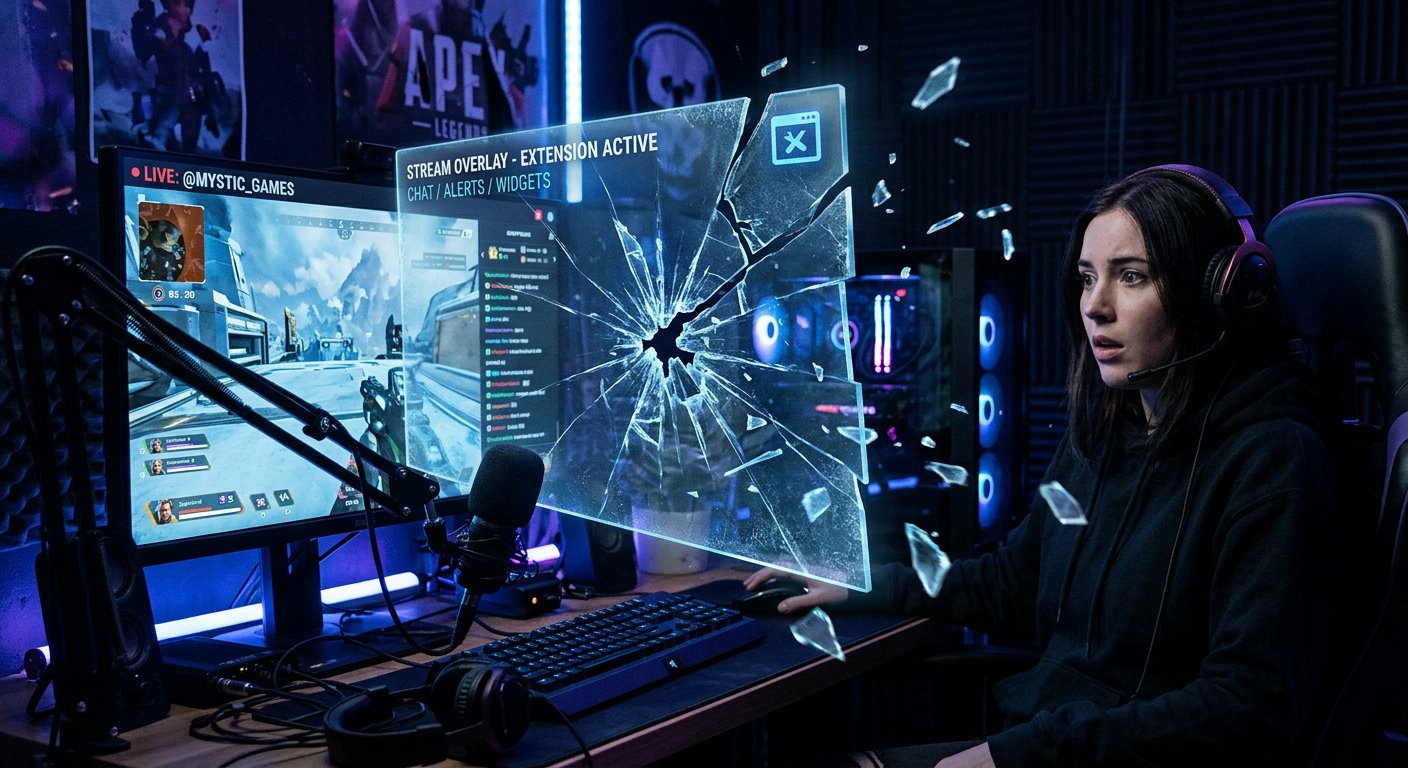
Extensions on Twitch are not part of the stream itself, but a separate layer rendered through the viewer's browser or the built-in engine in the app. Any browser update changes how scripts, cookies, pop-up permissions, and content security policies are handled. If the extension developer hasn't adapted the code to the new version in time, the overlay, panel, or mobile component may simply fail to load.
Typical Causes After an Update
Most often, the issue lies in one of the following areas:
- the browser has tightened its policy for third-party content and is blocking the iframe with the extension;
- rules for working with localStorage or cookies have changed, causing the extension to fail to save settings;
- permission requirements have been updated — the extension requests access that was previously granted automatically;
- an outdated browser cache conflicts with the new version of the extension script;
- ad or tracker blocking extensions have become more aggressive in filtering page elements.
How to Check That the Issue Is Specifically with the Browser
Open the channel in a different browser or in incognito mode without installed plugins. If the extension appears, the problem is local and related to your specific browser settings, not the extension itself or Twitch. It's also worth checking the developer console: errors at the CSP (Content Security Policy) level or blocked cross-origin requests directly point to a conflict with the browser's new security settings.
Quick Ways to Restore Functionality
Before contacting support, try these basic steps:
- clear the cache and cookies for the Twitch domain;
- disable ad and privacy blockers for the channel page;
- check whether pop-ups and third-party content are blocked in your browser settings;
- update the browser itself to the latest stable version — sometimes the issue is resolved by the next patch;
- verify that JavaScript and third-party cookies are enabled if the browser disables them by default.
What to Do If the Extension Still Won't Load
Go to the extension management panel on your channel, remove the problematic extension, and then reinstall it — this resets local settings that may have been corrupted during the browser update. If the extension isn't working for all viewers at the same time, the developer is likely already aware of the issue: check the extension's status in the directory or contact the author directly through the support form on the extension's page.
How to Reduce the Risk of the Problem Recurring
It's impossible to completely eliminate conflicts between browser updates and third-party extensions, but you can reduce their frequency:
- use extensions from active developers who regularly update their code;
- don't keep more than two or three active extensions on your channel at once — this simplifies diagnostics;
- periodically check your channel in different browsers, not just the one where you usually set up your stream;
- subscribe to status updates from the extension developer if such an option is available.
When to Contact Twitch Support
If the extension only fails to load on your account, while other streamers using the same extension have no issues, and local checks haven't helped — that's a reason to reach out to Twitch support. Attach a screenshot of the error from the developer console and specify your browser version: this greatly speeds up diagnostics on the platform's side.
Last Articles
What has changed in design and functionality We have updated the website to make working with it faster and more convenient. The main changes affect ..
Good afternoon, I've collected all the news during this time.: 1. The main news is that prices for twitch viewers have been greatly reduced, while Tw..
1. Use promo code "December2025" for a 15% discount for all our viewers2. We have reduced the base prices for our configurator and the most affordable..
Twitch services are working stably, so we are ready to cooperate with squads, resellers, service owners, bot owners, and many others.Individual te..
We have completely updated our Twitch viewer services, and they are now working stably. We only use high-quality IP addresses for the viewers.The ..
Hello everyone! Today, we are announcing a new feature—"Twitch Viewer Configurator". Now, you can customize any plan for your Twitch channel. Choo..
Greetings, I have compiled a guide for streamers, which will be very relevant at the moment. Now YouTube and twitch have disabled monetization from vi..
We have finally developed the APINow it will be more convenient for our partner sites to work with us.To update the maximum tariffs for YouTube, an up..
Due to the huge popularity of the partnership services and referral program, we have made a cooperation table. The essence is very simple: more live a..
Our Services for Streamers








Our Services for Content Creators






