
Why a USDT transfer is stuck and how to check its status
Why a USDT transfer may be delayed
If you sent USDT and the recipient doesn't see the money, the delay didn't necessarily happen on the blockchain. The exchange may not have passed the withdrawal to the network yet, the transaction may be waiting to be included in a block, and the deposit platform may be processing an already-confirmed transfer.
On Ethereum, a common reason for waiting to be included is a fee that's too low for the current load, or an earlier stuck transaction from the same address. On TRON, you need to check resources and the execution result. If the transfer succeeded on the network, the reason it isn't credited may lie with the recipient's exchange.
Where the withdrawal ends and the network begins
The status of an exchange request and the status of a blockchain transaction are two different things. A request "in processing" may be waiting for email confirmation, a security check, manual processing, or the end of maintenance. Until the platform has passed the operation to the network, blockchain congestion won't hold it up.
The TXID, or transaction hash, helps you locate the network operation. But even having a hash doesn't by itself prove that it's included in a block or that the USDT was successfully transferred.
How many confirmations USDT takes on TRON
On TRON, blocks usually appear roughly every 3 seconds. When the network is running steadily, new confirmations accumulate quickly after a transaction is included. For example, 20 consecutive blocks take about a minute, but that's only a calculation based on the average interval, not a promise of the deposit time.
Exchanges don't share a single confirmation count for USDT on TRON: the threshold is set by the receiving platform and can change it. Even after the threshold is reached, the deposit may still be waiting for internal processing.
How many confirmations USDT takes on Ethereum
On Ethereum, a slot for a new block usually lasts 12 seconds. If no blocks are missed, 12 blocks take about two and a half minutes, and 64 take about 13 minutes. These are calculation examples, not mandatory crediting thresholds.
Each exchange sets its own deposit requirements: one platform may count confirmations, another may factor in network finalization or additional checks. You need to check the current threshold in the deposit terms of the specific exchange; you can't assume one number is typical for all platforms.
When to start checking for a delay
If the status hasn't changed after 30 minutes, it's worth verifying the TXID, the network, and any maintenance notices. For Ethereum and TRON, this is a useful reason to check, not a deadline after which the transfer is considered lost.
If after several hours no hash has been issued or a confirmed deposit hasn't been credited, it makes sense to contact the support of the relevant platform. If the exchange stated a processing time in advance, that's your reference point. If you suspect a wrong address or network, it's better to reach out right away.
How to find a transaction in an explorer
In the withdrawal details you need the network, the recipient's address, the amount, and the TXID. The hash is checked in the explorer of the sending network specifically: Etherscan works for Ethereum, TRONSCAN for TRON. Searching in an explorer for a different network may show nothing, even though the operation exists.
In the record you find, it's important to check the status, the confirmation count, and the movement of USDT specifically to the right address. A similar address or token name doesn't make different networks and assets interchangeable.
Why the TXID hasn't appeared or can't be found
If the exchange hasn't shown a hash, the request may still be going through internal processing. Only the sending platform can clarify its status and whether it can be canceled. The recipient can't speed up such a request by raising the network fee.
If the hash exists but the explorer finds nothing, first check the network and that the copied identifier is complete. Data may take time to display; the operation may also not have propagated across the network or may have dropped from the queue. If the record is missing for a long time, you need to verify the status with the sender.
Why a transaction stays pending
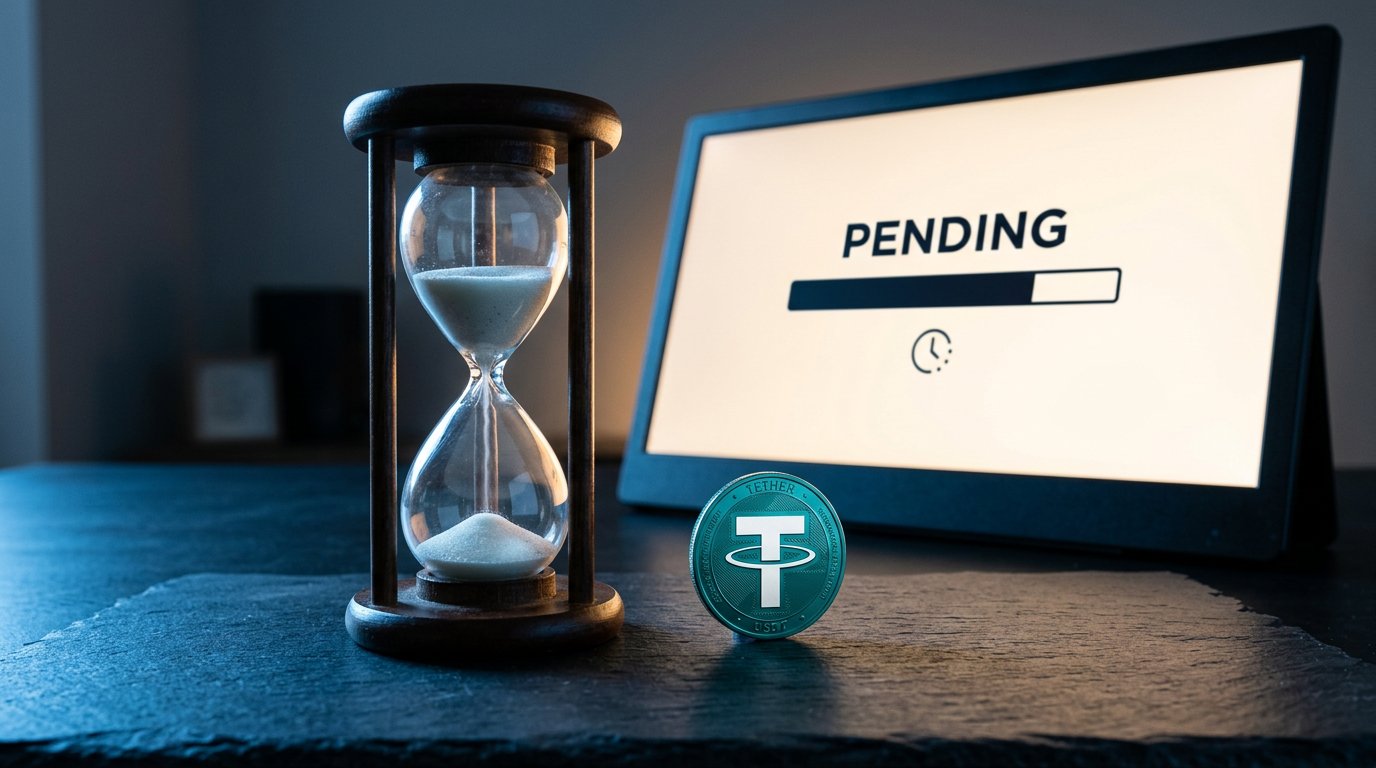
A pending status usually means the operation hasn't been included in a block yet. On Ethereum under high load, validators select transactions based in part on how favorable the fee is. A transfer with a reward too low for current conditions may wait until the load drops or the sender replaces the transaction.
Waiting doesn't prove the funds are lost. But you can't name an exact timeframe in advance either: network conditions change, and the operation may be replaced, rejected, or stop showing in the queue.
How the fee affects sending
When sending from a personal wallet, the fee is usually paid in the network's own coin or resources, not from the USDT balance. On Ethereum, you need ETH for the fee. On a centralized exchange, the size and method of charging the withdrawal fee are determined by the platform itself.
A lack of funds for the fee can prevent the operation from being created or lead to an execution error. Topping up the wallet won't necessarily speed up an already-sent transaction: its network parameters don't change automatically as a result.
What delays a USDT transfer on TRON
TRON transactions use bandwidth and energy. If resources are insufficient, TRX may be spent. So having USDT at an address doesn't mean the wallet can pay to send the tokens. A lack of resources or TRX can halt the operation or lead to an error.
In TRONSCAN, you need to open the TXID and check the execution result and the record of USDT movement. If the transaction failed or expired, simply waiting won't fix it. After determining the cause and confirming no transfer took place, you can decide whether to resend. Ethereum's transaction replacement rules don't automatically apply to TRON.
How a previous transaction blocks the next one
On Ethereum, outgoing transactions from a single address get sequential nonce numbers. Until an earlier operation with the required number is processed, subsequent ones may wait, even if a higher fee is specified for them.
You should check the earliest pending outgoing transaction from the address. If the sender controls the wallet and it supports replacement, that's the one you can try to speed up. When withdrawing from an exchange, the address and network queue are usually managed by the platform.
Can a transfer be sped up or canceled
Some Ethereum wallets offer replacing a pending transaction with an operation using the same nonce and a higher fee. This is called speeding up or fee-based replacement; the abbreviation RBF is also used in this context, although the rules differ from Bitcoin.
"Canceling" usually means attempting to replace the original operation with another transaction using the same nonce. Cancellation isn't guaranteed: the original transfer may get into a block before the replacement. Raising the fee increases costs and also doesn't promise immediate inclusion.
Why you shouldn't resend USDT right away
A new send doesn't cancel the first one. If the original transaction is still waiting to be included or its fate is unknown, both operations may go through and the recipient will receive two amounts.
Before resending, you need to establish what happened to the first one: whether it was executed, definitively failed, or was replaced by another confirmed transaction. For an exchange withdrawal, you also check the request status with the sending platform.
What an execution error means
A transaction can get into a block but end in an error. This isn't the same as pending: inclusion has already happened, but the token transfer may not have gone through. In the explorer, you need to look at the execution result and the record of USDT movement, not just the presence of a block.
The fee for a failed operation may still be spent. You should resend only after eliminating the cause of the error and confirming that the first operation didn't transfer the tokens.
Why a confirmed deposit isn't credited
After a successful transfer, the recipient's exchange may be waiting for its own confirmation threshold, processing the deposit in an internal queue, or checking the operation under its own rules. Sometimes crediting is delayed due to maintenance or a temporary suspension of deposits on the chosen network.
If the threshold and the stated processing time have already passed, you need to contact the receiving exchange's support. The sending platform doesn't control its internal crediting.
How to check the network, address, and token
The data in the explorer needs to be compared with the deposit details: network, address, amount, and the record of the USDT transfer. A successful contract call by itself doesn't always mean the right tokens reached the recipient.
If the exchange doesn't support USDT on the sending network, automatic crediting may not happen. Support sometimes offers recovery, but it isn't always available and may require a fee and lengthy processing. A confirmed transaction can't be canceled with a regular button.
What to do if the details are wrong
When sending to someone else's address, the return depends on the owner of that address. If you discover an address swap in the clipboard and the exchange request hasn't been passed to the network yet, you should immediately ask the platform to stop it. The ability to stop it isn't guaranteed.
For a personal wallet, the options depend on control over the address on the sending network. Adding a network to the interface doesn't move tokens between blockchains. If the receiving service required a memo or tag, their absence may also require manual review.
Why approve doesn't mean USDT was sent
When working with an app, the wallet may show an approve operation — permission for a contract to use tokens. Confirming it doesn't mean USDT was sent to the recipient. A transfer or swap may require a follow-up transaction.
The permission also requires a fee and may give the contract access to the specified token amount. An unknown approval request is dangerous: before confirming, you need to check the contract and the access terms.
What data support needs
The sending platform will find useful the request ID, network, amount, and time the withdrawal was created. If a hash has already been issued, include the TXID and state the status from the explorer. For a deposit inquiry, you also need the crediting address and any additional details the platform required.
In your message, it helps to describe the specific discrepancy: the hash can't be found, the transaction is waiting to be included, it ended in an error, or the deposit wasn't credited after the required confirmations.
What data you must not share
To check a regular transfer, a public TXID and address are enough. The seed phrase, private key, and login codes must not be shared even with someone who claims to be a support agent and promises to speed up crediting.
An offer to pay to a third-party address to "unlock" USDT is also dangerous. Sending money to an unfamiliar intermediary can increase your losses without resolving the original delay.
What to do, step by step
- Check the request with the sender and find the TXID. If there's no hash, clarify the withdrawal status with the sending platform's support.
- Open the TXID in the explorer of the sending network. Verify the address, amount, USDT, execution result, and confirmation count.
- If the operation is waiting to be included, check the fee and the address's previous transactions. Speeding up or replacing is only available with a suitable network, wallet, and control over the sender's address.
- If the transfer succeeded, compare the confirmations with the recipient exchange's requirement and check the deposit status on that network.
- If the required confirmations have been received and the stated crediting time has passed, contact the recipient's support with the TXID and deposit details. If the address or network is wrong, reach out right away without waiting for that time.
Last Articles
What has changed in design and functionality We have updated the website to make working with it faster and more convenient. The main changes affect ..
Good afternoon, I've collected all the news during this time.: 1. The main news is that prices for twitch viewers have been greatly reduced, while Tw..
1. Use promo code "December2025" for a 15% discount for all our viewers2. We have reduced the base prices for our configurator and the most affordable..
Twitch services are working stably, so we are ready to cooperate with squads, resellers, service owners, bot owners, and many others.Individual te..
We have completely updated our Twitch viewer services, and they are now working stably. We only use high-quality IP addresses for the viewers.The ..
Hello everyone! Today, we are announcing a new feature—"Twitch Viewer Configurator". Now, you can customize any plan for your Twitch channel. Choo..
Greetings, I have compiled a guide for streamers, which will be very relevant at the moment. Now YouTube and twitch have disabled monetization from vi..
We have finally developed the APINow it will be more convenient for our partner sites to work with us.To update the maximum tariffs for YouTube, an up..
Due to the huge popularity of the partnership services and referral program, we have made a cooperation table. The essence is very simple: more live a..
Our Services for Streamers








Our Services for Content Creators






