
High viewership, quiet chat: why viewers don't write
High viewership doesn't equal an active chat
The number of viewers shows how many users are connected to the broadcast, but it doesn't say how many of them are ready to interact. Many watch in silence: they put the stream on a second monitor, listen in the background, follow the game, or wait for a specific moment. Such a viewer may not need chat at all.
Some of the audience doesn't open chat on their phone, watches through an embedded player, or connects from a TV. Some users don't want to sign up, don't know the language of communication, or are simply used to staying observers. So high viewership with a small number of messages doesn't by itself prove there's a problem with the broadcast.
It's important to separate several metrics: the number of viewers, watch duration, the number of unique visitors, return rate, and the number of users who wrote at least one message. If the platform shows such statistics, evaluate them together, not by a single viewership figure.
The audience didn't come to interact
Activity is heavily influenced by the traffic source. Viewers from a regular community usually know the streamer and join the conversation faster. Users from recommendations, search, short videos, or external promotion may come only because of a topic, a game, a title, or a lucky moment. They don't yet understand the channel's format and don't see a reason to write.
Promotion helps draw attention to the stream, but it doesn't turn every visitor into a chat participant. If an ad promises the viewer one thing but they see something else on the broadcast, the person may close the stream or stay passive. For example, people came to the page for a breakdown of a game update, but most of the stream is devoted to regular playthrough.
What to check in the sources
- where the noticeable spike in viewership came from;
- how long these viewers stayed on the broadcast;
- which topic brought them to the stream;
- whether they return for the next streams;
- whether activity differs across sources.
The broadcast has no clear entry point into conversation
It's easier for a viewer to write when they understand exactly what they can talk about. If the streamer is silent for a long time, replies only to a co-host, or is busy with the game without explanations, a new visitor doesn't always see a suitable moment to send a message. The phrase "well, write something" rarely helps either: it's too general and shifts all the initiative onto a stranger.
It's better to tie the call to chat to what's happening on screen. The discussion should be short and specific: ask them to pick one of the options, share their experience on the current topic, or rate a decision in the game. After a viewer's message, it's important to react to its meaning, not just limit yourself to a quick "thanks." That way the person understands their participation has been noticed.
Which prompts for a message work naturally
- a choice between two ways events could unfold;
- a request to share personal experience on the stream's topic;
- a discussion of a controversial decision or result;
- a quick gathering of opinions before the next action;
- an address to new viewers without demanding they introduce themselves right away.
There's no need to turn the stream into a constant poll. A few appropriate calls per broadcast are usually perceived better than repeated prompts to boost activity.
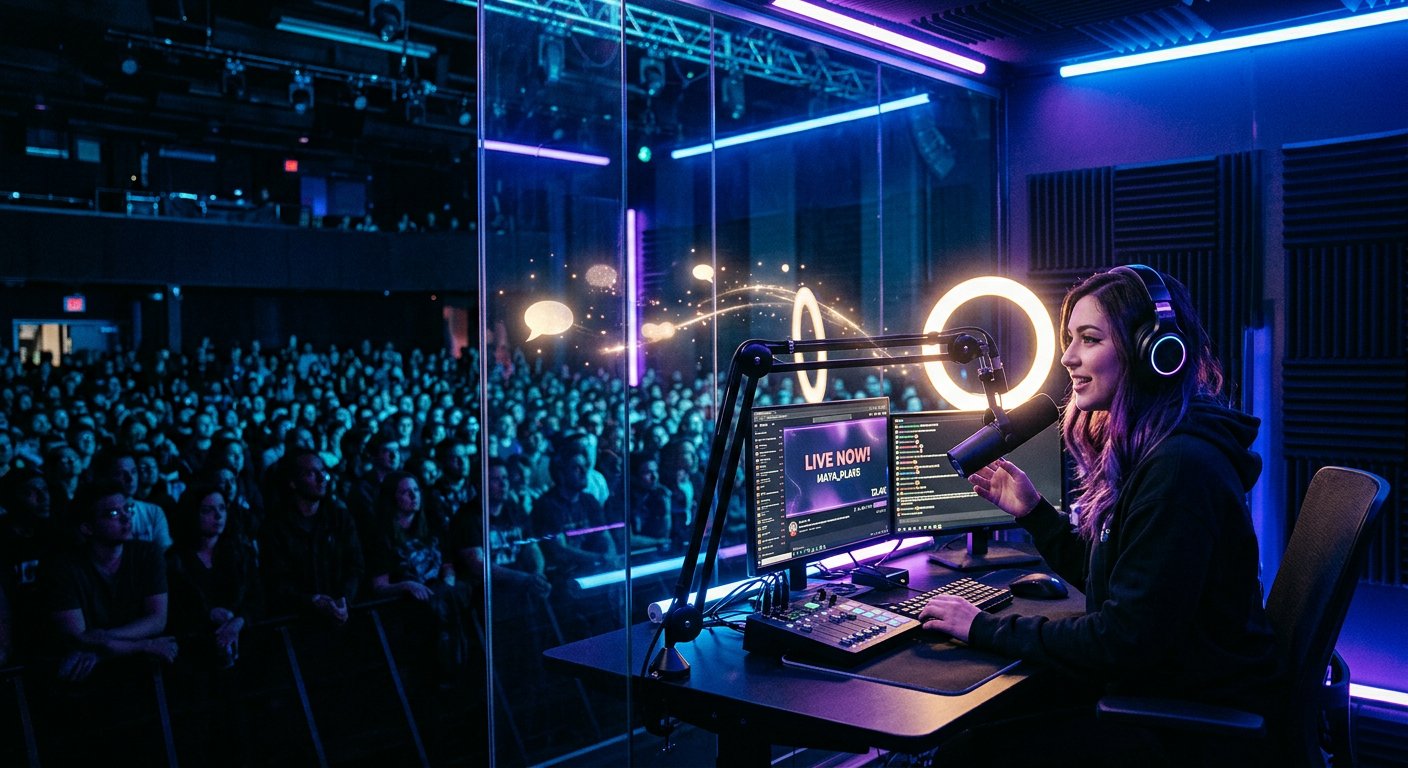
Viewers are afraid to write first
A new viewer has several reasons to stay silent. They may not know the community rules, fear mockery, not want to get terms wrong, or have already encountered a rude reaction on other channels. If the chat moves fast, it's hard for the person to grasp the context. If messages go unanswered for a long time, they decide they won't be noticed anyway.
The atmosphere is set not only by the streamer but also by regular participants. One harsh reply can discourage several observers from writing. That's why chat rules should be clear and moderation consistent. Removing insults and spam protects not only the streamer but also those who are still getting to know the community.
How to lower the barrier
- pin short communication rules;
- welcome new participants without pressure;
- explain inside jokes and terms;
- don't mock simple or repeated questions;
- reply to messages in a way that continues the topic.
Chat can be technically inconvenient
Sometimes silence isn't about interest in the stream but about the interface. Chat can be collapsed, hard to see on a mobile device, or unavailable in an embedded player. A user may watch the broadcast through a third-party page where messages aren't synced with the main stream. With broadcast delay, a viewer also doesn't always understand when it's appropriate to send a remark.
Check the stream from another device and through a regular user account. See whether the message field is easy to find, whether restrictions for new participants get in the way, and whether a mode is on where only certain groups can write. Separately evaluate how commands, the welcome message, and notifications about new replies work.
If the chat is small, overly strict settings can further reduce activity. Restrictions are needed to protect the community, but they should be matched to real problems: spam, insults, and repeat violations, not enabled without necessity.
Viewership can be short-lived
A sharp spike in viewers is often tied to a raid, a mention on another channel, a video publication, or landing in a recommendation. Such an audience may spend only a few minutes on the broadcast. In that time, people don't manage to grasp the context, get to know the streamer, and work up the nerve to write.
Compare the viewership graph with the message graph. If viewers arrived in a single surge and quickly left, low activity is explainable. If viewership holds for a long time but the chat is silent, the reason may be in the broadcast format, the audience source, or technical access to messages.
You shouldn't immediately treat any unusual spike as a sign of bots. First study watch durations, referral sources, the behavior of new viewers, and repeat visits. Suspicions require verification against platform data, not a conclusion based only on the ratio of viewership to messages.
How to find the cause and boost activity
Don't change everything at once. Otherwise it will be hard to tell what affected the result. Run several streams in your usual format, record the metrics, then make one change and compare the data again.
- Check viewer sources and their watch duration.
- Make sure the chat is easy to open and has no unnecessary restrictions.
- Add specific prompts for a message tied to the stream's topic.
- Respond to remarks on substance and keep the conversation going.
- Compare the number of active participants with return rate, not just with viewership.
A quiet chat doesn't always mean a weak stream. First determine who is watching the broadcast, why these people came, and what stops them from joining the conversation. After that, adjust your promotion sources, delivery, and communication rules.
Last Articles
What has changed in design and functionality We have updated the website to make working with it faster and more convenient. The main changes affect ..
Good afternoon, I've collected all the news during this time.: 1. The main news is that prices for twitch viewers have been greatly reduced, while Tw..
1. Use promo code "December2025" for a 15% discount for all our viewers2. We have reduced the base prices for our configurator and the most affordable..
Twitch services are working stably, so we are ready to cooperate with squads, resellers, service owners, bot owners, and many others.Individual te..
We have completely updated our Twitch viewer services, and they are now working stably. We only use high-quality IP addresses for the viewers.The ..
Hello everyone! Today, we are announcing a new feature—"Twitch Viewer Configurator". Now, you can customize any plan for your Twitch channel. Choo..
Greetings, I have compiled a guide for streamers, which will be very relevant at the moment. Now YouTube and twitch have disabled monetization from vi..
We have finally developed the APINow it will be more convenient for our partner sites to work with us.To update the maximum tariffs for YouTube, an up..
Due to the huge popularity of the partnership services and referral program, we have made a cooperation table. The essence is very simple: more live a..
Our Services for Streamers








Our Services for Content Creators






