
Why strangers' communities appear in your VK feed
Why strangers' communities appear in your VK feed
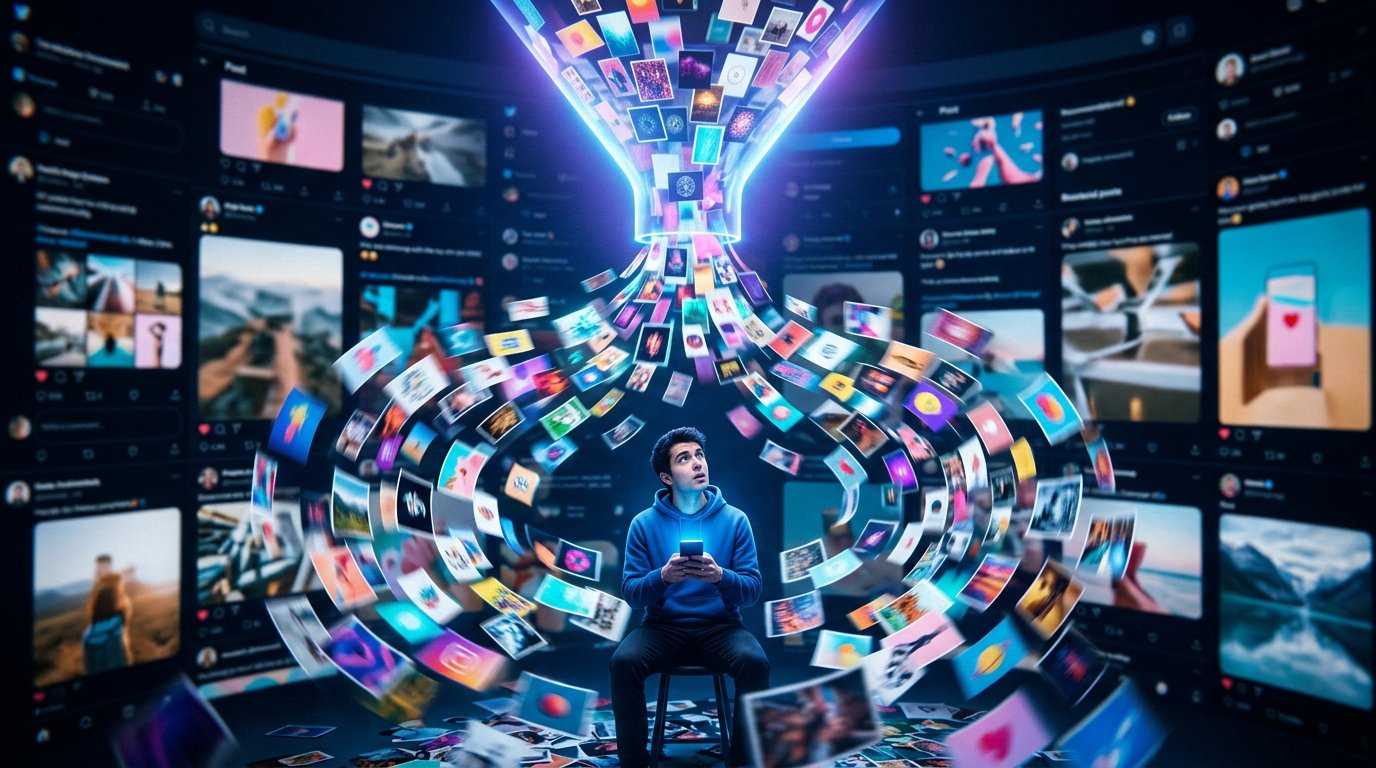
Your VK feed consists not only of posts from pages and communities you're subscribed to. It may also include recommendations, ad posts, and posts shared by friends. So an unfamiliar group in your feed doesn't always mean you accidentally subscribed to it.
The social network tries to select posts that might interest you. To do this, it takes into account your views, likes, comments, clicks on posts, subscriptions, and the topics of content. Sometimes it only takes opening a few similar posts for your feed to start showing communities from that category more often.
The order of posts also depends on the feed mode. The recommendations section usually has more strangers' posts than the list of updates from your subscriptions. Section and button names may change after updates, but the principle stays roughly the same: part of the content is generated automatically.
Recommendations adapt to your actions
The algorithm evaluates more than just explicit reactions. Interest in a topic can be indicated by watching a video for a long time, opening comments, visiting a community, or repeatedly viewing posts. If you lingered on a post about repairs, games, music, or learning, similar content may start appearing more often.
This doesn't mean you subscribed to the community. A recommendation is a temporary display of a post based on an assumed interest. It may disappear if you stop interacting with that topic, but sometimes one category continues to take up a noticeable place in your feed.
Why recommendations can be inaccurate
The system uses general behavioral signals and doesn't always correctly understand the reason for your interest. You might have opened a post by accident, followed a link from the comments, or watched a video because of its title. To the algorithm, this may look like an interest in the topic, even though you don't actually need that post.
A stranger's post may have appeared due to a repost
A community's post can end up in your feed through a repost by a friend or another user whose updates you see. In that case, the source of the post will be an unfamiliar group, but the reason for it being shown will be an action by someone on your list.
Usually, next to the post you can see that someone recommended it or shared it on their page. This differs from a direct community recommendation: you're not seeing an update from a subscription, but a post that got extra distribution through a repost.
Such content can appear even with carefully managed subscriptions. To avoid seeing posts like these, sometimes you need to separately hide the post or change the display settings for a specific user's updates.
Some posts are ads
Your feed also shows ad posts from communities you're not subscribed to. They're selected based on ad audience settings and activity signals. Showing ads doesn't require a subscription to a page or group.
An ad post can be identified by a special label. Its content is often related to products, services, events, apps, or promotion of another community. Such a post doesn't mean VK considers the group useful specifically for you: the advertiser set up targeting for an audience with certain characteristics.
If an ad seems inappropriate, use the post's menu. It may have an option to hide the post, report it, or indicate that this content doesn't interest you. The available options depend on the type of post and the current version of the app.
How to reduce the number of unfamiliar communities in your feed
You usually can't remove all recommendations entirely, but you can reduce their number. To do this, it's important not only to unsubscribe from unwanted pages, but also to tell your feed what content doesn't suit you.
- Hide posts you're not interested in via the post's menu.
- Don't reopen content on unwanted topics and don't visit such communities.
- Check your subscription list to remove forgotten or accidental subscriptions.
- Separately adjust updates from friends and communities if the problem is related to reposts.
- For ad posts, use the "not interested" label or report it if it violates the rules.
In short: what to do step by step
- Determine what exactly is appearing in your feed: a recommendation, a repost, or an ad.
- Open the menu of the unwanted post and choose to hide it or select "not interested."
- Check your subscriptions and your friends' update settings.
- For a few days, interact only with the content you want to see more often.
Last Articles
What has changed in design and functionality We have updated the website to make working with it faster and more convenient. The main changes affect ..
Good afternoon, I've collected all the news during this time.: 1. The main news is that prices for twitch viewers have been greatly reduced, while Tw..
1. Use promo code "December2025" for a 15% discount for all our viewers2. We have reduced the base prices for our configurator and the most affordable..
Twitch services are working stably, so we are ready to cooperate with squads, resellers, service owners, bot owners, and many others.Individual te..
We have completely updated our Twitch viewer services, and they are now working stably. We only use high-quality IP addresses for the viewers.The ..
Hello everyone! Today, we are announcing a new feature—"Twitch Viewer Configurator". Now, you can customize any plan for your Twitch channel. Choo..
Greetings, I have compiled a guide for streamers, which will be very relevant at the moment. Now YouTube and twitch have disabled monetization from vi..
We have finally developed the APINow it will be more convenient for our partner sites to work with us.To update the maximum tariffs for YouTube, an up..
Due to the huge popularity of the partnership services and referral program, we have made a cooperation table. The essence is very simple: more live a..
Our Services for Streamers








Our Services for Content Creators






