
Why New Viewers Don't See the Pin in YouTube Live Chat
The Pin in YouTube Live Isn't Shown Over the Video
A pinned message in YouTube Live exists only inside the live chat. It doesn't become a banner on the player, isn't displayed as a separate notification on entry, and doesn't appear over the game, camera, or screen share.
A new viewer sees the stream first. To notice the pin, they need to open the chat, wait for it to load, and look at the top of the feed. YouTube doesn't resend the pin to every person who joins the stream.
That's why the situation "the streamer sees the pin, but the new viewer doesn't" doesn't always mean an error. More often the message is published correctly, but the viewer is only watching the video.
On Mobile, the Chat Is Often Closed
Viewing Through the Mobile App
On a smartphone, the chat takes up a noticeable part of the screen. Viewers close it so it doesn't cover the stream, game interface, subtitles, or camera. While the chat is closed, the pinned message is unavailable to them.
Even if a person opened the chat at the start of viewing, they may close it when the scene changes and return only to the video. The pin doesn't stay on screen after the chat is collapsed and isn't duplicated in the player interface.
For a short announcement, use a spoken phrase or an overlay. In the pin, it's better to leave a link, a rule, or a path to detailed information. The downside of an overlay is that it can cover an important part of the frame.
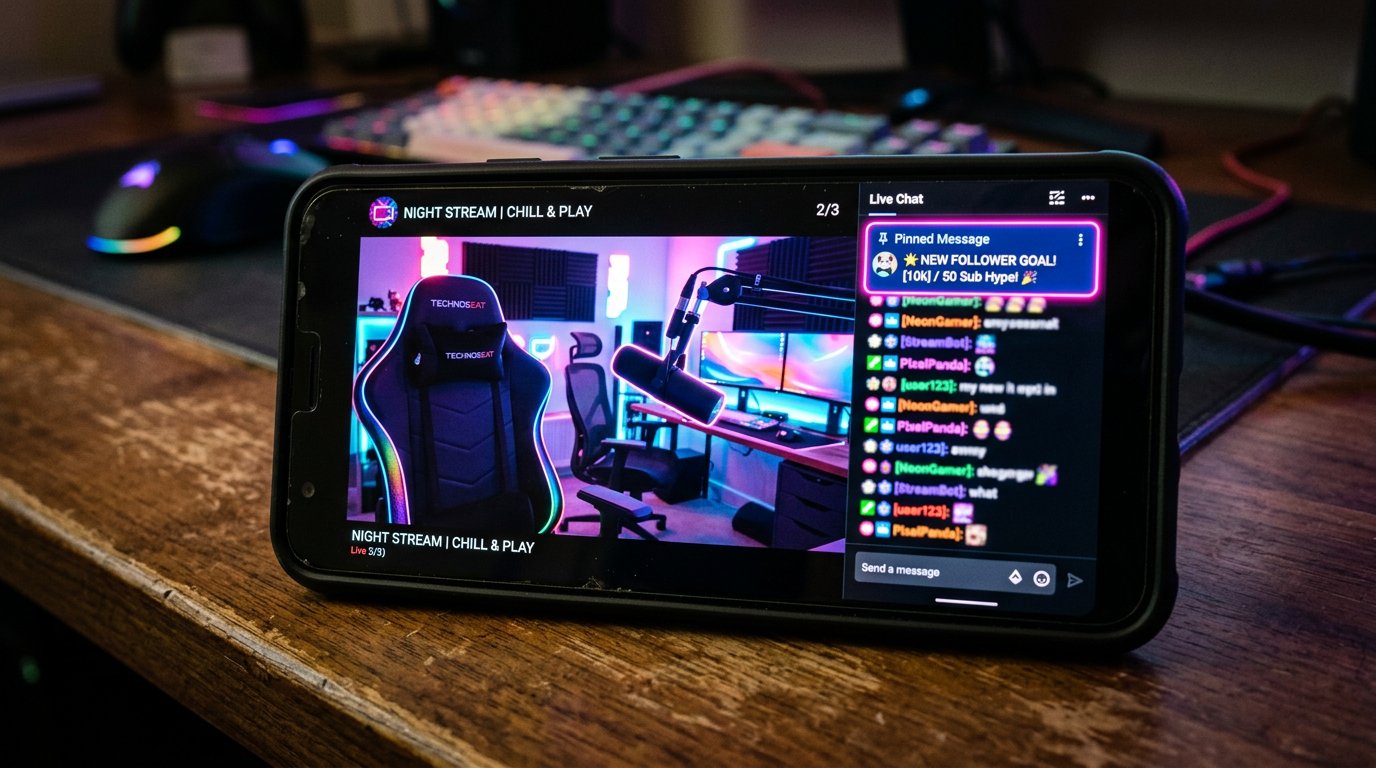
On a Computer, the Chat May Be Hidden by the Viewing Mode
In a browser, a viewer may enable full screen, narrow the window, close the chat, or watch the stream in a mode where the message area doesn't fit next to the video. In these cases, the pin isn't deleted, but it isn't displayed to that particular viewer.
The chat also sometimes loads later than the player. With a weak connection or page issues, a viewer may see the video but not wait for the messages and leave without opening the chat manually.
Check the stream via the public link in a separate window without channel owner rights. This won't show all the variations of other people's devices, but it will help you see the normal entry scenario for the stream.
Only One Pin Works at a Time in YouTube Live
A channel can have only one active pinned message. When the channel owner pins a new comment, the previous one stops being the pin. A viewer who arrives later will see only the text that is pinned at that moment.
This is an important difference from the idea of a pin as a permanent announcement. On YouTube Live, it doesn't store a queue of important messages and doesn't show previous pins to a new viewer. If there was first a link, then the rules, and after that a message about a break, the link will disappear from the top line.
Decide in advance which information should stay at the top the longest. The downside of this approach is that an urgent announcement may still require replacing the main pin.
Slow Mode Doesn't Extend How Long the Pin Is Shown
Slow mode limits how often chat participants can send new messages. It can slow the flow of comments and make the top line more noticeable, but it doesn't change how the pin works.
The message won't be shown again to each new viewer, won't become a notification, and won't remain in the recording as a permanent banner. Slow mode also doesn't protect the pin from being replaced by another message or from the original comment being deleted.
Don't count on it as a way to deliver an announcement. Its downside is that message restrictions can reduce chat activity but don't solve the problem of viewers with a closed chat.
Deleting the Original Comment Removes the Pin
The pin is tied to a specific message in the feed. If that comment is deleted, the top line disappears along with it. The pin can't be restored automatically: the text needs to be sent again and pinned again.
This happens after manual chat cleanup, deleting messages while fighting spam, or a moderation mistake. The risk is higher if the important information was written by a random viewer rather than the channel account.
Publish the key text from the channel's name. After cleaning the chat, immediately check the top line from the public page. The downside of this solution is that even a channel message can be deleted by mistake, so the text should be kept ready for quick re-publication.
Hiding the Author Removes Their Messages from the Chat
If the author of the original comment was hidden on the channel or their messages were moderated, their text may disappear from the public chat. The pin will disappear along with it if it was made on that message.
Before hiding a user, check whether their comment is pinned. If the action has already been taken, don't try to bring back the old pin through the chat history: send a new message from the channel account and pin that one.
Don't use guests' messages as the basis for a permanent pin. A viewer's comment can be deleted, hidden, or lost during cleanup. A message from the channel is easier to control and replace.
In an Embedded Player and in the Recording, the Pin May Not Be There
The stream may be opened in an embedded player on a third-party site, in an app, or via a link where only the video is available. The chat, description, and channel elements may be missing in such a view. The pinned message isn't carried over there.
After the stream ends, the pin also doesn't become a permanent part of the video. A viewer watching the recording won't see it as an announcement above the video. For information that's important after the stream, leave a clear line in the description.
The downside of the description is that it's often not expanded, especially on a phone. That's why a link or rule in the description should be supplemented by a brief mention during the stream.
How to Duplicate an Important Announcement
The pin is suitable for details inside the chat, but it shouldn't be the only entry point. Duplicate only truly important things: giveaway terms, a link, a stream reschedule, activity rules, or how to contact the channel.
- A permanent link and full terms are added to the stream description. Downside — many viewers don't open the description.
- A short address or a call to open the description is placed on the overlay. Downside — the text may cover the content.
- A spoken reminder reaches viewers without chat. Downside — a viewer may join after that phrase.
- A bot command can bring the link or rule back into the feed. Downside — it's useless to those who have the chat closed.
- Repeating from the channel account helps when the audience is flowing in. Downside — frequent messages look like spam.
Checklist for Verifying the Pinned Message
- Make sure the current text is pinned at the top, not a later comment.
- Check that the original message is still in the feed and hasn't been deleted.
- Make sure the message author hasn't been hidden and hasn't been moderated.
- Open the public link in a separate browser without owner or moderator rights.
- Wait for the chat to load and open it manually if it's collapsed.
- Check the stream from a phone: open the chat, close it, and enter again.
- After cleaning the chat, changing the pin, or moderation actions, repeat the check.
- Duplicate critical information in the description, overlay, or a spoken message.
If the pin is visible in an open chat from a regular account, YouTube is displaying it as intended. If the top line has disappeared, first check for a replaced pin, a deleted original comment, and its author being hidden.
Last Articles
What has changed in design and functionality We have updated the website to make working with it faster and more convenient. The main changes affect ..
Good afternoon, I've collected all the news during this time.: 1. The main news is that prices for twitch viewers have been greatly reduced, while Tw..
1. Use promo code "December2025" for a 15% discount for all our viewers2. We have reduced the base prices for our configurator and the most affordable..
Twitch services are working stably, so we are ready to cooperate with squads, resellers, service owners, bot owners, and many others.Individual te..
We have completely updated our Twitch viewer services, and they are now working stably. We only use high-quality IP addresses for the viewers.The ..
Hello everyone! Today, we are announcing a new feature—"Twitch Viewer Configurator". Now, you can customize any plan for your Twitch channel. Choo..
Greetings, I have compiled a guide for streamers, which will be very relevant at the moment. Now YouTube and twitch have disabled monetization from vi..
We have finally developed the APINow it will be more convenient for our partner sites to work with us.To update the maximum tariffs for YouTube, an up..
Due to the huge popularity of the partnership services and referral program, we have made a cooperation table. The essence is very simple: more live a..
Our Services for Streamers








Our Services for Content Creators






