
Why YouTube Doesn't Notify Subscribers When a Stream Starts
Not All Subscribers Receive the Notification
Subscribing to a channel doesn't automatically mean a viewer will get a push notification for every stream. YouTube takes into account the subscriber's settings, their viewing history, activity on the channel, and how they use the platform.
Some viewers will see the stream in their subscriptions feed, on the home page, or in recommendations, but won't get a separate push. This doesn't always mean there's an error in the channel settings or a problem with the stream.
The Viewer Has Channel Notifications Turned Off
After subscribing, the bell usually works in a personalized mode. In this case, YouTube decides on its own which posts to notify the viewer about. To receive more notifications, the subscriber needs to open the bell settings and select the "All" option.
Even with "All" selected, notifications can be turned off at the account, smartphone, browser, or app level. On a phone, you need to check the push notification permission for YouTube, and in the browser, the site's access to send notifications.
The Stream Doesn't Have a Public Status
Notifications are sent for publicly available streams. If a stream is scheduled as private or accessible via link, subscribers won't receive the usual notification when it starts. The same applies when a stream stays in preparation mode for a long time or is launched with incorrect visibility settings.
Check the stream status in YouTube Studio before going live. If you change access from private to public right at the moment of starting, the notification may not go out to all eligible subscribers.
The Notification Limit Was Triggered
YouTube limits the number of notifications from a single channel: no more than three in 24 hours. This limit can include video uploads, premieres, and live streams. If you've frequently published content or launched several streams in a row, the next notification may not be sent.
With a busy schedule, space out your posts and streams over time. It's not worth launching several short test streams within a single day if it's important to alert your audience about the main stream.
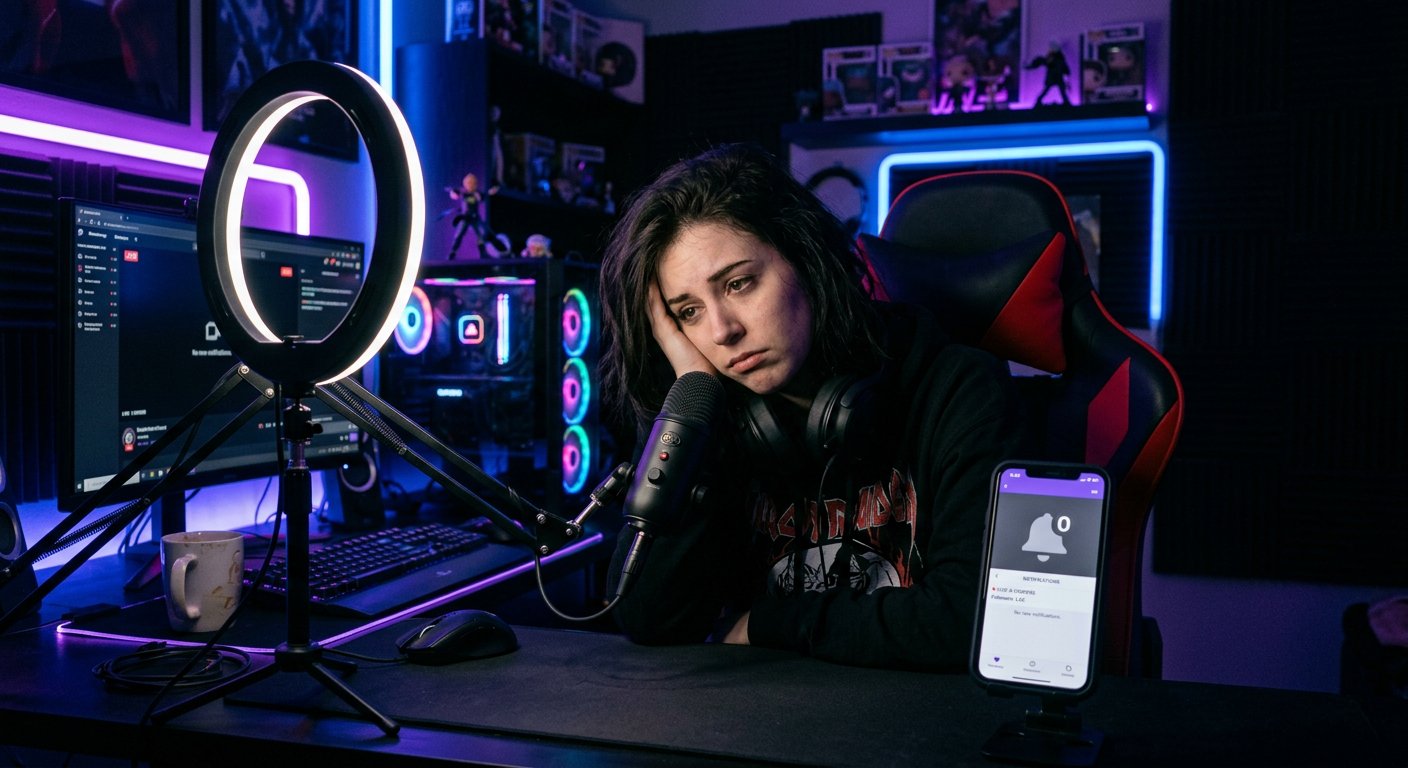
The Notification Was Delayed
A push doesn't always arrive at the same time as the stream starts. Delays are affected by service load, the viewer's connection, background restrictions on the smartphone, and the state of the app. Sometimes the notification appears after the stream has already started, and sometimes the viewer only notices the stream in their subscriptions feed.
Because of this, you shouldn't judge delivery based on a single account. Check several access methods: the app, the browser, and the subscriptions section. If the stream is visible publicly, the absence of a single push doesn't yet prove there's a problem on the channel's side.
What to Check in YouTube Studio
- Make sure the stream has "Public" status.
- Check the date, time, and time zone of the scheduled stream.
- Start the stream from the correct channel, not from another brand account.
- Don't change visibility and main parameters at the last moment unless necessary.
- Check whether there have been several posts or streams in the last 24 hours.
- Verify that the stream has actually started and the encoder is transmitting a signal without constant interruptions.
How to Check Notifications from the Viewer's Side
Ask a regular viewer to open the channel page and check the bell. In the account settings, notifications for subscriptions and live streams should also be enabled. On a smartphone, additionally check "Do Not Disturb" modes, power saving, and restrictions on the app running in the background.
A scheduled stream gives the viewer the opportunity to open the stream page in advance and turn on a reminder. This is more useful than relying only on a push at the moment of going live.
If Notifications Disappear Regularly
Compare several streams: their status, start time, number of posts per day, and data in YouTube Studio. If a notification report is available, match the sent notifications against views from that source.
When streams are public, the schedule isn't overloaded, and test accounts have notifications enabled, the problem may be related to YouTube's personalized delivery or viewers' devices. In that case, announce the stream in advance through the community section and other communication channels.
Last Articles
What has changed in design and functionality We have updated the website to make working with it faster and more convenient. The main changes affect ..
Good afternoon, I've collected all the news during this time.: 1. The main news is that prices for twitch viewers have been greatly reduced, while Tw..
1. Use promo code "December2025" for a 15% discount for all our viewers2. We have reduced the base prices for our configurator and the most affordable..
Twitch services are working stably, so we are ready to cooperate with squads, resellers, service owners, bot owners, and many others.Individual te..
We have completely updated our Twitch viewer services, and they are now working stably. We only use high-quality IP addresses for the viewers.The ..
Hello everyone! Today, we are announcing a new feature—"Twitch Viewer Configurator". Now, you can customize any plan for your Twitch channel. Choo..
Greetings, I have compiled a guide for streamers, which will be very relevant at the moment. Now YouTube and twitch have disabled monetization from vi..
We have finally developed the APINow it will be more convenient for our partner sites to work with us.To update the maximum tariffs for YouTube, an up..
Due to the huge popularity of the partnership services and referral program, we have made a cooperation table. The essence is very simple: more live a..
Our Services for Streamers








Our Services for Content Creators






