
Order in the SMM panel doesn't start after balance top-up
Where to start checking the order
If you topped up your balance but the order is still pending, first find the cause in the payment history and the order card. Crediting funds and launching a service are two different operations: the payment may go through, yet the order may remain unpaid or wait for processing.
The order of checks depends on the status: if the payment hasn't been credited, you need to sort out the top-up; if there's no charge for the order, sort out its payment; and after the charge, sort out the processing of the request.
The payment hasn't been credited to the panel yet
Find the transaction in the top-up history by time and amount. A card charge or a sent transfer doesn't yet mean the panel has received and credited the money. If the payment is marked as processing, its state should also be checked on the payment service's side.
When there's no transaction in the panel or its status isn't changing, the transaction ID and proof of payment will come in handy. Topping up again before the cause is determined may result in an extra charge.
The available balance isn't enough for the order
After crediting, you need to compare the full cost of the request with the amount available for payment. The size of the last top-up alone isn't enough: some of the money may have gone to other orders or be reserved. In some panels, the total balance and the available balance are shown separately.
If funds are insufficient, an additional top-up may be required. A shortfall means new expenses, so first check the cost and the purpose of the amounts already reserved.
The money is in a different account or balance
The top-up and the order must belong to the same account. Multiple balances can be spotted by separate tabs, rows with remaining amounts, wallet selection during top-up, or the payment source indicated in the order card. The names and layout of sections depend on the panel; separate information may not be available.
Different currencies, and the main and bonus balances, aren't necessarily interchangeable. You need to check which balance the service is paid from and what restrictions apply to bonuses. Transfers between wallets aren't available everywhere; a new top-up will require additional money.
The "pending" status without explanation
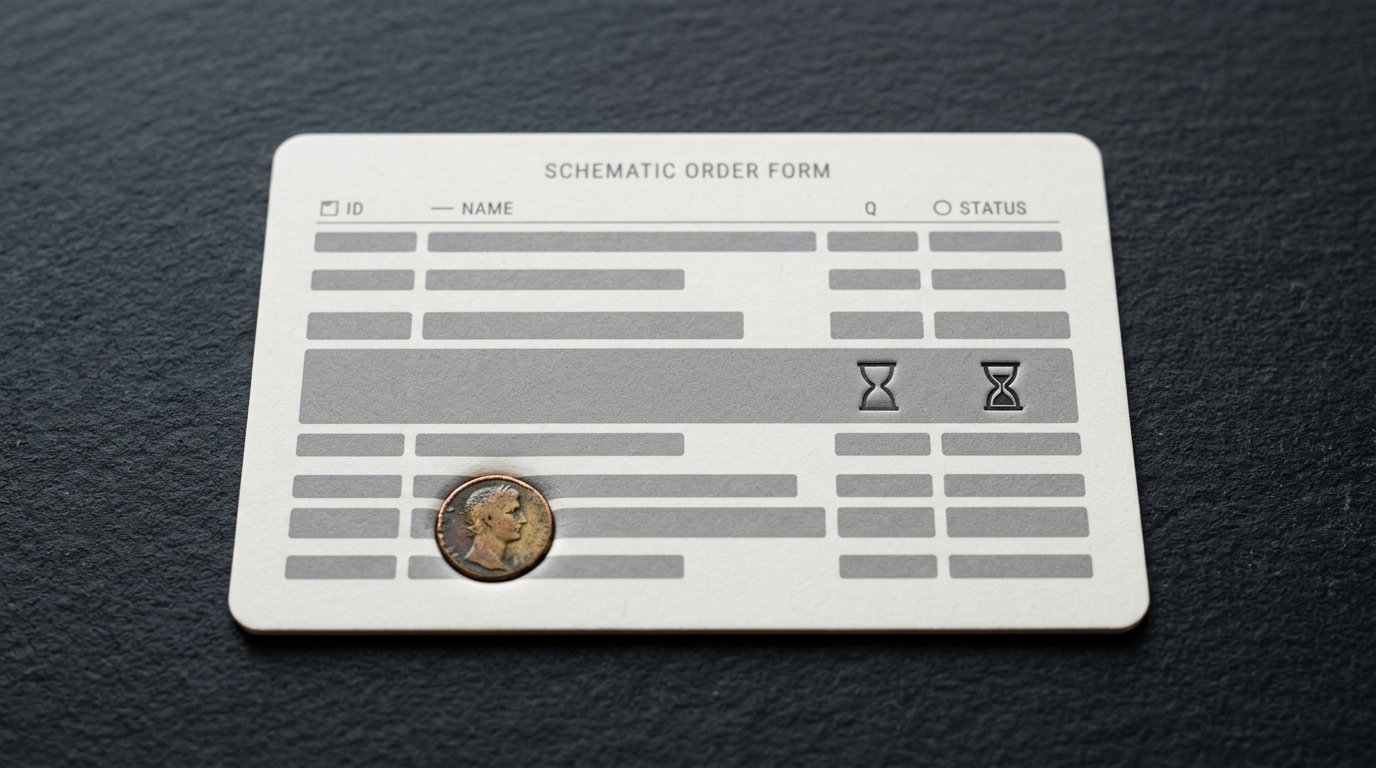
In the order card, check the creation date, cost, status description, and the latest changes. Then find the charge in the transaction history that's linked specifically to the request number. A single decrease in the total balance isn't enough for this: the money could have gone to another order.
The "pending" label may refer to payment, verification, or the provider's queue. If the status description and its link to the charge aren't visible, you should ask support to explain them.
The order was created before the top-up
If there weren't enough funds at checkout, further actions depend on the panel. The request may wait for a re-check of the balance, manual payment confirmation, or be canceled as unpaid. A sufficient balance by itself doesn't guarantee that an old order will resume.
In the card and the panel's rules, you need to find the available action. If there's no confirmation and the status is still related to payment, you should ask support whether the request can be resumed without re-ordering.
Payment has already been charged for this order
A charge linked to the request is grounds not to pay for it again. However, a payment record doesn't show whether the order has been passed to the provider: the funds may also be reserved during verification. The state of the reserve and the conditions for releasing it depend on the panel.
If the start time has passed, it's useful to save the order number and the charge record and request a check on the handover. Paying again before getting an answer may lead to a double charge.
The order is waiting in the provider's queue
A paid request may be in the panel's or the provider's queue. In the service description, find the start time and check which event it counts from: order creation, payment, or another stage. The start time doesn't necessarily coincide with the full completion time.
If the specified period hasn't expired yet, the wait may be in line with the service terms. If no time frame is specified, it's hard to assess the delay on your own: the reference point and the queue state will have to be clarified with support.
The service is paused or removed from the catalog
The service page helps check whether it accepts new requests. The provider may have paused acceptance after the order was placed or removed the service from sale. But disappearing from the catalog by itself doesn't prove that a previously accepted request has been canceled.
Support can clarify whether the order is with the provider and whether it can be launched. Replacing the service with a new order without checking the old one is risky: both requests may start being fulfilled.
The link or parameters don't fit the service
If the service requires public access, open the link from the card without logging into the account. It must lead to the right channel, post, or stream that isn't deleted and is accessible to the provider. A changed address or a private profile may interfere with processing.
The quantity and other parameters also need to be checked against the service description. Fixing the link or volume after ordering isn't always possible; sometimes you have to request a cancellation before creating a new request.
There's another order for the same link
In the order history, look for active and incomplete requests for the same link and the same metric. Some services don't accept parallel fulfillment: the next request waits for the previous one to finish or for a separate check.
Even when parallel work is allowed, it's hard to determine each order's contribution from the channel's overall counter. For contacting support, the numbers of all related requests will come in handy. Canceling one of them won't necessarily free up the queue right away.
Processing has started, but no result is visible
A processing status doesn't necessarily mean the metric on the platform has already changed. The panel and the platform may update data at different times, and the initial metric value may be recorded separately. The start and full completion times may also differ.
If the specified period has passed and there are no changes, save the current status and ask for a check. Keep in mind that artificially inflated activity may violate the platform's rules and lead to its removal or account restrictions.
When you shouldn't wait without contacting anyone
An additional check is needed if payment confirmation is required manually, the available balance is insufficient, or the request has been canceled. Waiting alone won't resolve these causes. The same applies when support has already confirmed that work on previously accepted service orders has stopped.
A passed start time and an unchanged status are a reason to request a check, but not proof of a final failure. The current state of the request with the provider may only be visible to the panel's support.
How to request a cancellation and check the refund
If there's a cancel button in the card, you can send a request. This isn't the same as stopping: the request may be passed to the provider, and the part of the service already started can't always be stopped. Until confirmation, the request remains potentially active.
After cancellation, check the transaction history. The refund may go to the internal balance rather than the original payment method; the possibility of withdrawal and the calculation for a partially fulfilled service depend on the panel's rules.
What data to provide to support
To check the order, you need its ID, the service name, the creation time, the current status, and the charge details. A screenshot of the card will help show the request's state. If the issue is related to a top-up, also provide the transaction ID, amount, method, payment time, and its status in the panel.
In your message, you can ask to check the payment, the handover to the provider, and the possibility of launching and canceling. You don't need to provide your password, confirmation codes, full card number, or wallet secret phrase.
When you can place the order again
It makes sense to consider a new request after confirming that the previous one has been canceled or won't be launched. If the order is still with the provider, you'll first need a decision on it or a confirmed cancellation.
A duplicate due to an unchanged status creates the risk of two requests being fulfilled simultaneously, which can't always be stopped. Before re-ordering, check the link, parameters, and service availability again.
Last Articles
What has changed in design and functionality We have updated the website to make working with it faster and more convenient. The main changes affect ..
Good afternoon, I've collected all the news during this time.: 1. The main news is that prices for twitch viewers have been greatly reduced, while Tw..
1. Use promo code "December2025" for a 15% discount for all our viewers2. We have reduced the base prices for our configurator and the most affordable..
Twitch services are working stably, so we are ready to cooperate with squads, resellers, service owners, bot owners, and many others.Individual te..
We have completely updated our Twitch viewer services, and they are now working stably. We only use high-quality IP addresses for the viewers.The ..
Hello everyone! Today, we are announcing a new feature—"Twitch Viewer Configurator". Now, you can customize any plan for your Twitch channel. Choo..
Greetings, I have compiled a guide for streamers, which will be very relevant at the moment. Now YouTube and twitch have disabled monetization from vi..
We have finally developed the APINow it will be more convenient for our partner sites to work with us.To update the maximum tariffs for YouTube, an up..
Due to the huge popularity of the partnership services and referral program, we have made a cooperation table. The essence is very simple: more live a..
Our Services for Streamers








Our Services for Content Creators






