
Why the Twitch Broadcast Works but the Chat Doesn't
Twitch Video and Chat Run on Different Connections
A viewer can watch the stream without any issues but have no access to chat. This isn't a contradiction: the video stream and messages are handled separately. The broadcast often keeps loading even when authorization fails, there's a problem connecting specifically to chat, or there's a restriction on the account. So the phrase "the stream works" doesn't yet mean that everything is fine on the platform's side.
First, it's important to separate a widespread problem from an individual one. If one person can't write, the cause usually needs to be found in their account, browser, or status in a specific channel. If messages won't send for many viewers, it's worth checking the chat settings and Twitch's messages about technical issues.
The Viewer Isn't Logged In or the Session Has Expired
Watching Twitch doesn't require authorization, but sending messages does. Sometimes in the top right corner the user appears to be logged in, but the session has already expired or the login data in the browser is working incorrectly. In that case the chat may open, but the input field will be unavailable or sending a message will end in an error.
You need to log out of the account and log in again. If that doesn't help, it's useful to open Twitch in a private browser window and log in there. Such a test will show whether the problem is related to saved cookies, extensions, or the settings of the regular browser profile.
The Channel Has Restricted Chat for Some Viewers
The streamer or a moderator can enable modes in which everyone is allowed to watch the stream, but only a certain audience can write. The most common options are chat for followers only, subscribers only, or users with verified account data. The restriction applies to chat but doesn't close the broadcast itself.
If followers-only mode is enabled, a viewer won't be able to write right away: the channel owner may have set a waiting time after following. The downside of subscribers-only mode is obvious — regular viewers are excluded from the conversation. This reduces spam but can noticeably hurt the engagement of new visitors.
Phone or Email Verification Is Required
A channel may have a requirement for a verified phone or email enabled. Then a notification with the reason for the restriction usually appears next to the input field. Until the user completes verification in the Twitch settings, messages won't be sent to this chat.
Such a filter is useful against mass accounts and spam raids. The downside is that some real viewers don't want to link a phone number or simply postpone verification. For the channel, this can mean fewer chat messages during the stream, especially from new users.
The Viewer Has Received a Timeout or Ban in a Specific Channel
If a moderator has issued a timeout, the user will keep watching the stream but temporarily won't be able to send messages. With a ban the situation is the same, only the prohibition lasts longer or until it's manually lifted. The cause may be a violation of the channel rules, automatic moderation, a link, a stop word, or a mistaken action by a moderator.
A viewer shouldn't try to bypass the restriction through new accounts. This can lead to additional sanctions. The correct path is to wait for the timeout to end or contact the moderation through the contact method specified by the streamer. If the channel doesn't publish contacts, all that's left is to wait for the decision of the owner or moderators.
The Message Is Blocked by AutoMod or Chat Rules
Sometimes a viewer can type and send text, but the message doesn't appear in the general feed. It may be held by AutoMod, hidden by a banned-words filter, or blocked by a rule against links, repeats, and suspicious characters. This happens especially often with messages that look like advertising, a giveaway, or spam.
To check, it's worth sending a short neutral message without links, mentions, emoji from third-party services, or repeating characters. If plain text gets published, the problem isn't access to chat but the content of the original message. In that case the moderator needs to check the message queue and the stop-word list.
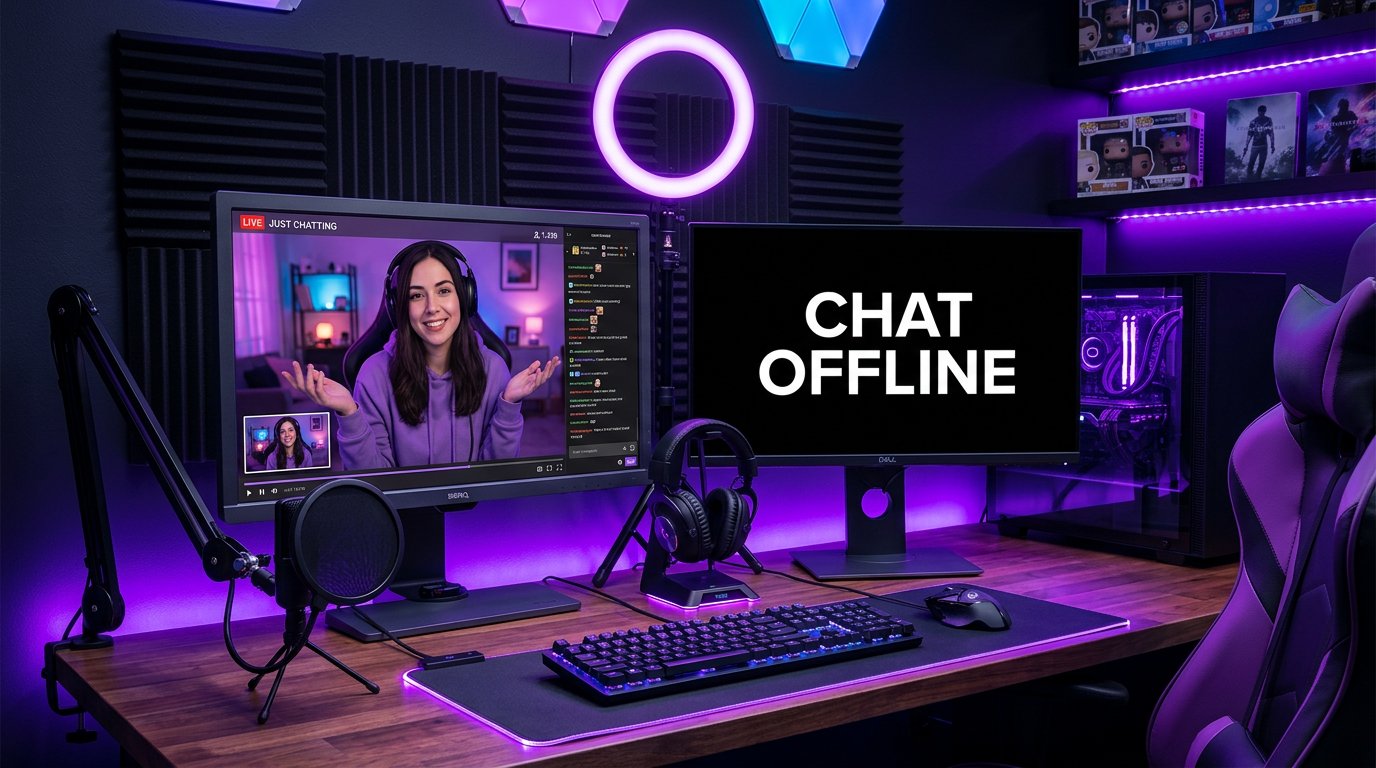
Emote-Only Mode or Unique Chat Is Enabled
The channel owner can restrict the format of messages. In emote-only mode, regular text won't send, even though chat is available. Unique chat doesn't allow posting identical or nearly identical messages in a row. Slow mode can also look like an error: the user presses send but has to wait for the timer to end.
Such tools are useful during peak moments of a stream when the feed moves too fast. Their downside is that normal conversation becomes less convenient. If viewers regularly ask why they can't write, it's worth checking whether the selected mode is needed right now and whether the parameters are set too strictly.
The Problem Is a Browser Extension, Cookies, or a Blocker
Ad blockers, anti-trackers, script filters, and some Twitch extensions can interfere with chat. They don't always break the page completely: the video remains available, but the chat module doesn't connect, loads endlessly, or doesn't accept messages. Corrupted cookies and an outdated cache produce a similar effect.
You need to temporarily disable extensions for Twitch and refresh the page. If chat starts working, you should enable the add-ons one by one to find the conflicting one. A full cookie clear will log you out of accounts on websites, so it's an effective but inconvenient option. It's better to first check a private window or another browser.
Network, VPN, or Corporate Restrictions Interfere with Chat
Chat requires a constant connection to Twitch servers. Unstable internet, a VPN, a proxy, a public network, or restrictions on work and school Wi‑Fi can break this connection. The video sometimes keeps playing thanks to the buffer and adaptive quality, so the viewer doesn't immediately connect the issue specifically to the network.
For diagnostics, you can switch from Wi‑Fi to mobile internet or, conversely, connect to another network. It's worth temporarily disabling the VPN. The downside of this method is that it doesn't help with a ban, channel settings, or an account problem, but it quickly rules out a network cause.
The Mobile App and Embedded Player Work Differently from the Website
Chat can behave differently in a browser, the mobile app, and on a page with an embedded player. An embedded broadcast on a third-party site is sometimes displayed without a full chat or with limited authorization. In the app, the cause may be an outdated version, a stuck session, or a failure after an update.
The viewer should open the channel directly on Twitch through a browser or the official app. If writing works only there, the problem isn't related to the channel itself. For the channel owner, this is a reason to check where the stream is embedded: embedding is convenient for a website but can deprive part of the audience of their usual way of communicating.
There Is a Twitch Restriction on the Account
The platform may temporarily restrict account features due to suspicious activity, rule violations, or the need to verify data. In this case the viewer can watch channels but can't write in one or several chats. Usually Twitch shows a notification or suggests performing the action needed to restore access.
An account restriction can't be reliably fixed through the settings of a specific channel. A moderator won't see such a problem in the list of banned users and won't be able to lift it with a command. You need to review the notifications in the account, check the linked email, and, if necessary, contact the platform's support through the official section.
How a Streamer Can Check the Problem on the Channel's Side
If complaints come from several viewers, start with the chat mode. Check the restrictions for followers and subscribers, the verification requirement, emote-only mode, slow mode, unique chat, and AutoMod settings. Then look at the moderators' action log: perhaps the user was given a timeout or ban by mistake.
- Ask the viewer to send the exact error text or a screenshot of the chat field.
- Clarify whether the problem reproduces in another browser or app.
- Check whether the same account can write in another channel.
- Compare the problem for a follower, a subscriber, and a new viewer.
- Don't publish the user's personal data in chat when investigating the situation.
How a Viewer Can Quickly Find the Cause
It's more convenient to go from simple checks to rarer ones. First make sure you're logged in, then read the system message next to the input field. It often directly indicates a timeout, subscribers-only mode, the need for verification, or a delay for followers. After that, check the channel in another browser or network.
- Refresh the page and log in to the account again.
- Send a short message without links or repeats.
- Look at the rules and chat modes in the current channel.
- Open Twitch in a private window without extensions.
- Check sending a message in another channel.
- If necessary, change the network or disable the VPN.
If writing doesn't work for only one streamer, you should almost always look for the cause in that channel's rules, moderation, or the user's status in it. If chat is unavailable everywhere, the problem is more likely with the account, browser, app, or connection.
Last Articles
What has changed in design and functionality We have updated the website to make working with it faster and more convenient. The main changes affect ..
Good afternoon, I've collected all the news during this time.: 1. The main news is that prices for twitch viewers have been greatly reduced, while Tw..
1. Use promo code "December2025" for a 15% discount for all our viewers2. We have reduced the base prices for our configurator and the most affordable..
Twitch services are working stably, so we are ready to cooperate with squads, resellers, service owners, bot owners, and many others.Individual te..
We have completely updated our Twitch viewer services, and they are now working stably. We only use high-quality IP addresses for the viewers.The ..
Hello everyone! Today, we are announcing a new feature—"Twitch Viewer Configurator". Now, you can customize any plan for your Twitch channel. Choo..
Greetings, I have compiled a guide for streamers, which will be very relevant at the moment. Now YouTube and twitch have disabled monetization from vi..
We have finally developed the APINow it will be more convenient for our partner sites to work with us.To update the maximum tariffs for YouTube, an up..
Due to the huge popularity of the partnership services and referral program, we have made a cooperation table. The essence is very simple: more live a..
Our Services for Streamers








Our Services for Content Creators






