
Why Recordings Get Watched More Often Than Live Streams
First, Separate the Live Audience Problem from Normal Demand for Recordings
A recording is more convenient than a live stream for almost any audience. It can be started on the go, paused, sped up, or skipped past the match search, a long intro, or an uninteresting conversation. A live stream requires freeing up time at a specific moment and watching at the host's pace.
VOD views do not equal an audience's readiness to adjust their schedule for a live stream. Some viewers come for a guide, a reaction, a playthrough, or a specific moment and don't need chat in the first place. Don't try to convert everyone who opened a recording into a live viewer: this will lead to unnecessary announcements and disappointment in the numbers.
Identify the Main Barrier Before Making Any Changes
The reasons for skipping live streams are not equal in importance. If your core audience is busy at the start time, new thumbnails and interactivity won't fix the situation. If people tune in but leave quickly, moving the time won't produce a noticeable effect either. You need to start with the stage where the viewer is lost: before the start, upon entry, or during viewing.
- Few clicks in the early stages of the stream — check the time, schedule, and announcements.
- There are entries, but viewership drops quickly — check the start of the broadcast and the current pace.
- Viewers stay but barely write — check whether they have a safe reason to join the chat.
- Recordings get views over time — check where these viewers come from and whether the recording's content is connected to the live stream.
The downside of this analysis is that statistics don't always explain the motive. They show where the loss occurs, but you'll still have to test the hypothesis across several similar streams.
Check Whether the Stream Is Accessible to Your Audience by Time
Even loyal viewers study, work, play in other parties, watch other channels, and live in different time zones. If a broadcast regularly starts when active subscribers are busy, the recording will collect views later, while the live stream stays without part of its potential audience.
Look not at one successful stream but at similar broadcasts: the time of first entries, the moment viewership grows, chat activity, retention, and geography, if it's available in your analytics. A single stream can be changed by a major in-game event, a patch release, a raid, or platform recommendations.
Try shifting the start time for just one series of comparable broadcasts and don't change the topic, duration, and announcement method at the same time. The downside of a timing test is that some regular viewers are used to the old slot and may temporarily disappear even with a better schedule.
Make the Schedule a Habit, Not a Promise Without a Deadline
A viewer doesn't return just because of a notification. It's easier for them to set aside time if they know that on a certain day a specific format is coming — ranked games, a playthrough, a patch breakdown, a chat conversation, or a watch party. An irregular live stream has to be sold to the audience anew every time.
You don't have to fill the calendar for months ahead. It's enough to outline the upcoming series of streams and stick to the stated days unless there's a serious reason to cancel. If plans change, say so in the same place where you published the announcement. A silent cancellation reduces trust in the next notification.
The downside of a fixed schedule is less flexibility for spontaneous streams and less freedom in your personal routine. Don't set a slot you won't be able to maintain: rare but stable streams are usually clearer to an audience than frequent rescheduling.
Give a Reason in the Announcement to Come Right Now
The message "stream in an hour" reminds people about the channel but doesn't answer why they should open the broadcast on this particular day. The viewer should quickly see the topic, the goal, and an element that will be lost in the recording: the start of a new playthrough, a difficult challenge, a test of a fresh change, a guest, a choice made with viewers, or a review of submitted work.
A useful announcement answers three questions: what will happen, when the stream starts, and whether the viewer can influence its course. If the key moment isn't planned for the start, that's worth stating honestly too. This way a person understands what they're coming for later, rather than just opening the broadcast in the background.
- State the specific goal of the stream, not just the game or category.
- Mention chat participation if it's actually planned.
- Remind about the start at the touchpoints familiar to your audience.
- Don't repeat the same announcement without a new reason.
The downside of frequent announcements is that they start to be perceived as noise. Clickbait also has a weak long-term outlook: viewers who didn't see what was promised will respond worse to future invitations.
Check Whether the Viewer Understands What's Happening After Joining
A new viewer almost never tunes in at the perfect moment. They might see silence, a queue, sound setup, a conversation with friends, or the middle of an unclear task. In a recording, these fragments are easy to skip, but in a live stream they become the first reason to close the tab.
During natural pauses, briefly recap the context: what the goal of the stream is, what has already happened, and what comes next. This is especially important after a match, a mode change, a technical pause, or a noticeable influx of viewers. You don't need to repeat a full intro after every chat message.
The downside of constant explanations is that they can annoy your core audience and slow down the pace. So it's better to pick a few clear points to return to the context rather than turning the whole stream into a repeat of the same explanation.
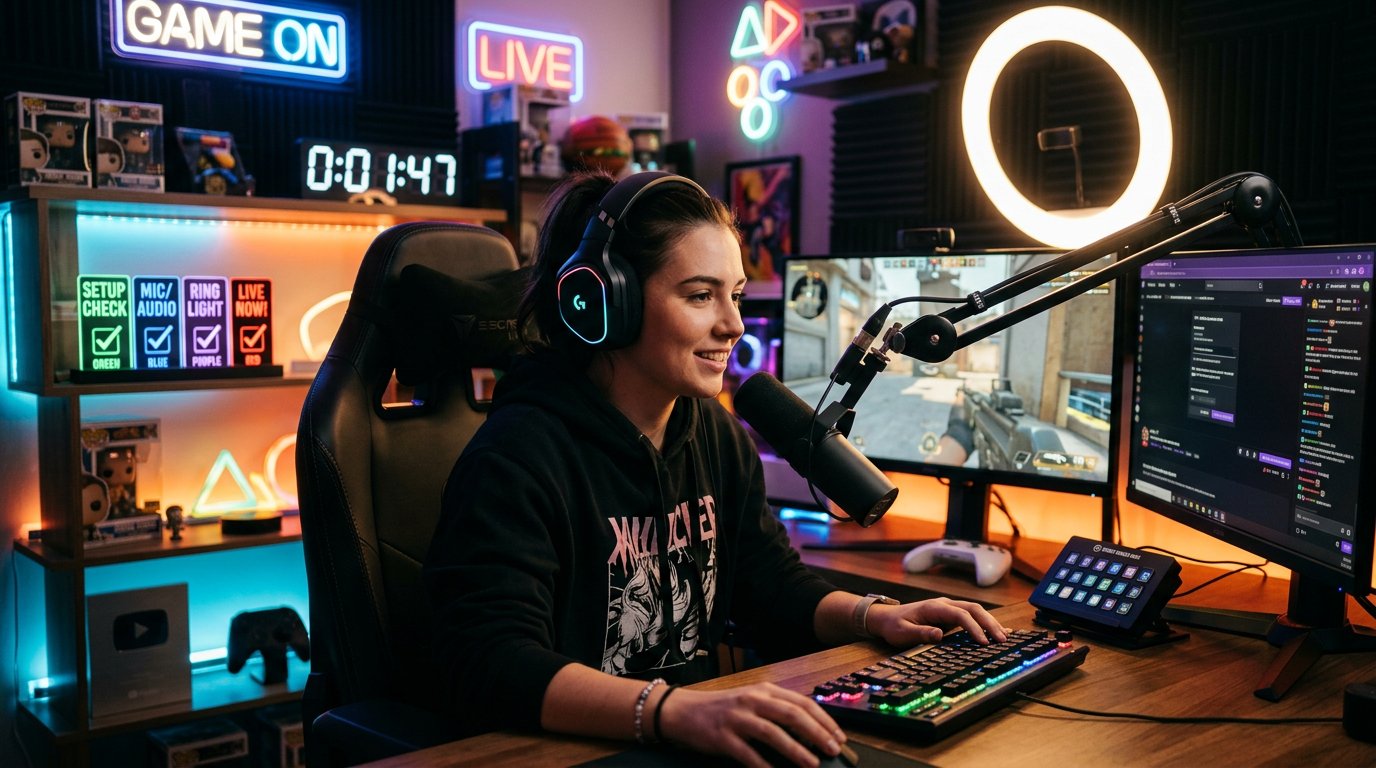
Remove Technical and Organizational Pauses from the Beginning
Setting up the scene, finding a server, updating the client, adjusting the sound, and waiting for teammates are sometimes unavoidable. But a viewer who came because of an announcement expects to see the promised topic, not preparations for it. If the main content starts too late, a recording with chapters and scrubbing becomes more advantageous than the live stream.
Before the stream, check the sound, the scene, the necessary links, the game, and the plan for the first actions. At the start, immediately state the task and begin with a part that's understandable without a long warm-up. If a delay does occur, explain what's happening and what you'll do next instead of waiting in silence.
The downside of advance preparation is that it takes time before launch and doesn't protect against external failures. But it reduces the number of pauses that a viewer perceives as empty space in a live stream.
Add What a Recording Can't Offer
A guide, a review, an edited breakdown, or a linear playthrough without audience interaction is often more convenient to watch as a VOD. If a stream looks like a long version of a video, the viewer has no reason to change their plans to be present. The recording will deliver the same content in a more manageable form.
The reason to come to a live stream can be answers to current questions, choosing the next action, voting, matches with viewers, reviewing work from chat, reacting to in-game events, or a shared goal. Interactivity should support the main topic of the stream, not replace it.
The downside of interactivity is that chat can easily steer the broadcast into chaos, and viewers who came for the stated format don't get it. Decide in advance where the audience chooses the direction and where you stick to the main plan without voting.
Make Joining the Chat Easy for a New Viewer
A quiet chat doesn't always mean a lack of interest. A newcomer may feel awkward writing in a conversation where everyone knows each other, or they may not understand what to respond to. If the streamer only reacts to familiar nicknames, the viewer will sooner choose a recording where they don't have to try to fit into the conversation.
Leave short questions with a low barrier to answer: pick an option, rate an item, share your experience with the update, suggest the next attempt. React not only to detailed messages but also to short answers. This way the viewer sees that participation doesn't require a perfectly worded reply.
The downside of attempts to liven up the chat is that persistent requests to write anything create pressure. Phrases like "why is everyone silent" work especially poorly with a small audience. It's better to give a specific reason to post a message and calmly continue the stream if there are few responses.
Check Where Viewers Find Your Recordings
A recording lives longer than a stream. It can end up in search, recommendations, collections, community links, or clips several days after publication. These people may have been looking for a specific game, patch, topic, or moment, not a new streamer to watch regularly.
Comparing total VOD views with live viewership is incorrect: they have different consumption windows and different sources. It's more useful to look at which recordings drive subscriptions, whether these viewers return for the next broadcasts, and whether the recording has a clear connection to a future live stream.
You can end a recording by mentioning a continuation, the next attempt, or a stream on the same topic. The downside of such a transition is that not every video and VOD should lead to a stream. If a call to action appears in every piece of content without a connection to the material, it looks like an ad instead of a helpful hint.
Present the Stream as Clearly as a Recording
A recording often has a title, thumbnail, chapters, and description, so the viewer quickly understands the content. A live stream often keeps a phrasing like "stream," "evening broadcast," or just the game's name. That's enough for regular viewers but not for a casual subscriber.
It's better to build the broadcast title around the action: the goal, the mode, the update, the challenge, or the question that will be discussed on the stream. After it ends, tidy up the recording: refine the title, add chapters, and remove technical fragments if the platform's capabilities allow it.
The downside of editing is that it takes time after the stream. Too aggressive cutting can also remove the live atmosphere and context that part of the audience watches the full recording for.
Test Hypotheses One Change at a Time
Don't shift the time, change the format, add a new announcement, and redo the design all in one series of streams. If viewership shifts, you won't understand what exactly influenced the result. Pick one barrier, formulate a testable action, and compare broadcasts on the same topic.
- Record baseline data across several similar streams: start time, entries, peak viewership, retention, and chat activity.
- Pick one hypothesis: for example, the start time is inconvenient or the announcement doesn't explain the value of the stream.
- Change only the element related to the hypothesis.
- Run several comparable broadcasts without additional major changes.
- Compare not only peak viewership but also entries, exits, and the response of returning viewers.
- Keep the change if it helps across a series of streams, not just one random launch.
The downside of this approach is that it requires patience: a quick answer doesn't always come. But the channel doesn't turn into a set of chaotic experiments where you can't tell a working solution from a random spike.
Action Plan for the Upcoming Streams
Start with the stream's accessibility and the reason to come, then fix entry and retention. This order matters more than cosmetic tweaks: a thumbnail doesn't compensate for an inconvenient time, and moving the start won't solve the problem of an empty beginning.
- Look at similar streams to see when entries begin and when viewers leave.
- Pick one stable slot for the upcoming series of broadcasts.
- Write an announcement with the topic, the goal, and an honest reason to watch live.
- Prepare the first actions of the stream before launch so you don't start with setup and waiting.
- Mark the places where chat can influence what's happening without derailing the main format.
- After the stream, compare the result with previous broadcasts on the same topic.
The downside of this order is that it doesn't deliver instant growth and requires discipline in scheduling, preparation, and data collection. But each subsequent change will be based on audience behavior rather than a random impression from a single stream.
Last Articles
What has changed in design and functionality We have updated the website to make working with it faster and more convenient. The main changes affect ..
Good afternoon, I've collected all the news during this time.: 1. The main news is that prices for twitch viewers have been greatly reduced, while Tw..
1. Use promo code "December2025" for a 15% discount for all our viewers2. We have reduced the base prices for our configurator and the most affordable..
Twitch services are working stably, so we are ready to cooperate with squads, resellers, service owners, bot owners, and many others.Individual te..
We have completely updated our Twitch viewer services, and they are now working stably. We only use high-quality IP addresses for the viewers.The ..
Hello everyone! Today, we are announcing a new feature—"Twitch Viewer Configurator". Now, you can customize any plan for your Twitch channel. Choo..
Greetings, I have compiled a guide for streamers, which will be very relevant at the moment. Now YouTube and twitch have disabled monetization from vi..
We have finally developed the APINow it will be more convenient for our partner sites to work with us.To update the maximum tariffs for YouTube, an up..
Due to the huge popularity of the partnership services and referral program, we have made a cooperation table. The essence is very simple: more live a..
Our Services for Streamers








Our Services for Content Creators






