
How to show recent stream subscribers without revealing extra data
What exactly the list of recent subscribers reveals
A nickname on Twitch or YouTube may already be public, but displaying it in an overlay changes the context: the name ends up in the broadcast recording, clips, highlights and screenshots. The risk isn't created by the nickname alone. A widget may show an avatar, a channel link, the event date, text from the profile or a full name if it's passed through a connected service.
On Twitch, consider followers and paid subscribers separately: these are different events with a different degree of sensitivity. On YouTube, the subscriber list is limited by the viewer's own privacy settings, so some new subscriptions may not appear in the channel panel. A subscription event should not be treated as consent to a public mention on stream.
List formats: from a counter to a name in the overlay
The most private option is to show only a counter of new subscriptions during the stream: no nicknames, avatars or links. It can be built with an alert service widget or a text source in OBS. This format keeps activity on screen, but the viewer doesn't get a personal thank-you, and it's harder for the streamer to address them right away.
A compromise option is to show the name only in a short alert without adding it to a permanent "recent subscribers" block. A permanent list is more visible and convenient for channel branding, but it effectively creates a public archive. If you do need a list, limit it to a few recent events and don't show the subscription time.
- A counter of new subscriptions without names.
- A short alert with the displayed nickname.
- A list of neutral labels: "new member", "subscriber #3".
- A list of nicknames only for viewers who have separately agreed to be mentioned.
Setting up Twitch alerts via OBS and third-party widgets
For Twitch, alerts are often displayed in OBS Browser Source via StreamElements, Streamlabs, DonationAlerts or another connected service. Before adding the widget link, open its template and check which fields are used in the text. For a private option, the name alone is enough, and sometimes it's better to replace even that with a neutral label.
Remove the avatar, profile link, full channel URL, date and internal event identifiers from the template. Don't add profile description text or a user message to the alert without checking it: it may contain contacts, links and unwanted text. The downside of manual setup is that you'll have to refine the service's default design rather than just enabling a ready-made template.
Also check the event history in the service panel. It doesn't have to end up on stream, but it can appear on screen when capturing the browser, demonstrating the panel or switching scenes.
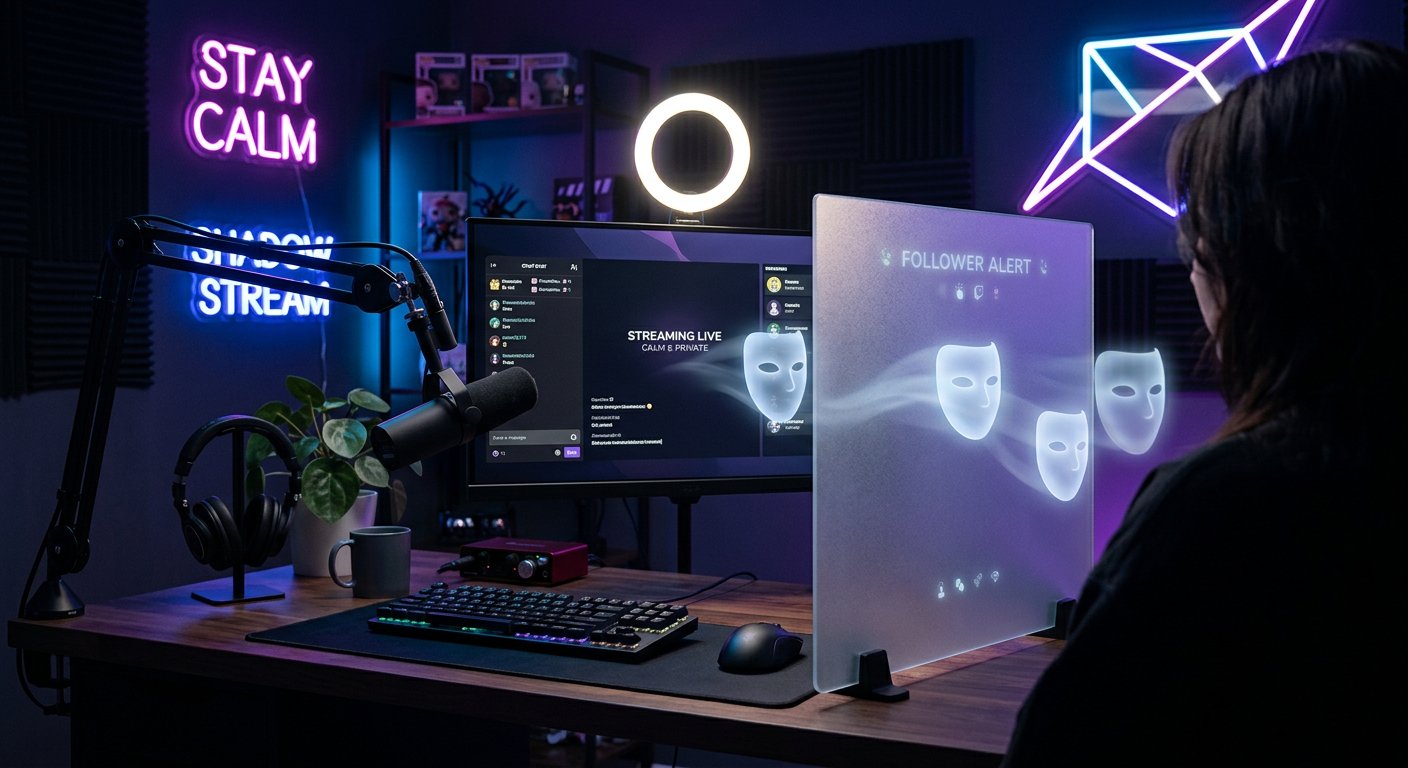
How to account for the specifics of Twitch, YouTube and DonationAlerts
On Twitch, a viewer's public nickname is easy to display through a follow or subscription event, so the restriction is usually configured on the alert and overlay side. Don't add a chat bot command that publishes the full list of recent followers on request: the chat and VOD will keep that list longer than the notification itself.
In YouTube Studio, information about recent subscribers depends on whether viewers have made their subscriptions public. Don't try to bypass this restriction through third-party exports or by asking people to write their name in chat. The downside of YouTube in this scenario is obvious: the list will be incomplete, but the channel won't expose viewers who chose privacy.
DonationAlerts is more often used for donations and paid events rather than as a replacement for a follower list. If the service is connected to the broadcast, check the templates for all alert types separately. A hidden nickname in a subscription alert won't protect the data if the same user later appears in a donation widget with a message or link.
Aliases and voluntary viewer mentions
If personal reaction matters to the channel, use a clear rule: a nickname appears in the overlay only after an explicit action by the viewer. For example, a viewer can type a command in chat after subscribing or contact a moderator. This doesn't replace the platform's privacy settings, but it separates an ordinary event from permission for a public mention.
For other events, use neutral options: "new subscriber", "community member", "new supporter". You can use the event number for the stream if it isn't tied to the account ID. The downside of aliases is that the viewer may not realize the alert is about them, and the thank-you feels less personal.
Don't shorten a real nickname to a few characters if it can still be identified from context. This is especially true for rare nicknames, names with a surname and accounts the viewer uses on Telegram, Discord or other social networks.
Chat bots and commands with a subscriber list
Nightbot, StreamElements Bot and other chat bots are convenient for automatic replies, but a "recent subscribers" command turns the alert into a log accessible to everyone. Even if the bot outputs five names, the message stays in the chat history and may end up in the broadcast recording.
It's safer to replace such a command with general statistics: the number of new subscriptions during the stream or a thank-you without listing accounts. If moderators still need the list, keep it in the service's private panel rather than in public chat. The downside of the private format is that viewers don't see instant social proof, and the moderator has to monitor events separately.
- Don't post links to subscriber profiles in chat.
- Don't link the nickname from an alert to Discord, Telegram or other accounts.
- Limit the name length and filter out links in the notification template.
- Disable automatic output of old events when the widget restarts.
- Give the bot only the permissions it needs for alerts.
What to check in OBS scenes before going live
Checking isn't only needed for the main gameplay scene. In OBS, the subscriber list can remain in the starting soon, pause, end credits or backup browser source. Create a test event with a long nickname, a link and non-standard characters. This shows whether the text goes beyond the frame and whether the template inserts additional fields.
- Open the browser source and check the alert template.
- Make sure the text has no profile link, avatar or date.
- Check the permanent recent events block separately from the pop-up notification.
- View the test on the starting, pause, main broadcast and ending scenes.
- Prepare a hotkey or a separate scene to quickly hide the widget.
- After testing, clear the event log if real nicknames remain in it.
Recordings, clips and team access to event history
A name shown on screen for a few seconds can remain in a Twitch VOD, YouTube recording, clip or highlight. If a viewer asks to remove a mention, disabling future alerts isn't enough: check the available recordings and channel fragments. You can't fully delete other people's reposts and screenshots — that's the downside of any public notification.
Keep event history in StreamElements, Streamlabs, DonationAlerts and similar services for exactly as long as it's needed for operation. For analytics, the total number of subscriptions and supports without a list of accounts is often enough. Give the designer access only to overlay design, and the moderator only to the notification queue, if the service allows roles to be separated.
When changing a moderator, editor or contractor, revoke access to the alerts panel and update the browser source keys. The widget link shouldn't end up in the team's general chat, a video description or a public file with OBS settings.
Last Articles
What has changed in design and functionality We have updated the website to make working with it faster and more convenient. The main changes affect ..
Good afternoon, I've collected all the news during this time.: 1. The main news is that prices for twitch viewers have been greatly reduced, while Tw..
1. Use promo code "December2025" for a 15% discount for all our viewers2. We have reduced the base prices for our configurator and the most affordable..
Twitch services are working stably, so we are ready to cooperate with squads, resellers, service owners, bot owners, and many others.Individual te..
We have completely updated our Twitch viewer services, and they are now working stably. We only use high-quality IP addresses for the viewers.The ..
Hello everyone! Today, we are announcing a new feature—"Twitch Viewer Configurator". Now, you can customize any plan for your Twitch channel. Choo..
Greetings, I have compiled a guide for streamers, which will be very relevant at the moment. Now YouTube and twitch have disabled monetization from vi..
We have finally developed the APINow it will be more convenient for our partner sites to work with us.To update the maximum tariffs for YouTube, an up..
Due to the huge popularity of the partnership services and referral program, we have made a cooperation table. The essence is very simple: more live a..
Our Services for Streamers








Our Services for Content Creators






